
Image editing guides, explained simply
Practical guides by Ashish Kathiriya, each linked to a free tool that does the job in your browser.
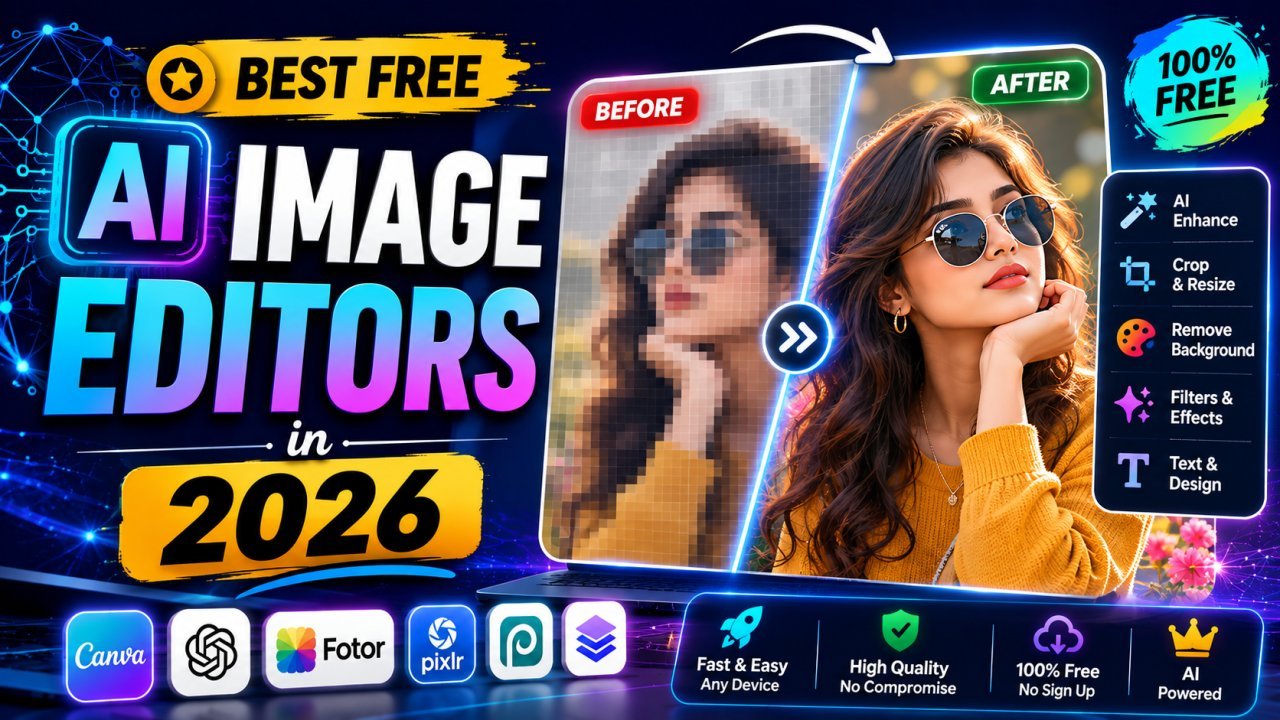
Best Free AI Image Editors in 2026: Which Tool for Which Job
A practical guide to free AI image editors grouped by job: background removal, upscaling, object removal, design, generation and everyday image prep.
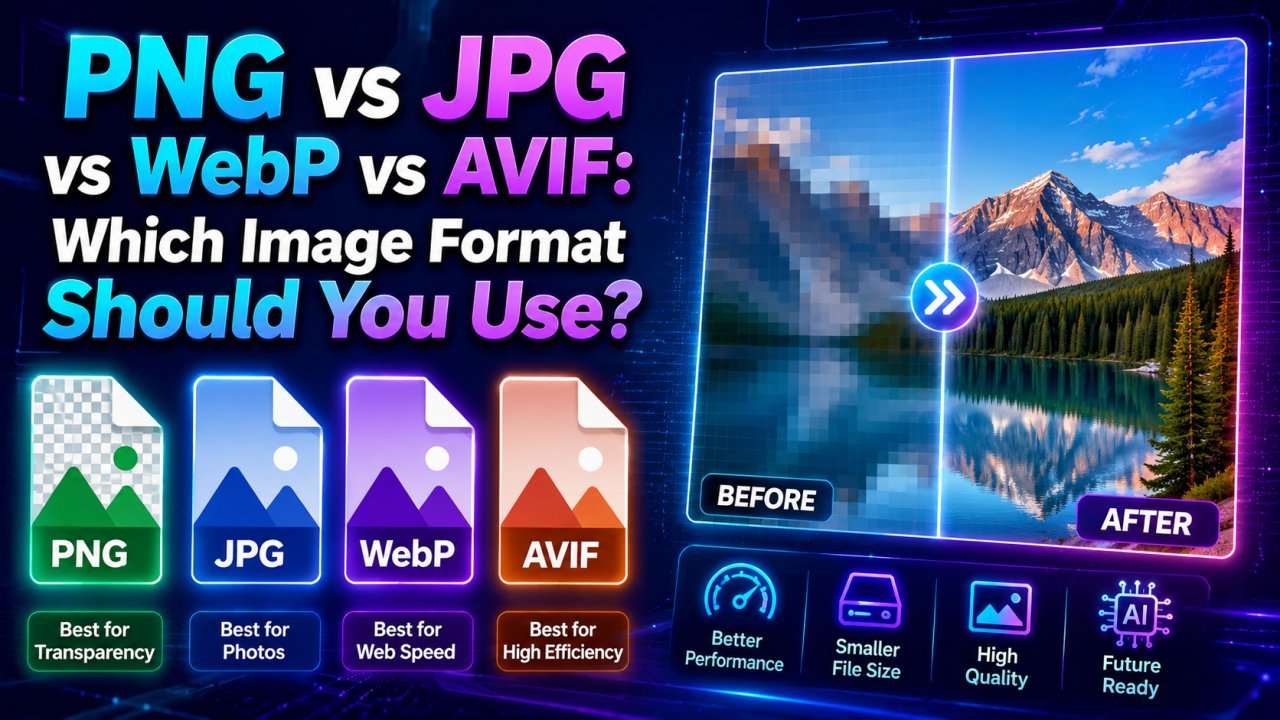
PNG vs JPG vs WebP vs AVIF: Which Image Format Should You Use?
JPG for photos you share anywhere, PNG for graphics and transparency, WebP for most website images, AVIF when you can serve it with a fallback. Here is how to decide.
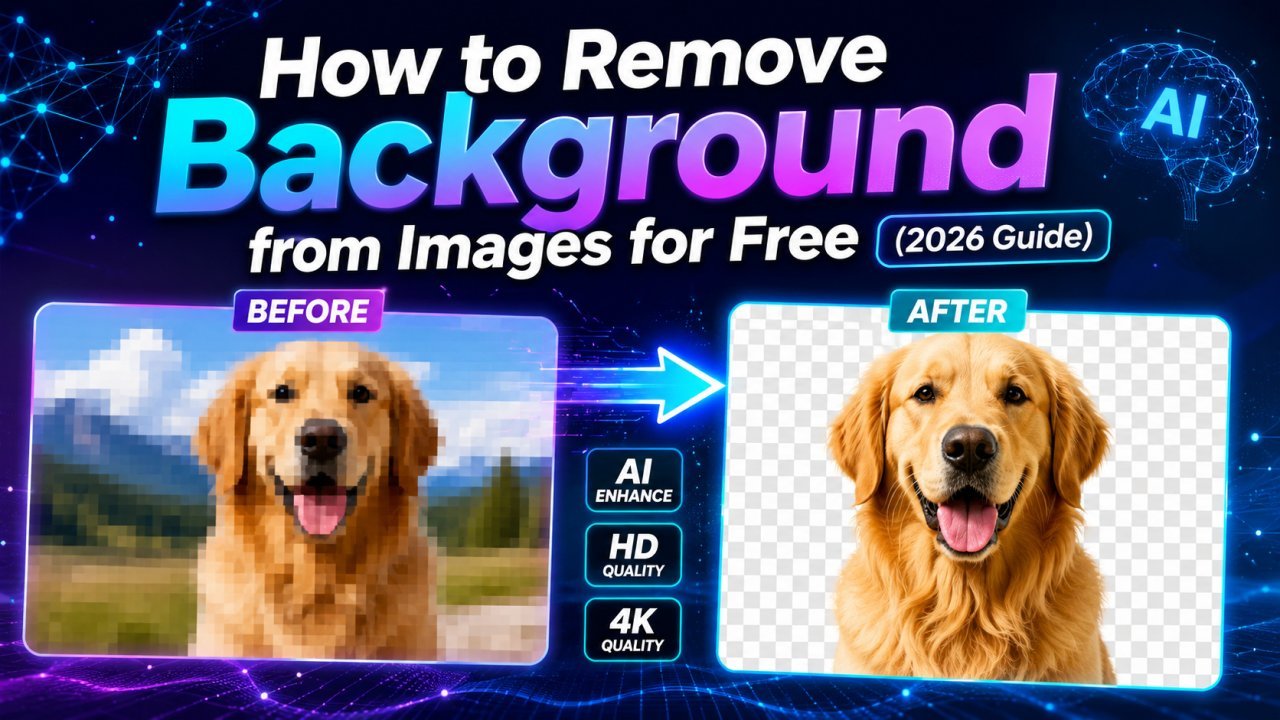
How to Remove the Background from an Image for Free
Remove a photo background for free in your browser, get a clean transparent PNG, and fix the tricky cases: hair, glass, low contrast and multiple subjects.
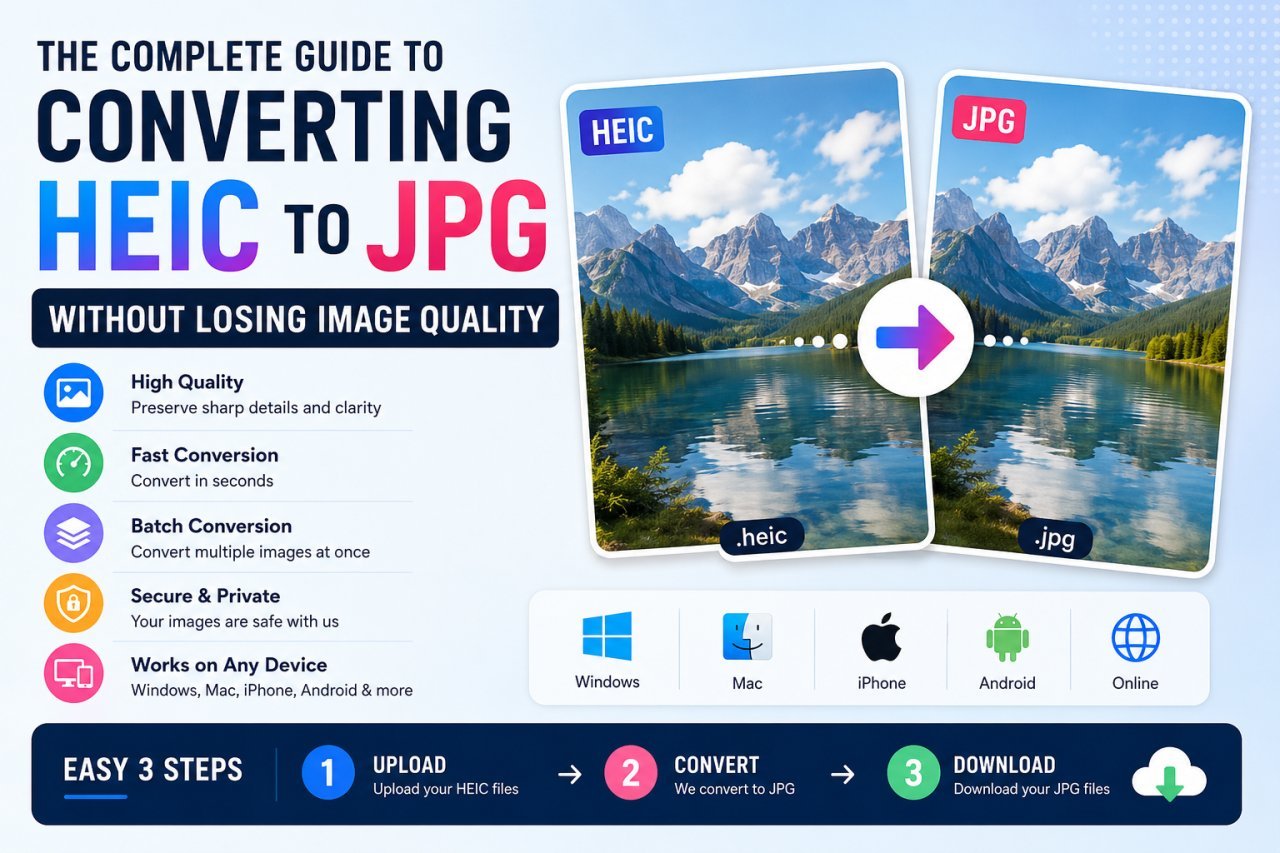
How to Convert HEIC to JPG on Windows, Mac, iPhone and Android
iPhone photos are saved as HEIC, which many PCs, websites and forms reject. Every free way to turn them into JPG, plus how to stop your iPhone creating HEIC files.
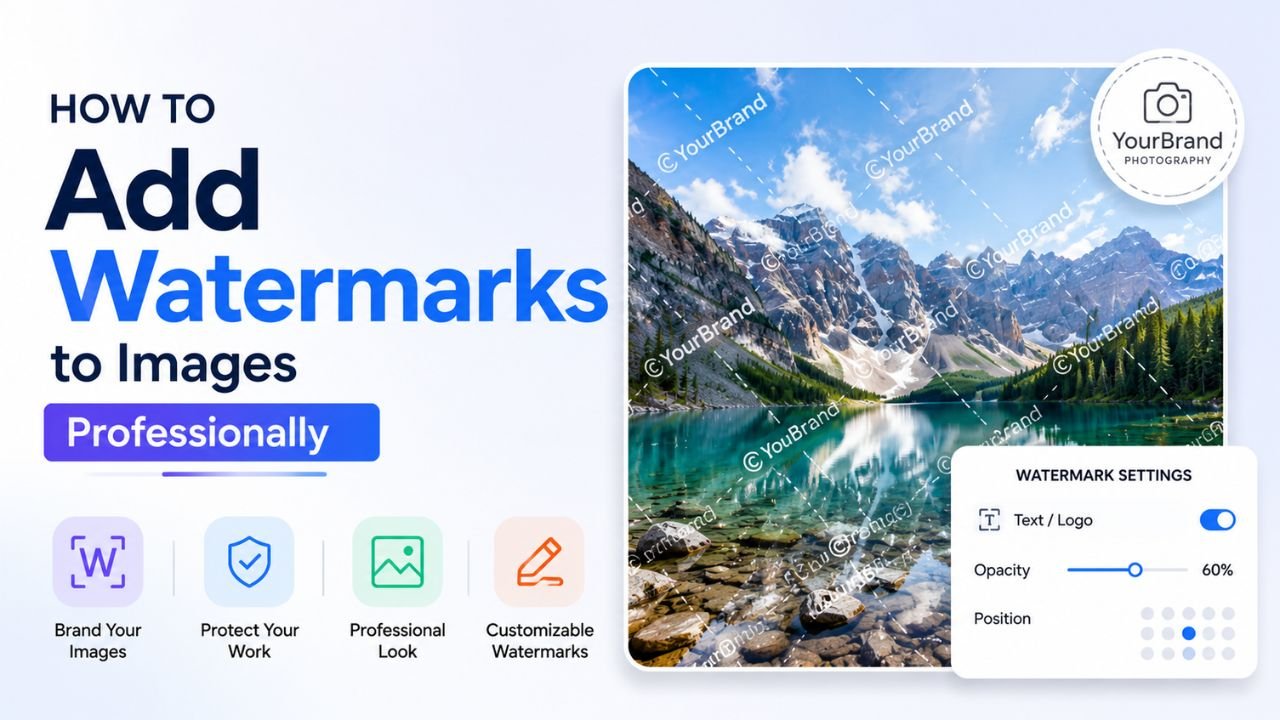
How to Add a Watermark to Your Photos Without Ruining Them
Placement, size, opacity and contrast rules for a watermark that marks your own photos clearly without distracting from them.
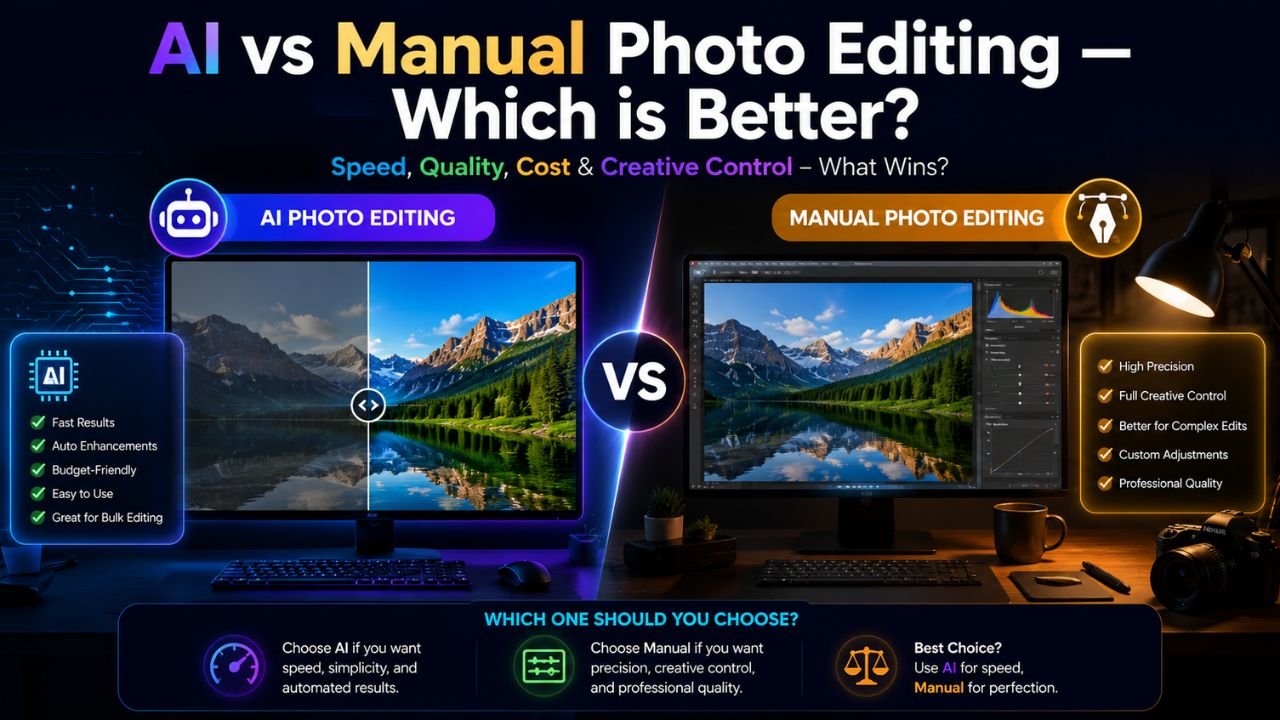
AI vs Manual Photo Editing: When to Use Each
AI is fast at well-defined jobs like background removal and upscaling; manual editing wins on composition, colour and anything that must be exact. Here is how to split the work.

Best AI Tools for Product Photo Editing
How small sellers can use AI for background removal, enhancement, upscaling and marketplace sizing to turn phone shots into clean listing photos.
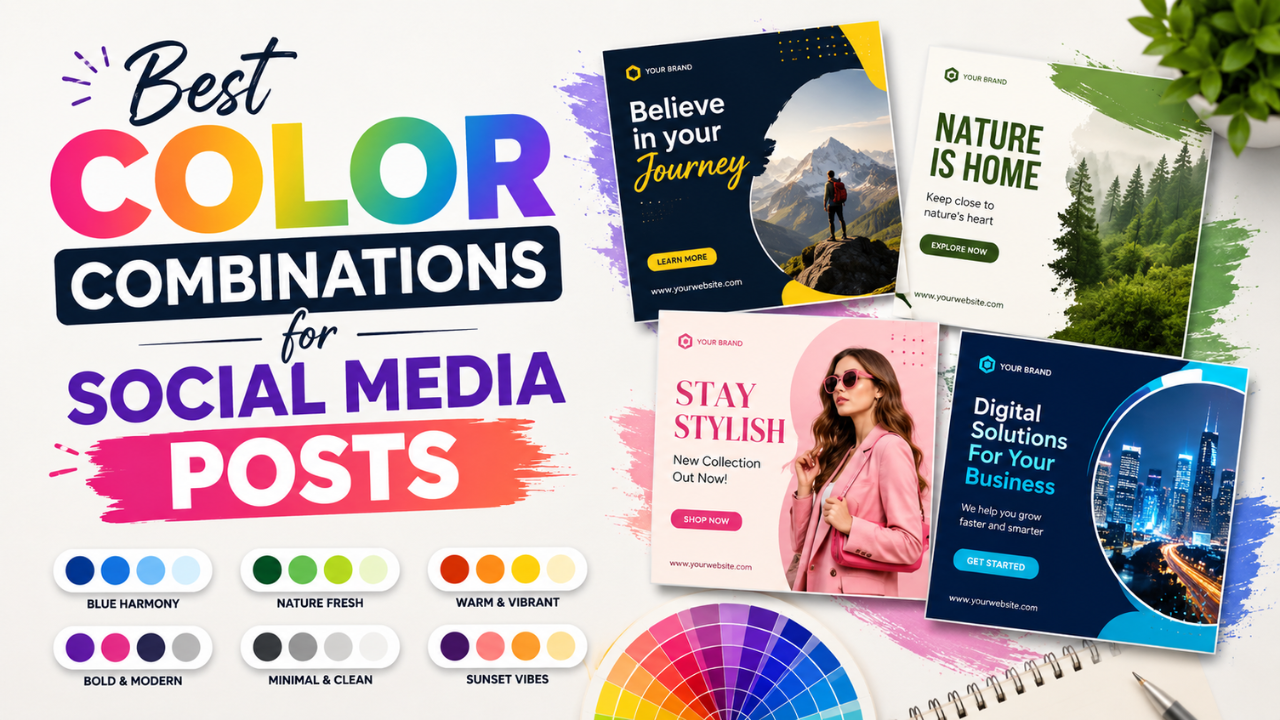
Best Color Combinations for Social Media Posts
Seven two- and three-colour combinations that work for social posts, with hex codes, contrast tips and a simple way to build a palette from your own photos.
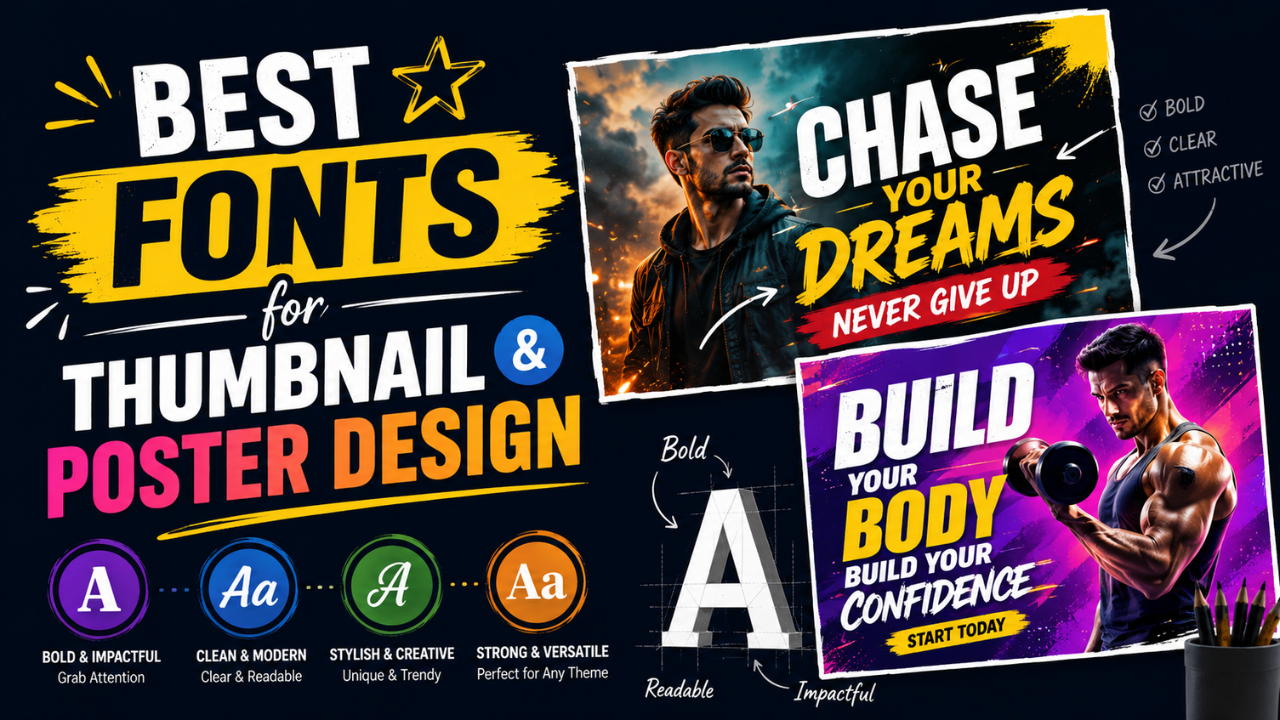
Best Fonts for Thumbnails and Posters (and Ones to Avoid)
Free display fonts that stay readable on YouTube thumbnails and posters, reliable pairings, fonts to avoid, and text-on-image tips.

Best Free Online Image Tools for Students
Free browser tools for the image jobs students run into most: shrinking files for portals, resizing for slides, cutting out backgrounds and combining photos into one PDF.
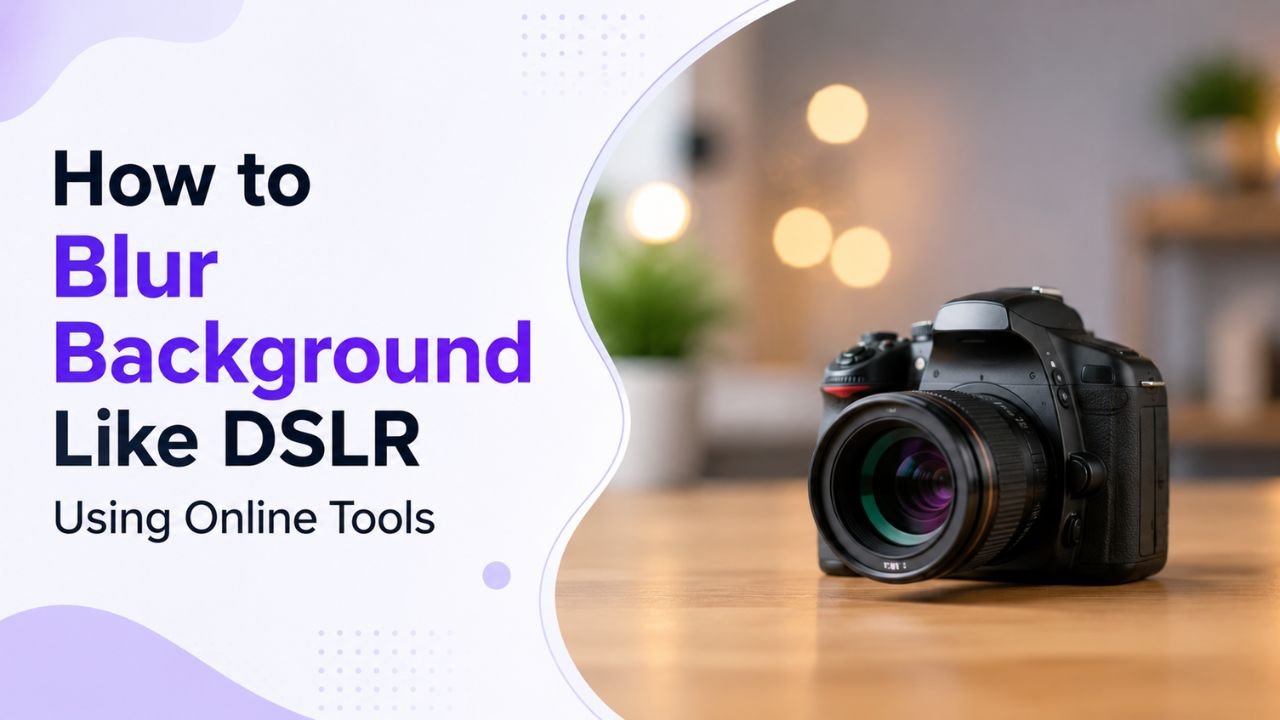
How to Blur a Photo Background Like a DSLR Online
Fake the shallow depth of field of a DSLR portrait: cut out the subject with AI, blur a copy of the photo, and layer the two for a believable result.
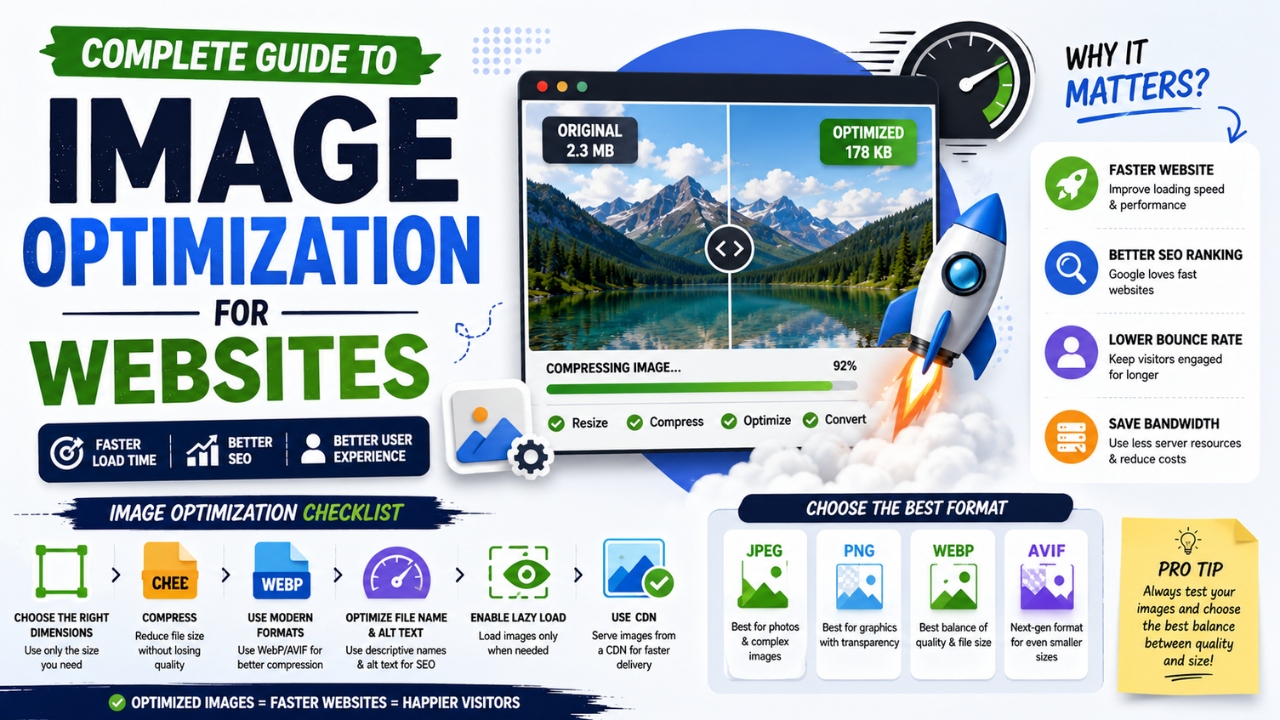
Image Optimization for Websites: Formats, Sizing, Lazy Loading and Caching
A practical, step-by-step workflow for faster pages: pick the right format, resize to display size, compress sensibly, serve responsive images, lazy-load and cache.