
Formats guides
JPG, PNG, WebP, AVIF and HEIC explained — what each format is good at, when to convert, and how to convert without losing quality.
Related tools: JPG to WEBP · PNG to JPG · HEIC to JPG · AVIF to JPG
JPG, PNG, WebP, AVIF and HEIC each solve a different problem: small photos, sharp graphics with transparency, faster websites, or high-efficiency phone storage. Picking the wrong one is why a logo gets a white box behind it, why an iPhone photo will not upload, or why a website loads slowly.
These guides compare the formats side by side, explain when converting helps and when it only loses quality, and walk through common conversions such as HEIC to JPG for forms and WebP for websites. Each converter on the site runs in the browser, so you can check the result before you use it anywhere.
If you only remember one thing from this section: photos usually belong in JPG or WebP, logos and screenshots with sharp edges or transparency in PNG or WebP, and HEIC should be converted before uploading anywhere outside Apple devices. Converting cannot add detail that a file never had, so always start from the best original you have.
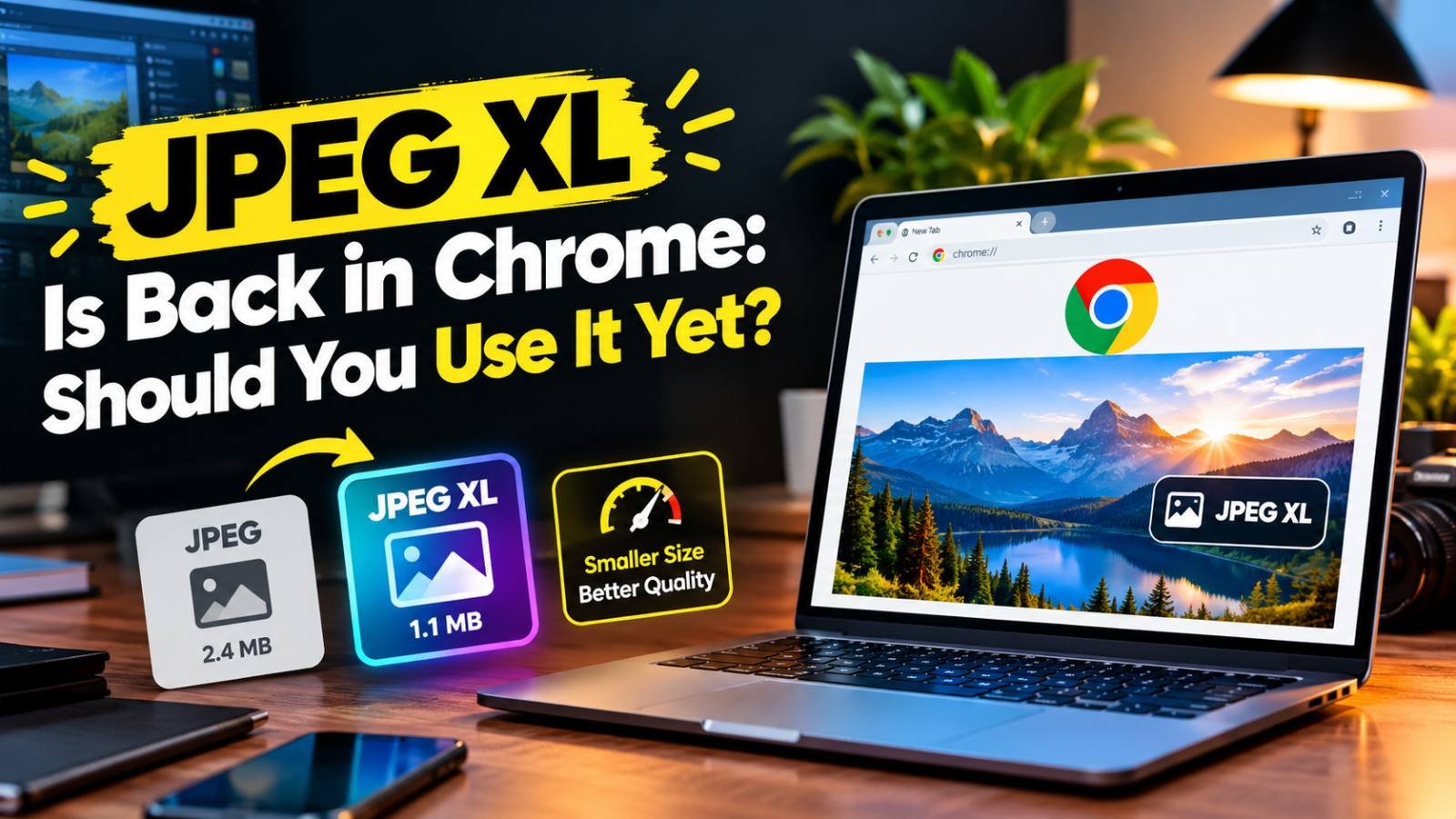
JPEG XL Is Back in Chrome: Should You Use It Yet?
Chrome 155 can finally display JPEG XL images. What the format does better than JPG, WebP and AVIF, which browsers and apps support it today, and when it makes sense to start using it.
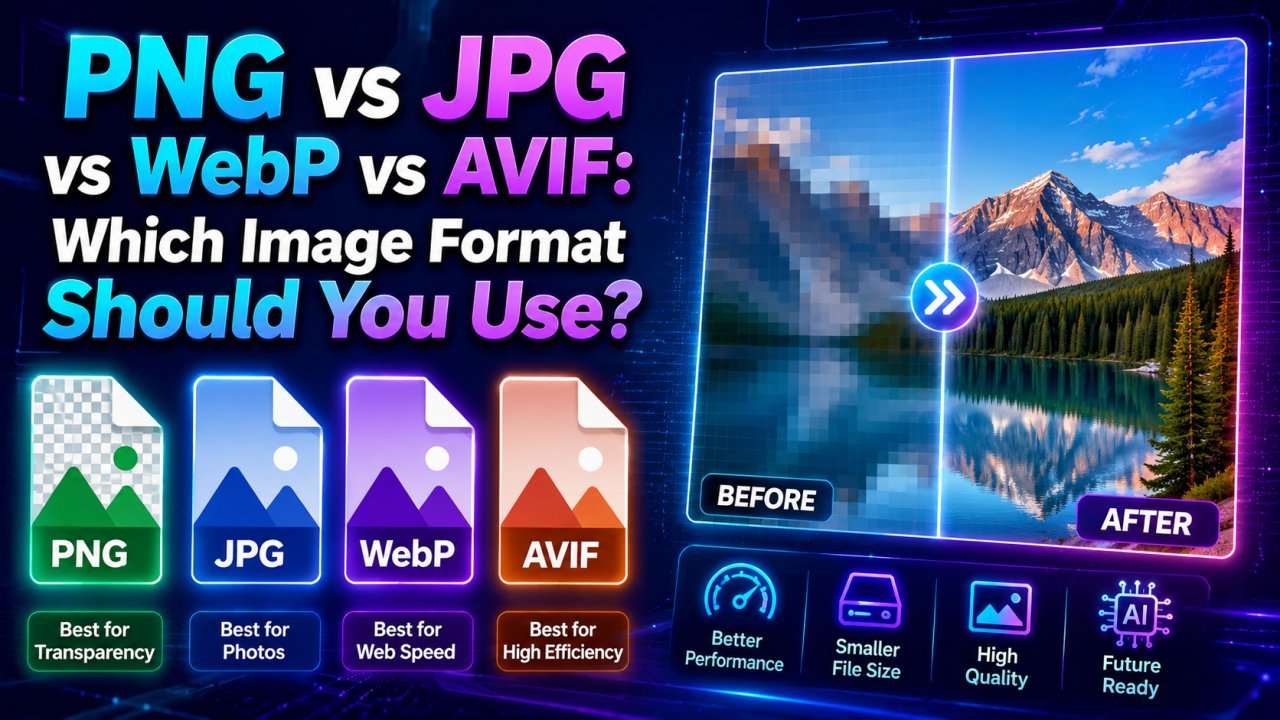
PNG vs JPG vs WebP vs AVIF: Which Image Format Should You Use?
JPG for photos you share anywhere, PNG for graphics and transparency, WebP for most website images, AVIF when you can serve it with a fallback. Here is how to decide.
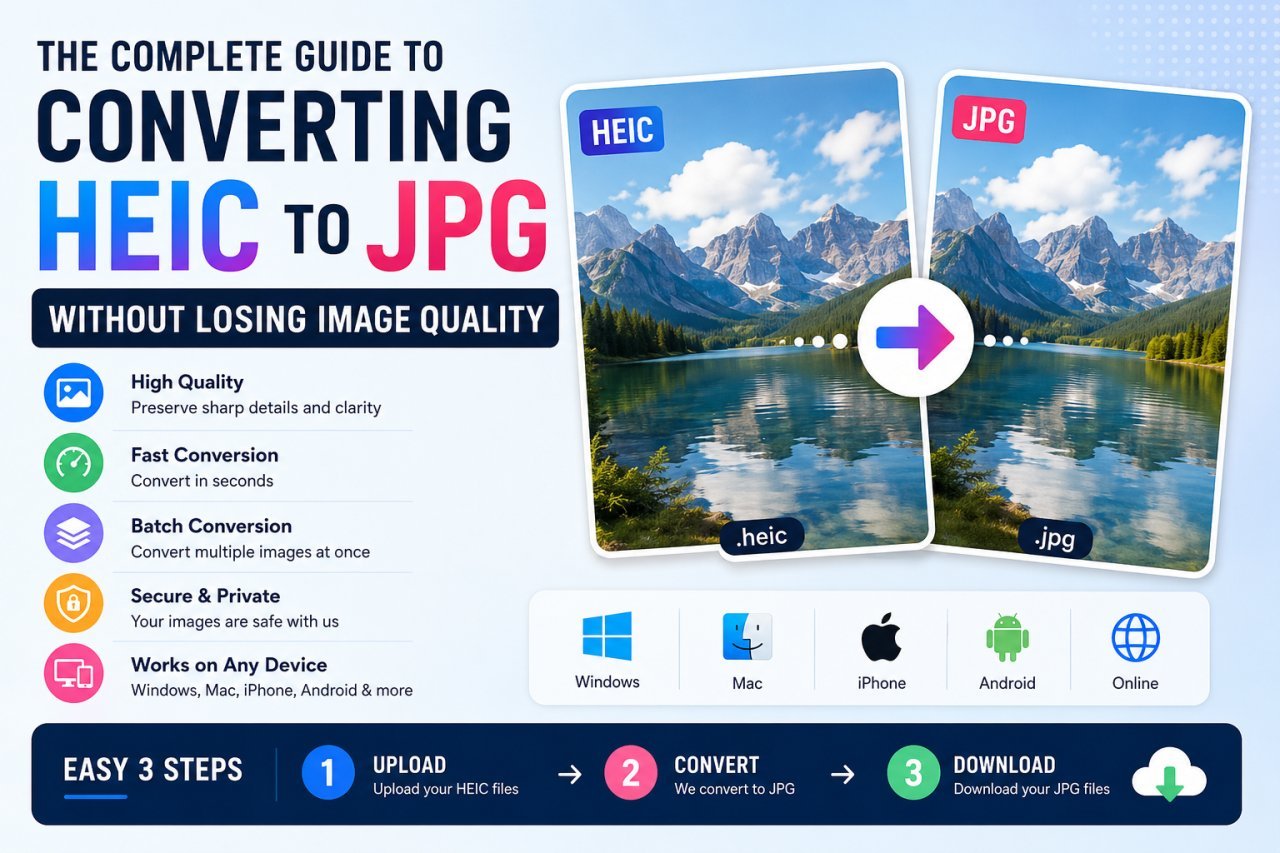
How to Convert HEIC to JPG on Windows, Mac, iPhone and Android
iPhone photos are saved as HEIC, which many PCs, websites and forms reject. Every free way to turn them into JPG, plus how to stop your iPhone creating HEIC files.
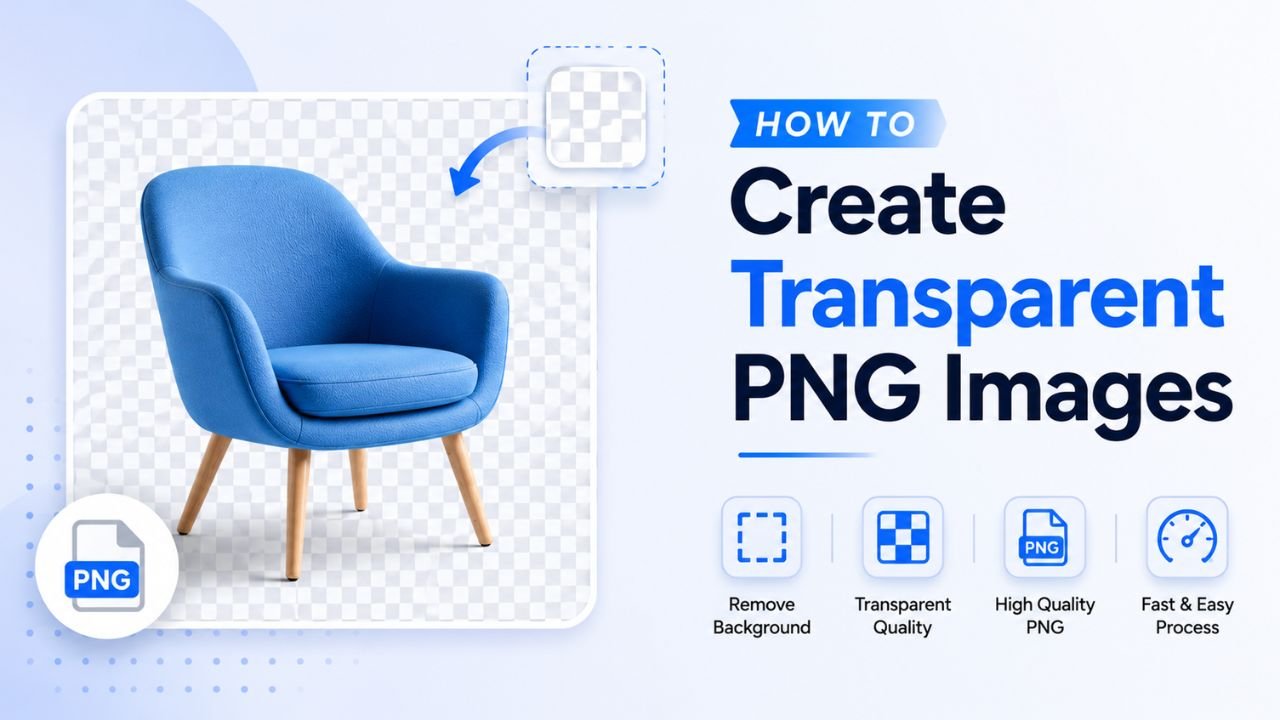
How to Create Transparent PNG Images: 4 Methods
Make a PNG with a see-through background using AI background removal, a free editor, a design tool or a colour key, then check the transparency actually worked.
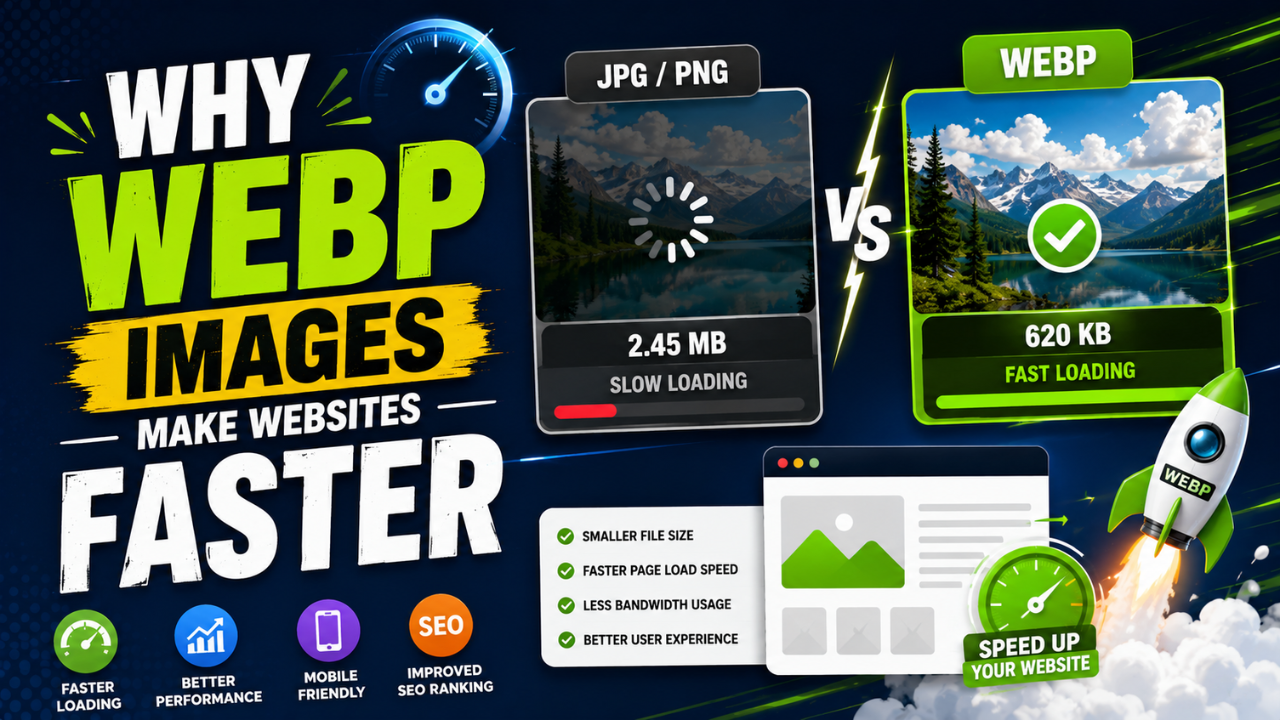
Why WebP Images Make Websites Faster
WebP stores the same picture in fewer bytes than JPG or PNG, so pages download less and render sooner. How it works, when not to use it, and how to switch your site.