
Image editing guides, explained simply
Practical guides by Ashish Kathiriya, each linked to a free tool that does the job in your browser.
 Latest
How to Shoot and Edit Diwali Night Photos: Diyas, Rangoli and Fireworks
Diwali photos on a phone often come out grainy, orange or blurred. How to shoot diyas, rangoli, family portraits and fireworks in low light, then fix noise, colour and sharpness before you share them.
Read article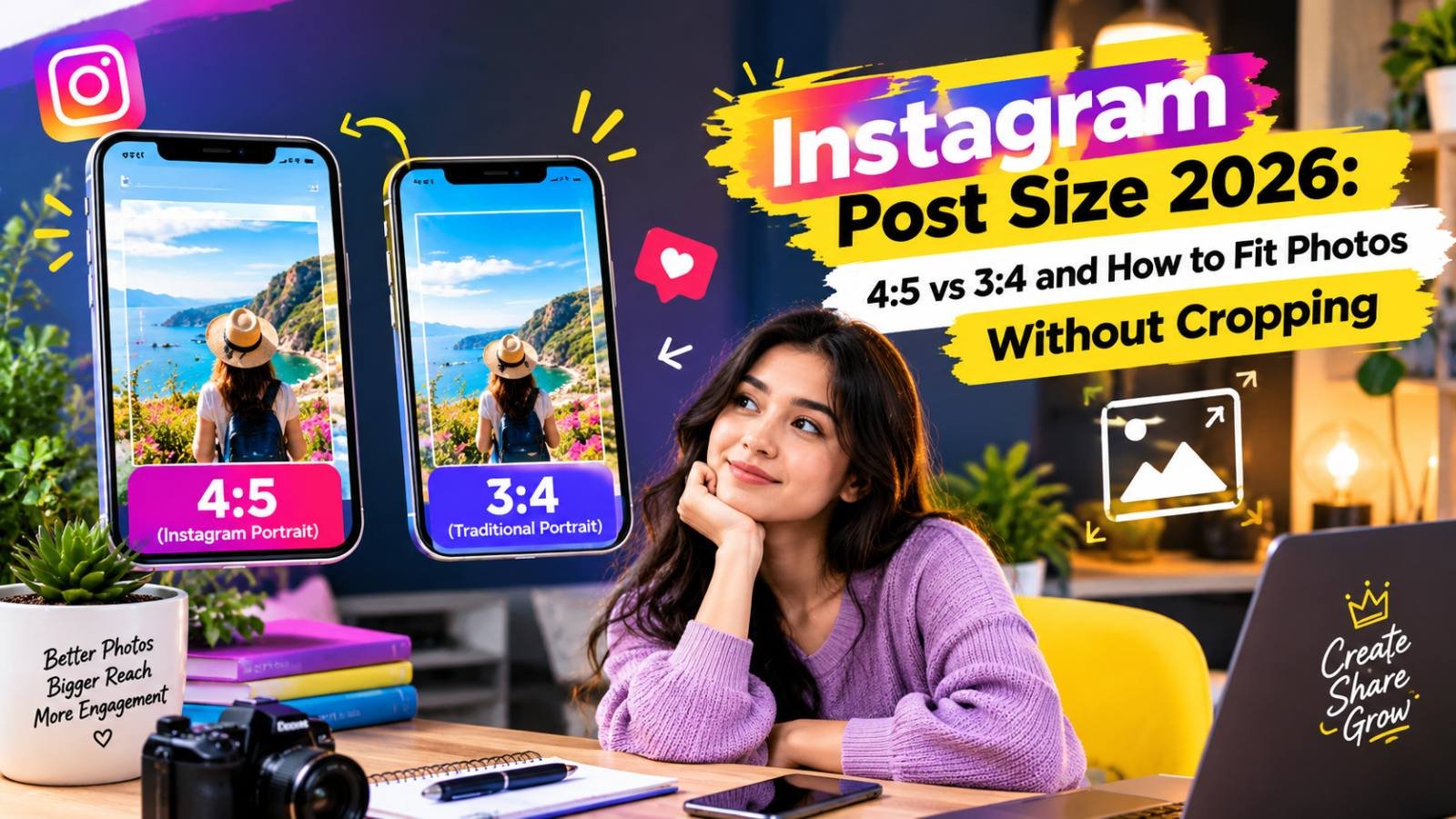
Instagram Post Size 2026: 4:5 vs 3:4 and How to Fit Photos Without Cropping
Instagram feeds show 4:5 portraits while the profile grid shows 3:4 tiles, so the same photo is cropped two ways. The exact sizes to use for posts, carousels, Stories and Reels, and how to keep faces and text out of the cut zone.
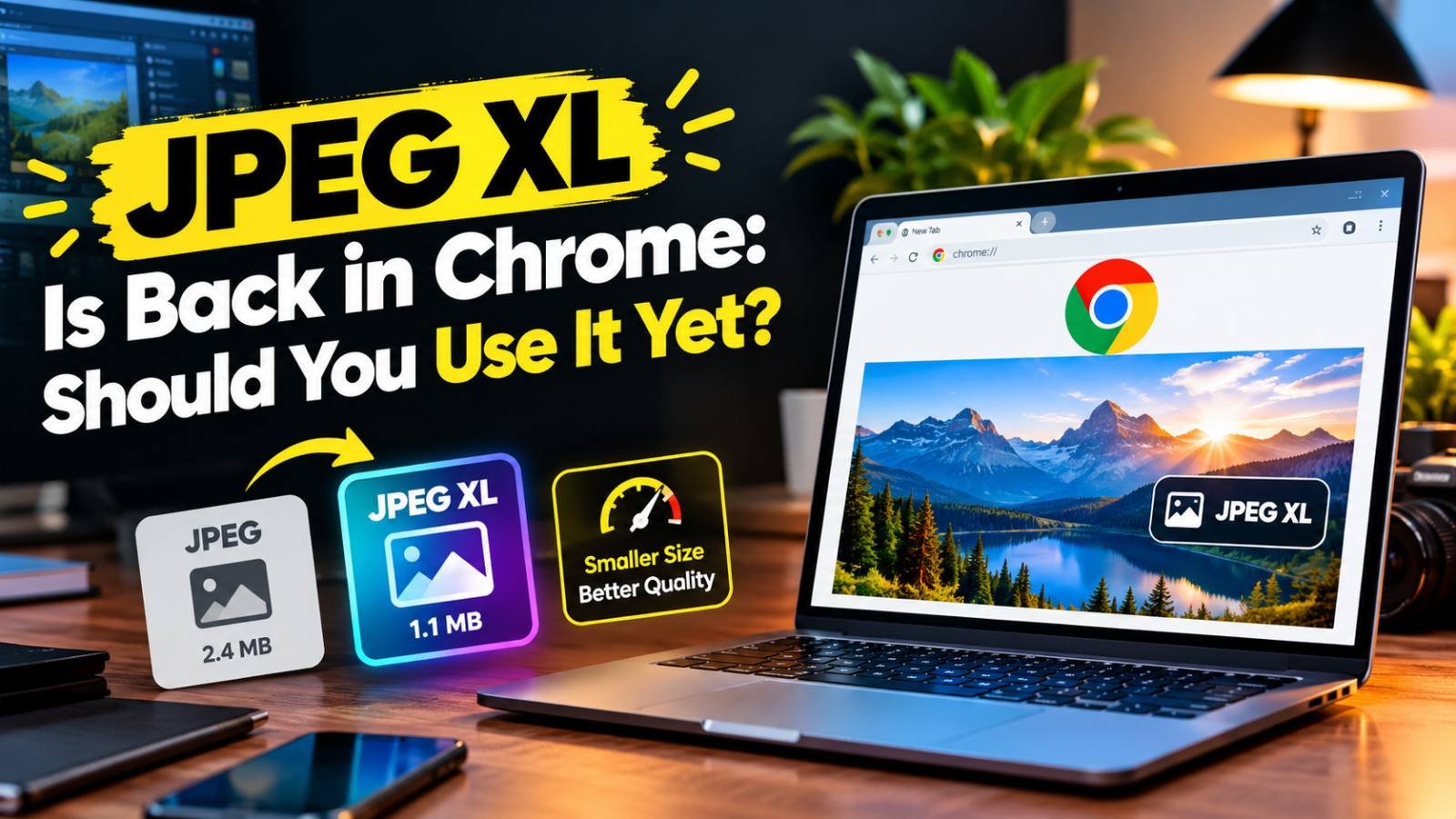
JPEG XL Is Back in Chrome: Should You Use It Yet?
Chrome 155 can finally display JPEG XL images. What the format does better than JPG, WebP and AVIF, which browsers and apps support it today, and when it makes sense to start using it.
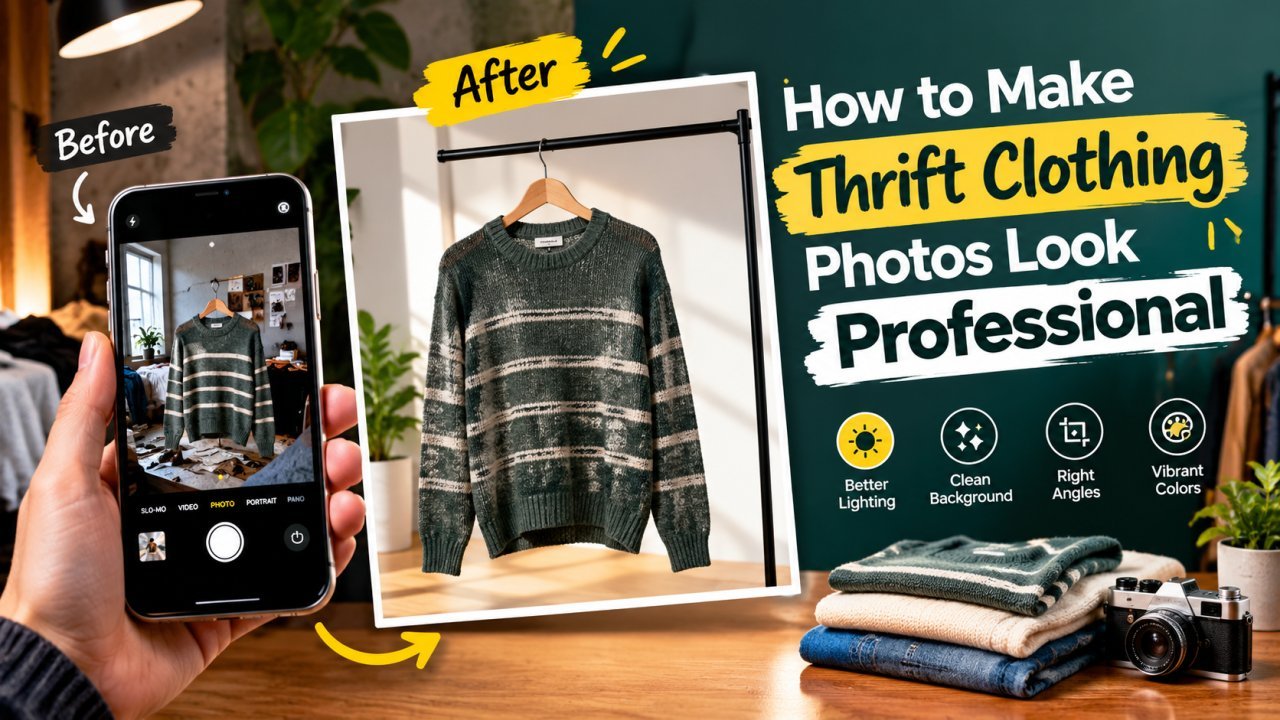
How to Make Thrift Clothing Photos Look Professional
A phone-only workflow for second-hand clothing sellers: prepare, light and shoot each piece, show flaws honestly, then crop, clean up and size the photos for listing.
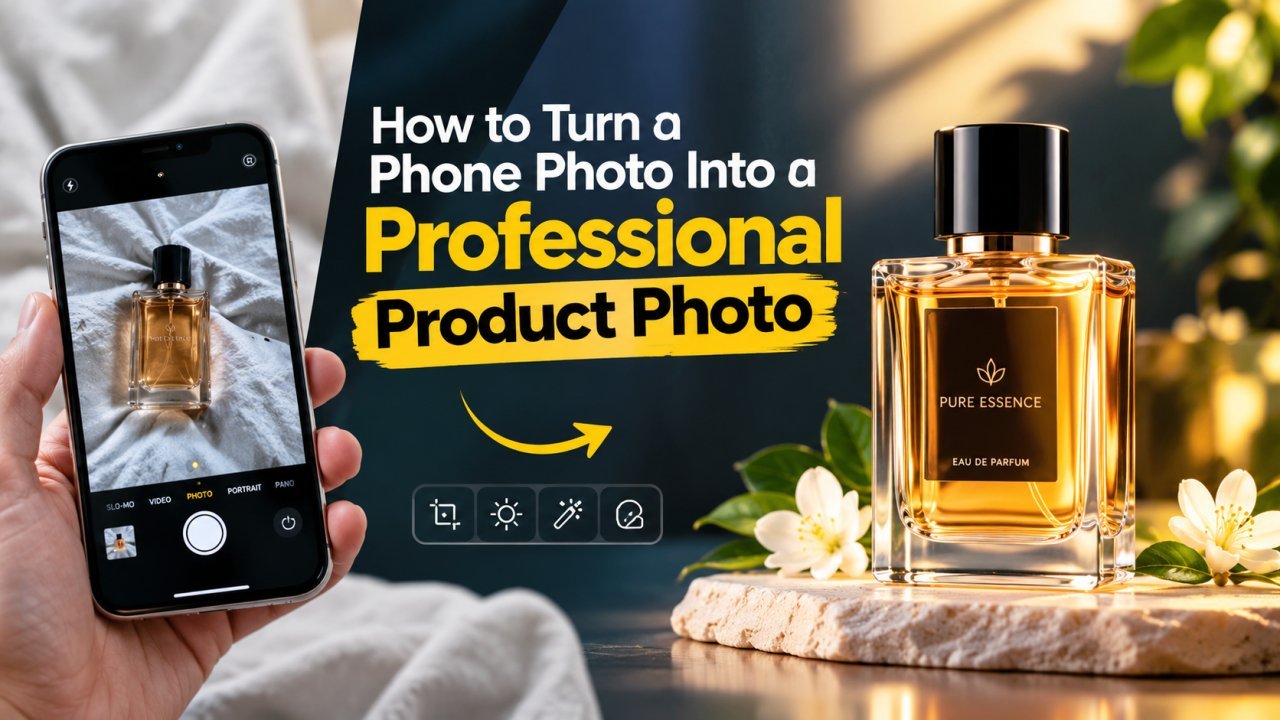
How to Turn a Phone Photo Into a Professional Product Photo
A step-by-step home workflow for small sellers: set up window light and a paper sweep, shoot steady with your phone, then clean, square and compress the photo for upload.
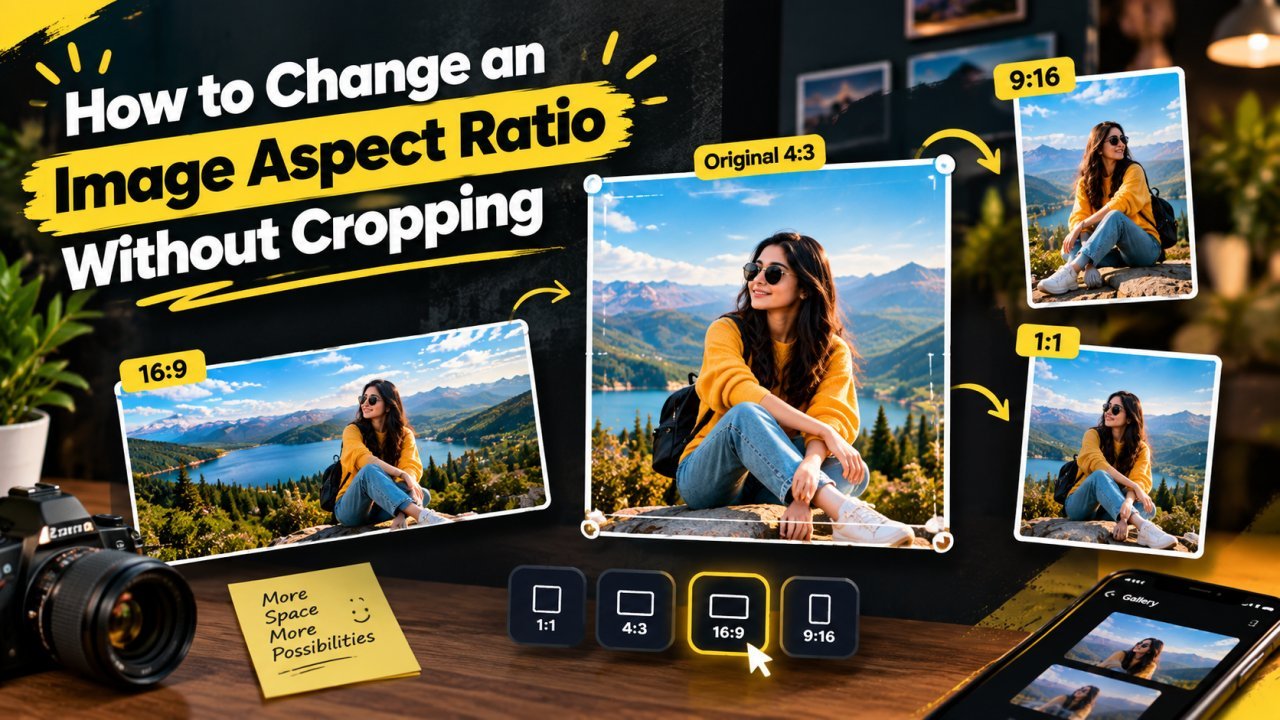
How to Change an Image Aspect Ratio Without Cropping
Keep the whole photo and change its shape by adding space: plain padding, a blurred background, or AI outpainting. Includes canvas sizes for common conversions.
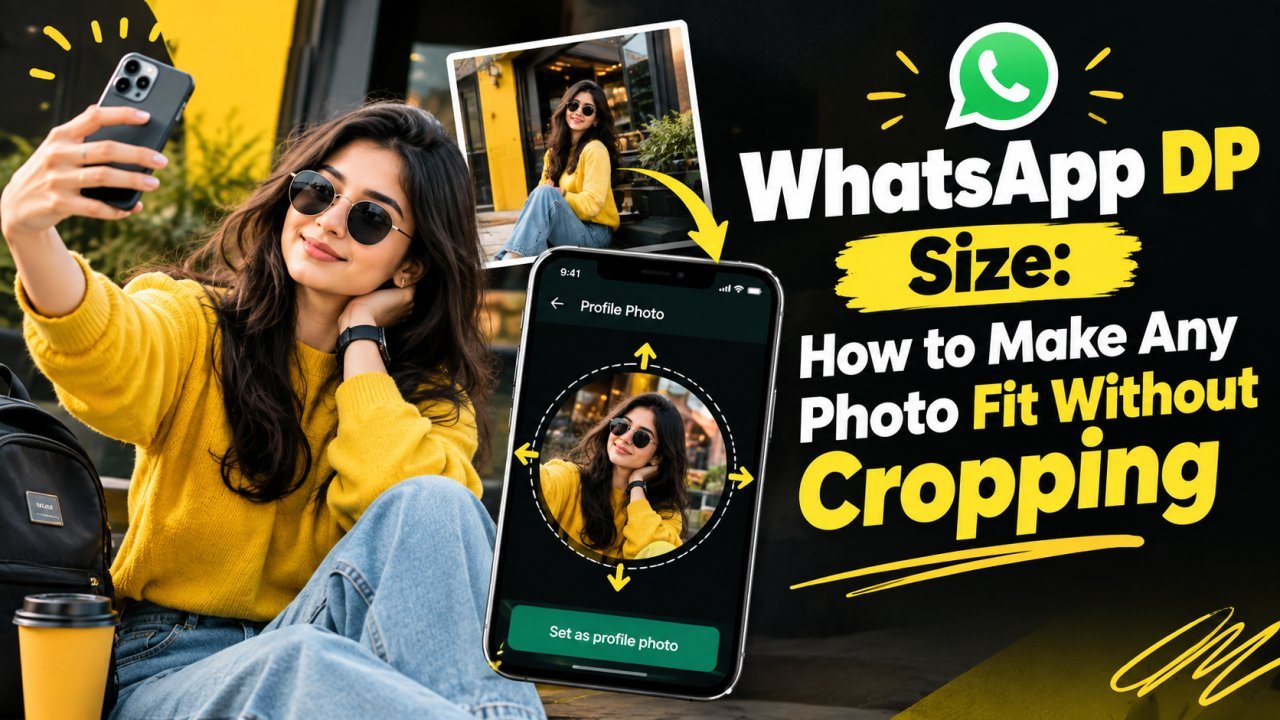
WhatsApp DP Size: How to Make Any Photo Fit Without Cropping
WhatsApp shows your DP as a circle cut from a square. Here is the size to prepare, how to fit a full photo, selfie or group shot without cropping, and the circle safe area.
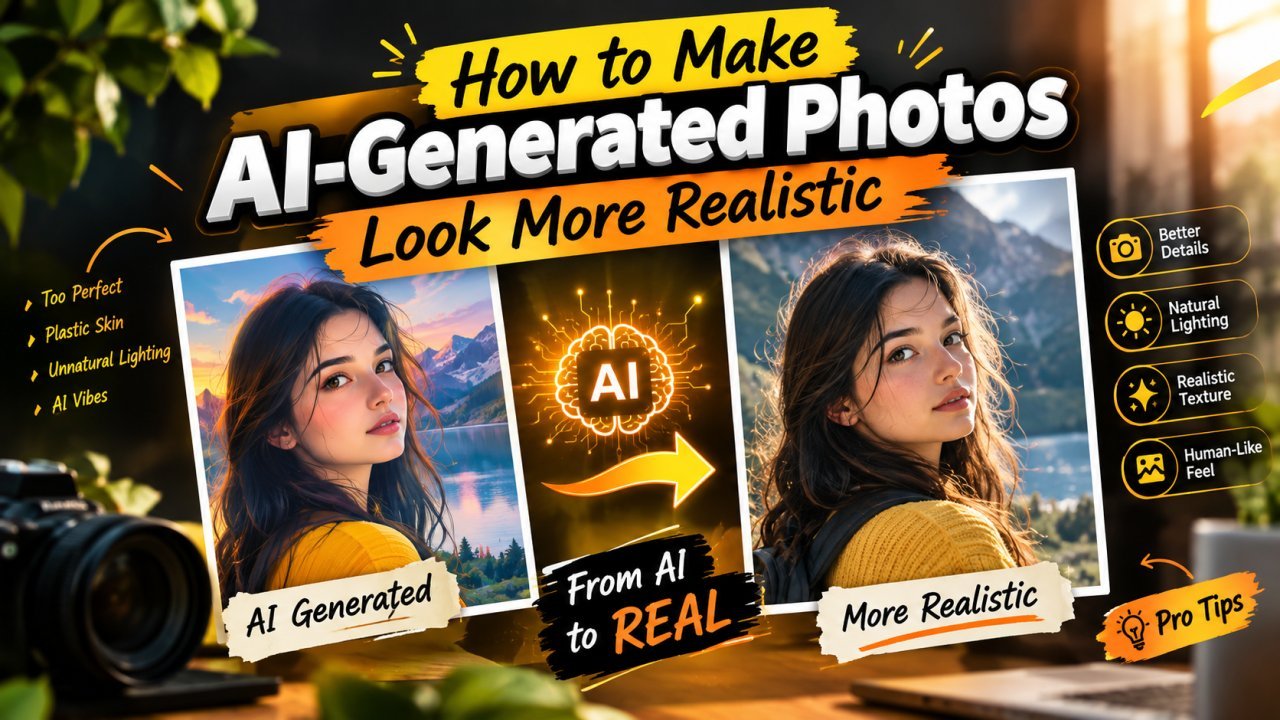
How to Make AI-Generated Photos Look More Realistic
Plastic skin, glossy eyes, odd hands and mismatched light give AI images away. How to prompt for realism, then fix what remains with careful, light editing.
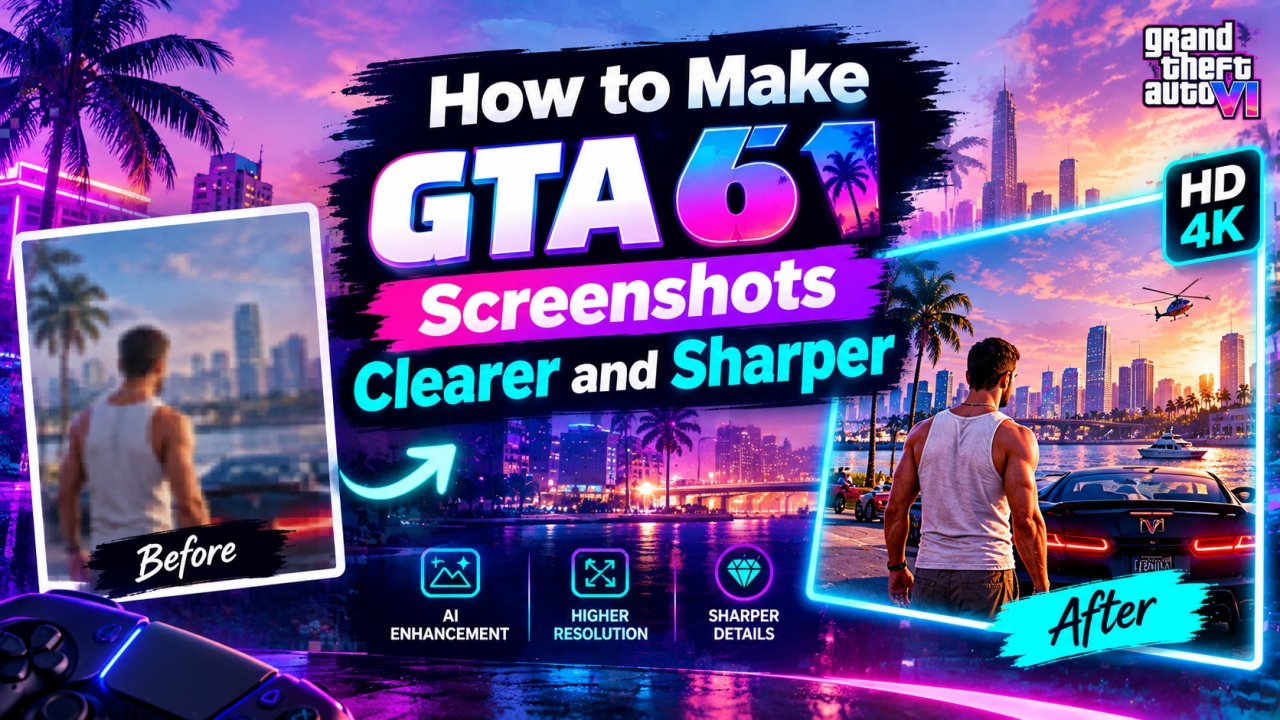
How to Make Your GTA 6 Screenshots Clearer and Sharper
Capture cleaner GTA 6 screenshots of your own, then upscale, sharpen and resize them for wallpapers, thumbnails and posts without stretching or over-processing.
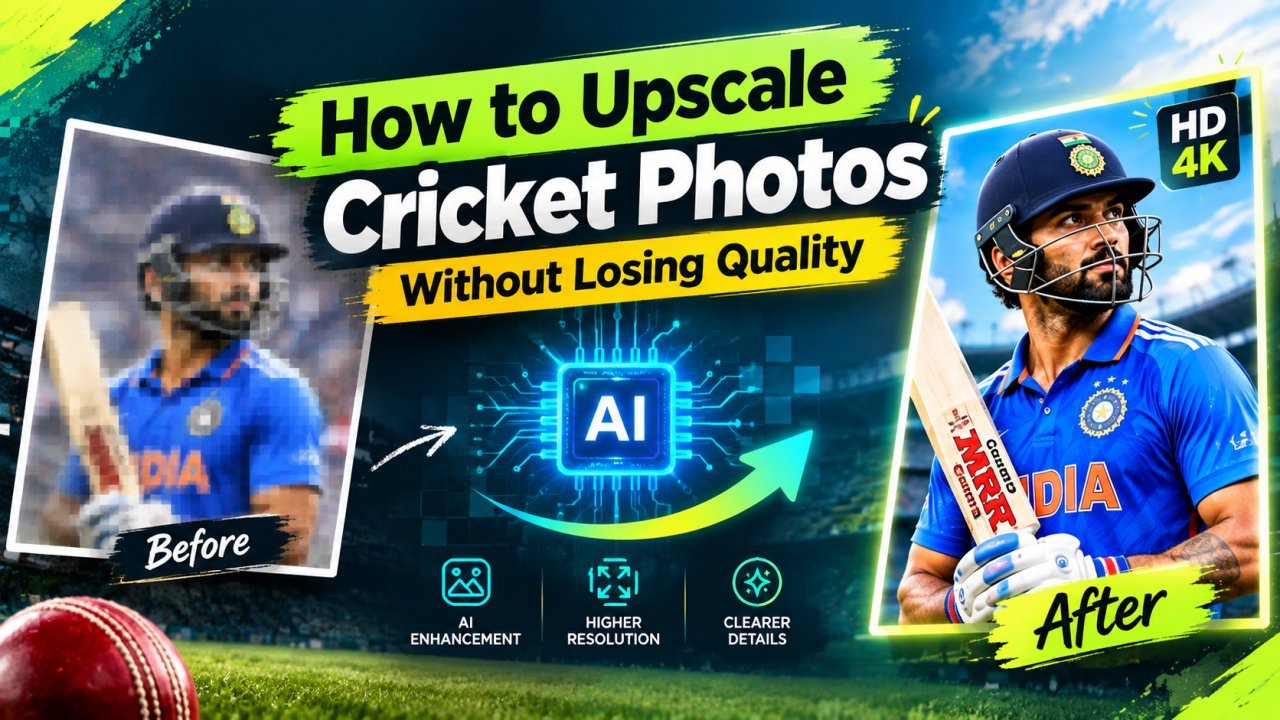
How to Upscale Your Cricket Photos Without Losing Quality
Make your own match photos from local games, club fixtures or the stands sharper and bigger with AI upscaling, without fake faces or garbled jersey text.
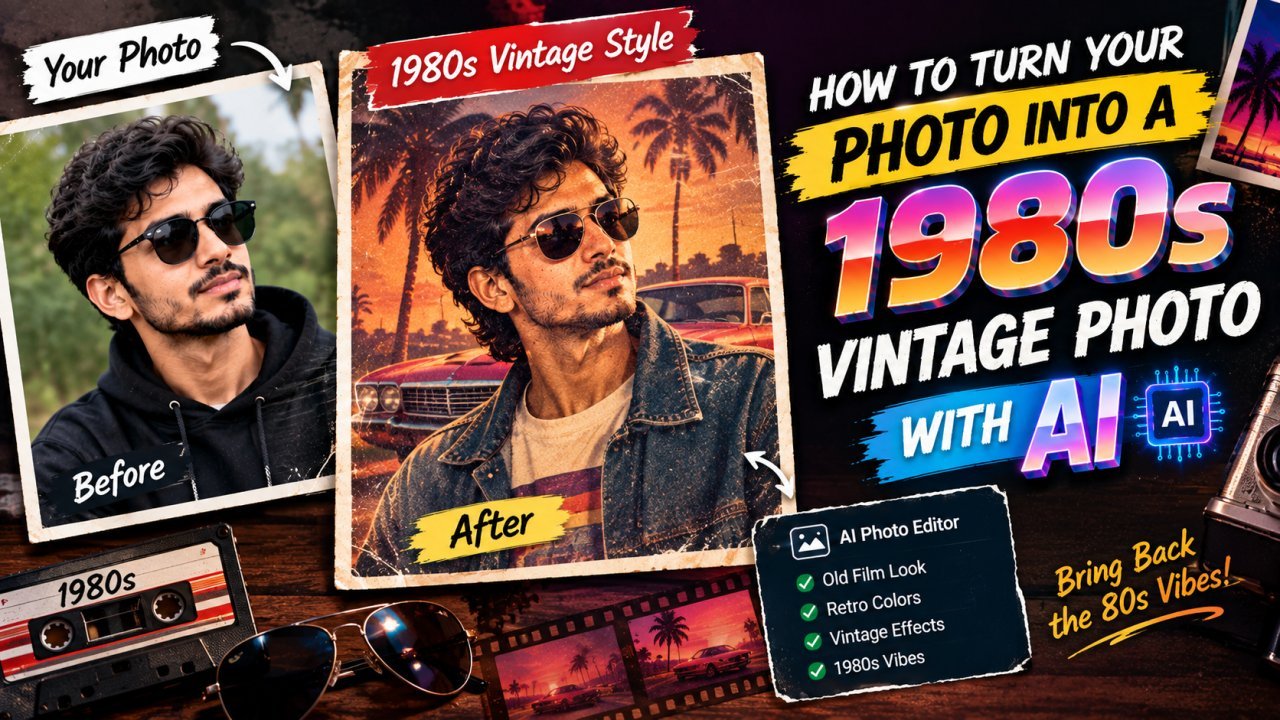
How to Turn Your Photo Into a 1980s Vintage Photo
What makes a photo look like it came from the 1980s, how to recreate the look by hand in any editor, and how to use AI image tools without losing your face.
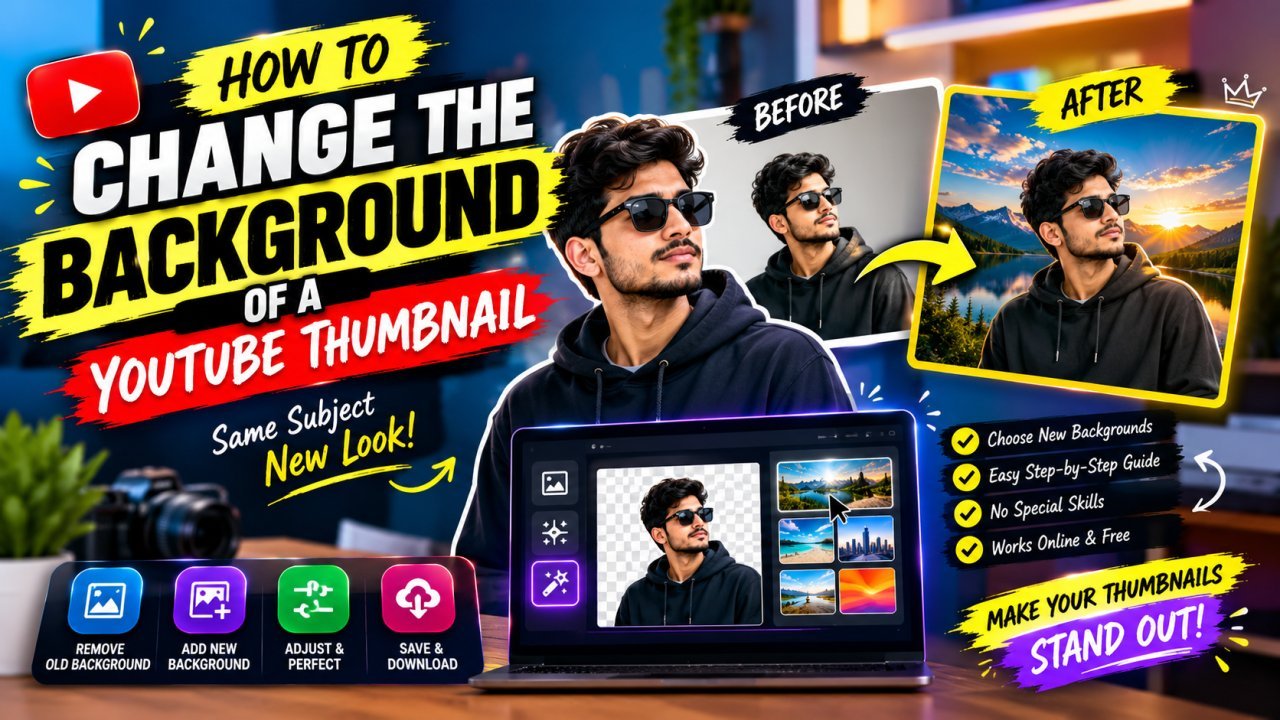
How to Change, Remove or Blur the Background of a YouTube Thumbnail
Remove, replace or blur the background of your own YouTube thumbnail, clean up distracting objects, and make the cutout look natural at 1280×720.