
Image editing guides, explained simply
Practical guides by Ashish Kathiriya, each linked to a free tool that does the job in your browser.
How to Make a Picture Square Without Cropping It
Turn a portrait or landscape photo into a 1:1 square without cutting anything off: use the longer side as the canvas and fill the gap with colour, blur or transparency.
How to Crop a Photo to Any Size Without Losing Quality
Crop to the right aspect ratio first, then resize to the exact pixels. Worked examples for 1000×1000, 1200×800 and 1080×1350, plus how to avoid blurry crops.
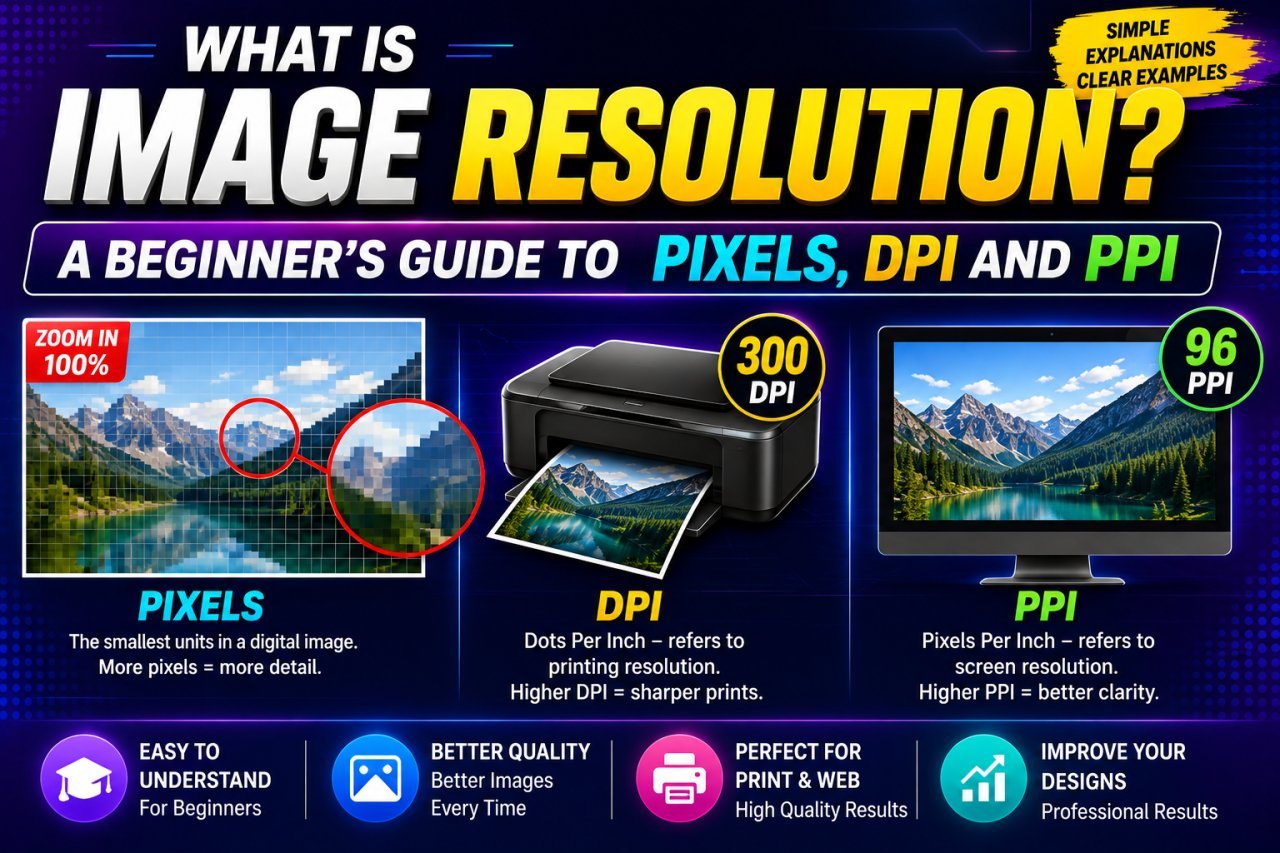
What Is Image Resolution? Pixels, DPI and PPI Explained Simply
Image resolution explained in plain language: what pixels and megapixels are, how PPI links pixels to print size, what DPI really means, and why 300 DPI is not magic.
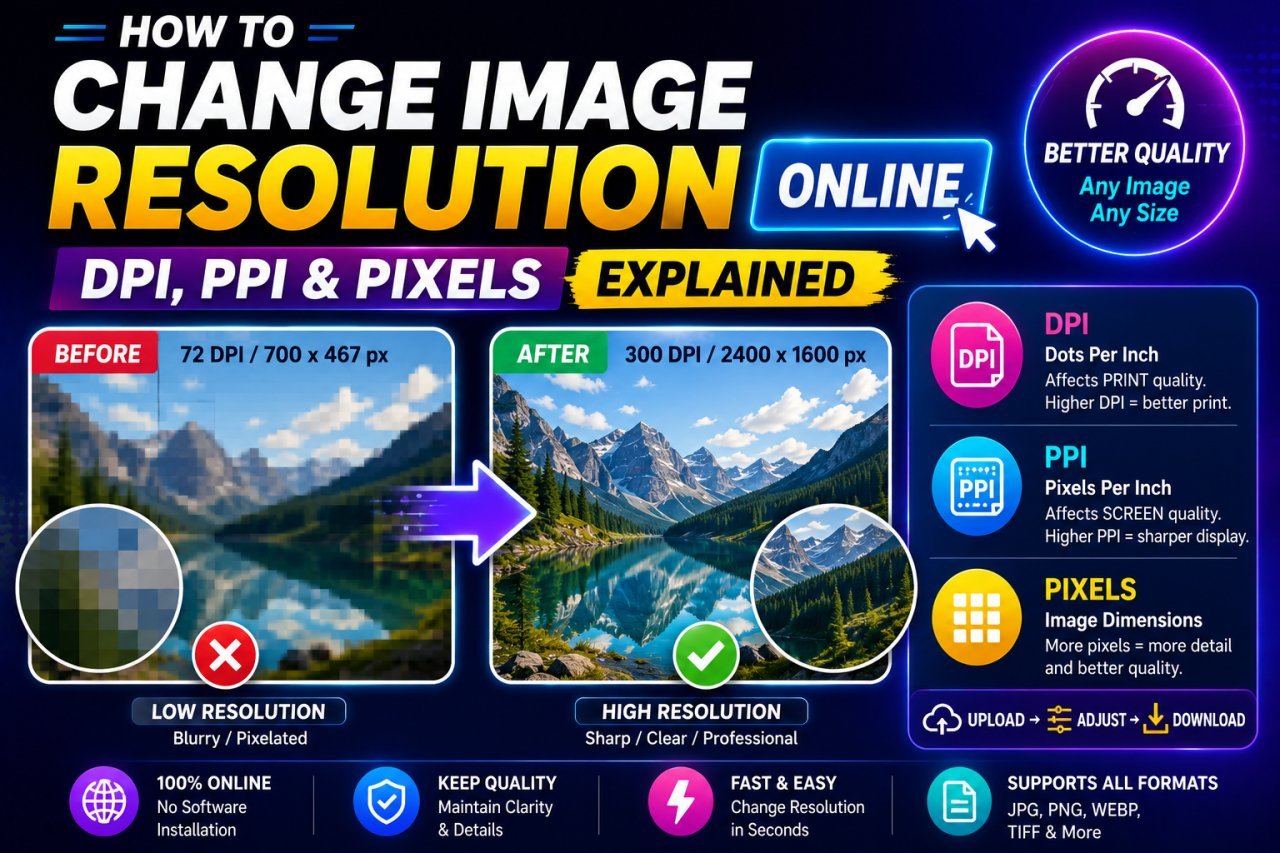
How to Change Image Resolution Online: Pixels, DPI and PPI Step by Step
Work out whether you need more pixels or just a different DPI value, then change it: resize for web and forms, set PPI for print, and upscale only when you must.
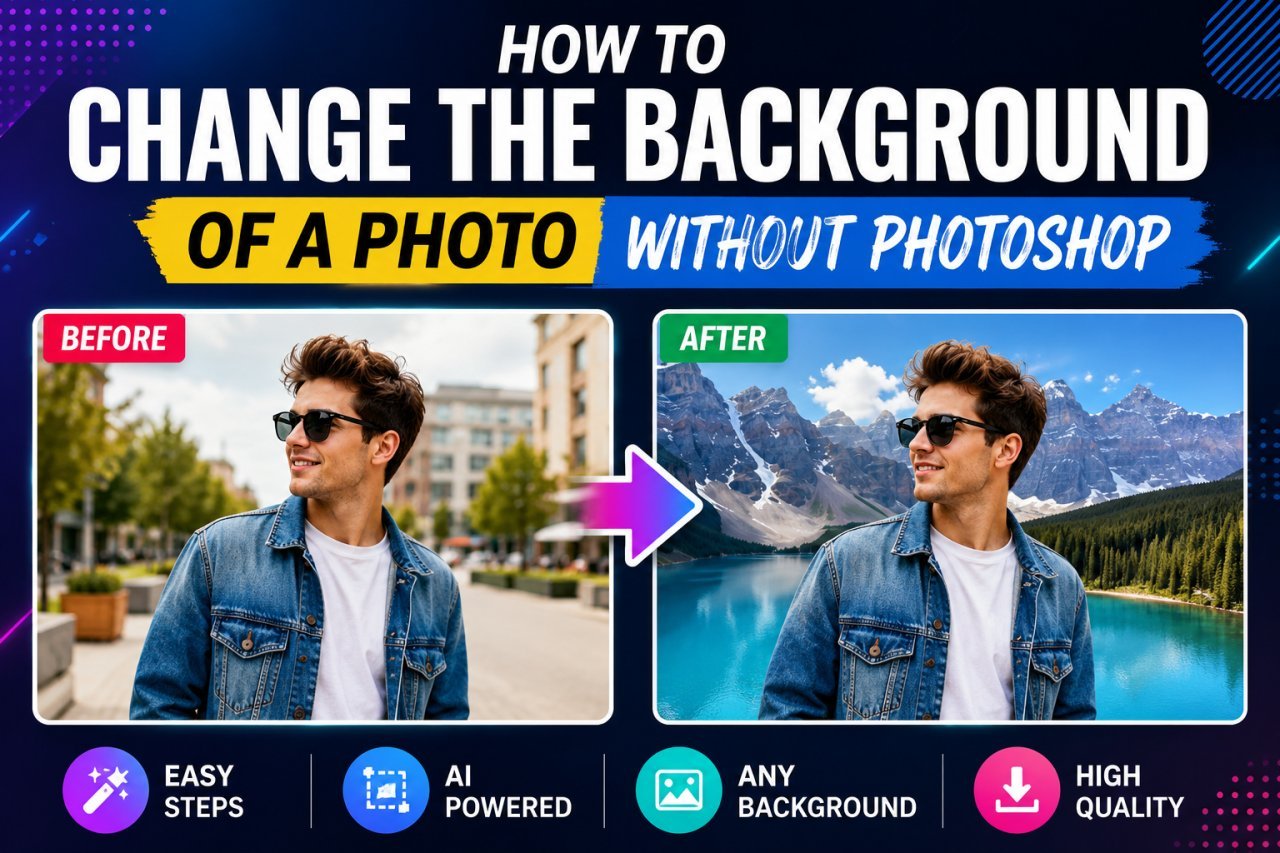
How to Change a Photo Background Without Photoshop
Swap a photo background for free: cut out the subject in your browser, place it on a new background in a free editor, and match light, scale and shadows.
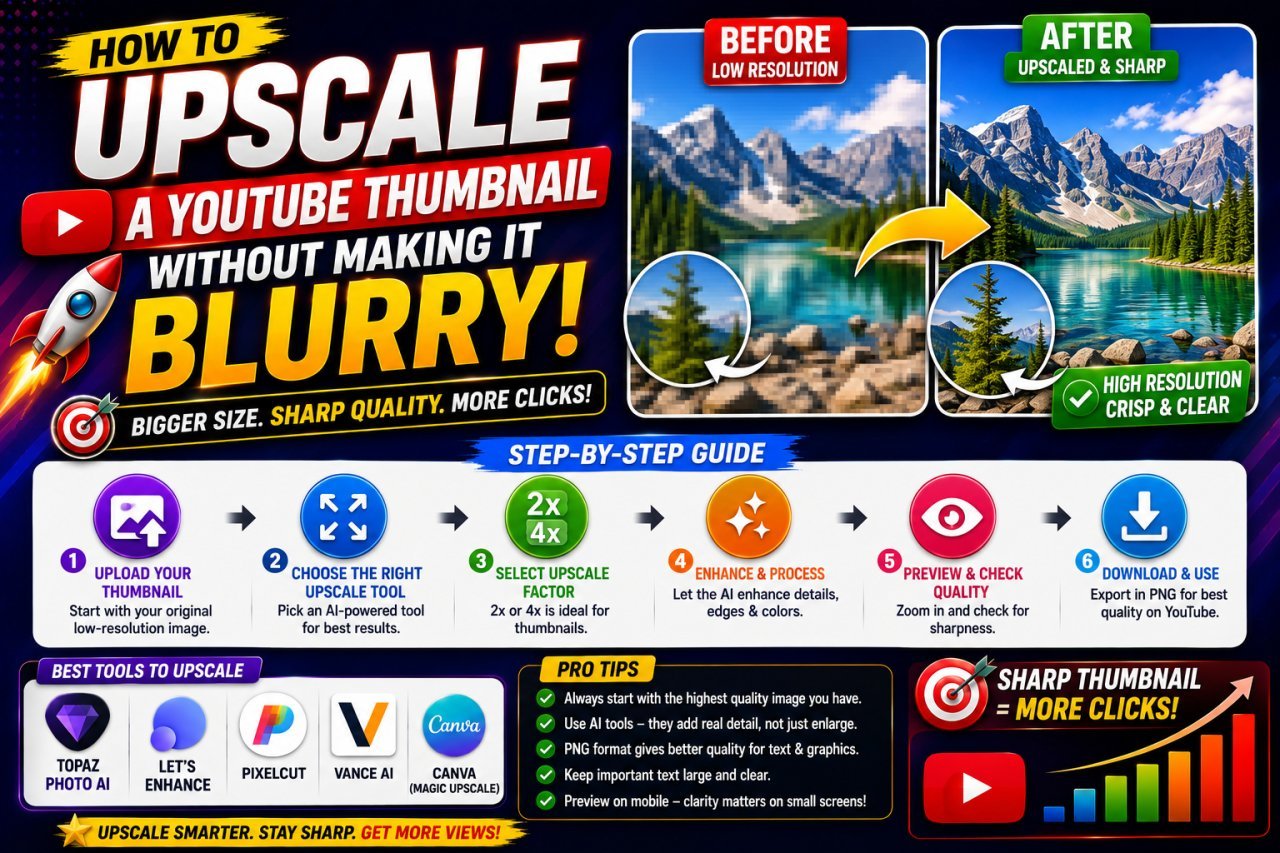
How to Upscale a Low-Resolution Image Into a Sharp YouTube Thumbnail
Turn a small photo, old thumbnail or video frame into a clean 1280×720 YouTube thumbnail: pick the right upscale factor, crop first, and avoid the steps that cause blur.

How to Make a YouTube Thumbnail That Gets More Clicks
A practical guide to YouTube thumbnail design: one clear idea, a strong subject, short text, contrast, split layouts, and using AI tools without misleading viewers.
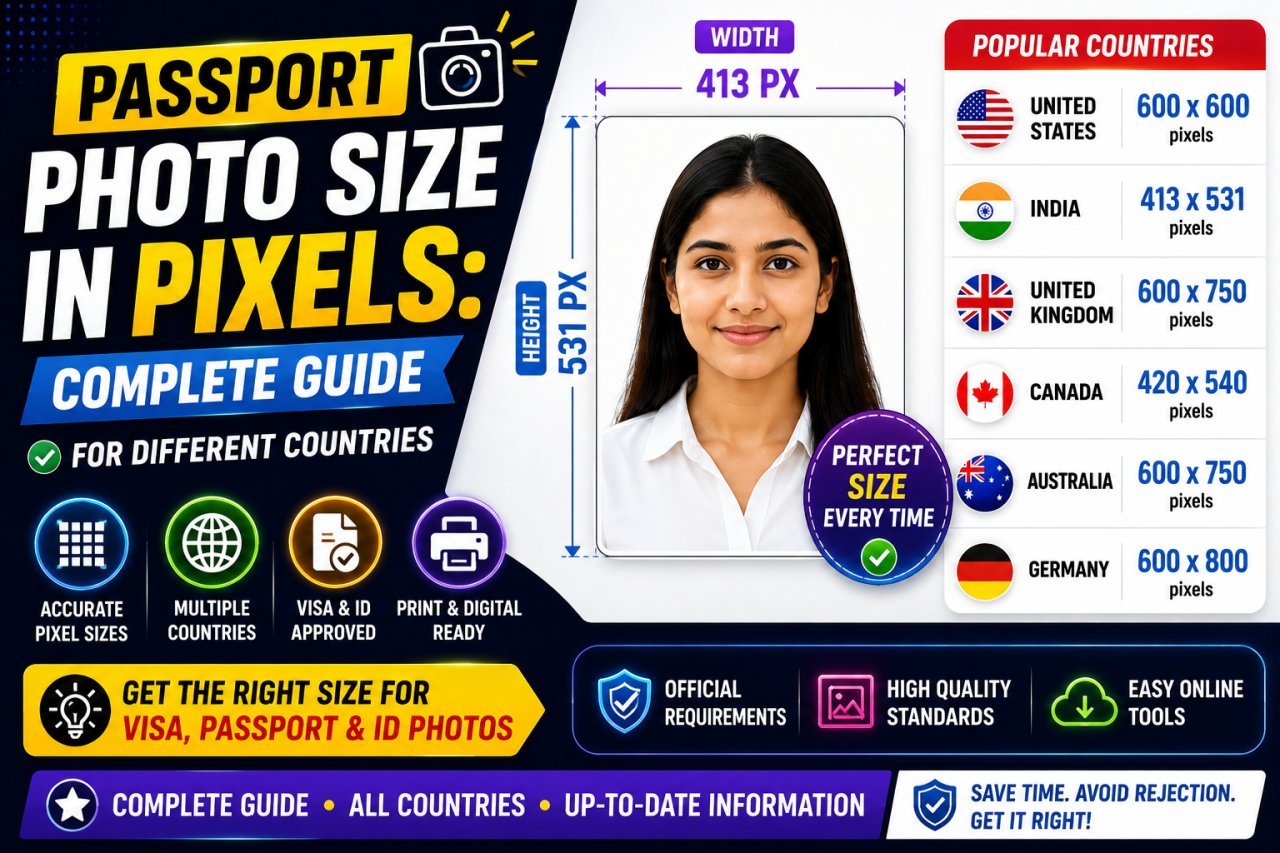
Passport Photo Size in Pixels: India, US, UK, Canada and Schengen
Passport photo sizes in mm and pixels for India, the US, UK, Canada and Schengen visas, how to convert them, and how to make your own photo at home.
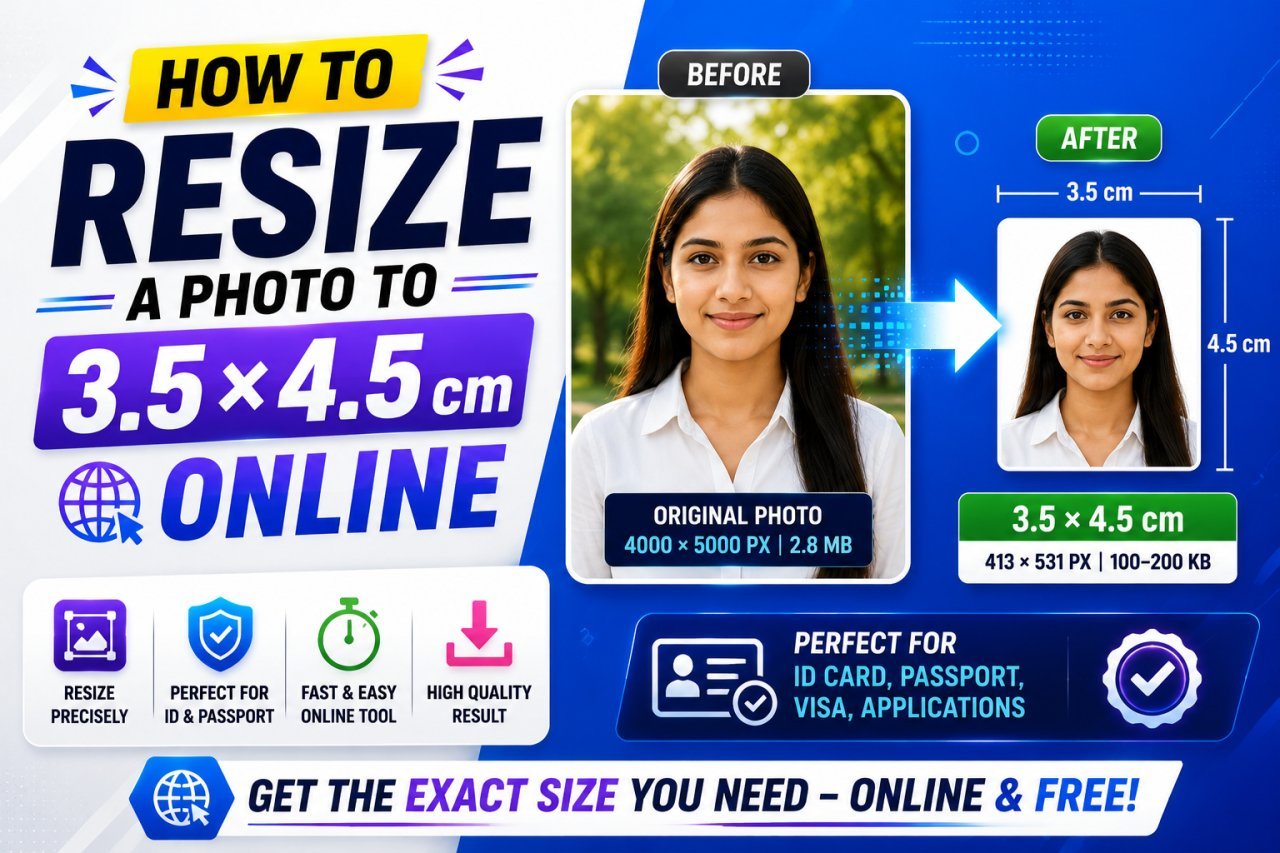
How to Resize a Photo to 3.5 × 4.5 cm Online
3.5 × 4.5 cm is 413 × 531 pixels at 300 DPI, a 7:9 portrait. Pixel sizes at every DPI, inches, and a crop-then-resize method that never stretches your face.
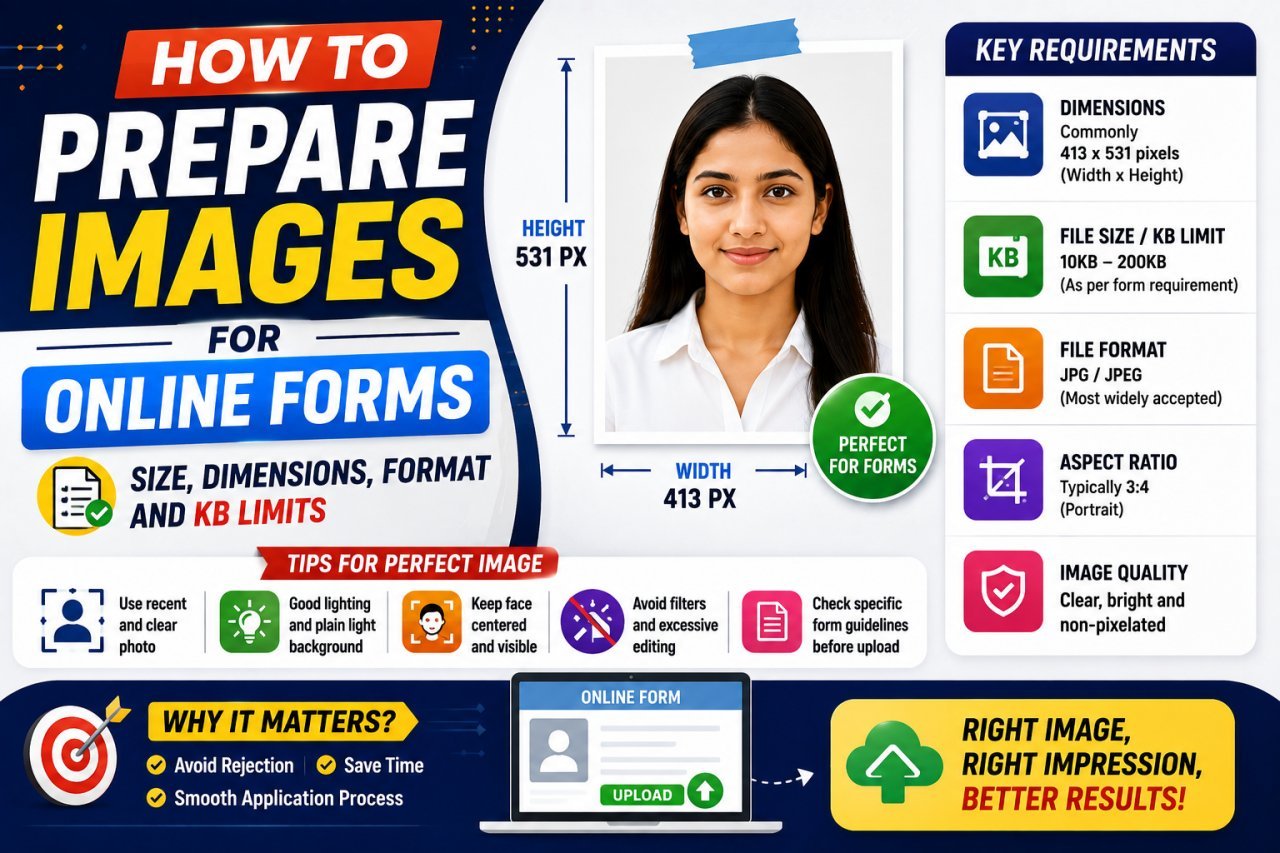
Photo and Signature Size for Online Forms: KB, Pixels and Format
Typical photo and signature limits for Indian exam and government forms, and how to hit an exact KB and pixel size without a blurry or rejected upload.
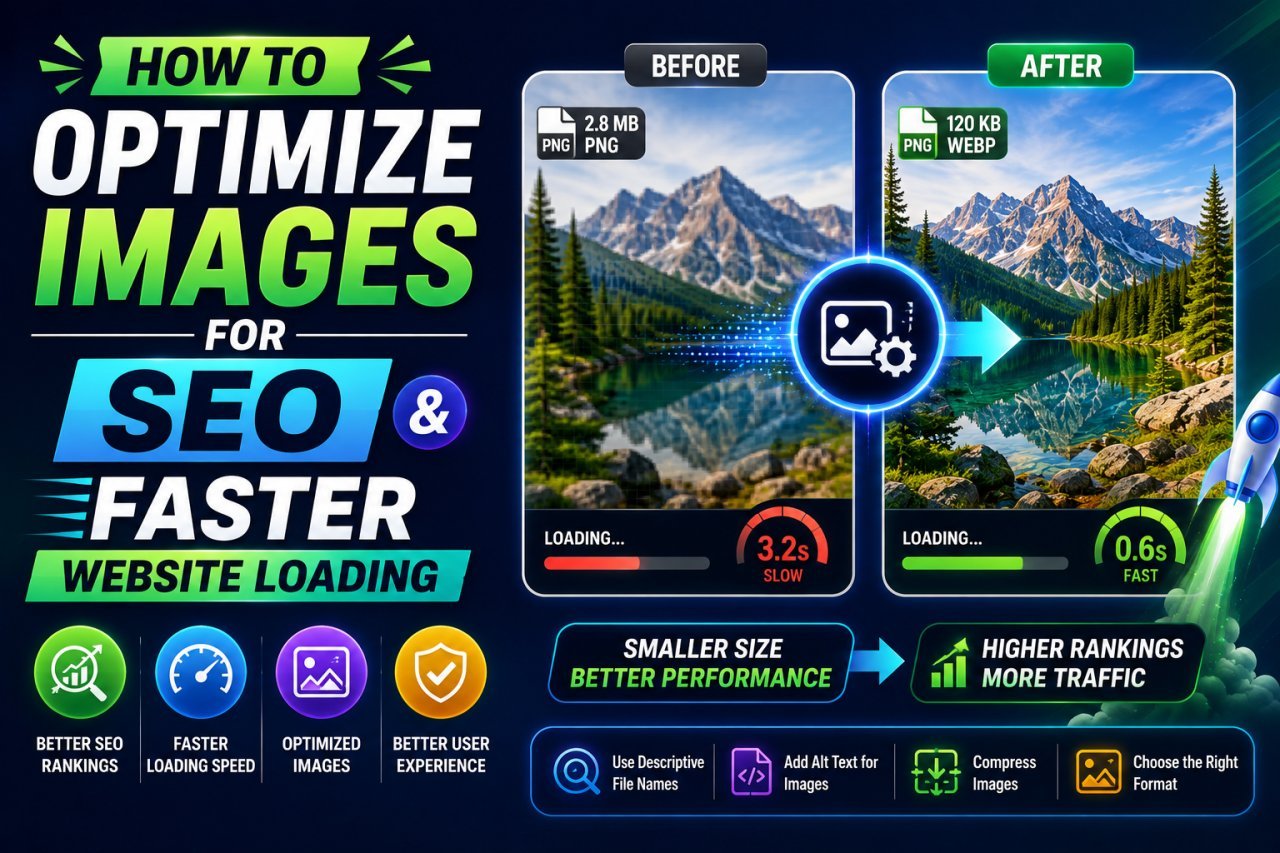
How to Optimize Images for SEO: File Names, Alt Text, Sitemaps and LCP
Help Google find, understand and rank your images: descriptive file names, useful alt text, crawlable img elements, image sitemaps, structured data and a fast LCP image.
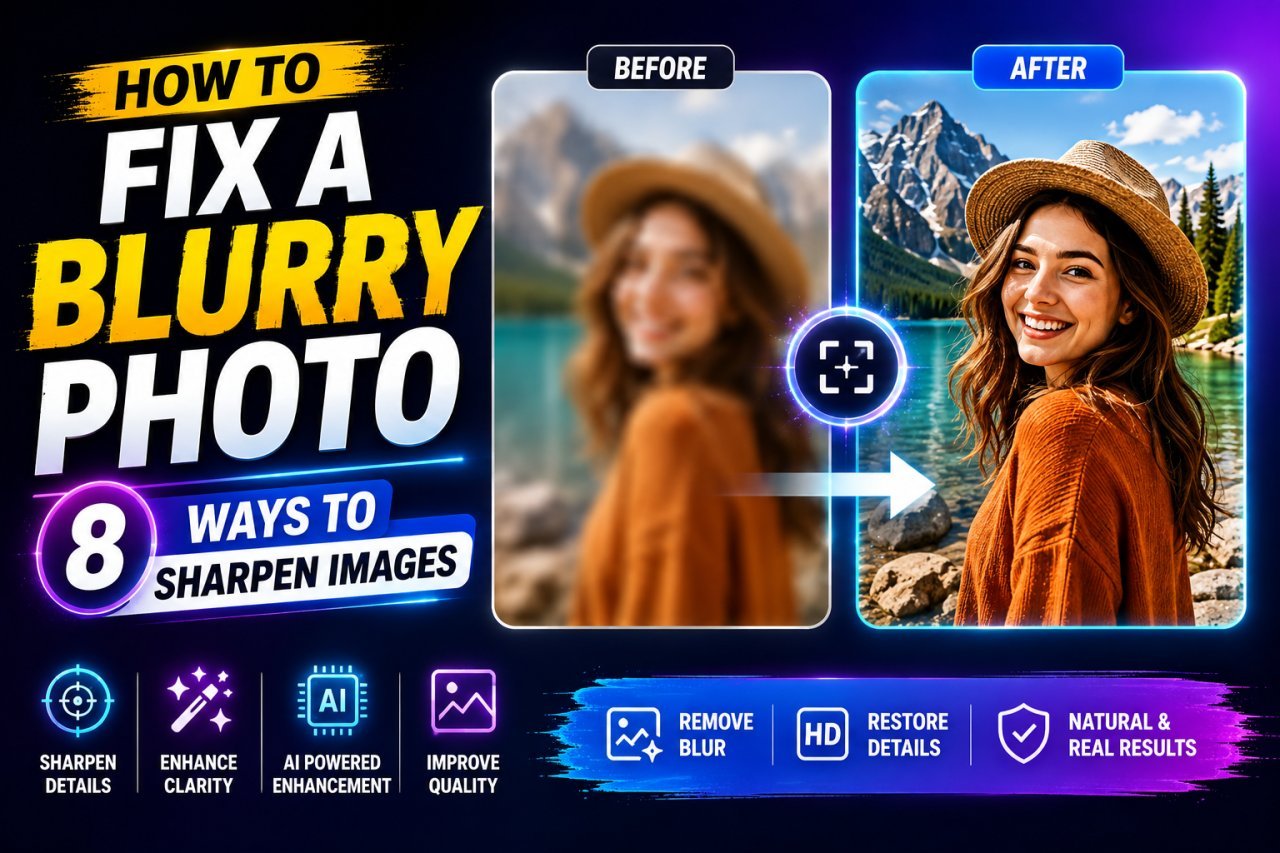
How to Fix a Blurry Photo: Sharpening Methods That Work
Identify the type of blur in your photo, then use the right fix: gentle sharpening, local contrast, deblurring or AI detail reconstruction, without halos or a fake look.