
Compression guides
How to make image files smaller without visible quality loss — for websites, email, forms and uploads with a KB limit.
Related tools: Image Compressor · Compress to Size (KB) · Bulk Compressor · Compress PDF
Most image files are far bigger than they need to be. A phone photo is usually 3–5 MB, while a website, an email or an online form needs something between 20 KB and a few hundred KB. The guides in this section explain what actually makes a file smaller — pixel dimensions, format and quality — and in which order to change them so the picture still looks right.
Start with the guide on compressing without visible quality loss if you are new to this. If you have a hard limit to meet, the compress-to-size tool lets you type the target in KB, and the website guides cover how image weight affects page speed and Core Web Vitals. Everything here works in your browser, so you can test each tip on your own files as you read.
A quick rule of thumb used throughout these guides: resize first, then compress. Shrinking a 4000-pixel photo to the size it will actually be shown at removes most of the weight before quality settings even matter, so the final file looks cleaner at the same KB. For many files at once, bulk compression applies the same settings to a whole folder and gives you a single ZIP.
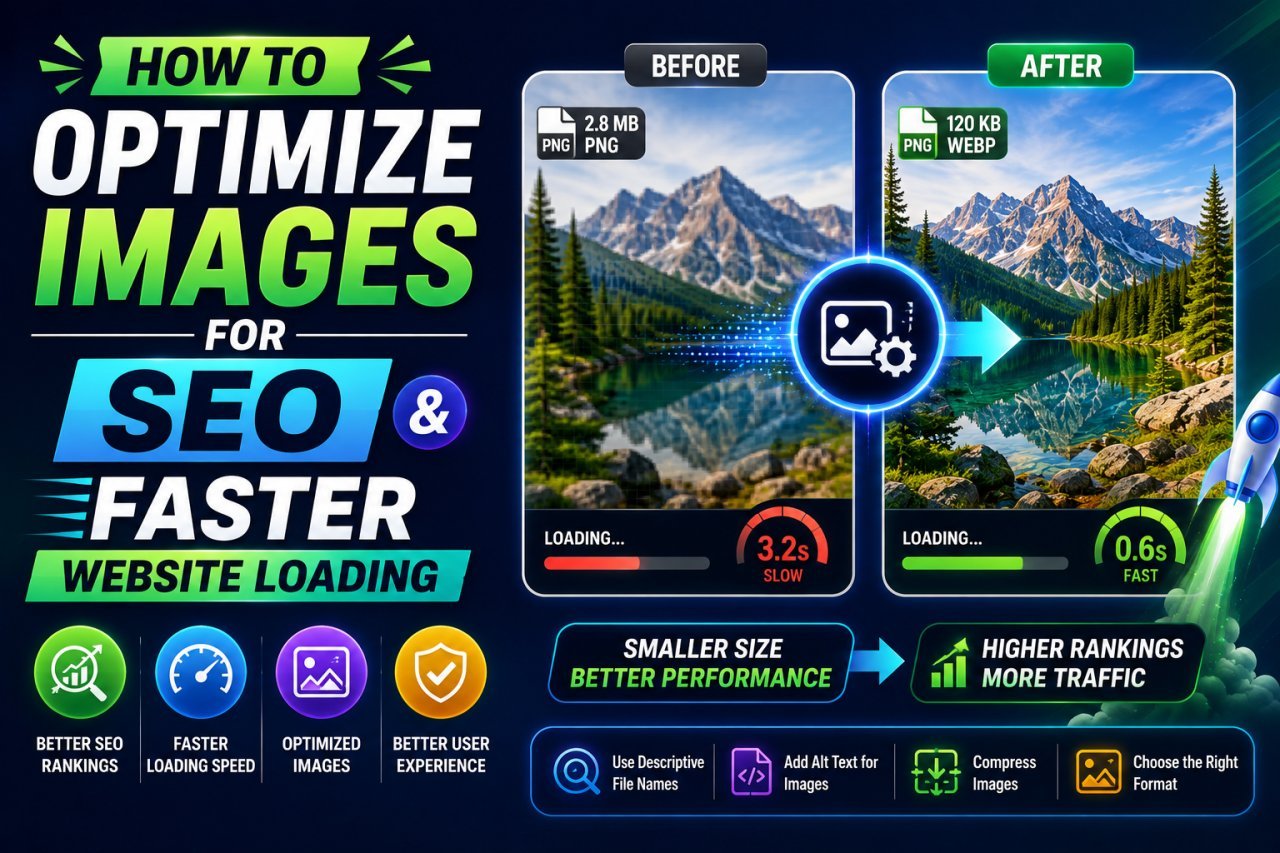
How to Optimize Images for SEO: File Names, Alt Text, Sitemaps and LCP
Help Google find, understand and rank your images: descriptive file names, useful alt text, crawlable img elements, image sitemaps, structured data and a fast LCP image.

Image Optimization for Websites: Formats, Sizing, Lazy Loading and Caching
A practical, step-by-step workflow for faster pages: pick the right format, resize to display size, compress sensibly, serve responsive images, lazy-load and cache.
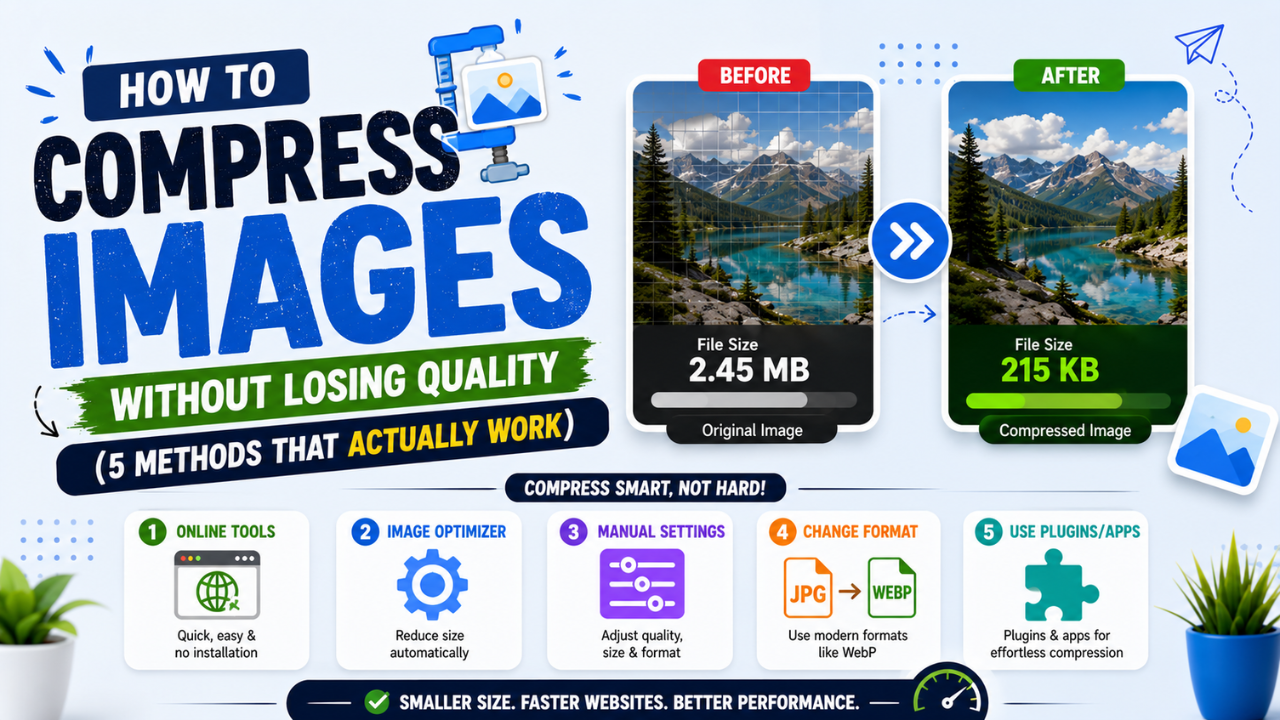
How to Compress Images Without Losing Quality (and Reduce Size in KB)
Resize to the size you need, pick the right format, use a moderate quality setting and compare. How to shrink JPG, PNG and WebP files, or hit an exact KB limit, without visible loss.