
YouTube Thumbnails guides
Thumbnail size and format, fixing blurry uploads, upscaling low-resolution images, readable text and designs that get clicked.
Related tools: YouTube Thumbnail Enhancer · YouTube Thumbnail Size Checker · Image Resizer · Background Remover
A thumbnail is designed at 1280 × 720 but mostly seen at a few centimetres wide on a phone, next to a duration badge that covers its bottom-right corner. The guides in this section cover both halves of the job: getting the technical side right — size, format, the 2 MB limit and sharpness after upload — and making a design that reads clearly at small sizes.
Start with the size and resolution guide, which is the reference for the others. If your thumbnail looks soft on YouTube, the troubleshooting guide walks through each cause in order. Before uploading, you can run any thumbnail through the free size checker to confirm resolution, ratio and file size.
The guides are written so they can be read in order: size and format first, then design and text, then fixes for specific problems such as a blurry upload, a cluttered background or a low-resolution frame taken from your own video. Each one links to the tools that help with that step, including the thumbnail enhancer for clean 1280 × 720 output.
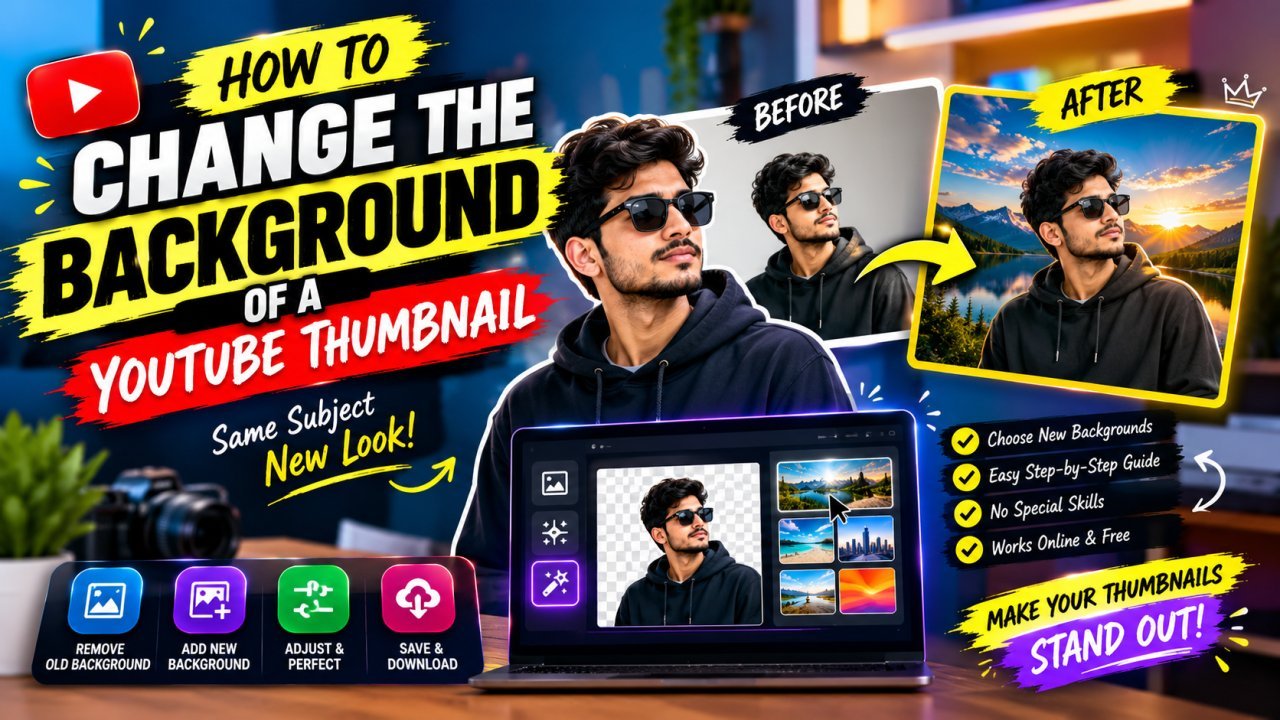
How to Change, Remove or Blur the Background of a YouTube Thumbnail
Remove, replace or blur the background of your own YouTube thumbnail, clean up distracting objects, and make the cutout look natural at 1280×720.
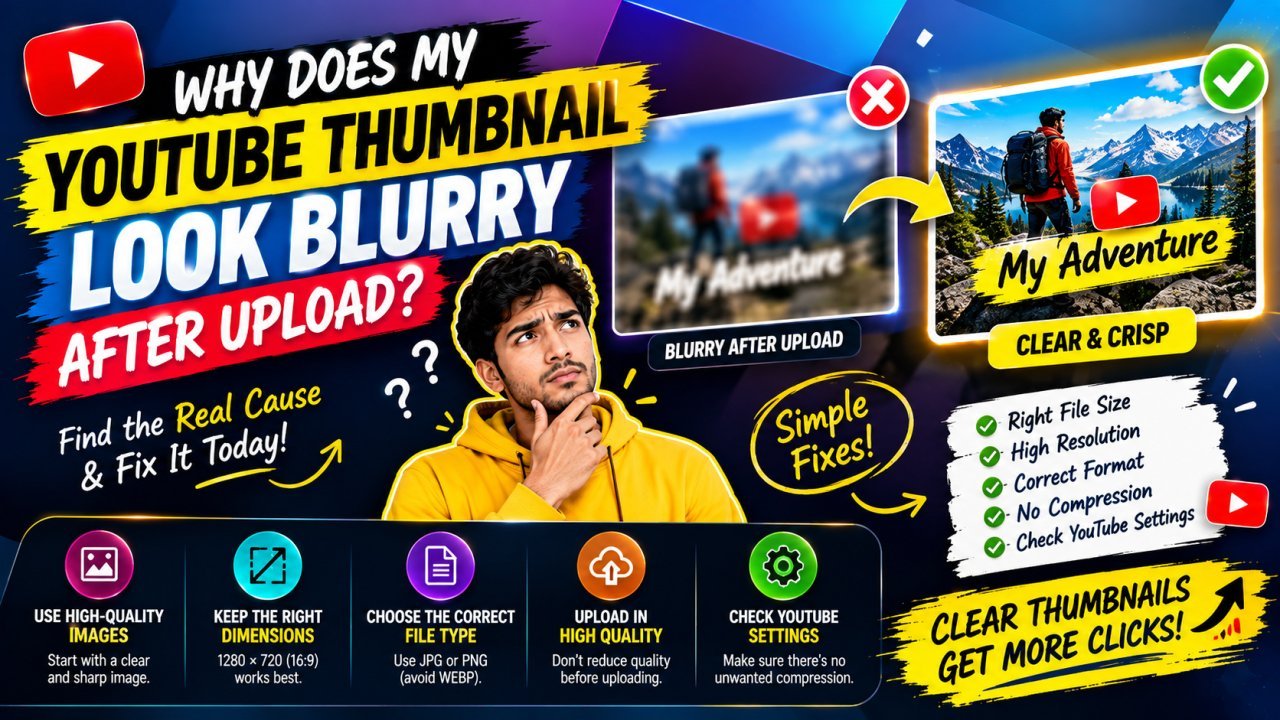
Why Does My YouTube Thumbnail Look Blurry After Upload? Causes and Fixes
A blurry, pixelated or low-quality YouTube thumbnail usually loses its sharpness before upload. Here is how to find the exact step and fix it.

How to Extract the Best Frame From Your Video for a YouTube Thumbnail
Find the sharpest moment in your own video, export it at full resolution instead of screenshotting a player, and turn it into a clean 1280×720 thumbnail.

How to Make YouTube Thumbnail Text Clear and Sharp on Mobile
Make thumbnail text readable on a phone: fewer words, a bold font, strong contrast, careful outlines, smart placement and an export that keeps letter edges crisp.
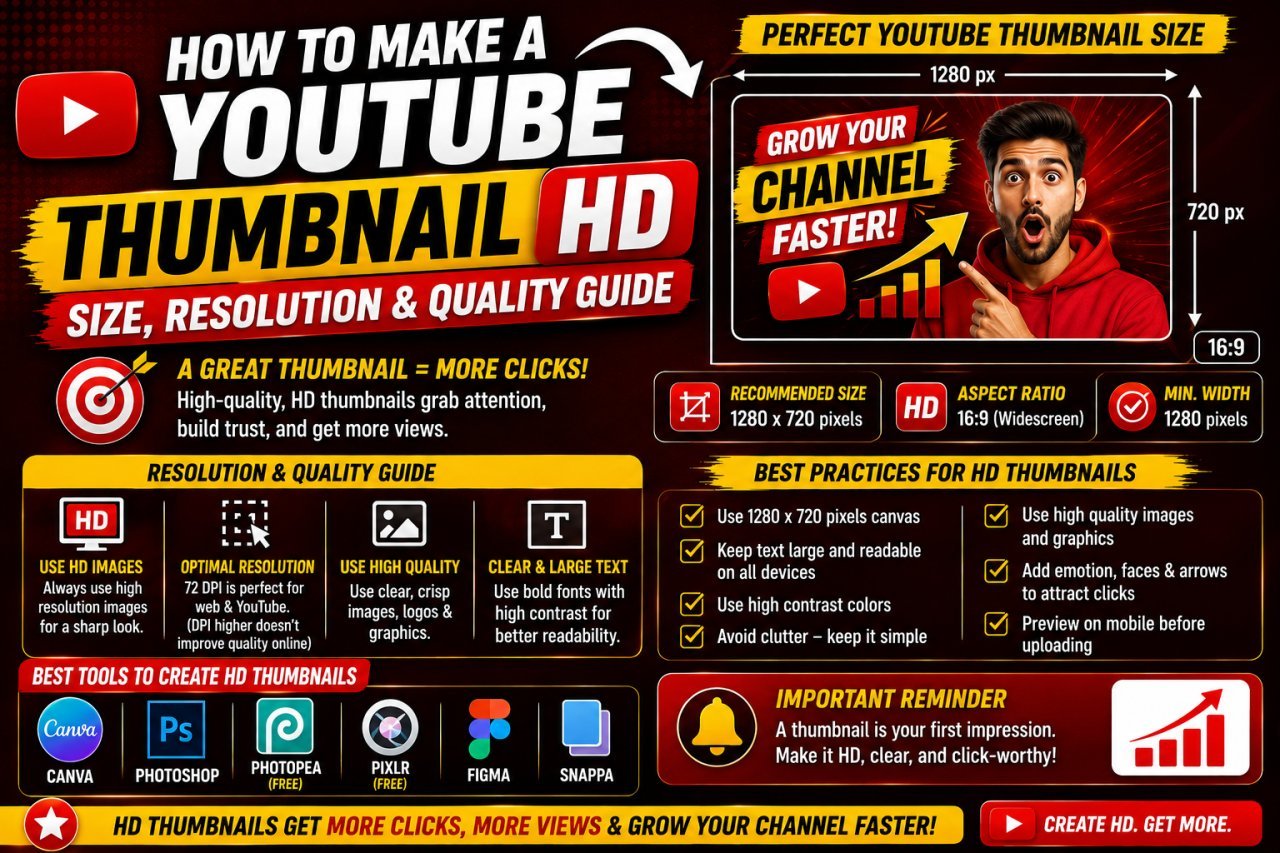
YouTube Thumbnail Size, Resolution and Format: How to Export an HD Thumbnail
The right YouTube thumbnail size, aspect ratio, file size limit and format, plus how to export a sharp HD thumbnail that stays under 2 MB without cropping or stretching.
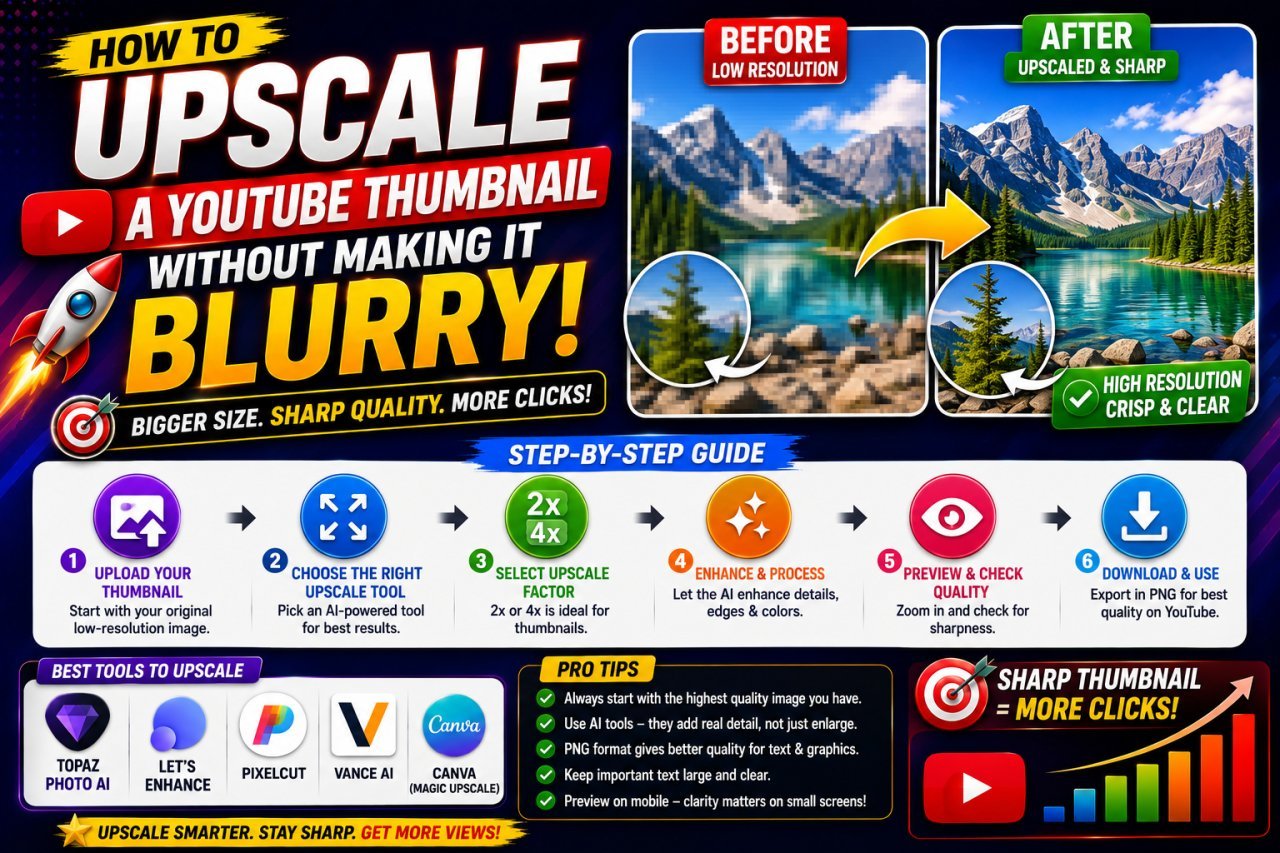
How to Upscale a Low-Resolution Image Into a Sharp YouTube Thumbnail
Turn a small photo, old thumbnail or video frame into a clean 1280×720 YouTube thumbnail: pick the right upscale factor, crop first, and avoid the steps that cause blur.

How to Make a YouTube Thumbnail That Gets More Clicks
A practical guide to YouTube thumbnail design: one clear idea, a strong subject, short text, contrast, split layouts, and using AI tools without misleading viewers.