
Best AI Tools for Product Photo Editing (E-commerce Edition)
Selling online? Product photos make or break conversion. Here are the AI tools that turn amateur shots into Amazon-quality listings — most for free.

If you sell anything online — Etsy, Amazon, Shopify, Instagram shop — your product photos are doing 80% of the persuasion work. A bad photo of a great product converts worse than a great photo of an average product. That's just how shopping works.
But hiring a professional photographer for every SKU costs money you probably can't justify. Here's the 2026 stack of AI tools that lets a small seller produce listing-quality photos in minutes.
The product photo checklist
Before you reach for any tool, every product photo needs:
- Clean background (white or transparent for marketplaces, lifestyle for your own site)
- Sharp focus on the main product
- Consistent lighting across all photos in the catalogue
- Correct white balance (the product's actual colour, not a cast from your lamp)
- Multiple angles of the same product
- Compressed file sizes so pages load fast
AI tools can help with all six.
1. Background removal: the foundation
Every marketplace lists products against a white or transparent background. Manually clipping each photo would consume hours per SKU.
Tools: our free Background Remover, remove.bg, Cutout.pro, Pixelcut
For e-commerce, you want browser-side processing for privacy (your inventory photos shouldn't sit on someone else's servers) and bulk capability for catalogue rollouts.
Workflow tip: photograph against any solid contrasting backdrop (a blue bedsheet, a green wall — doesn't matter), then remove the background. You don't need a real "studio" setup.
2. AI shadow generation
A common giveaway of "cut out from one photo, pasted on another" — no shadow. The product floats unnaturally.
Modern AI tools now generate plausible shadows based on the product's shape:
- Pixelcut has a one-click shadow feature on its free tier
- Photoroom auto-generates floor shadows for product shots
- Manual fallback: use a soft-brush in any free editor to paint a subtle shadow beneath the product
Even a small shadow elevates the photo from "obvious paste" to "looks shot in a studio."
3. AI scene generation (lifestyle shots)
Once you have a clean product cutout, you can drop it into AI-generated lifestyle scenes:
- Booth.ai, Pebblely, Stage AI — type "modern kitchen background" or "outdoor cafe" → AI generates a scene → you composite your product into it
- Free tier limits vary; many tools give 10-50 free generations per month
- Quality is variable — about 60-70% of generations are usable; rest have weird lighting or perspective mismatches
This is genuinely transformative for small sellers. Lifestyle shots used to require a real photographer + props + location. Now they require 10 minutes and an AI tool.
4. AI upscaling for archive photos
If you've been selling for years, your old photos are probably 800×600 — fine for 2018 listings, low-quality on a 2026 phone screen.
AI upscale (2-4× scale) brings these archives up to modern resolution. Pair with our free Image Resize tool to set the exact dimensions you need afterward.
5. Colour correction for product accuracy
AI auto-colour-correction (Adobe Camera Raw, Lightroom mobile, even free phone editors) usually nails white balance — your product's actual colour, not the warm tint from your lamp.
Critical for clothing, jewellery, paint, food — anywhere "wrong colour = returns + refunds."
Workflow: use AI auto-correct as a starting point, then manually adjust if needed. Trust the algorithm 80% of the time; check the remaining 20% against the real product.
6. Batch resize + compress
Once you have 50 photos ready, you need them in marketplace-compliant formats:
- Amazon: 2000 × 2000 minimum, white background
- Etsy: square 2000 × 2000 recommended
- Shopify: 2048 × 2048 squared
- Instagram: various aspect ratios
Our free Image Resize handles individual ones; free Bulk Compressor handles batches up to 20 (Free tier) or 100 (Pro) with ZIP download.
Realistic time budget per product
For a small seller using AI tools:
| Task | Time per product |
|---|---|
| Shoot photos (3-5 angles) | 5 min |
| Background removal (batch) | 1 min |
| Shadow generation | 1 min |
| Optional: AI lifestyle scene | 5 min |
| Colour correction | 1 min |
| Resize + compress | 1 min |
| Total | ~14 min |
For 20 products, that's about 5 hours of work — manageable for a weekend setup. Without AI, the same workflow would have been 25-30 hours.
Cost stack: free tier vs paid
For a seller doing <100 products/month:
Free stack:
- Background removal: our free tool
- Shadows: free brushes in any editor
- Lifestyle scenes: skip or use free credit on Pebblely
- Colour correction: phone editor or free Lightroom mobile
- Resize/compress: our free tools
- Total cost: ₹0/month
Mid-tier stack: ~₹500-1500/month
- Subscription to a paid product photo platform (Photoroom Pro / Pixelcut Pro)
- Pays for itself if you produce >300 photos/month
Pro stack: ₹5000+/month
- Multiple paid AI services + professional editor (Lightroom, Photoshop)
- Only justified for very high-volume sellers
Common product photo mistakes AI cannot fix
- Poor original lighting — AI denoise helps, but you can't fully fix harsh shadows, blown highlights, or weird colour casts after the fact
- Out of focus — modern AI sharpens, doesn't unfocus genuinely blurry photos
- Wrong angle — no AI invents detail the camera didn't capture; if you missed a key product feature, reshoot
- Cluttered original background — generally fine, but glass/transparent products against busy backgrounds confuse BG removers
The 80/20 of e-commerce photography in 2026
If you can only invest time in two things, make it:
- Decent lighting (window light or one cheap softbox)
- A clean, consistent post-processing pipeline (BG remove → resize → compress) on every photo
Everything else — AI scenes, shadows, upscaling — is nice-to-have. The 80/20 holds.
Start with our free background remover and bulk compress tool. You'll have a marketplace-ready catalogue faster than you expect.
Ready to optimize your images?
Every tool mentioned in this article is free to use. No upload, no signup, no watermarks on small files.
Try our free toolsRelated articles
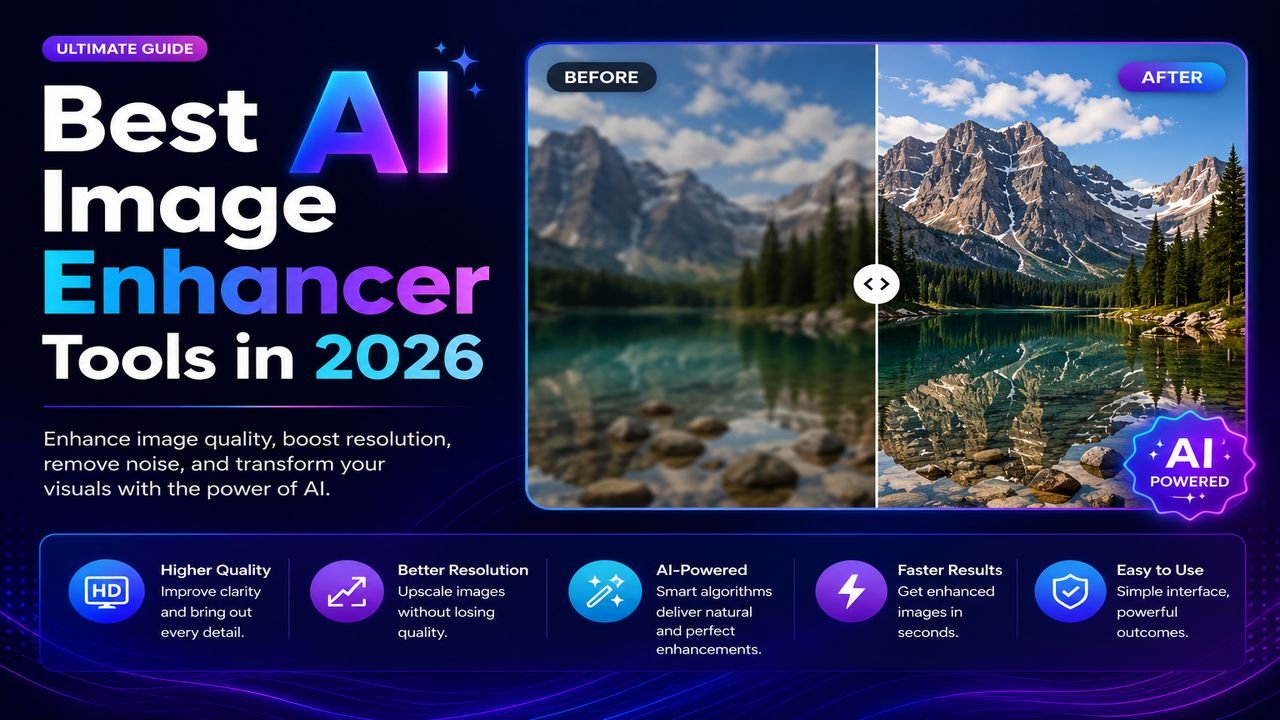
Best AI Image Enhancer Tools in 2026 (Free + Paid Compared)
Eight AI image enhancers tested on the same blurry, low-res, and noisy photos. Some made the cut. Most didn't. Here's what actually works in 2026.
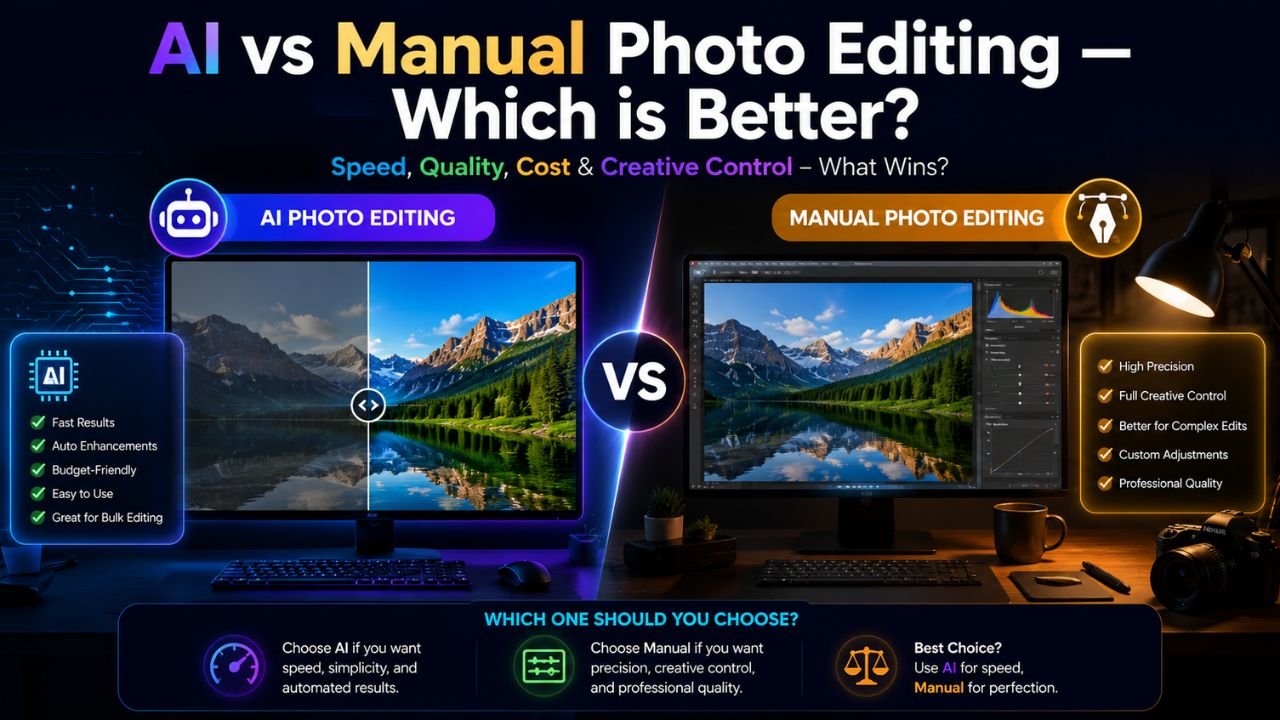
AI vs Manual Photo Editing — Which One Should You Use in 2026?
The honest answer isn't 'AI always wins'. We compared 12 common editing tasks across speed, quality, and control — here's where each approach actually beats the other.
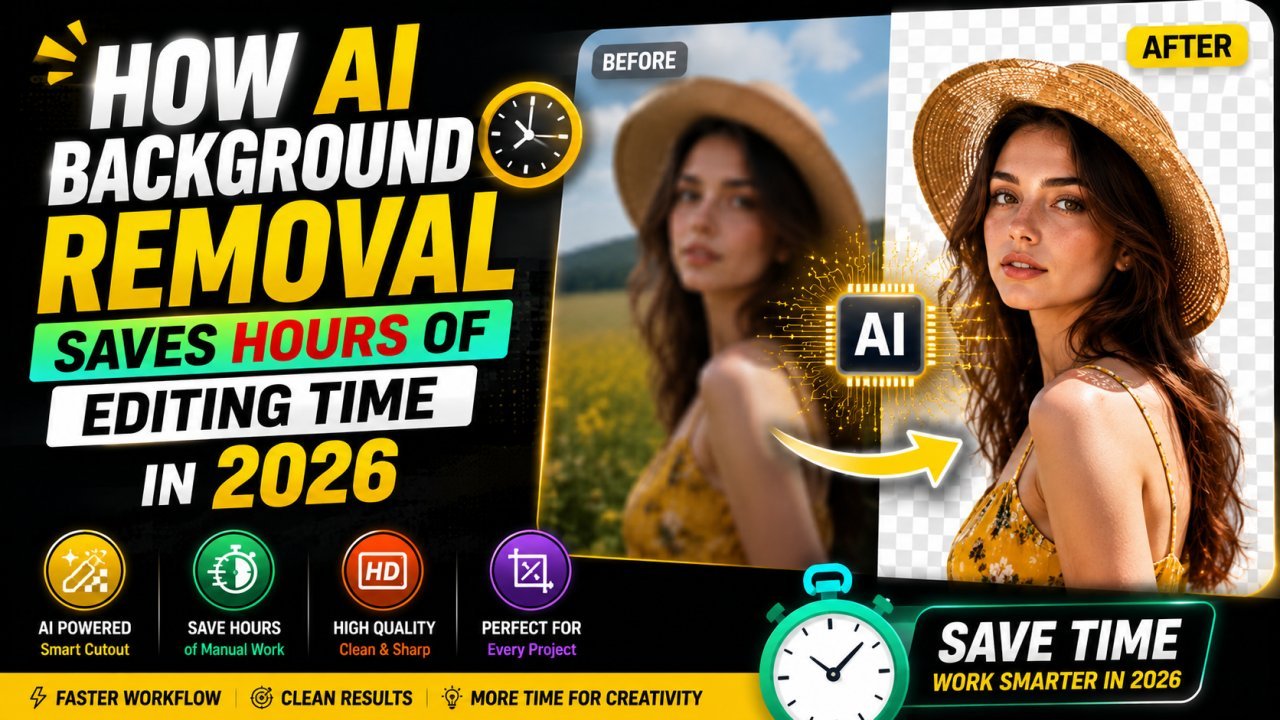
How AI Background Removal Saves Hours of Editing Time in 2026
Discover how AI background removal helps creators, businesses, and photographers save hours of editing time by removing image backgrounds instantly with professional-quality results.