
AI vs Manual Photo Editing — Which One Should You Use in 2026?
The honest answer isn't 'AI always wins'. We compared 12 common editing tasks across speed, quality, and control — here's where each approach actually beats the other.
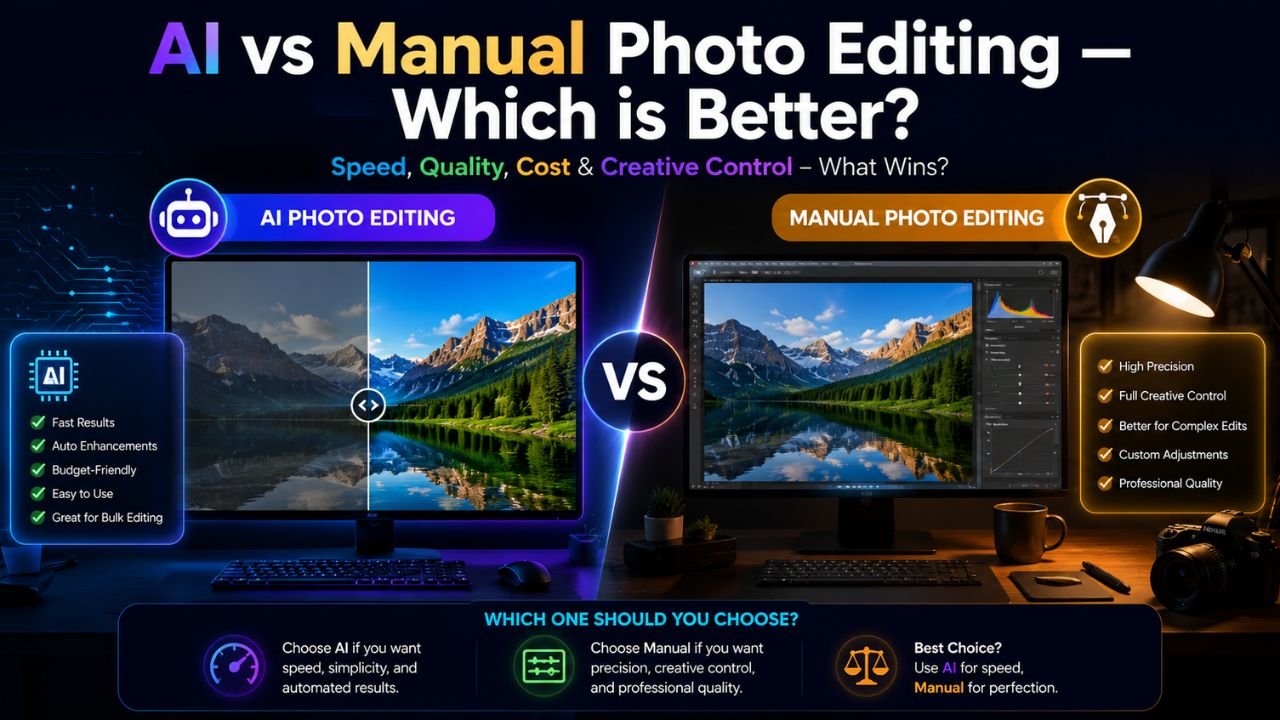
Photo editing in 2026 is split into two camps: AI-first ("press a button, get a result") and manual ("I want every pixel to behave exactly the way I tell it to"). Both have evangelists. Both have valid use cases. Neither is universally better.
Here's where each approach genuinely wins.
AI wins for: speed at scale
If you're processing 100 product photos for an e-commerce site, AI wipes the floor with manual editing. A task like "remove background, colour-correct, resize to 1500 × 1500" that takes a designer 5 minutes per image becomes 5 seconds per image.
Speed-up factor: ~60×
But this only matters if your photos are similar enough that the same AI settings work for all of them. Variance kills throughput.
Manual wins for: artistic intent
AI tools are trained on average data — they produce average results. If your goal is anything other than "looks fine for a quick post," manual editing pulls ahead:
- A photographer's signature look (specific colour grading, contrast curve, vignette)
- Hand-illustrated touches mixed with photo
- Subtle skin retouching that doesn't slip into the "plastic AI face" look
- Composition adjustments — moving subjects within the frame, rebuilding backgrounds
You can't tell an AI tool "make it look more melancholy" and get a usable result. You can do that manually in 30 seconds with the right adjustment layers.
Task-by-task comparison
| Task | AI score | Manual score | When to use which |
|---|---|---|---|
| Crop to aspect ratio | 6/10 | 10/10 | Manual — AI doesn't know your composition intent |
| Resize for web | 9/10 | 10/10 | Either works — free resize tool |
| Background removal | 9/10 | 7/10 | AI for 90% of cases — free BG remover |
| Object removal (small) | 8/10 | 9/10 | AI for small distractions, manual for complex |
| Object removal (large) | 6/10 | 9/10 | Manual — AI fills often look uncanny |
| Skin retouching | 6/10 | 10/10 | Manual — AI over-smooths and removes character |
| Colour correction | 7/10 | 10/10 | AI for batch, manual for hero shots |
| Sharpening | 8/10 | 9/10 | Either — modern AI sharpeners are very good |
| Style transfer | 9/10 | 5/10 | AI dominates — manual is impractical |
| Compression | 5/10 | 10/10 | Manual — AI compression often makes wrong tradeoffs |
| Upscaling | 9/10 | 3/10 | AI dominates — manual interpolation is decades behind |
| Watermarking | 4/10 | 10/10 | Manual — you want precise placement and consistency |
Speed math: the threshold where AI starts to win
For one-off edits, the choice often doesn't matter — both take a couple of minutes. The breakeven point depends on volume.
Rule of thumb:
- 1–5 images: manual wins (setup time for AI batching > total work)
- 5–20 images: mixed — depends on task uniformity
- 20+ images: AI wins decisively
If you're editing a single hero image for your homepage, sit down with a manual tool and do it right. If you're processing 50 product shots, batch through AI and only manually touch up the ones that came out wrong.
Quality math: where AI breaks down
AI tools score badly when:
- The input image is unusual (training data didn't cover it)
- The desired output is unusual (you want a specific creative effect)
- You need pixel-precise control (e.g. a 2-pixel adjustment to a logo)
- The task has ambiguous instructions (AI guesses; manual lets you specify)
Manual tools score badly when:
- The task is repetitive
- The starting point is "I have no idea what I want"
- Speed matters more than nuance
- You're a beginner and don't know which adjustments to make
The hybrid workflow most pros actually use in 2026
The smart workflow isn't "AI vs manual" — it's both:
- AI does the heavy lifting — background removal, initial colour correction, sharpening, basic crop suggestion
- You do the refinement — composition, creative tweaks, edge clean-up, signature look
This combines AI's speed on rote tasks with manual control where it matters. Time savings: 60-70% over pure manual, quality on par with pure manual.
Free tools to try this workflow
Pure manual editing typically means a paid suite. But for the AI half of a hybrid workflow, there are excellent free options:
- Background removal: our free tool — browser-side, no upload
- Resize + compress: free resize + free compressor
- Batch processing: free bulk compressor
- Format conversion: free converters
Run these first, then take the AI output into a manual tool (or a phone editor) for the final 10% of work. Best of both worlds.
Bottom line
Don't pick a side. Pick the right tool for each task. AI for high-volume, well-defined tasks where average is good enough. Manual for hero work where every pixel matters. For most modern workflows in 2026, the answer is "both, in the right order."
Ready to optimize your images?
Every tool mentioned in this article is free to use. No upload, no signup, no watermarks on small files.
Try our free toolsRelated articles
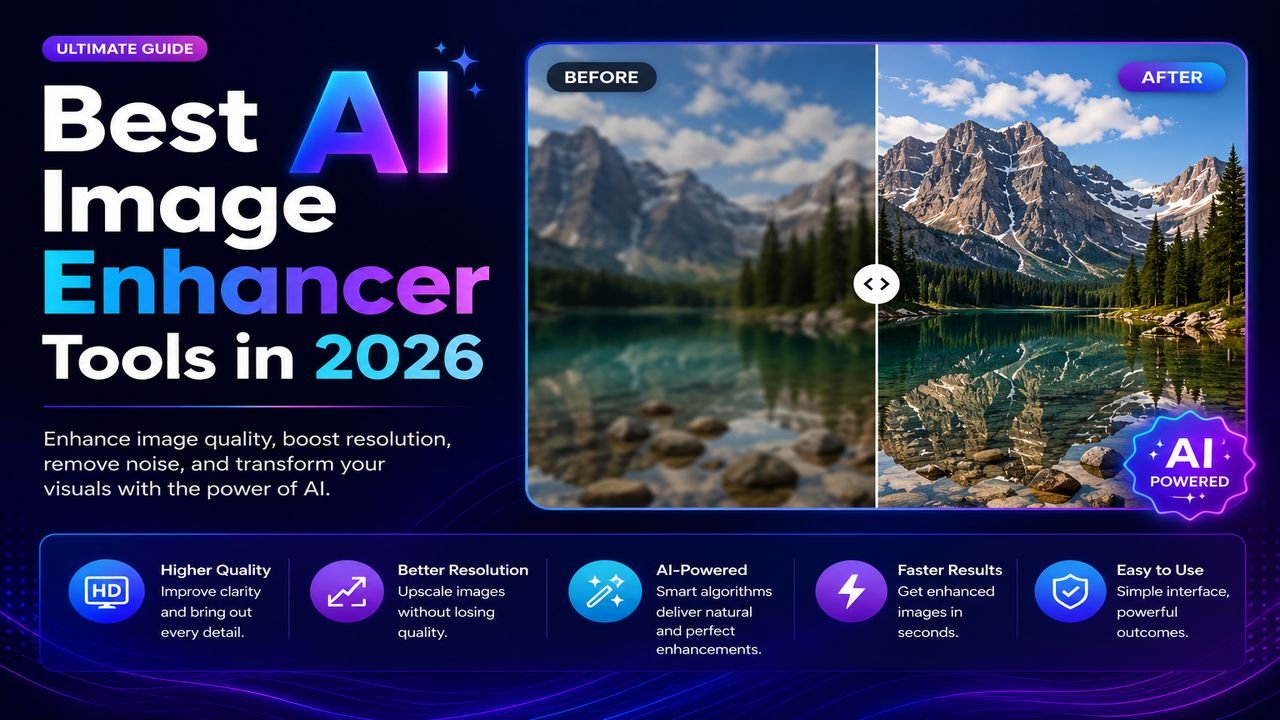
Best AI Image Enhancer Tools in 2026 (Free + Paid Compared)
Eight AI image enhancers tested on the same blurry, low-res, and noisy photos. Some made the cut. Most didn't. Here's what actually works in 2026.
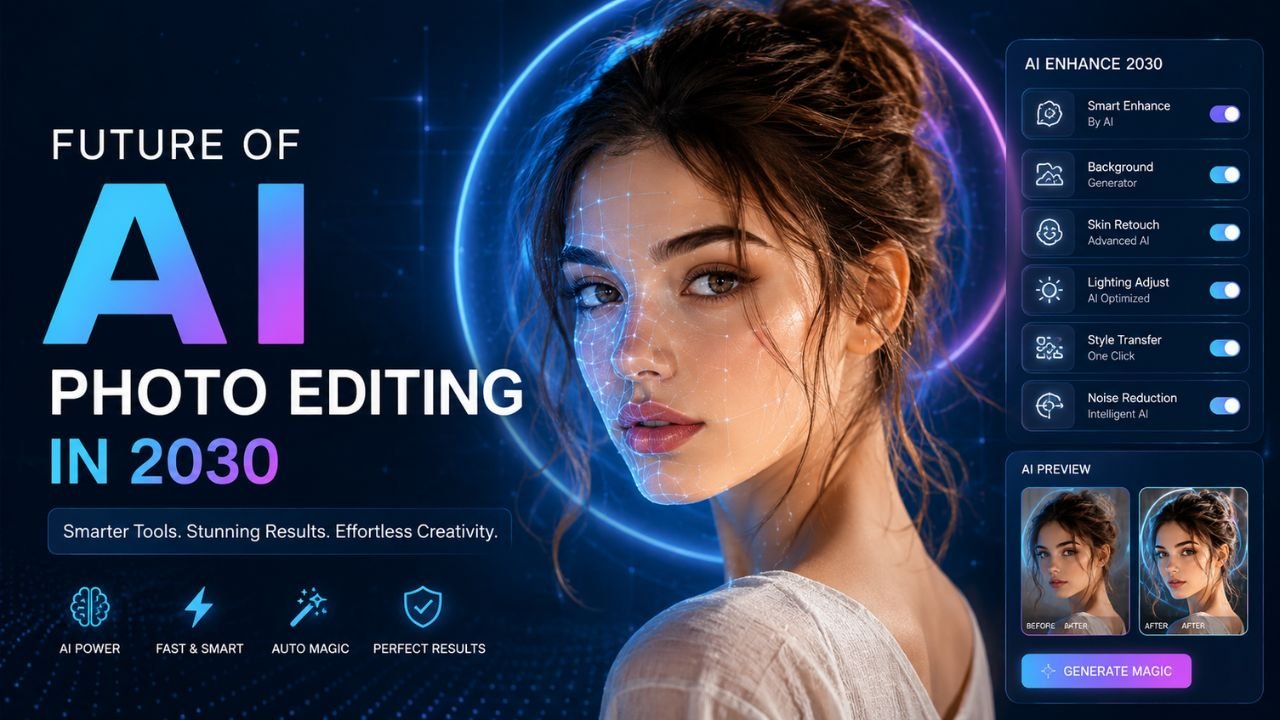
The Future of AI Photo Editing: What 2030 Will Look Like
Four years from now, the photo editing landscape will look unrecognisable. Here are the seven shifts already underway in research labs that you'll see in your phone by 2030.

Best AI Tools for Product Photo Editing (E-commerce Edition)
Selling online? Product photos make or break conversion. Here are the AI tools that turn amateur shots into Amazon-quality listings — most for free.