
Design & Workflow guides
Colour, fonts, watermarks, licensed stock images and simple habits that make everyday image work faster and better looking.
Related tools: Watermark · Color Palette · Bulk Compressor
Good image work is not only about tools. Colour choices, readable fonts, a sensible watermark, licensed stock photos and a repeatable routine for preparing files make a bigger difference than any single filter. This section collects practical advice for students, sellers, creators and designers who handle images every day.
You will find guides on colour combinations and fonts that stay readable on small screens, how to watermark your own work without ruining it, where to find images you are allowed to use, and how to speed up batches with bulk compression and resizing. The aim is fewer re-dos and files that look consistent wherever you post them.
Several guides here are aimed at people who prepare images in batches — sellers listing products, students compiling assignments, designers delivering files to clients. They show where a few minutes of setup, such as a fixed export size or a saved colour palette, saves time on every image after that.

How to Make Thrift Clothing Photos Look Professional
A phone-only workflow for second-hand clothing sellers: prepare, light and shoot each piece, show flaws honestly, then crop, clean up and size the photos for listing.

How to Make Your GTA 6 Screenshots Clearer and Sharper
Capture cleaner GTA 6 screenshots of your own, then upscale, sharpen and resize them for wallpapers, thumbnails and posts without stretching or over-processing.
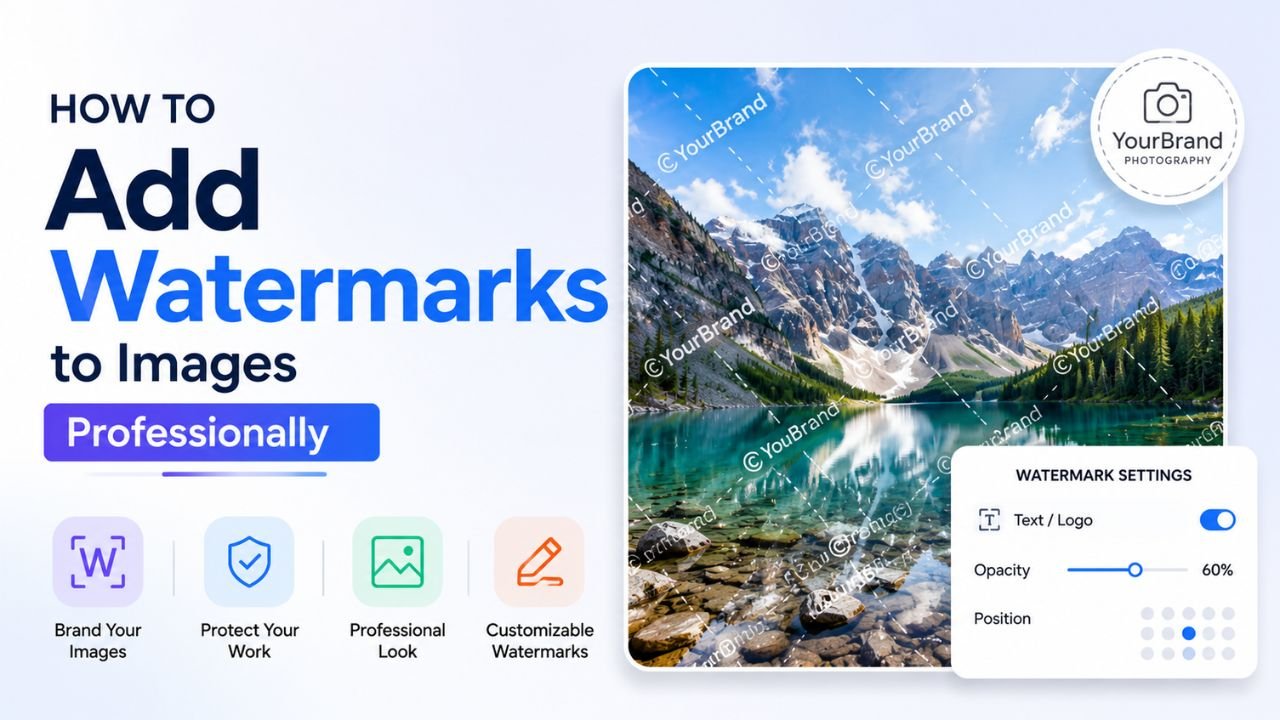
How to Add a Watermark to Your Photos Without Ruining Them
Placement, size, opacity and contrast rules for a watermark that marks your own photos clearly without distracting from them.
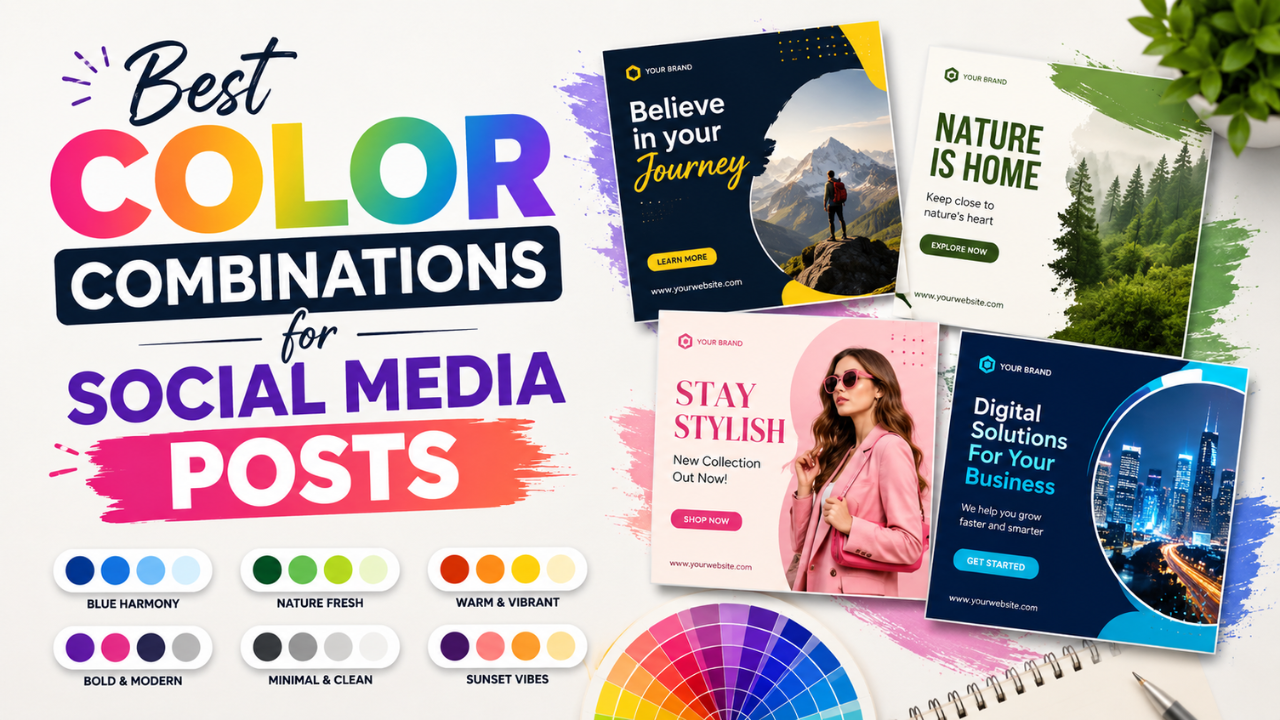
Best Color Combinations for Social Media Posts
Seven two- and three-colour combinations that work for social posts, with hex codes, contrast tips and a simple way to build a palette from your own photos.

Best Fonts for Thumbnails and Posters (and Ones to Avoid)
Free display fonts that stay readable on YouTube thumbnails and posters, reliable pairings, fonts to avoid, and text-on-image tips.

Best Free Online Image Tools for Students
Free browser tools for the image jobs students run into most: shrinking files for portals, resizing for slides, cutting out backgrounds and combining photos into one PDF.
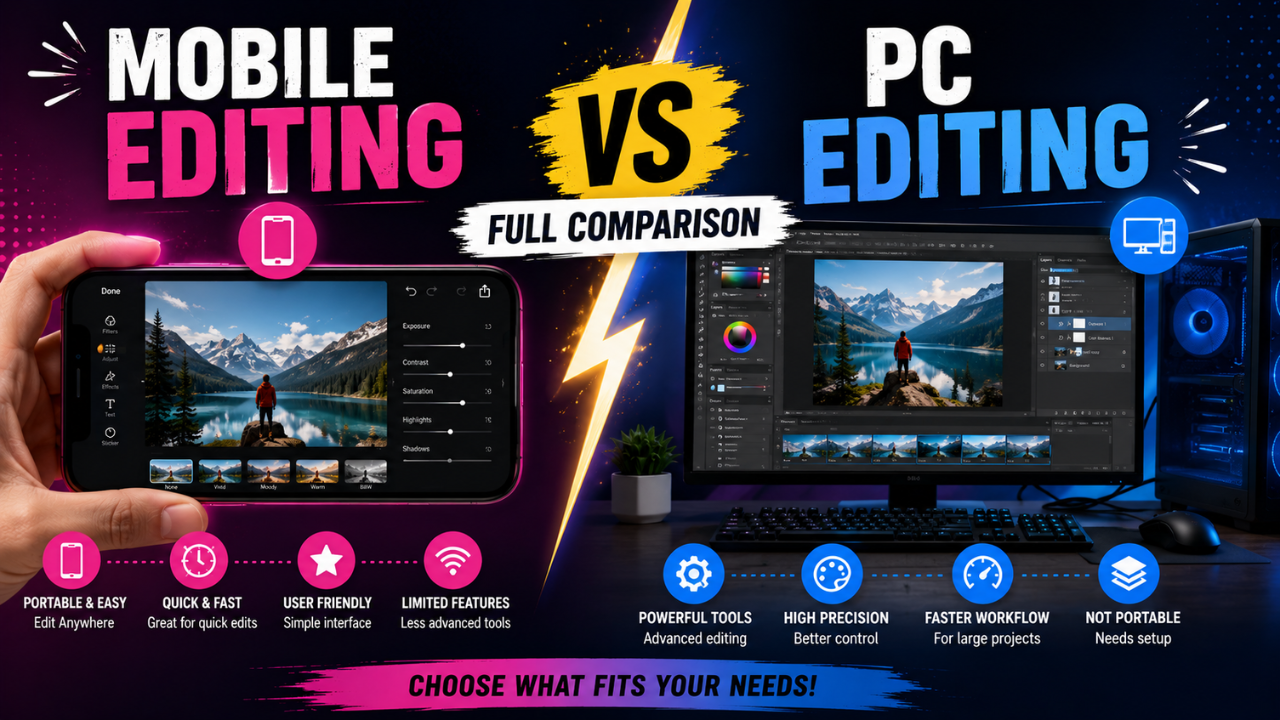
Mobile vs PC Photo Editing: Which Should You Use?
Phones are faster for quick fixes and one-off posts; a computer wins for precision, batches and long sessions. Here is how to split the work.
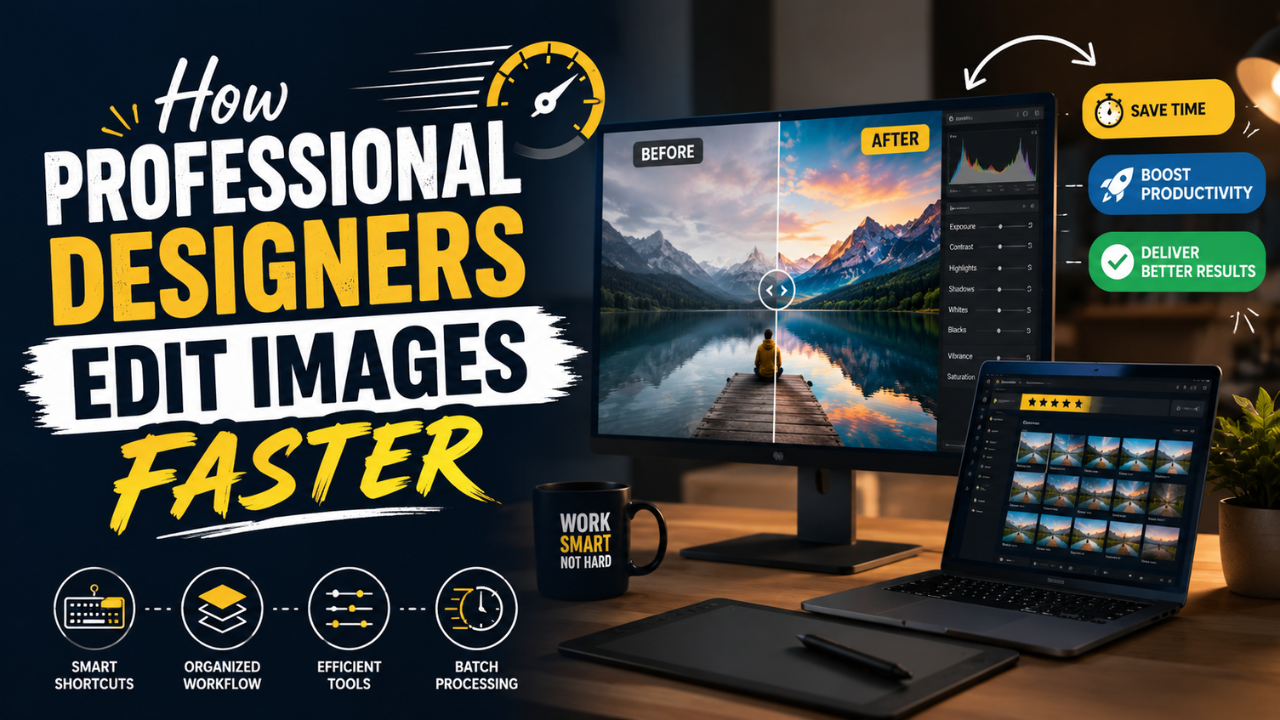
How Professional Designers Edit Images Faster
The habits that let designers get through large batches of images: templates, shortcuts, organised files, batch processing, export presets and working in passes.

10 Websites for Free Stock Images and How Their Licences Work
Ten sources of free stock photos, what their licences generally allow, and how to check each image before using it on a blog, business page or product.
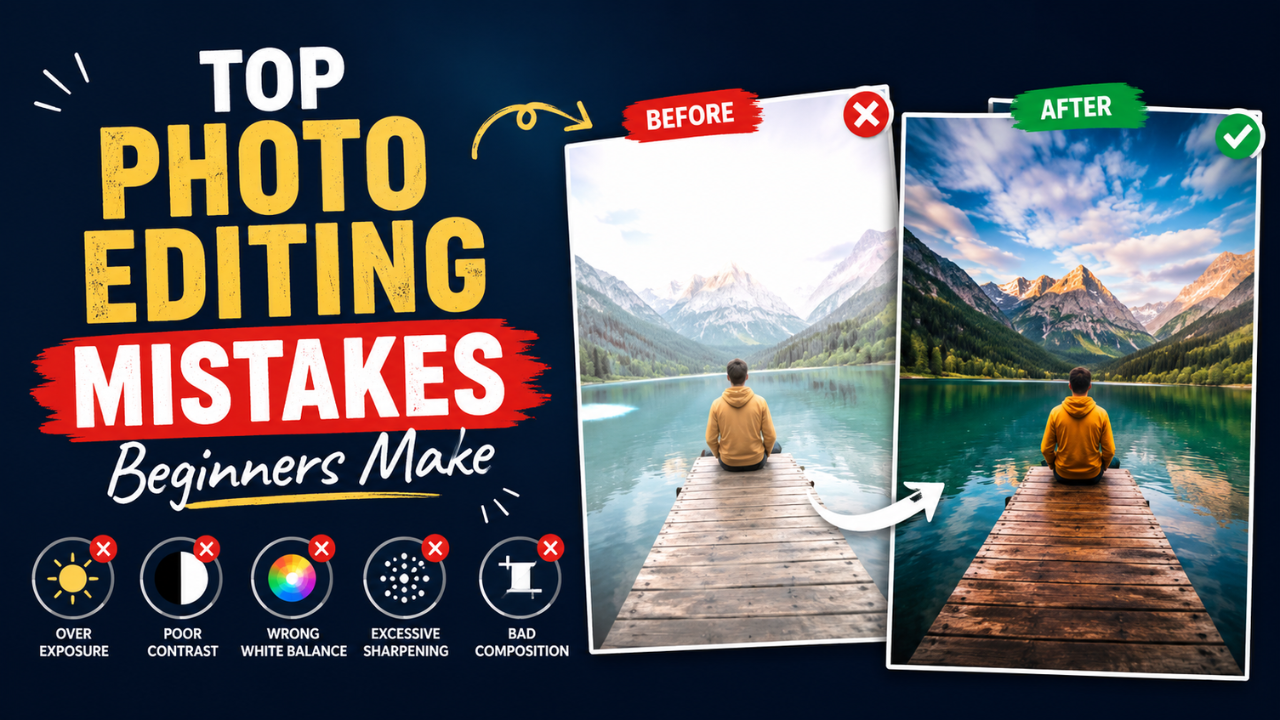
Common Photo Editing Mistakes Beginners Make (and How to Fix Them)
Over-sharpening, neon saturation, crooked horizons, stretched images and over-compressed JPGs. The mistakes beginners make most, and the simple fix for each.