
Best Free AI Image Editors in 2026: Which Tool for Which Job
A practical guide to free AI image editors grouped by job: background removal, upscaling, object removal, design, generation and everyday image prep.
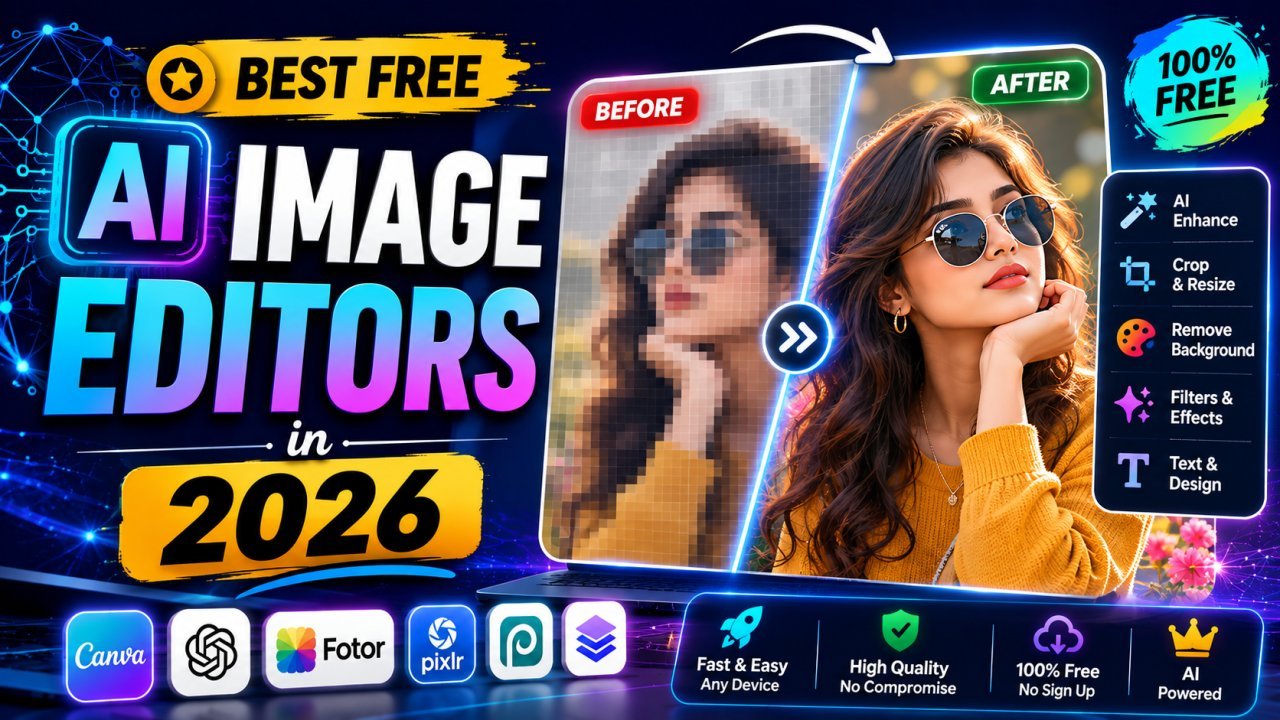
The best free AI image editor depends on the job. A background remover, an upscaler, a design platform and an image generator are different kinds of tools, and most people end up using two or three of them together. This guide groups the well-known free options by task, explains what free plans usually hold back, and shows where AI helps and where a basic edit works better.
What an AI Image Editor Actually Does
"AI image editor" covers several different techniques. Knowing which one you need saves you from trying the wrong tool:
- Segmentation finds the subject and separates it from the background. This powers one-click background removal and background swaps.
- Inpainting fills a selected area with plausible pixels. This is how object and blemish removal works.
- Super-resolution enlarges an image and predicts fine detail that a normal resize cannot add.
- Denoising and deblurring separate real detail from grain or softness.
- Generation creates a new image from a text prompt, or adds generated content to an existing photo.
A single app may offer several of these, but quality varies a lot between features inside the same app. A tool that is excellent at cutouts can be average at upscaling.
What "Free" Usually Means
Almost every AI editor has a free tier, but the limits differ and change often. Before you commit to one, check its current plan page for these common restrictions:
- Credits or daily limits, especially for generation and upscaling, which cost the provider real compute.
- Lower export resolution on the free plan, with full resolution behind a subscription.
- Watermarks on some free exports.
- Account sign-up before you can download.
- Commercial-use terms that differ between free and paid plans, particularly for generated images.
- Server-side processing, which means your photo is uploaded to the company's servers.
None of these are deal-breakers for casual use, but they matter for client work, product listings and anything containing personal information.
Free AI Editors Grouped by Task
The tools below are widely used and have offered free access for years. Feature sets and limits shift, so treat this as a map of categories rather than a feature guarantee.
Background Removal
Dedicated cutout tools usually beat the "remove background" button inside general editors because they are built around one model and one job. Image EditPro's background remover runs in the browser and exports a transparent PNG. Photoroom, Canva, Adobe Express, Pixlr and Picsart all include background removal too, some on free plans and some behind a subscription.
Results depend heavily on the photo: a clear subject on a contrasting background cuts out cleanly, while fine hair, glass and busy backgrounds need checking. If you want to understand why, read how AI background removers work.
Enhancing and Upscaling
For enlarging small images or cleaning up soft photos, look for a dedicated upscaler. Image EditPro has an AI image upscaler with 2x, 3x and 4x options in the browser. Remini is popular for old portraits but can give faces a smoothed, "AI" look. Open-source Real-ESRGAN models (used in desktop apps like Upscayl) are free but need installation. Paid desktop software such as Topaz Photo AI sits at the professional end.
Our guide on how to make a low-quality image HD covers the settings and realistic expectations.
Removing Objects and Distractions
Inpainting tools let you brush over a bin, a power line or a stranger in the background of your own photo. Clipdrop's cleanup tool, Adobe Express, Pixlr, Picsart and Image EditPro's object remover all work this way. Small objects on simple backgrounds give the best results; large objects over detailed patterns often leave smudges you have to touch up.
Design and Social Graphics
If your goal is a finished post, poster or presentation rather than a corrected photo, a design platform makes more sense. Canva, Adobe Express and Microsoft Designer combine templates, text, layout and AI features in one place. They are strong for layout and branding but are not specialised photo-correction tools, and several of their AI features need a paid plan. For stylised effects such as cartoon portraits, see how to turn a photo into a cartoon.
Generating New Images
Text-to-image generators create images rather than edit them. Well-known options with free access include Adobe Firefly, Microsoft Designer (Image Creator) and Leonardo AI. Firefly is often chosen for commercial work because Adobe states it was trained on licensed and public-domain content, but always read the current terms yourself. Generated images still struggle with hands, readable text and keeping the same character consistent across several images. See how to make AI-generated photos look realistic for fixes.
Image EditPro does not have an image generator, so pair a generator with separate editing tools if you need both.
Product Photos
Photoroom is built around product listings: cutouts, plain backgrounds and templates for marketplaces. Image EditPro's product photo enhancer and e-commerce photo optimizer handle enhancement and marketplace-style square presets in the browser. Our guide to the best AI tools for product photo editing goes deeper on this category.
Everyday Prep: Resize, Compress, Convert
Most images need resizing, compressing or a format change before they go anywhere. This is not glamorous AI work, but it is where most time is spent. Image EditPro's browser tools cover resizing, compression, cropping and format conversion (including HEIC and AVIF) without uploading files. Google's open-source Squoosh is another browser-based compressor.
Quick Comparison by Category
| Tool | Type | Good for | Check before relying on it |
|---|---|---|---|
| Image EditPro | Browser toolkit | Cutouts, upscaling, object removal, resize, compress, convert | No generator or layered design editor |
| Canva | Design platform | Social posts, presentations, templates | Many AI features are on paid plans |
| Adobe Express | Design platform | Quick branded graphics, generative fill | Account required; credit limits |
| Adobe Firefly | Generator | Text-to-image, generative fill | Credit limits; read licence terms |
| Microsoft Designer | Design and generator | Quick graphics, image generation | Microsoft account required |
| Photoroom | Product photo app | Marketplace cutouts and backgrounds | Free exports may be limited |
| Pixlr | Browser photo editor | Layer-based editing plus AI tools | Ads and limits on free tier |
| Picsart | Mobile and web editor | Creative effects, social content | Many features on paid plan |
| Clipdrop | AI utilities | Cleanup, relighting, upscaling | Free usage limits |
| Remini | Enhancer app | Old portraits and face detail | Faces can look over-processed |
Where Image EditPro Fits
Image EditPro is a set of single-purpose tools rather than one big editor. Each tool runs in your browser, so files stay on your device, and there is no account step. That makes it a good fit for quick fixes on personal photos, ID photos and product shots.
It is not a replacement for a design platform or a generator. If you need text layouts, templates or brand kits, use Canva, Adobe Express or Microsoft Designer, then bring the exported image back for compression or resizing.
When You Do Not Need AI at All
Many "my photo looks bad" problems are not AI problems:
- Fuzzy on a website? The image may be displayed far larger than its pixel size, or saved at very low JPEG quality. Export at the right size and a sensible quality (around 80 to 85 for JPG) before reaching for an enhancer.
- Blocky edges? Heavy JPEG compression creates artefacts that no enhancer fully reverses. Go back to the original file if you have it.
- Wrong shape for the platform? A crop or resize fixes it. AI is not needed.
- Screenshot looks soft? Retake it at a higher resolution instead of trying to repair it.
The web.dev guide to images explains sizing and formats if you want the background. Our comparison of AI and manual photo editing goes deeper on when each approach wins.
Limits Every AI Editor Shares
Even the best tools have the same weak spots:
- Very small inputs (a few hundred pixels wide) do not contain enough information. An upscaler will invent detail, and it may not be right.
- Text and logos often come back warped after upscaling or generation. Recreate them as real text instead.
- Fine edges such as hair, fur, smoke and glass are the hardest part of any cutout.
- Faces can be "corrected" into a slightly different-looking person by aggressive enhancers. Use lower strength settings on portraits.
A Simple Free Workflow
For most creators, this chain covers nearly every job without paying:
- Start with the best source you have: the original photo, not a forwarded or screenshotted copy.
- Fix the content: remove the background, remove a distraction, or upscale if the image is genuinely too small.
- Crop and resize to the exact dimensions the platform wants.
- Compress and convert (WebP for websites, JPG for most uploads, PNG when you need transparency).
- Check the result at 100% zoom before publishing.
Privacy and Licensing
Two questions are worth asking about any AI editor. First, where is the image processed? Many services upload your photo to their servers, which may be fine for a holiday picture but not for an ID card or a client's unreleased product. Second, who can use the output? Edits to your own photos are generally yours, but generated images come with each service's terms, and those terms can differ between free and paid plans. Never use these tools to strip watermarks or logos from images that belong to someone else.
Frequently Asked Questions
What is the best free AI image editor?
There is no single best one. Pick by task: a dedicated background remover or upscaler for single fixes, a design platform such as Canva or Adobe Express for social graphics, a generator such as Adobe Firefly or Microsoft Designer for new images, and a browser toolkit for resizing, compressing and converting.
Are free AI image editors really free?
Usually with limits. Common restrictions on free plans are daily credits, lower export resolution, watermarks, account sign-up, and terms that restrict commercial use. Check the current plan page before relying on a tool for client work.
Can AI fix any blurry or low-resolution photo?
No. AI enhancers handle mild blur, noise and moderate upscaling well, but they guess at missing detail. Very small images, small text and logos often come back distorted. A better source file always beats enhancement.
Is it safe to upload private photos to an AI editor?
It depends on the tool. Many AI editors process images on their servers, so read the privacy policy before uploading documents, ID photos or client images. Tools that run in the browser keep the file on your device.
Can I use AI-edited or AI-generated images commercially?
Edits to your own photos are generally yours to use. For generated images, commercial rights depend on each service's terms and sometimes on your plan, so read the licence before using outputs in paid work.
Choosing Your Toolkit
Start with the task, not the brand. Use a dedicated tool for each fix, a design platform when you need layout and text, and a generator only when you need an image that does not exist yet. Keep originals, check results at full size, and read the terms before anything goes into paid work.
Related articles
How to Blur a Photo Background Like a DSLR Online
Fake the shallow depth of field of a DSLR portrait: cut out the subject with AI, blur a copy of the photo, and layer the two for a believable result.
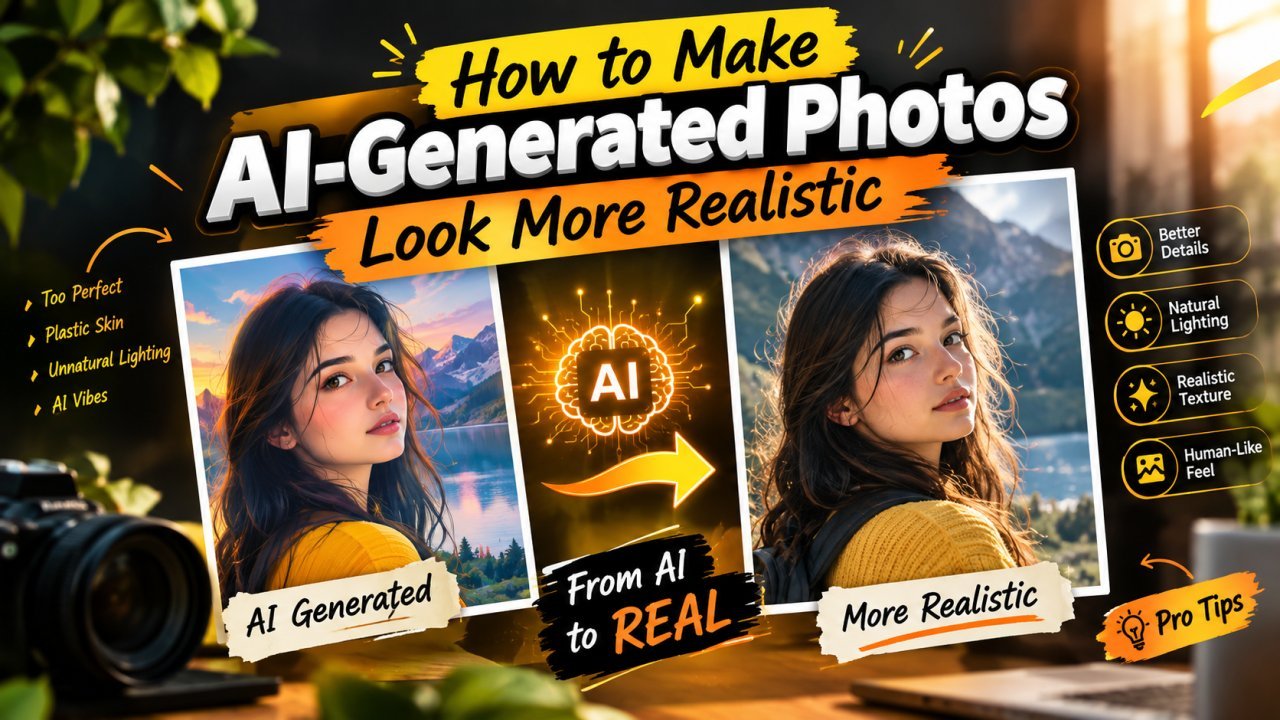
How to Make AI-Generated Photos Look More Realistic
Plastic skin, glossy eyes, odd hands and mismatched light give AI images away. How to prompt for realism, then fix what remains with careful, light editing.
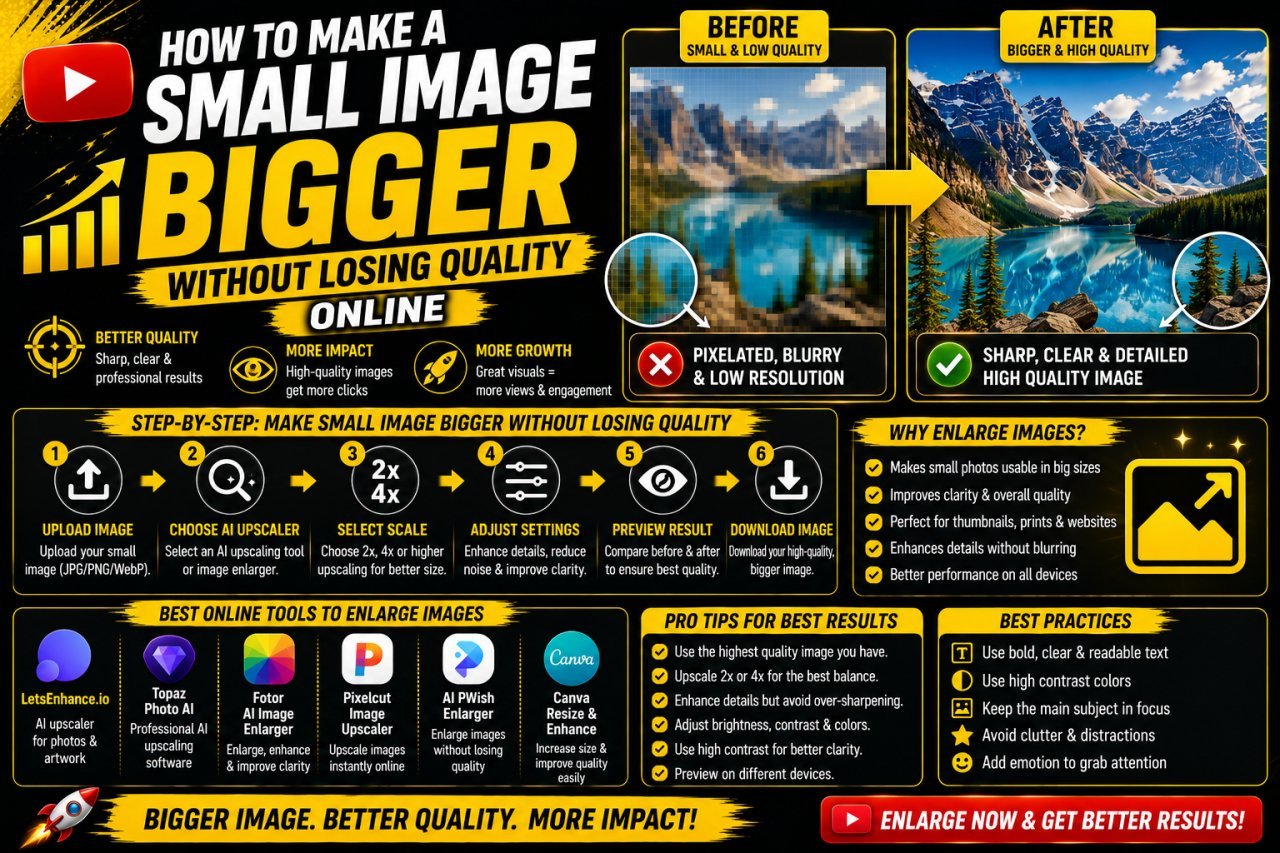
How to Make a Small Image Bigger Without Losing Quality
What enlarging a small image can and cannot do, how normal resizing differs from AI upscaling, and a step-by-step way to get a bigger picture that still looks clean.