
PNG vs JPG vs WebP vs AVIF: Which Image Format Should You Use?
JPG for photos you share anywhere, PNG for graphics and transparency, WebP for most website images, AVIF when you can serve it with a fallback. Here is how to decide.
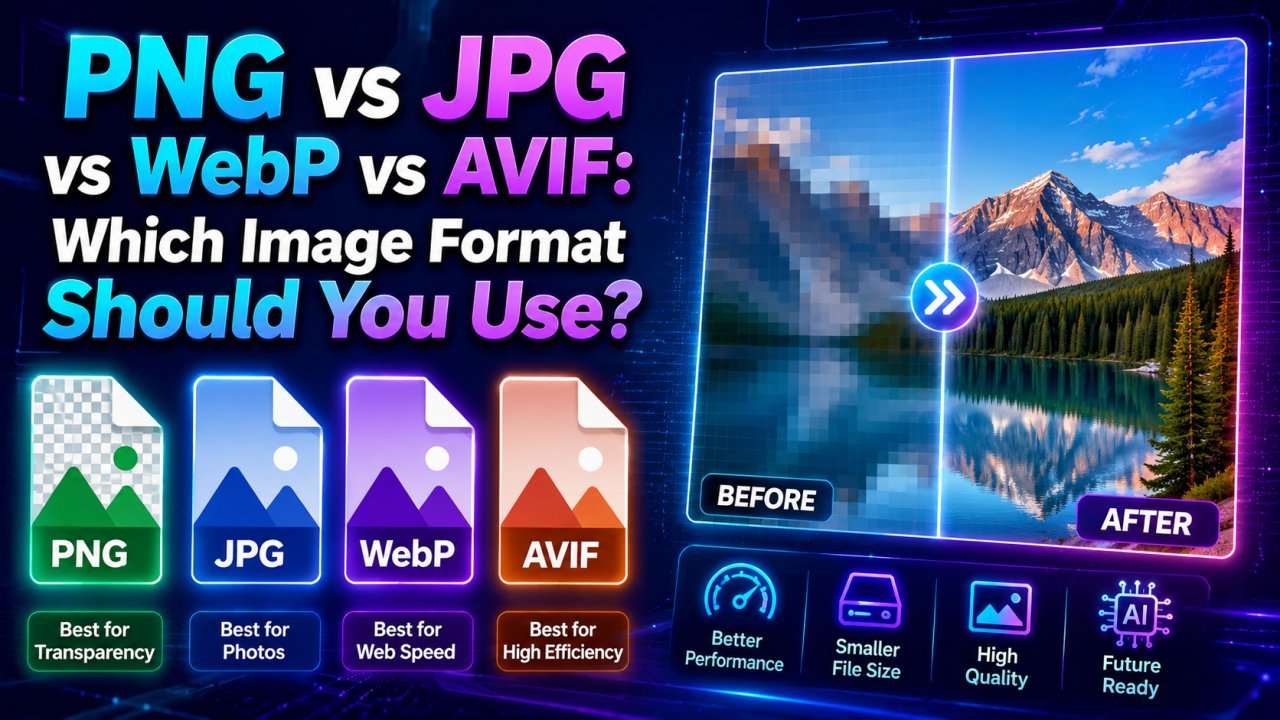
Use JPG for photos you need to share or upload anywhere, PNG for logos, screenshots and anything with transparency, WebP as the default for website images, and AVIF when your site can serve it with a WebP or JPG fallback. That covers almost every case. The rest of this article explains why, and shows a quick decision tree for the cases in between.
The Four Formats at a Glance
| JPG | PNG | WebP | AVIF | |
|---|---|---|---|---|
| Compression | Lossy | Lossless | Lossy and lossless | Lossy and lossless |
| Transparency | No | Yes | Yes | Yes |
| Animation | No | Yes (APNG) | Yes | Yes |
| Typical photo size | Small | Very large | Smaller than JPG | Often smallest |
| Support in current browsers | Universal | Universal | All major browsers | All major browsers |
| Support in other software | Universal | Universal | Good, some gaps | Patchy |
| Best for | Photos, sharing | Graphics, screenshots | Website images | Performance-focused sites |
Mozilla keeps a detailed technical reference for each of these in its image file type guide.
JPG (JPEG)
JPG has been the standard photo format since the early 1990s. It uses lossy compression, discarding detail the eye is unlikely to notice, which makes photographs small.
Strengths: opens everywhere (browsers, phones, email clients, printers, government upload portals), small files for photos, fast to encode.
Weaknesses: no transparency; creates halos around sharp edges and text; loses a little more quality every time it is re-saved.
Use it for: photos you will email, print, upload to forms or post on social media; any situation where you don't control the software on the other end.
PNG
PNG is lossless: every pixel is stored exactly. It supports full alpha transparency, including soft, semi-transparent edges.
Strengths: crisp edges and text, exact colours, transparency, no generation loss when re-saved.
Weaknesses: very large for photographs, because lossless compression cannot exploit the fine variation in a photo the way JPG can.
Use it for: logos and icons (SVG is even better for vector logos), screenshots, diagrams, UI graphics and cut-out images on transparent backgrounds. If you need to make one, see how to create transparent PNG images.
WebP
WebP was developed by Google for the web. It has a lossy mode for photos and a lossless mode for graphics, and both modes support transparency and animation. According to Google's WebP documentation, lossy WebP files are about 25–34% smaller than comparable JPGs and lossless WebP is about 26% smaller than PNG.
Strengths: one format covers photos and graphics, transparency in lossy mode (JPG and PNG cannot combine those), supported by all current major browsers (caniuse WebP).
Weaknesses: some older desktop software, print services and upload forms still reject it. The maximum size is 16,383 × 16,383 pixels, which rarely matters on the web.
Use it for: blog images, product photos, banners and most other images on your own website. Our article on why WebP images make websites faster covers the details.
AVIF
AVIF is based on the AV1 video codec and is the newest of the four. It supports lossy and lossless compression, transparency, animation, and higher bit depths for HDR and wide-colour images.
Strengths: often the smallest file at a given visual quality, especially for photos; good at smooth gradients without banding.
Weaknesses: much slower to encode than JPG or WebP; fewer editors and upload systems accept it; older browser versions lack support (caniuse AVIF).
Use it for: high-traffic sites where every kilobyte matters, served with a fallback. If someone sends you an AVIF file you cannot open, convert it with AVIF to JPG or AVIF to PNG.
A Quick Decision Tree
Answer three questions:
1. Does the image need transparent areas? Yes: use PNG, or WebP for the web. Never JPG.
2. Is it a photograph (continuous tones, gradients, texture)? No, it's a logo, screenshot, diagram or text graphic: use PNG (or lossless WebP on a website).
3. Is it going on a website you control? Yes: WebP, optionally with AVIF first. No (email, print, form upload, sharing): JPG.
Needs transparency?
├── Yes → web: WebP (PNG fallback)   elsewhere: PNG
└── No
    ├── Photo?
    │   ├── web: WebP (AVIF first if you can)
    │   └── elsewhere: JPG
    └── Graphic / screenshot / text → PNG
Head-to-Head Comparisons
PNG vs JPG
This is the most common choice, and the content decides it. Photos go in JPG: a photo saved as PNG is typically several times larger with no visible gain. Graphics with sharp edges, flat colour or text go in PNG: JPG blurs the edges and adds speckled noise around letters. If an image mixes both, such as a photo with a text overlay, use high-quality JPG or WebP for the web, or PNG if the text must be perfectly crisp.
WebP vs JPG
For website photos, WebP usually wins on size at similar quality and adds transparency. JPG wins on compatibility outside the browser. A sensible habit: keep a high-quality JPG master, publish WebP on your site, and send JPG to people and platforms.
WebP vs PNG
For website graphics, lossless WebP is usually smaller than PNG with identical pixels, and lossy WebP with transparency can be far smaller than PNG for cut-out product photos. Keep PNG for files you will edit later or send to software that may not read WebP.
AVIF vs WebP
AVIF often produces smaller photos than WebP, but encoding is slow and tooling is thinner. Many sites serve both: AVIF to browsers that accept it, WebP to the rest, with a JPG fallback.
<picture>
  <source srcset="photo.avif" type="image/avif">
  <source srcset="photo.webp" type="image/webp">
  <img src="photo.jpg" alt="Describe the photo" width="1200" height="800">
</picture>
The browser picks the first format it supports.
Where HEIC, GIF and SVG Fit
- HEIC is the default photo format on iPhones. It is efficient for storage on the phone but poorly supported on the web and in many forms. Convert to JPG before sharing; see how to convert HEIC to JPG.
- GIF is limited to 256 colours. For animation on the web, animated WebP or a short video is usually far smaller.
- SVG is a vector format: shapes, not pixels. For logos and icons it stays sharp at any size and is often tiny. It is not suitable for photos.
Best Format by Use Case
| Use case | Recommended format |
|---|---|
| Phone photo to email, print or upload to a form | JPG |
| Blog or article photo on your site | WebP (AVIF + fallback if available) |
| E-commerce product photo on your own store | WebP; check marketplace rules, which often require JPG |
| Product cut-out on a transparent background | PNG master, WebP on the site |
| Logo | SVG, or PNG if SVG isn't accepted |
| Screenshot or tutorial image | PNG or lossless WebP |
| Social media post | JPG for photos, PNG for text-heavy graphics |
| Archive or master copy | Original camera file, or PNG for edited graphics |
Converting Between Formats
If you have an image in the wrong format, the converters on the site run in your browser:
- Photo saved as PNG and too big: PNG to JPG
- Website images: JPG to WebP or PNG to WebP
- A WebP file an app won't open: WebP to JPG or WebP to PNG
Converting a JPG to PNG will not restore detail the JPG already lost; it only gives you a lossless container for further edits. Format is also only one part of optimisation; resizing to the displayed dimensions and choosing a sensible quality setting usually matter just as much. The guide to compressing images without losing quality covers those steps.
Frequently Asked Questions
Which image format is best for websites?
For most website photos, WebP is the practical default: it is supported by all current major browsers and is usually smaller than JPG at similar quality. Use PNG or lossless WebP for graphics, and add AVIF with a fallback if your platform can generate it.
Is PNG better quality than JPG?
PNG is lossless, so it never adds compression artifacts, but that does not make it better for photos. A photo saved as PNG is usually several times larger than a good JPG with no visible benefit. PNG is better for logos, screenshots and transparency.
Should I use AVIF instead of WebP?
AVIF often produces smaller files than WebP, especially for photos, but it is slower to encode and fewer tools can create it. A common approach is to serve AVIF first, WebP second and JPG as the final fallback using the picture element.
Which formats support transparent backgrounds?
PNG, WebP and AVIF all support transparency. JPG does not; transparent areas become a solid colour, usually white or black, when you save as JPG.
What format should I use for social media and email?
JPG for photos and PNG for graphics with text. Platforms re-compress uploads anyway, and these two formats open in every app, email client and device.
Related articles
Why WebP Images Make Websites Faster
WebP stores the same picture in fewer bytes than JPG or PNG, so pages download less and render sooner. How it works, when not to use it, and how to switch your site.
JPEG XL Is Back in Chrome: Should You Use It Yet?
Chrome 155 can finally display JPEG XL images. What the format does better than JPG, WebP and AVIF, which browsers and apps support it today, and when it makes sense to start using it.
How to Convert HEIC to JPG on Windows, Mac, iPhone and Android
iPhone photos are saved as HEIC, which many PCs, websites and forms reject. Every free way to turn them into JPG, plus how to stop your iPhone creating HEIC files.