
Resize & Crop guides
Changing pixel dimensions, resolution, DPI and aspect ratio, and cropping photos to the exact size you need without stretching or blur.
Related tools: Image Resizer · Image Cropper · Image Rotation · Image Flip
Resizing changes how many pixels an image has; cropping changes what part of the picture you keep. Mixing the two up is the most common reason photos come out stretched, blurry or cut off. The guides here explain pixels, DPI and aspect ratio in plain terms, then show how to get an image to an exact size without distorting it.
If a form or platform gives you a size in centimetres or inches, read the resolution guides first. If your photo is the wrong shape — a portrait photo for a landscape slot, or a rectangle for a square profile picture — the aspect-ratio and square-image guides show how to fit it without cutting anything important out.
A practical order that avoids most problems: crop to the shape you need first, then resize to the exact pixel size, and only then compress. Doing it the other way round stretches faces or throws away detail you later need. When you are unsure of a size, the guides explain how to work it out from centimetres and DPI instead of guessing.
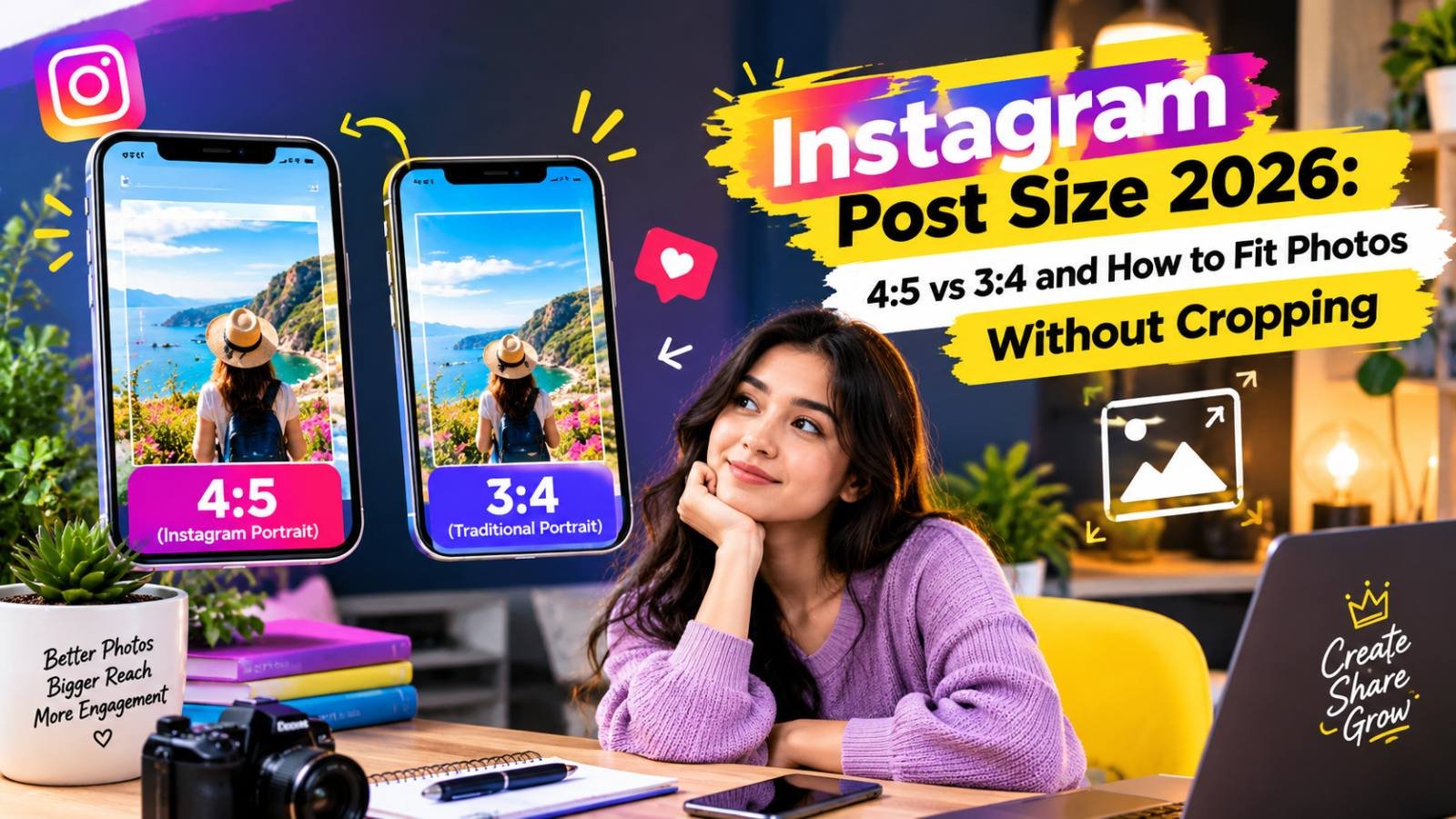
Instagram Post Size 2026: 4:5 vs 3:4 and How to Fit Photos Without Cropping
Instagram feeds show 4:5 portraits while the profile grid shows 3:4 tiles, so the same photo is cropped two ways. The exact sizes to use for posts, carousels, Stories and Reels, and how to keep faces and text out of the cut zone.
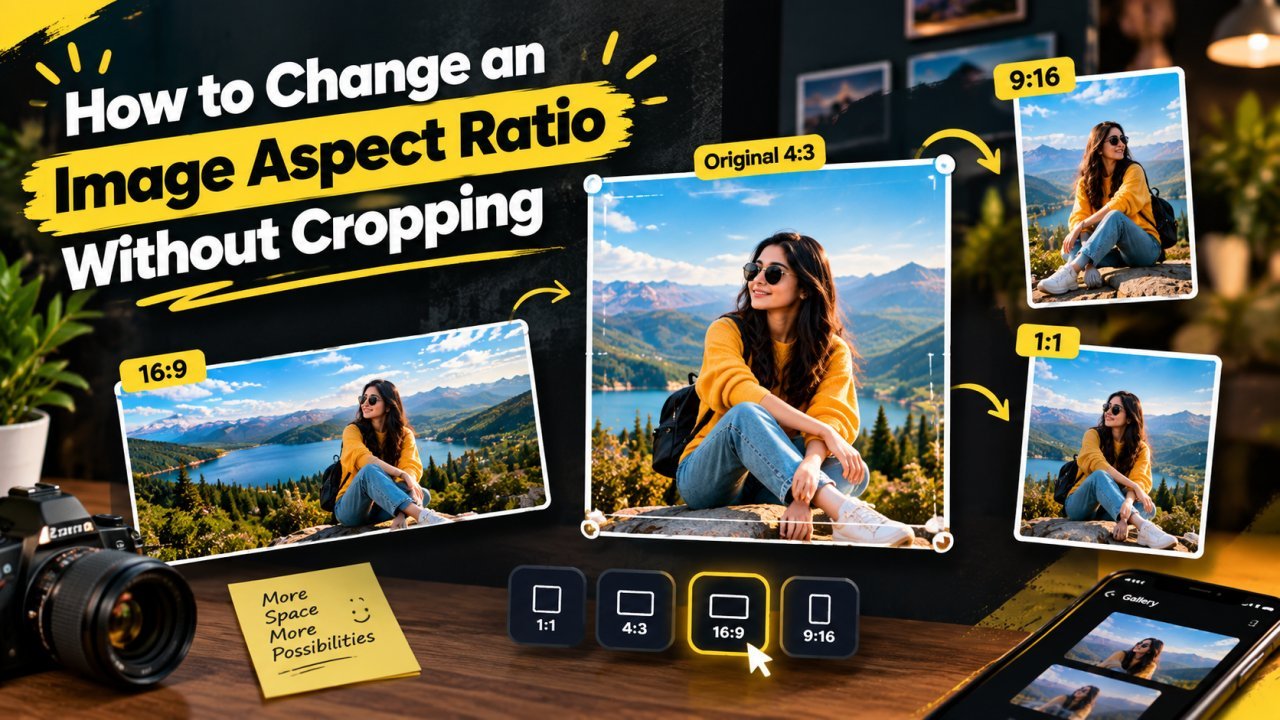
How to Change an Image Aspect Ratio Without Cropping
Keep the whole photo and change its shape by adding space: plain padding, a blurred background, or AI outpainting. Includes canvas sizes for common conversions.
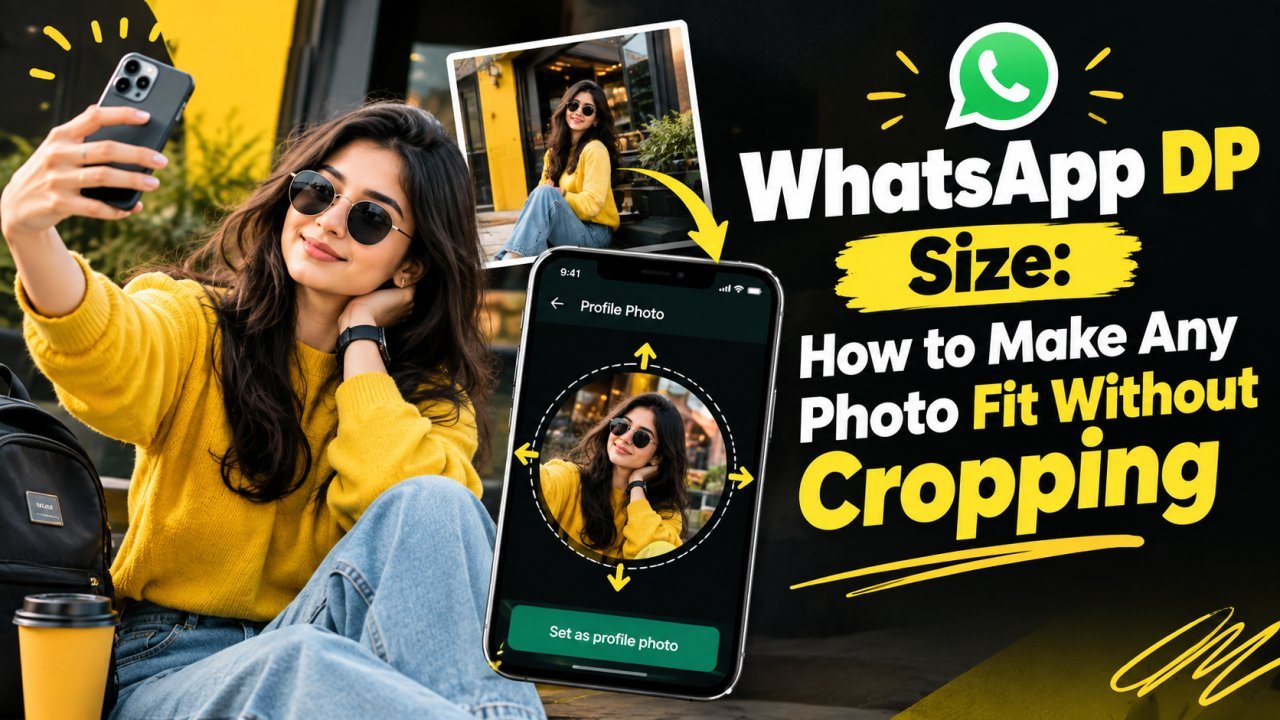
WhatsApp DP Size: How to Make Any Photo Fit Without Cropping
WhatsApp shows your DP as a circle cut from a square. Here is the size to prepare, how to fit a full photo, selfie or group shot without cropping, and the circle safe area.
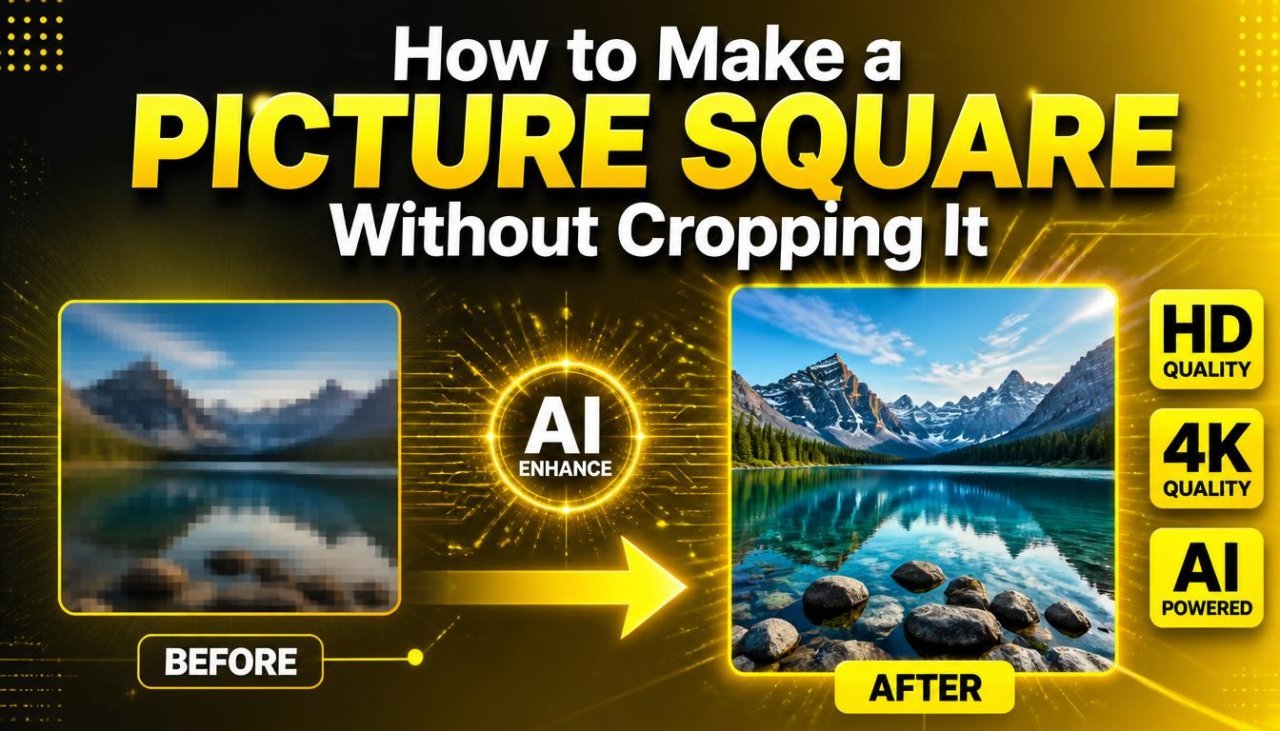
How to Make a Picture Square Without Cropping It
Turn a portrait or landscape photo into a 1:1 square without cutting anything off: use the longer side as the canvas and fill the gap with colour, blur or transparency.
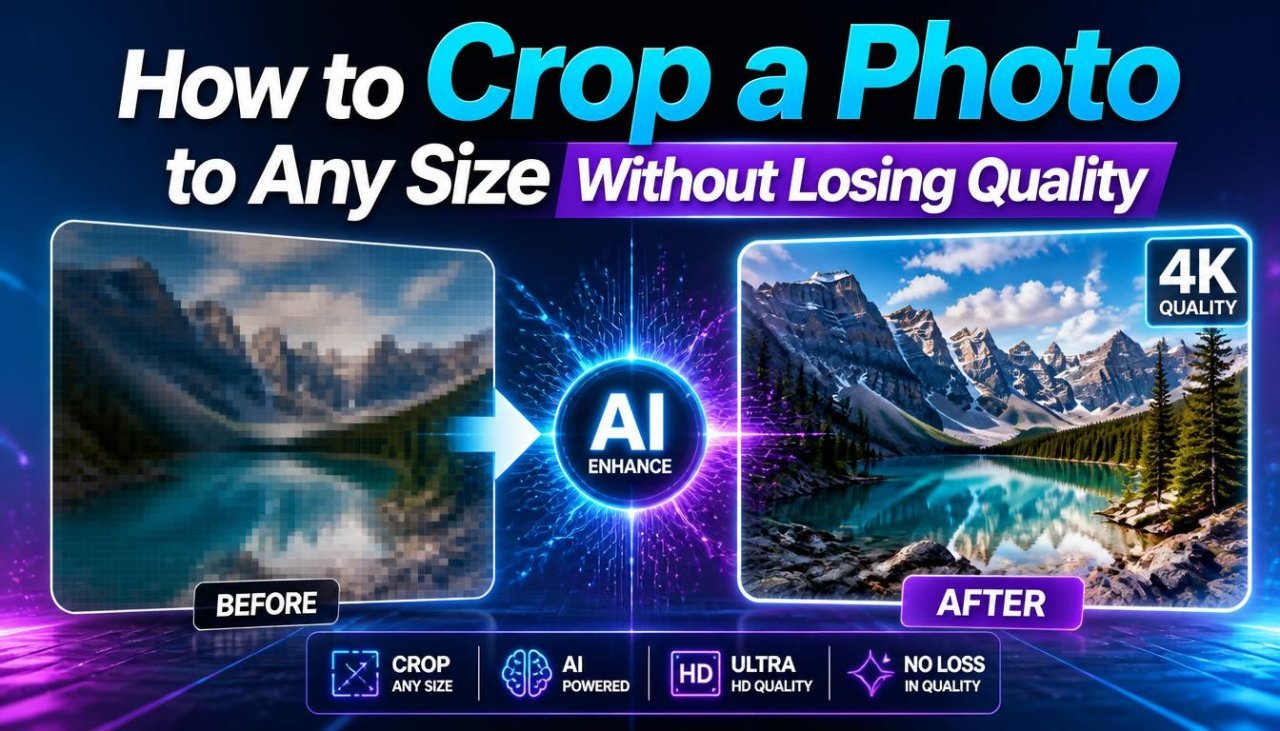
How to Crop a Photo to Any Size Without Losing Quality
Crop to the right aspect ratio first, then resize to the exact pixels. Worked examples for 1000×1000, 1200×800 and 1080×1350, plus how to avoid blurry crops.
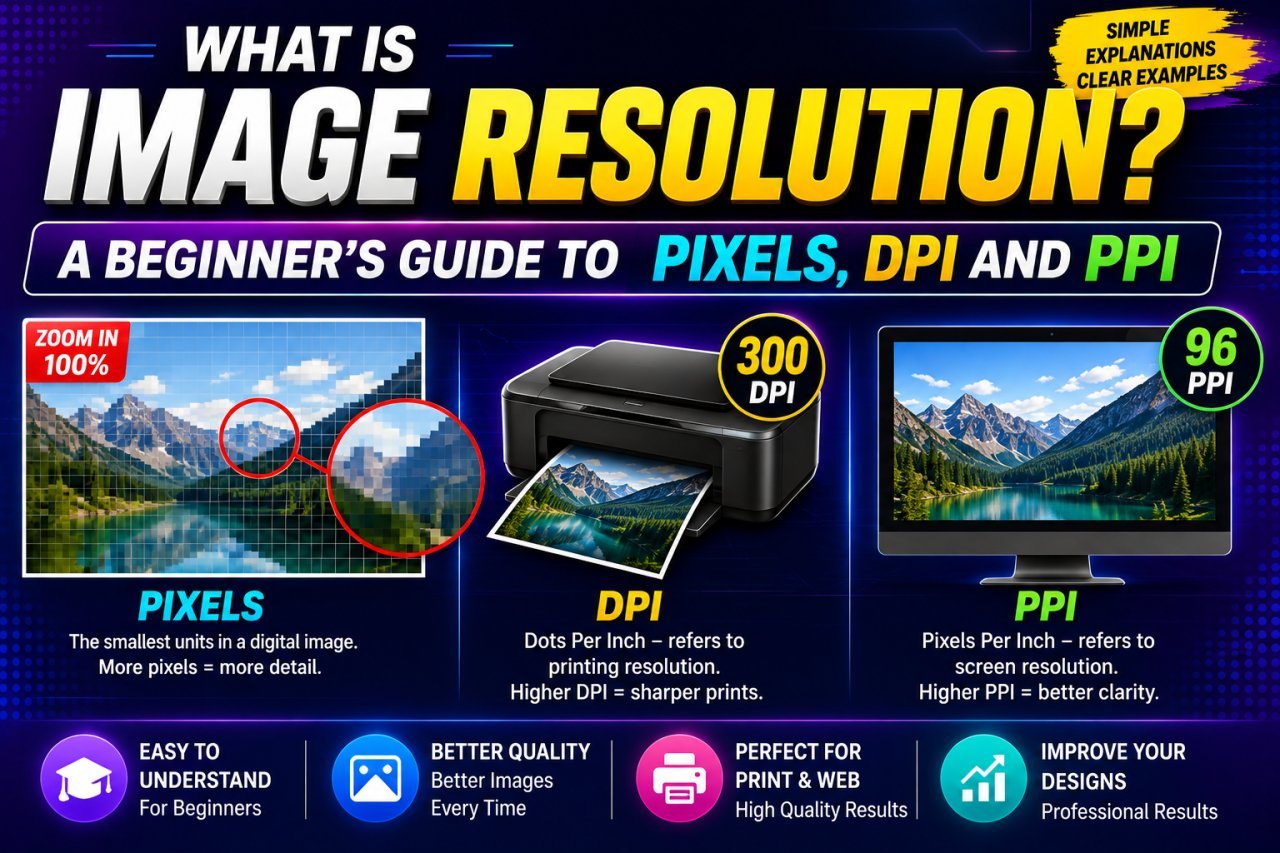
What Is Image Resolution? Pixels, DPI and PPI Explained Simply
Image resolution explained in plain language: what pixels and megapixels are, how PPI links pixels to print size, what DPI really means, and why 300 DPI is not magic.
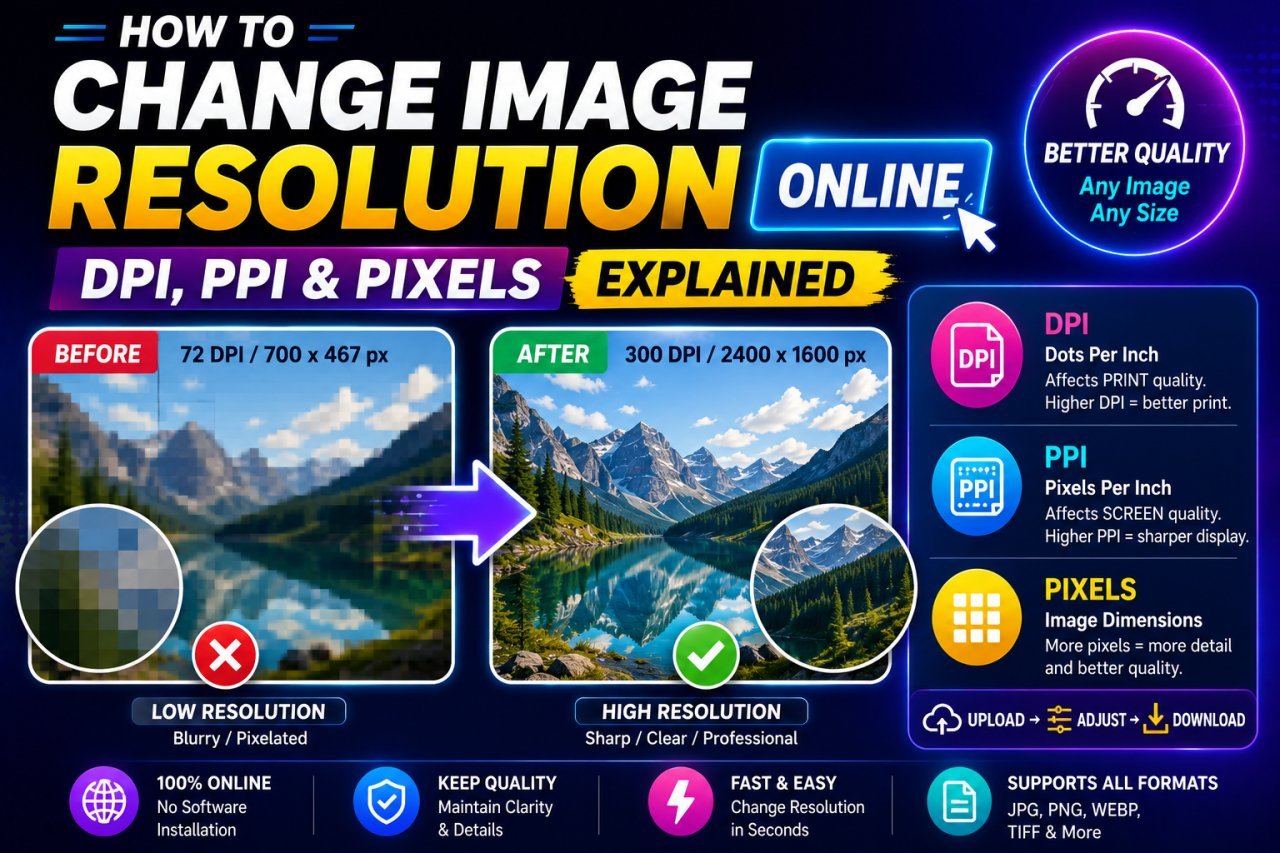
How to Change Image Resolution Online: Pixels, DPI and PPI Step by Step
Work out whether you need more pixels or just a different DPI value, then change it: resize for web and forms, set PPI for print, and upscale only when you must.
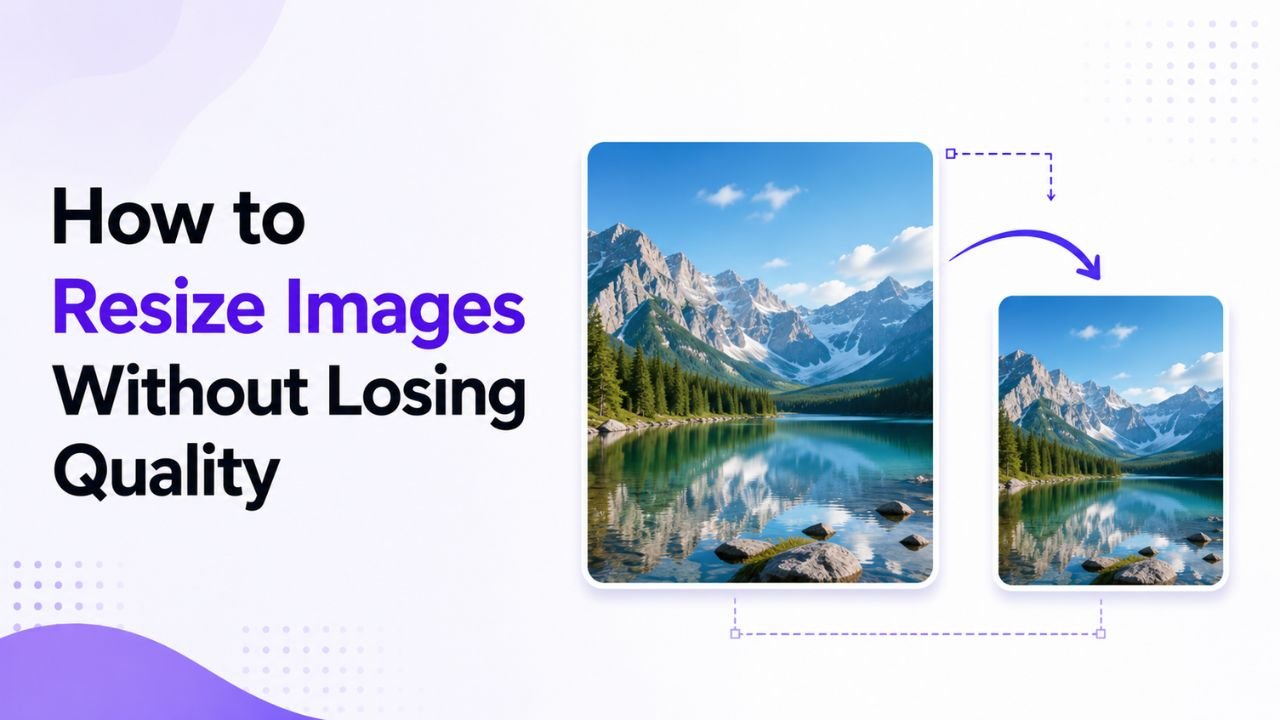
How to Resize Images Without Losing Quality
Why resized images turn blurry or stretched, and a simple workflow to resize photos for websites, social media and phone or desktop screens while keeping them sharp.