
Image editing guides, explained simply
Practical guides by Ashish Kathiriya, each linked to a free tool that does the job in your browser.
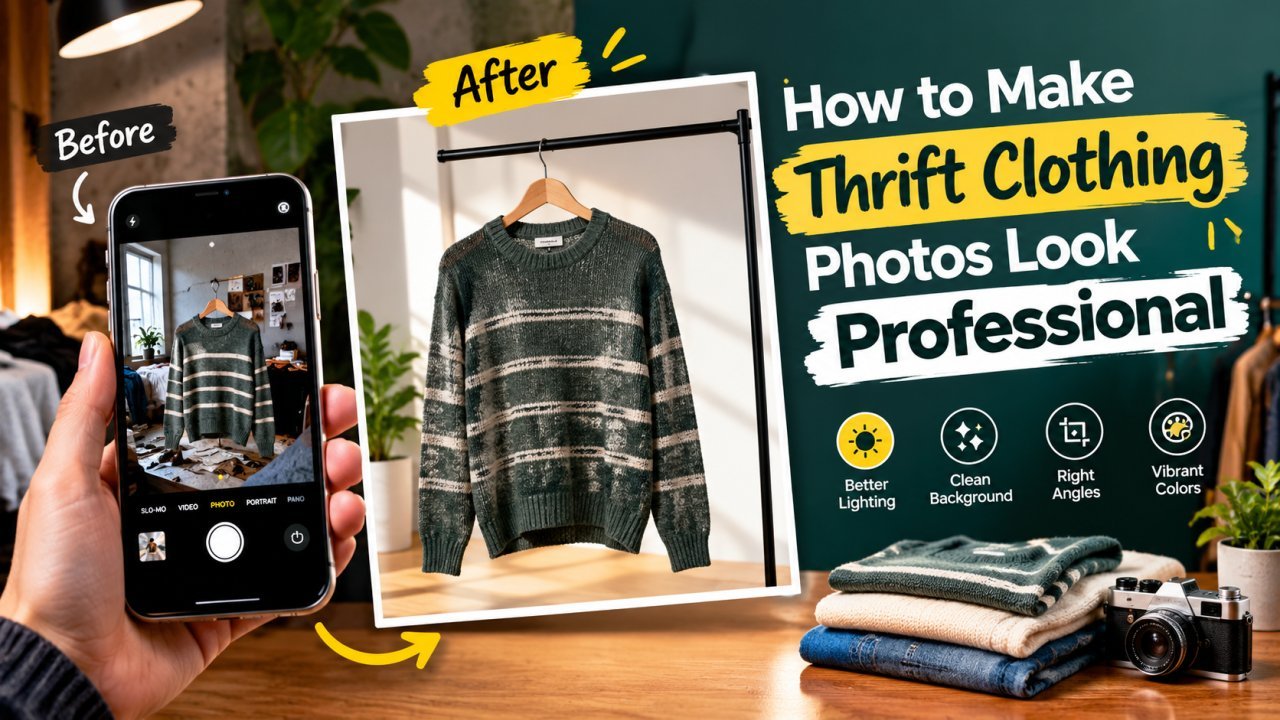
How to Make Thrift Clothing Photos Look Professional
A phone-only workflow for second-hand clothing sellers: prepare, light and shoot each piece, show flaws honestly, then crop, clean up and size the photos for listing.

How to Turn a Phone Photo Into a Professional Product Photo
A step-by-step home workflow for small sellers: set up window light and a paper sweep, shoot steady with your phone, then clean, square and compress the photo for upload.

How to Add a Watermark to Your Photos Without Ruining Them
Placement, size, opacity and contrast rules for a watermark that marks your own photos clearly without distracting from them.

AI vs Manual Photo Editing: When to Use Each
AI is fast at well-defined jobs like background removal and upscaling; manual editing wins on composition, colour and anything that must be exact. Here is how to split the work.

Image Optimization for Websites: Formats, Sizing, Lazy Loading and Caching
A practical, step-by-step workflow for faster pages: pick the right format, resize to display size, compress sensibly, serve responsive images, lazy-load and cache.

Mobile vs PC Photo Editing: Which Should You Use?
Phones are faster for quick fixes and one-off posts; a computer wins for precision, batches and long sessions. Here is how to split the work.

How Professional Designers Edit Images Faster
The habits that let designers get through large batches of images: templates, shortcuts, organised files, batch processing, export presets and working in passes.
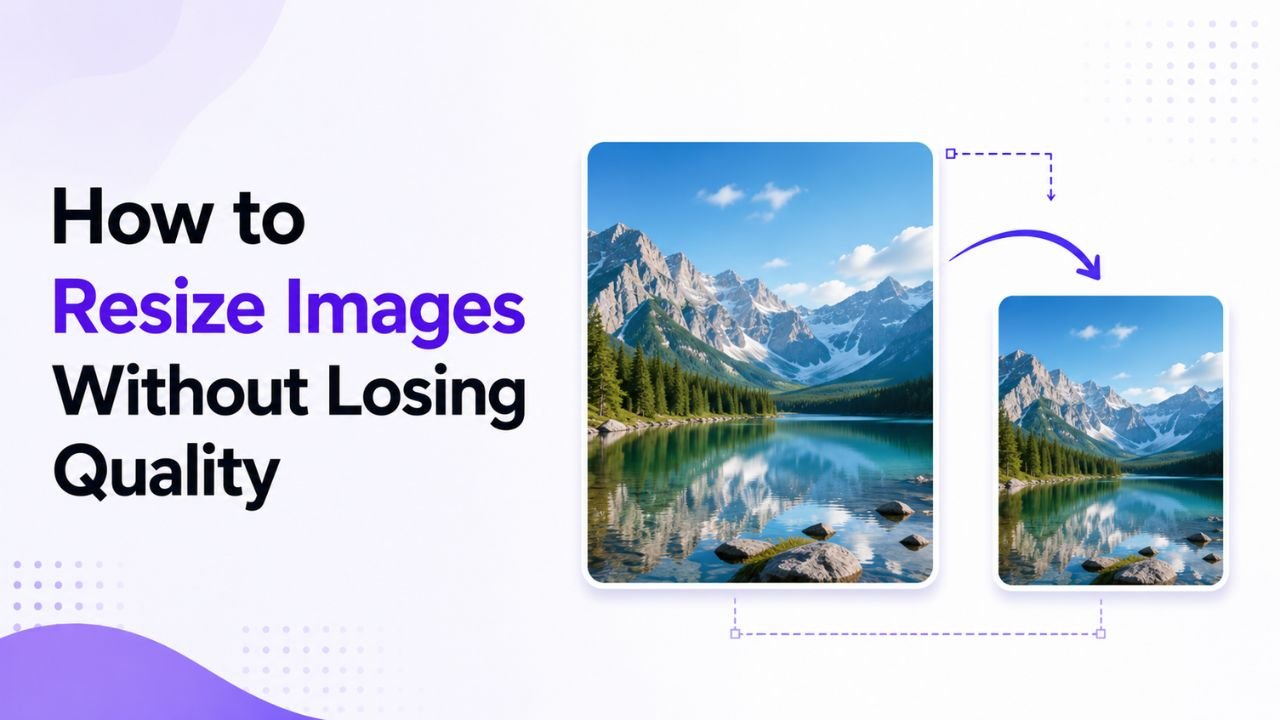
How to Resize Images Without Losing Quality
Why resized images turn blurry or stretched, and a simple workflow to resize photos for websites, social media and phone or desktop screens while keeping them sharp.
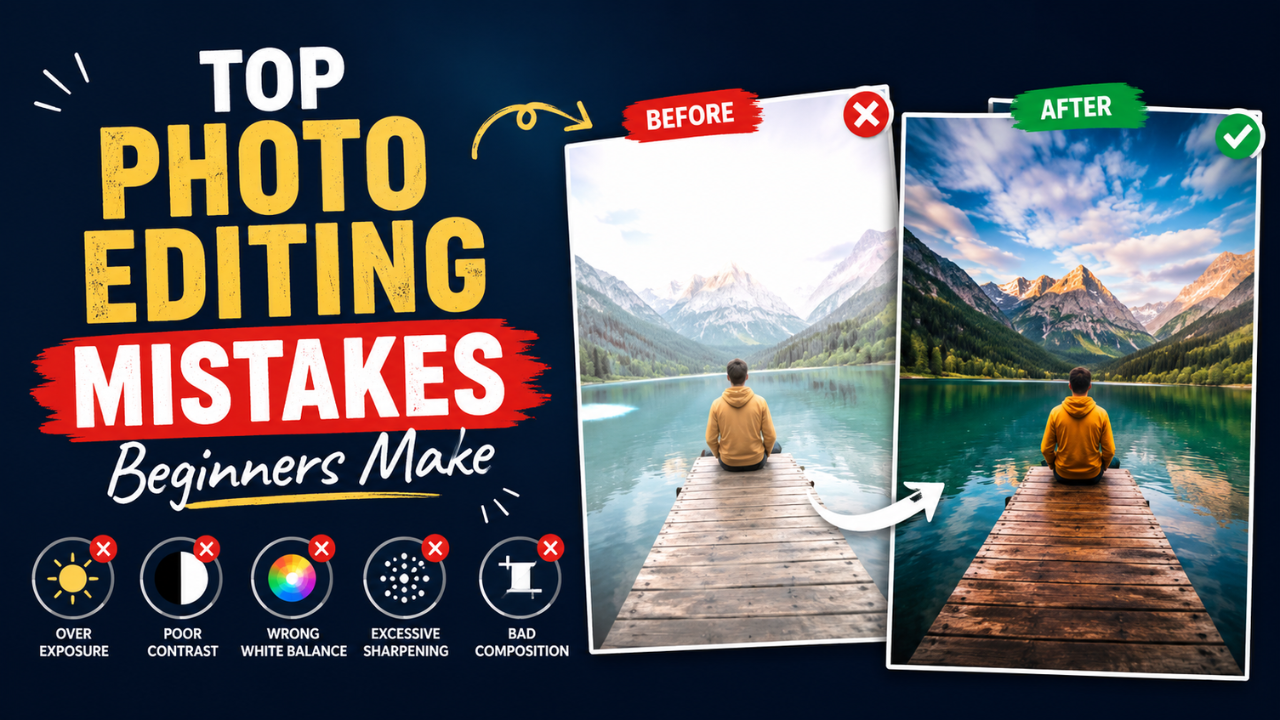
Common Photo Editing Mistakes Beginners Make (and How to Fix Them)
Over-sharpening, neon saturation, crooked horizons, stretched images and over-compressed JPGs. The mistakes beginners make most, and the simple fix for each.