
AI Editing guides
Background removal, upscaling, restoring old photos, removing objects and other AI-assisted edits — what works and where the limits are.
Related tools: Background Remover · AI Image Upscaler · Object Remover · AI Old Photo Restore
AI tools can remove a background in seconds, enlarge a small photo, repair an old print or erase something that should not be in the frame. They also have clear limits: they estimate detail rather than recover it, and results can look artificial if pushed too far. These guides explain how each kind of AI edit works and how to get a natural result.
Each guide links to the matching tool on this site, which runs the model inside your browser, so your photo is not uploaded. Where AI is the wrong choice — a heavily damaged face, a busy background, a photo that needs to stay evidence-grade — the guides say so and suggest a manual method instead.
A good habit with every AI edit: keep the original, work on a copy, and compare the two at 100% zoom before using the result. Most problems — halos around hair, waxy skin, invented texture in old photos — are easy to spot that way and usually mean the strength was too high or the source was too small for the job.

How to Shoot and Edit Diwali Night Photos: Diyas, Rangoli and Fireworks
Diwali photos on a phone often come out grainy, orange or blurred. How to shoot diyas, rangoli, family portraits and fireworks in low light, then fix noise, colour and sharpness before you share them.
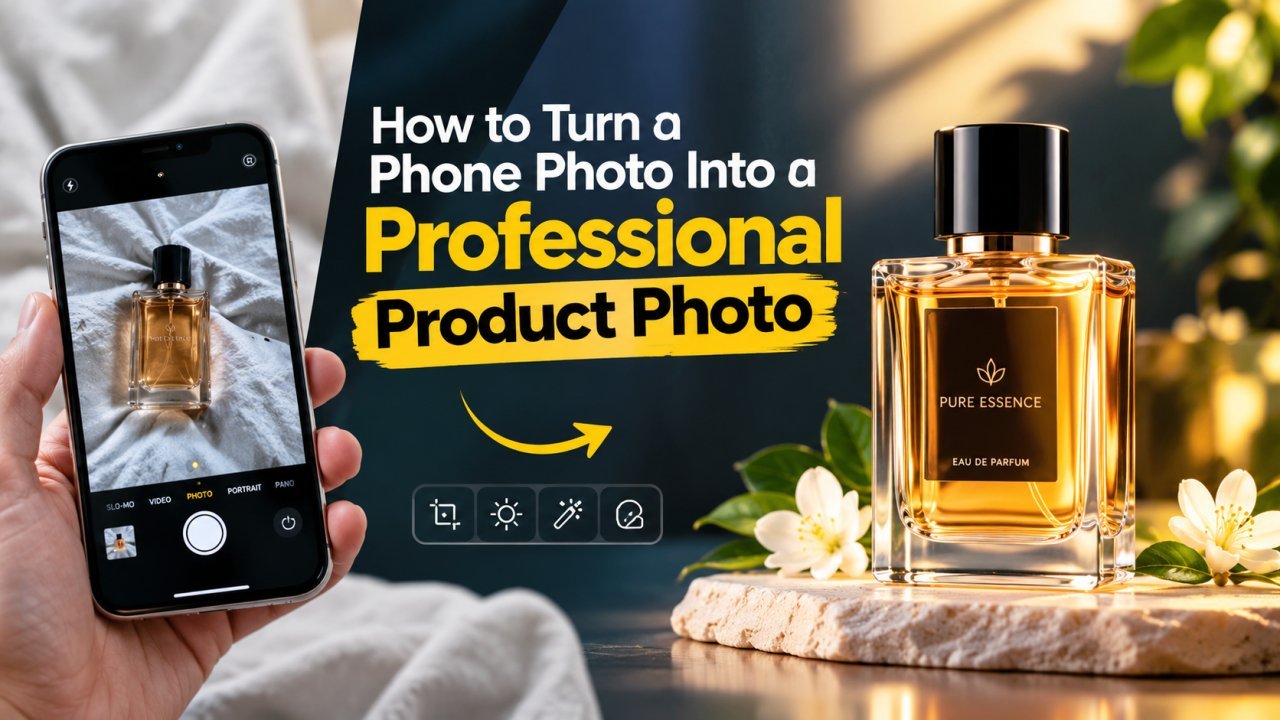
How to Turn a Phone Photo Into a Professional Product Photo
A step-by-step home workflow for small sellers: set up window light and a paper sweep, shoot steady with your phone, then clean, square and compress the photo for upload.
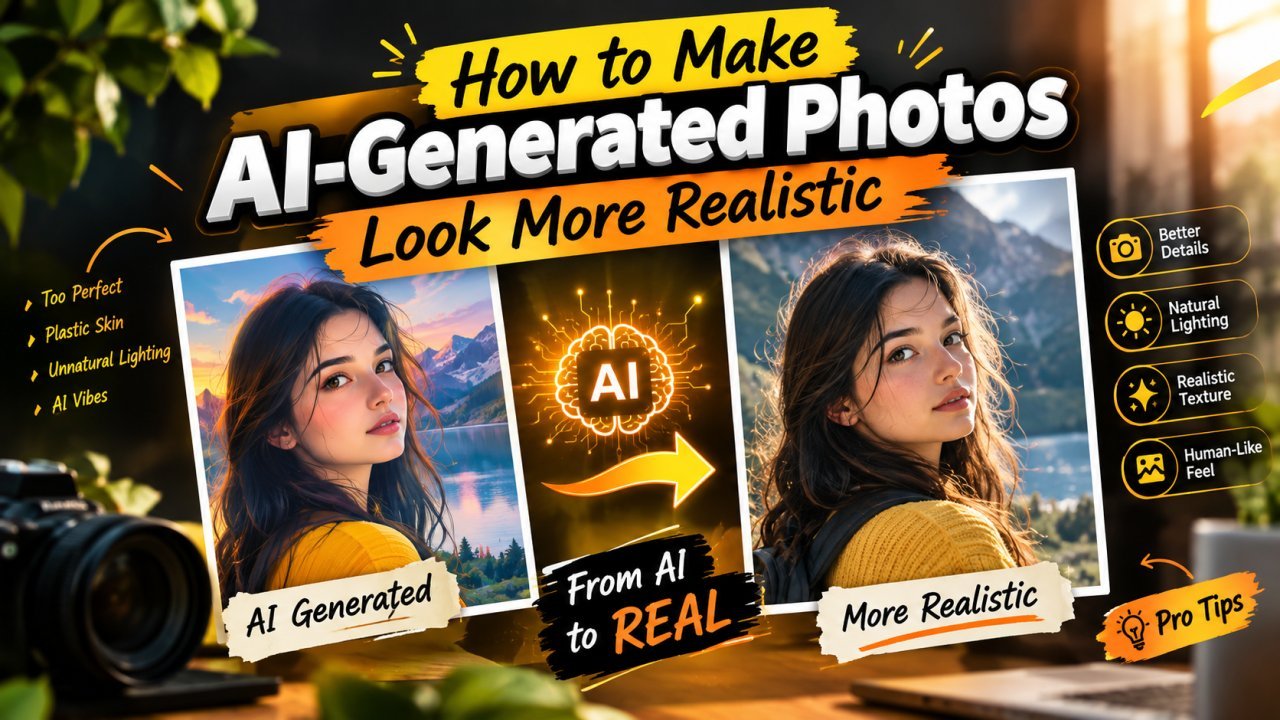
How to Make AI-Generated Photos Look More Realistic
Plastic skin, glossy eyes, odd hands and mismatched light give AI images away. How to prompt for realism, then fix what remains with careful, light editing.
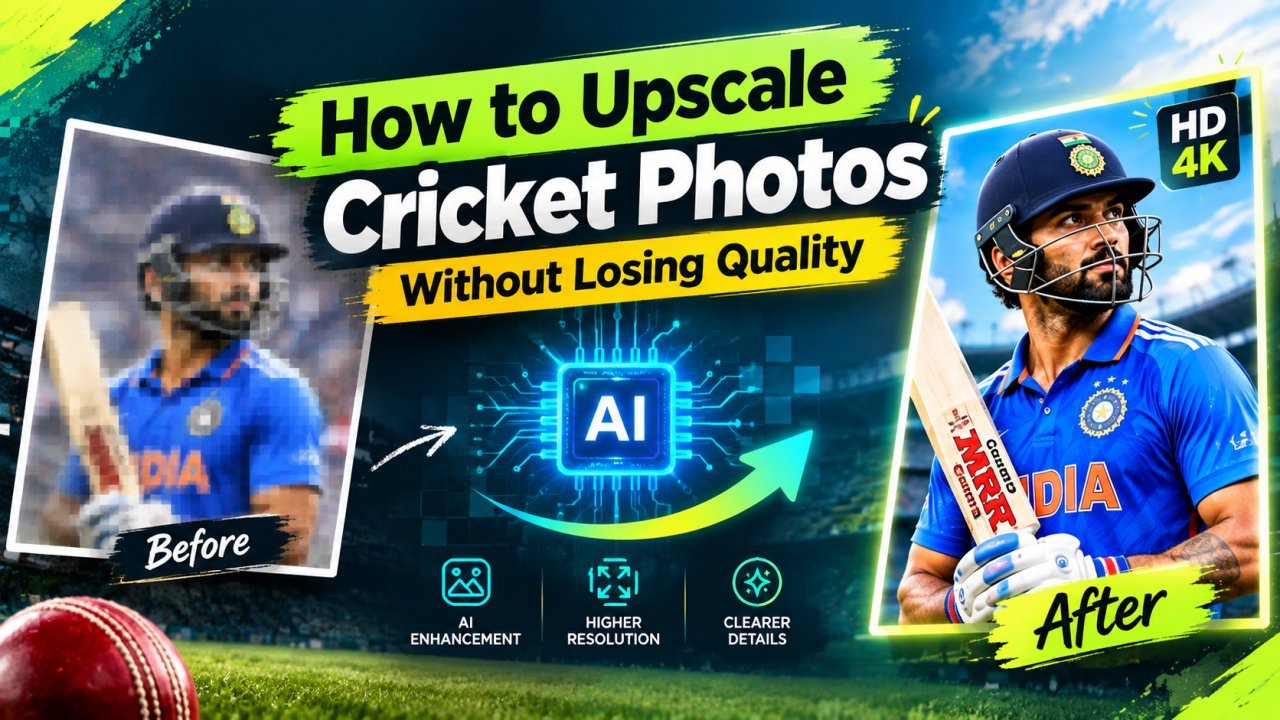
How to Upscale Your Cricket Photos Without Losing Quality
Make your own match photos from local games, club fixtures or the stands sharper and bigger with AI upscaling, without fake faces or garbled jersey text.
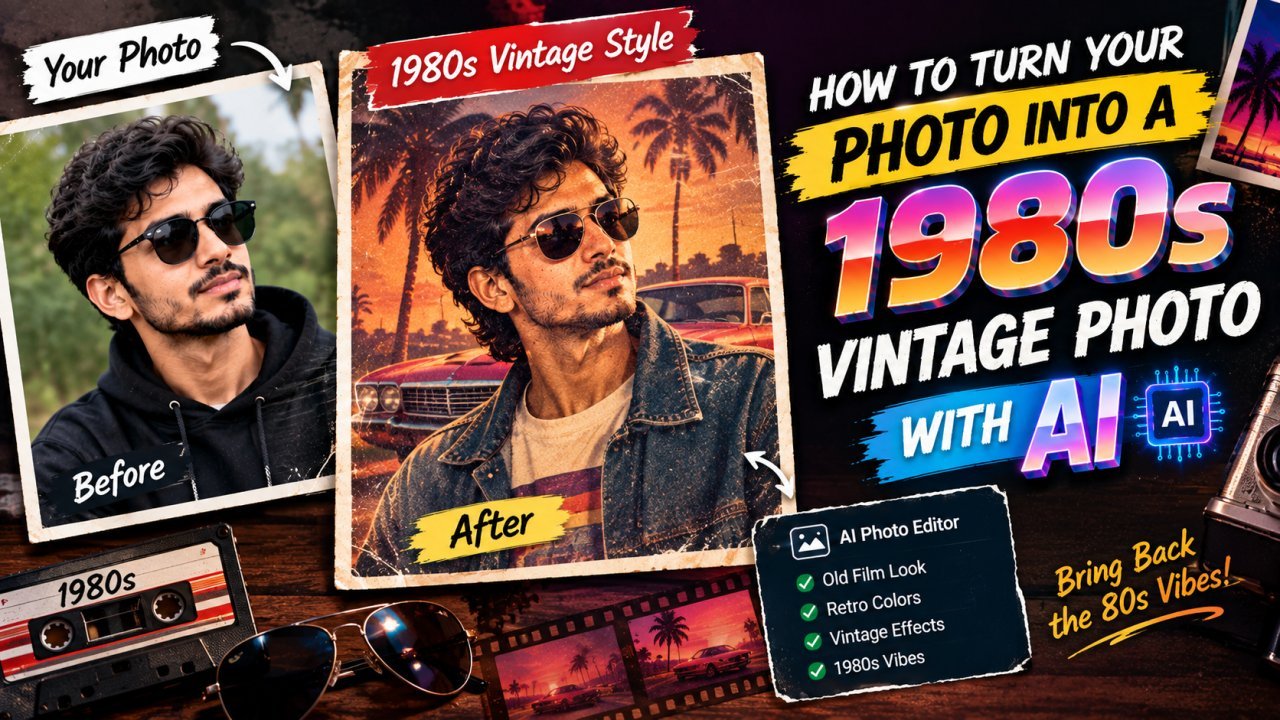
How to Turn Your Photo Into a 1980s Vintage Photo
What makes a photo look like it came from the 1980s, how to recreate the look by hand in any editor, and how to use AI image tools without losing your face.

How to Remove Text From Your Own Photos With AI
Clear a date stamp, caption or handwritten note from your own photo with AI: how to select the text, which backgrounds work, and how to check the fill.
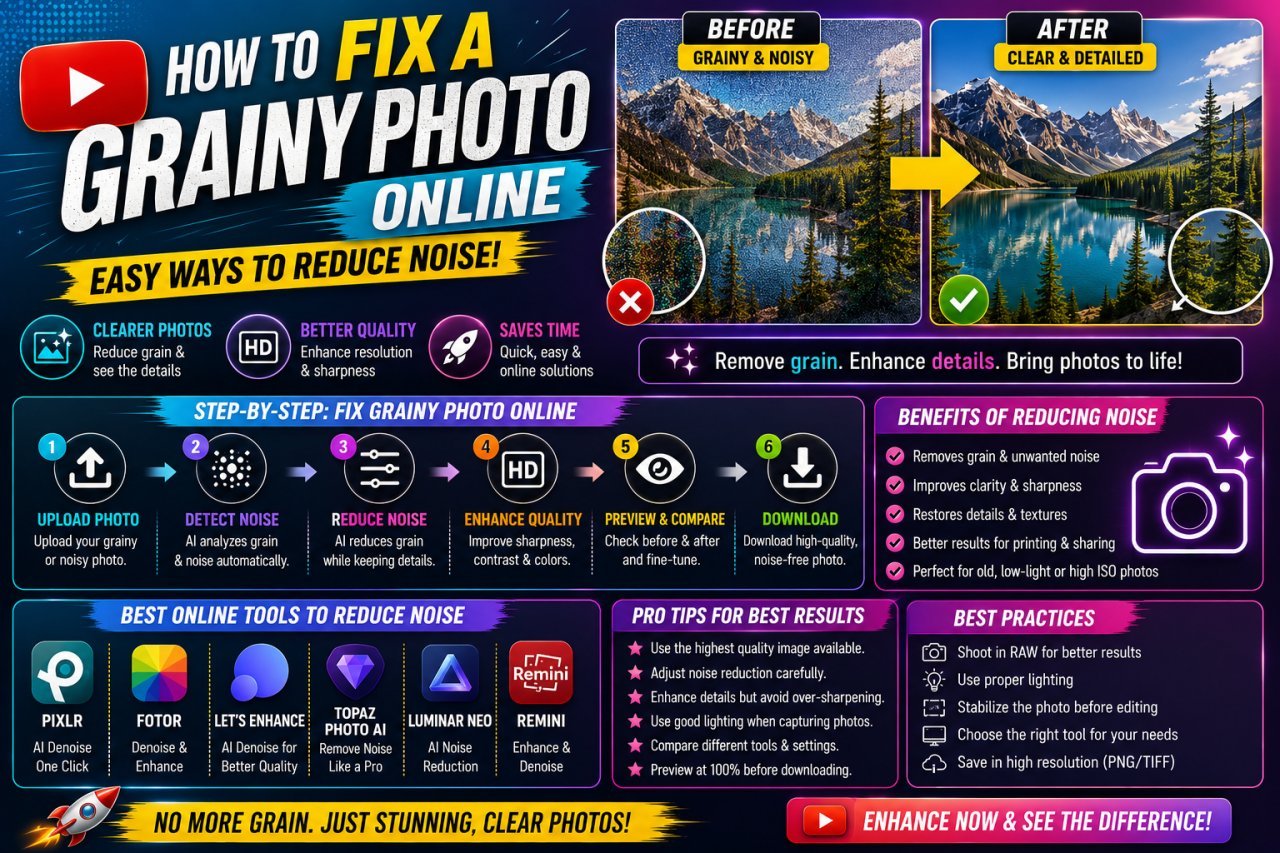
How to Fix a Grainy Photo Online and Reduce Noise
Why photos turn grainy, how to tell noise from compression or film grain, and how to reduce it online without the smooth, plastic look of over-processing.
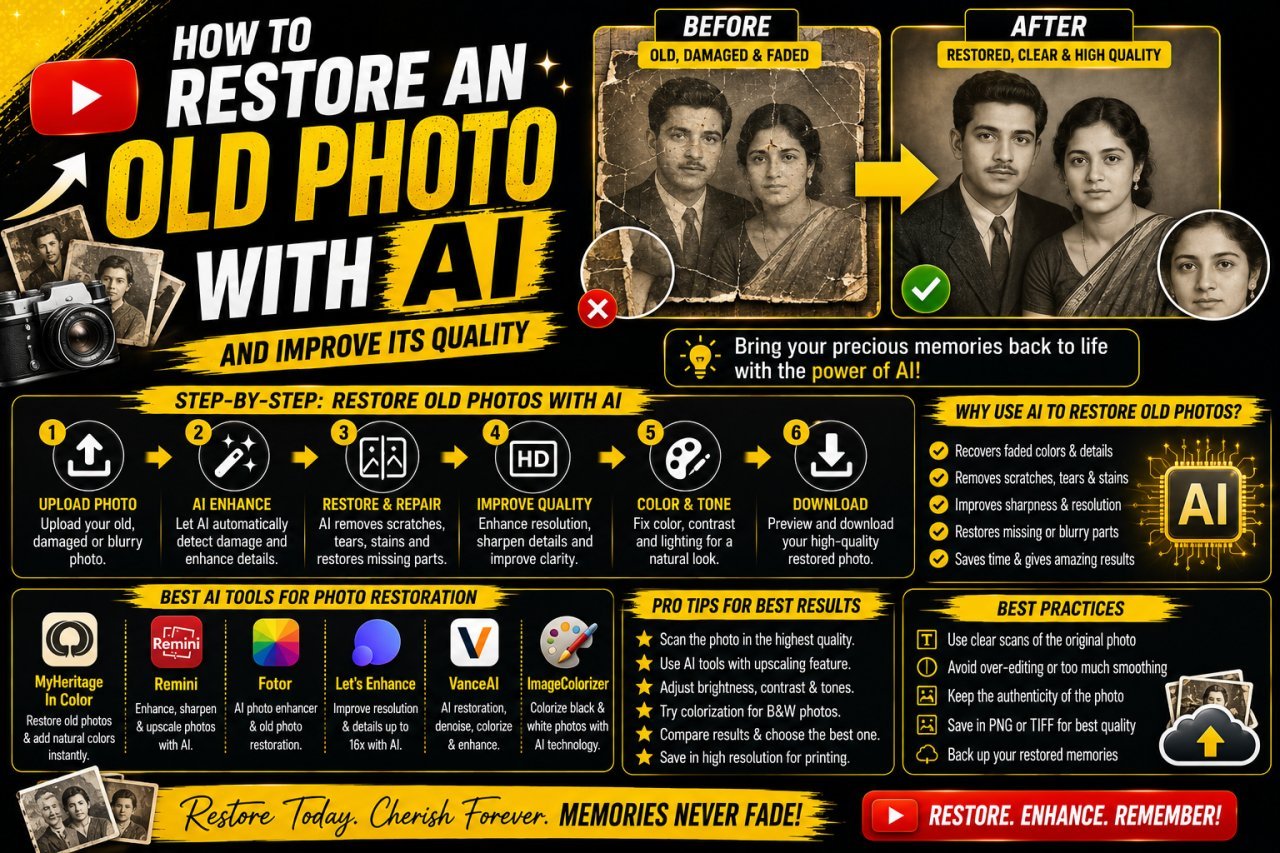
How to Restore an Old Photo With AI
Scan an old print properly, repair dust, scratches and fading with AI, and keep faces true to the real person, step by step, without losing your original.
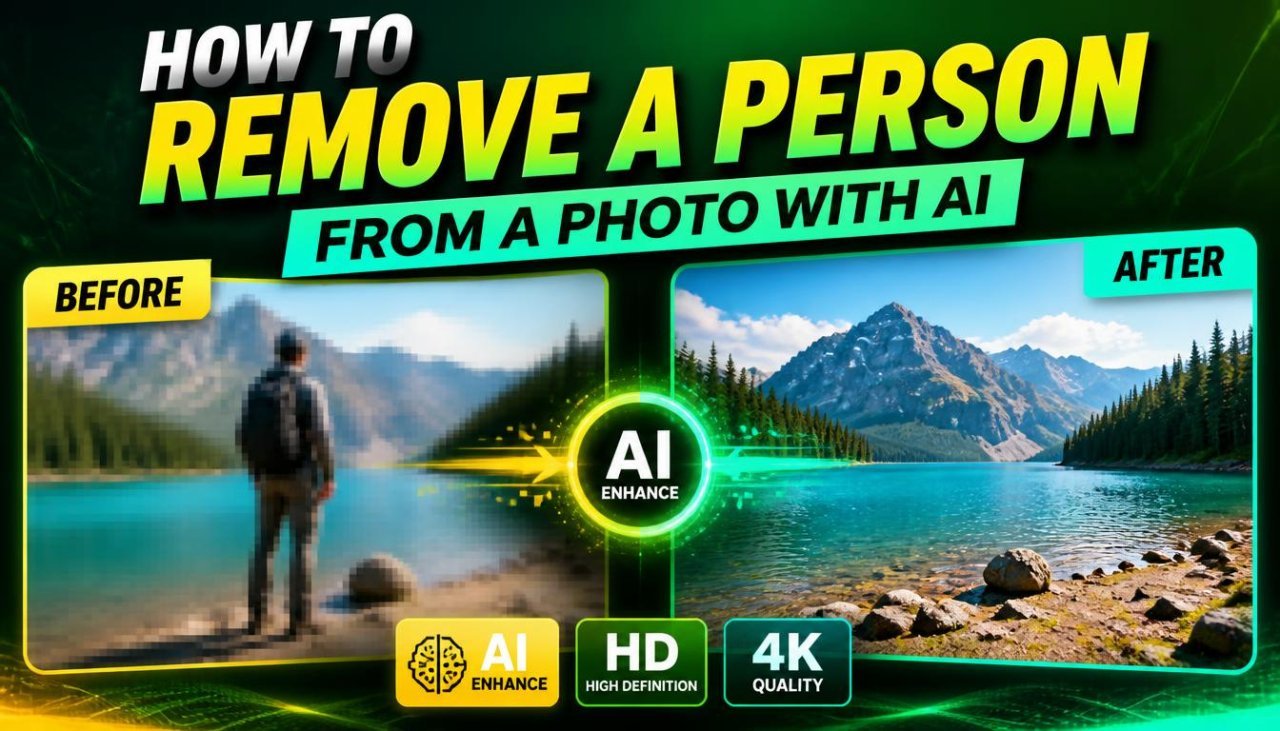
How to Remove a Person From a Photo With AI
Remove a stranger or photobomber from your own photo with AI: how to select hair and shadows, handle group shots and crowds, and spot the artifacts that give edits away.
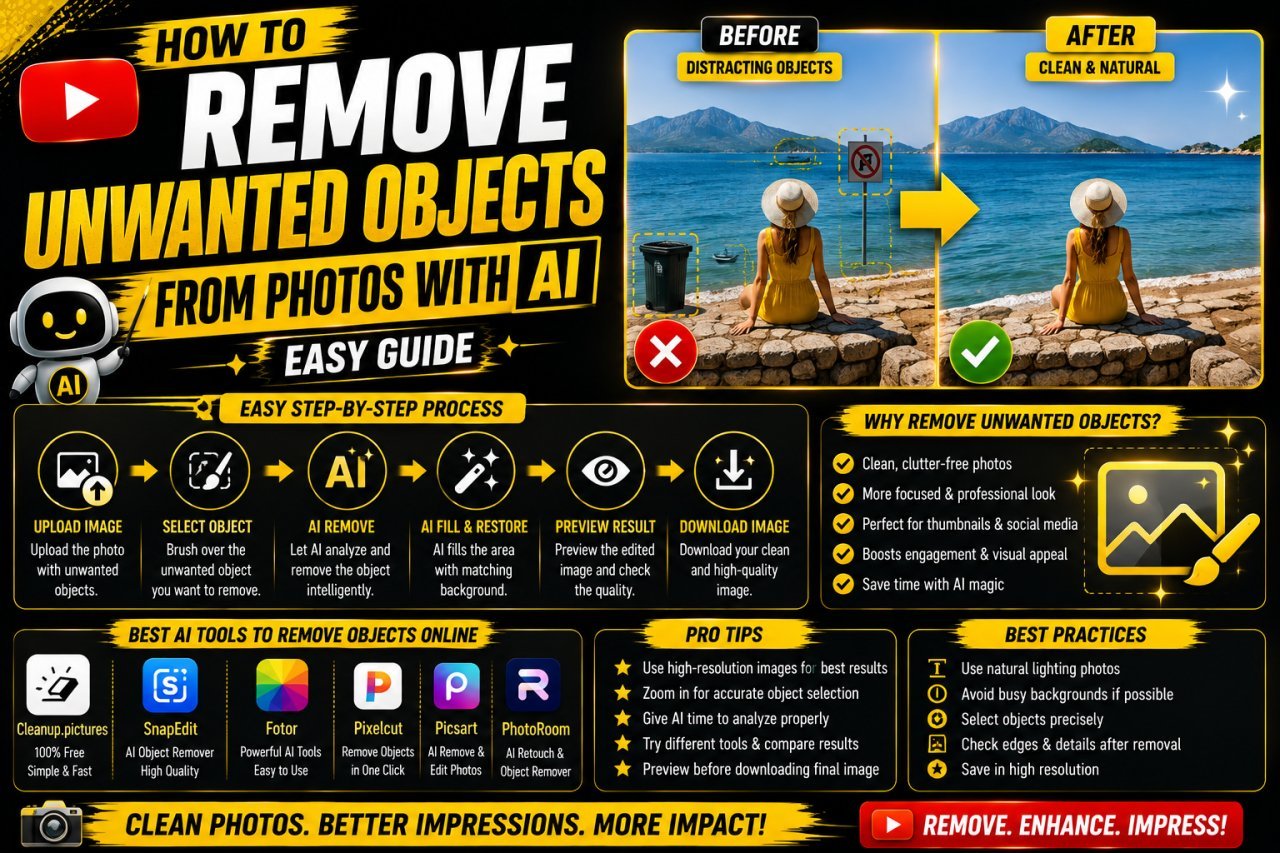
How to Remove Unwanted Objects From Photos With AI
Brush over a distraction, let AI fill the gap, then check shadows, edges and patterns. A practical guide to clean, natural object removal in your own photos.
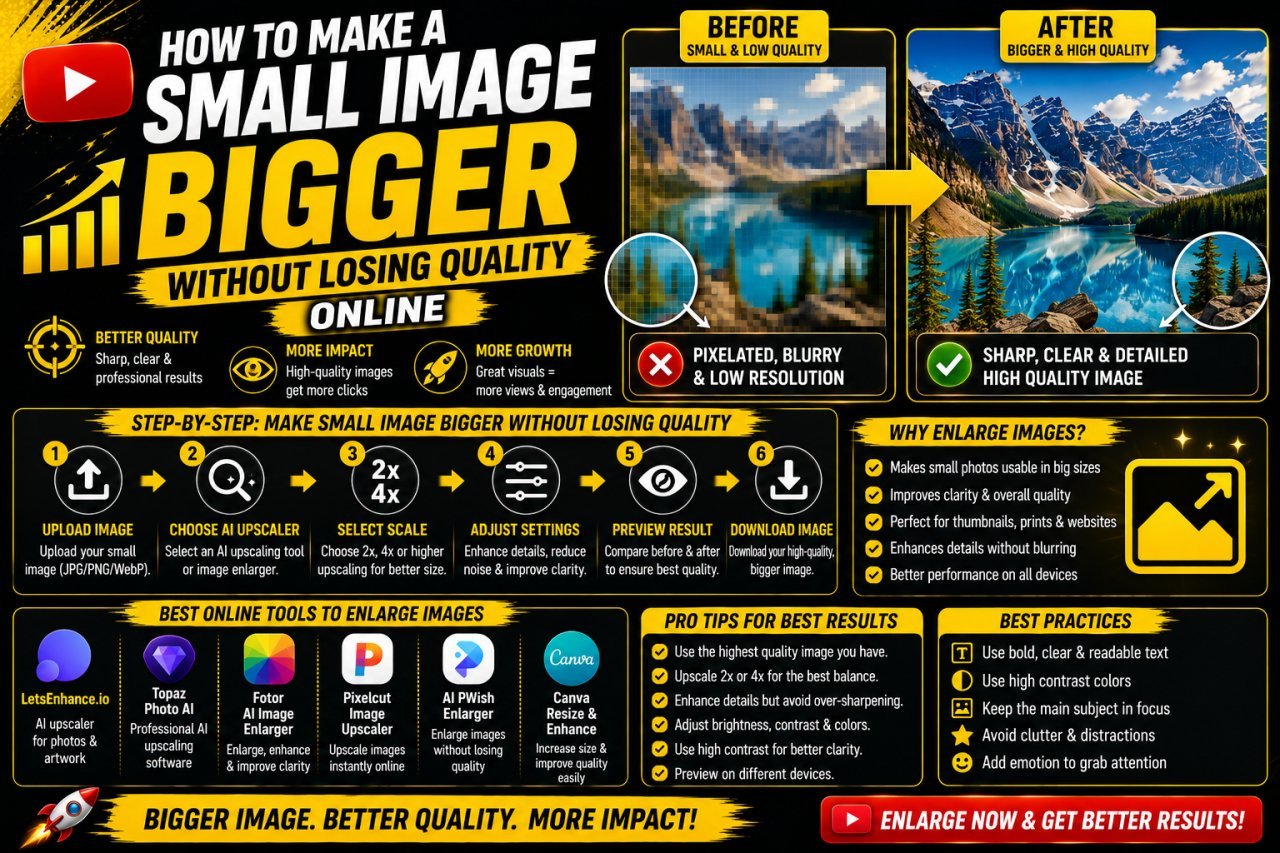
How to Make a Small Image Bigger Without Losing Quality
What enlarging a small image can and cannot do, how normal resizing differs from AI upscaling, and a step-by-step way to get a bigger picture that still looks clean.
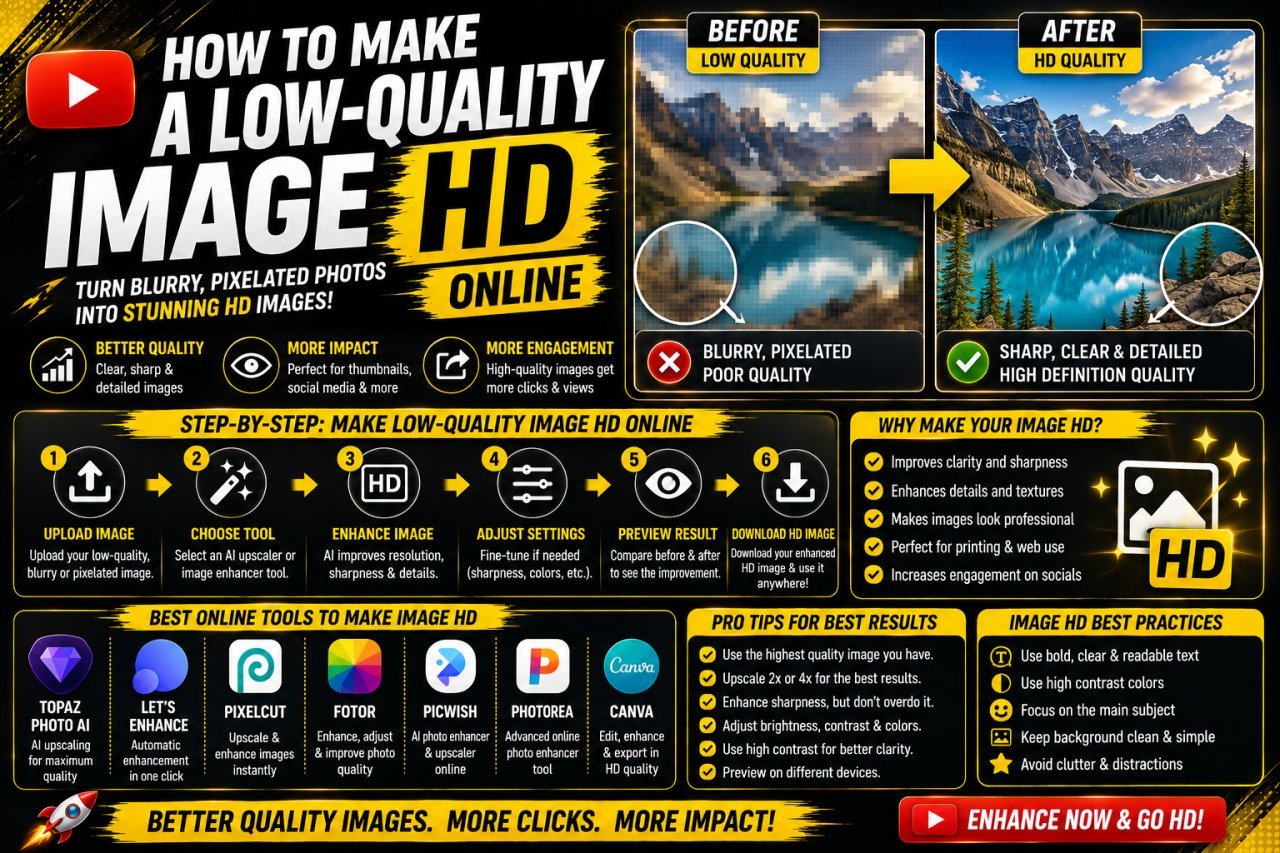
How to Make a Low-Quality Image HD Online
Find out why your image looks bad (low resolution, blur, noise or compression), then apply the right fix in the right order to get a clean, HD-sized result.