
How to Make Thrift Clothing Photos Look Professional
A phone-only workflow for second-hand clothing sellers: prepare, light and shoot each piece, show flaws honestly, then crop, clean up and size the photos for listing.
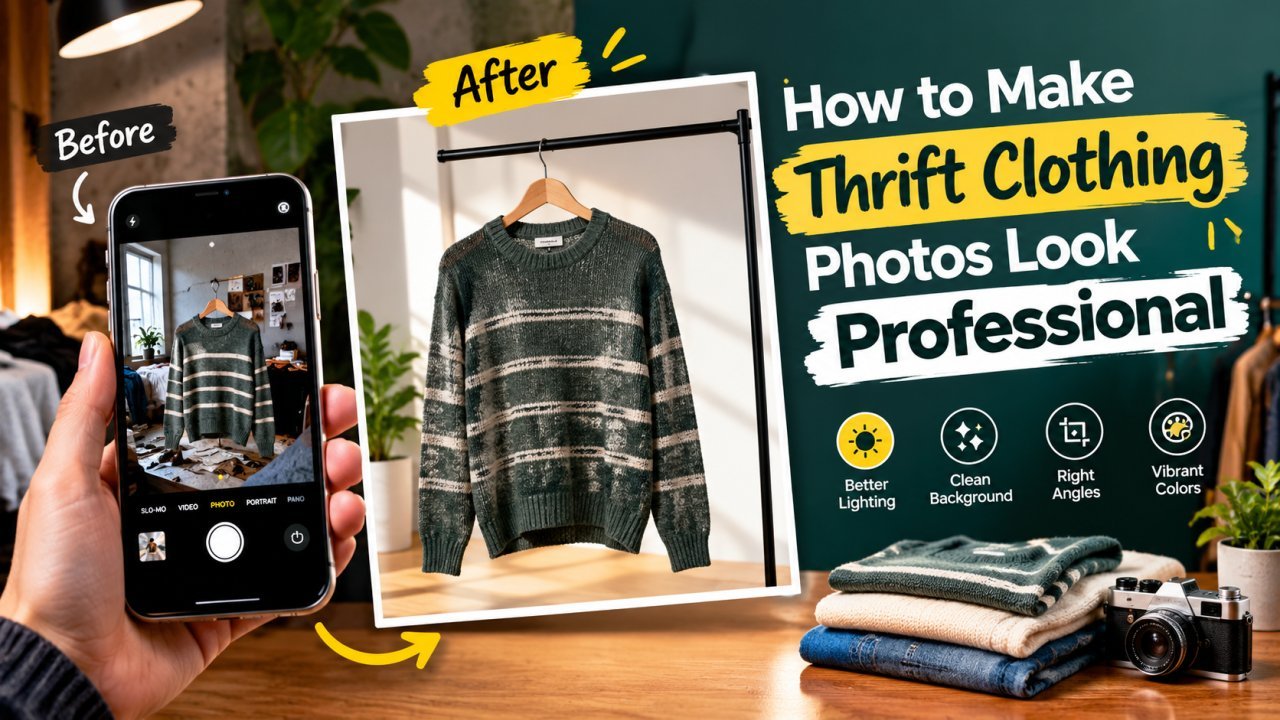
Thrift clothing photos look professional when every piece is clean, evenly lit, shot straight on against the same plain background, and cropped to the same square format. You only need a phone, a window and a bedsheet or chart paper. This guide walks through the whole routine, from preparing the garment to exporting files small enough to upload quickly to Instagram, Meesho, OLX or Facebook Marketplace.
A second-hand listing has one extra job compared with a new product: the buyer has to trust that the photos show the real condition. So the aim is accurate and clean, not glossy. A slightly faded kurta photographed honestly will sell faster, and with fewer returns, than one edited to look brand new.
Prepare the Garment Before You Pick Up the Phone
Most "amateur" clothing photos are really preparation problems. Before shooting:
- Wash or at least air it out. Musty, crumpled pieces look worse on camera than in hand.
- Iron or steam it. Creases throw shadows that read as damage in a photo. If you have no steamer, hang the piece in the bathroom while someone takes a hot shower, then smooth it by hand.
- Lint-roll it. Dark fabric shows every hair and fluff ball. Tape wrapped around your hand works as a lint roller.
- Empty pockets, button it up, zip it, tie the strings. Fold sleeves and collars into place.
- Cut loose threads that are not part of the design.
Do this for a batch of 10 to 20 pieces at once, then shoot them all in one session. The light will be the same for the whole batch, which is the easiest way to get a consistent-looking shop.
Light: Use a Window, Not the Tube Light
Soft daylight from a large window is the best free light you have. Set up beside the window, not facing directly into it, so light falls across the garment from one side. Mid-morning or late afternoon on a bright day works well; harsh midday sun coming straight through the glass creates hard shadows, so hang a thin white curtain or dupatta over the window to diffuse it.
Two common mistakes:
- Mixing light sources. Room bulbs are usually warmer or greener than daylight. With both on, part of the photo looks yellow and part looks blue, and no edit fully fixes it. Switch the room lights off.
- Using the phone flash. Flash flattens texture, creates a bright hotspot and makes satin and polyester shine. Leave it off.
If one side of the garment is darker than the other, hold a white chart paper, a thermocol sheet or a white bedsheet on the shadow side to bounce light back in.
Choose a Plain Background and Keep It
A plain, neutral background makes clothes the focus and makes later editing much easier. Good cheap options:
- A white or off-white bedsheet, ironed and pinned flat
- White or light grey chart paper or a foam board (for flat lays of smaller items)
- A clean plain wall for hanging shots
- A light wooden floor or table, if it has no busy pattern
Make sure the garment contrasts with the background: a white shirt disappears on a white sheet, so use light grey or beige for whites and creams. Whatever you choose, use it for every listing. A shop grid where every photo has the same background looks organised even when the clothes are all different.
Flat Lay, Hanger or Mannequin?
Flat lay
The garment is laid on the floor or bed and shot from directly above. This is the easiest method to repeat and suits t-shirts, tops, kids' wear, jeans, sarees folded neatly, and accessories. Stand on a stool if needed so the phone is parallel to the floor; shooting at an angle makes the bottom of the garment look wider than the top. Shape the piece neatly: sleeves slightly angled out, hem straight, collar centred.
Hanger on a wall or door
Good for shirts, kurtas, dresses and jackets, because gravity shows the drape. Use a plain wooden or white hanger rather than a wire one, and hang it against a plain wall, not a cupboard door full of stickers. Shoot from chest height of the garment, phone held straight up and down.
Mannequin or a person
A dress form or a friend wearing the piece shows fit and length better than anything else, which helps for dresses, co-ord sets and outerwear. It takes more setup, and if you use a person, crop or frame consistently so the clothes stay the focus. Many sellers use a flat lay or hanger for the main photo and add one worn photo for fit.
Pick one main style for your first photo and stick with it across the shop.
Camera Settings and Angles That Make a Difference
- Wipe the lens. A fingerprint smudge causes the hazy, glowing look that ruins many phone photos.
- Use the main 1x camera. Ultra-wide lenses bend straight lines at the edges; digital zoom loses detail. Move closer instead of zooming.
- Tap to focus on the fabric, then slide the exposure down slightly if white areas look blown out.
- Turn on the grid in camera settings and line the garment's centre and hem up with it.
- Hold steady. Brace your elbows, or use a cheap phone tripod. Blurry photos usually come from movement in dim light, so more light also means sharper photos.
- Skip portrait mode and beauty filters. They blur edges and change colours.
Leave a little space around the garment in every shot. You will need it for cropping to a square later.
The Photos Every Listing Needs
Buyers cannot touch the fabric, so the photo set has to answer their questions. A practical set for most pieces:
- Front — the main image, full garment, centred.
- Back — same framing as the front.
- Detail close-up — fabric texture, print, embroidery, buttons or zip.
- Brand and size tag — sharp and readable. Also shoot the fabric/care label if it lists material.
- Every flaw — stain, hole, pulled thread, pilling, fading, missing button. Shoot each one close and in good light, ideally with your finger pointing to it for scale.
- Measurements — lay a measuring tape across the chest (armpit to armpit) and down the length, and photograph it. Sizes vary a lot between brands and older pieces, so measurements prevent most "doesn't fit" returns.
Optional: one worn or styled photo to show fit.
Why honest flaw photos help you
It can feel risky to show damage, but a buyer who has already seen the small stain is far less likely to complain or return the item. Clear flaw photos also protect you if there is a dispute on a marketplace. Write the flaw in the description as well, with its size and location.
Editing: Crop, Light and Colour
Editing should make the photo look like the garment does in real life, nothing more. Work in this order.
Straighten and crop to a square
Rotate so the hem and shoulders are level, then crop. A square 1:1 crop works well for an Instagram grid and is accepted by most marketplaces; using it for every photo makes your catalogue look consistent. The crop tool has a 1:1 preset and a 90-degree rotate. If the garment is tall and a square crop would cut it off, add plain margins instead; this guide to making a picture square without cropping explains how.
Brightness, contrast and white balance
Brighten until the background looks clean and the garment's lightest areas still show detail. Add a little contrast if the photo looks flat. If whites look yellow or blue, adjust white balance (warmth) until a white tag or white background looks neutral. Check the edited photo next to the actual garment: if a maroon top now looks red, pull saturation back. Colour accuracy is the most common reason for "not as shown" complaints.
Be careful with black clothes. Raising brightness too far turns black into grey; it is fine for dark pieces to stay dark as long as the texture is visible. Sharpening a little can bring back fabric detail, but too much creates crunchy edges; see how to fix a blurry photo for what sharpening can and cannot rescue.
If you would rather do this in one step, the product photo enhancer handles brightness, contrast and clarity together. Compare the result against the real piece before saving.
Cleaning Up the Background
A wrinkled sheet or a bit of floor at the edge is easy to fix:
- Remove the background completely with the background remover, which runs in your browser and gives a transparent PNG. You can then place the garment on plain white for a marketplace-style main image; making a photo background white covers that step, and removing a background for free explains how to get clean edges.
- Remove small distractions such as a plug socket, a hanger hook or a stray thread on the floor with the object remover. Brush over the object and the tool fills the area. This walkthrough on removing unwanted objects shows how to get a natural result.
Check edges closely after background removal: fringes, lace, sheer dupattas and fluffy knits are hard for any tool, and a cut-off sleeve tip or a missing tassel misrepresents the item. Use the object remover only on the background and props, never on the garment's stains, holes or pilling. Do not change logos or tags either; buyers of branded second-hand pieces look closely at those.
Prepare the Files for Upload
Phone photos are often 3 to 6 MB each. That is more than listings need, uploads slowly on mobile data, and some apps compress large files heavily on their own, which can look worse than compressing yourself.
- Resize to a sensible width. A square image of about 1080 to 2000 pixels is plenty for Instagram and most marketplaces. Use the resize tool with the aspect ratio locked.
- Compress to a few hundred KB as JPG. For a whole batch, bulk compress handles up to 100 images at once and gives you a ZIP; if a site sets a maximum file size, compress to a target size instead. The guide to compressing without losing quality explains which quality settings stay sharp.
- Strip location data. Photos taken at home can carry GPS coordinates in their metadata. Run them through remove metadata before posting, especially on OLX or Marketplace where buyers are strangers.
Each marketplace sets its own image rules (minimum size, background colour for the main image, number of photos), and they change. Check the seller help pages of the platform you list on. The e-commerce photo optimizer has square and marketplace presets that are a good starting point.
Name files clearly, for example blue-denim-jacket-m-front.jpg, so you can find them later when a buyer asks for another angle.
Make It a Repeatable Routine
Once the setup works, keep it fixed: same spot by the window, same time of day, same sheet, same distance, same crop. A simple routine for each batch:
- Prepare 10 to 20 pieces (wash, iron, lint-roll).
- Shoot each piece: front, back, detail, tag, flaws, measurements.
- Edit the first photo, then apply the same brightness and warmth to the rest of the batch.
- Crop all to square, resize, compress and strip metadata.
- Upload with a description that repeats the measurements and flaws.
If you also sell new products such as accessories or handmade items, turning a phone photo into a professional product photo covers non-clothing items. For a comparison of the editing tools themselves, see the best AI tools for product photo editing.
Frequently Asked Questions
Can I take professional-looking thrift clothing photos with just a phone?
Yes. Use soft daylight from a window, a plain background, the phone's main (1x) lens, and hold the phone steady and square to the garment. Light and preparation matter far more than the camera.
Is flat lay, hanger or mannequin better for second-hand clothes?
Flat lay is the easiest and most consistent for tops, kids' wear and folded items. A hanger on a plain wall suits shirts, kurtas and dresses. A mannequin or a person shows fit best but takes more setup. Pick one main style and use it for your whole shop.
Should I edit out stains or holes in thrift clothes?
No. Remove distractions in the background, such as a stray thread on the floor or a hanger hook, but never hide a stain, hole, pilling or fading on the garment itself. Photograph flaws close up and mention them in the description.
What size should clothing listing photos be?
A square image around 1080 to 2000 pixels wide works well for Instagram and most marketplaces, saved as a JPG of a few hundred KB. Each marketplace sets its own rules, so check its seller help pages before uploading.
How many photos should one thrift clothing listing have?
A practical set is front, back, a close-up of fabric or print, the brand and size tag, every flaw, and a photo with a measuring tape. That is usually five to eight images.
Related articles

How to Make Your GTA 6 Screenshots Clearer and Sharper
Capture cleaner GTA 6 screenshots of your own, then upscale, sharpen and resize them for wallpapers, thumbnails and posts without stretching or over-processing.
How to Add a Watermark to Your Photos Without Ruining Them
Placement, size, opacity and contrast rules for a watermark that marks your own photos clearly without distracting from them.

Best Color Combinations for Social Media Posts
Seven two- and three-colour combinations that work for social posts, with hex codes, contrast tips and a simple way to build a palette from your own photos.