
Top 10 Websites for Free Stock Images (Commercial-Use Safe)
Not every free stock image is actually free to use commercially. Here are 10 sites where the licenses genuinely permit you to use photos on your blog, business, or product.

"Free stock images" is one of the most confusing categories on the internet. Some sites are genuinely free with permissive licenses. Others advertise "free" while requiring attribution. Many photos found through Google Images are actually copyrighted and using them gets you in trouble.
Here are the 10 sites that genuinely work for commercial use without licensing landmines.
Unsplash
URL: unsplash.com License: Unsplash License (essentially Creative Commons Zero with restrictions on selling photos directly) Best for: lifestyle photography, architecture, technology shots, abstract concepts
Strengths:
- Huge library (millions of photos)
- High quality and high resolution
- No attribution required (though appreciated)
- Free for commercial use
Limitations:
- Same popular photos appear on countless websites — recognisable
- Some photos have models without commercial release (rare but possible)
- Cannot resell or claim authorship of photos directly
Pexels
URL: pexels.com License: Pexels License (similar to Unsplash, very permissive) Best for: people, lifestyle, business, technology
Strengths:
- High-quality professional photos
- Videos also available
- Search functions well
- No signup required to download
Pixabay
URL: pixabay.com License: Pixabay License (CC-zero equivalent) Best for: illustrations, vectors, photos, videos, music
Strengths:
- Wide variety beyond photos (illustrations, vectors, audio)
- Older library — some hidden gems
- No attribution required
- Free for commercial use
Caveat: photos featuring people may have model release issues for some uses; check individual photo terms.
Burst by Shopify
URL: burst.shopify.com License: Burst License (free for commercial use) Best for: e-commerce product photography, business, lifestyle
Strengths:
- Quality curated for e-commerce specifically
- Product photography collections
- Free for commercial use without attribution
- Built specifically for online sellers
Reshot
URL: reshot.com License: Reshot License (free, permissive) Best for: "non-stock-looking" photos, alternative aesthetics, indie feel
Strengths:
- Curated by humans for "doesn't look like stock"
- Smaller library but higher uniqueness
- Free for commercial use
Gratisography
URL: gratisography.com License: Gratisography Free License Best for: quirky, unusual, conceptual photography
Strengths:
- "Weird" photos that other stock sites don't have
- Distinctive aesthetic
- Free for commercial use
Limitations:
- Smaller library
- Style is specific — doesn't fit all brands
ISO Republic
URL: isorepublic.com License: Royalty Free Best for: photography, lifestyle, video footage
Strengths:
- Mix of photos and videos
- Curated quality
- Free for commercial use
Negative Space
URL: negativespace.co License: CC0 (Creative Commons Zero — no restrictions) Best for: clean lifestyle, business, modern aesthetics
Strengths:
- CC0 license is the most permissive
- Free for any use including resale (within reason)
- Quality curation
SplitShire
URL: splitshire.com License: SplitShire License (free for commercial) Best for: wide variety with European aesthetic
Strengths:
- Distinct European photographer perspective
- Variety of subjects
- Free for commercial use
Wikimedia Commons
URL: commons.wikimedia.org License: Varies per image — usually CC-BY or public domain Best for: historical photos, technical illustrations, public-domain content
Strengths:
- Massive collection of public domain works
- Historical photos and artwork
- Educational/reference content
Critical caveat: each image has its OWN license. Always check the individual image's license — some require attribution, some restrict commercial use. Don't bulk-use without checking.
What about Google Images?
Don't use it as a free stock photo source. Google Images shows you photos from across the web — most are copyrighted. Using them without permission risks:
- DMCA takedown notices
- Demand letters from photo licensing companies (Getty especially aggressive)
- Possible lawsuits for commercial use
If you must use Google Images, filter by usage rights:
- Search for your topic
- Click "Tools"
- Click "Usage Rights" → "Creative Commons licenses"
Even then, verify the license on the source site. Many "labelled" CC images on Google were mistagged.
Licensing terms decoded
Quick glossary:
- CC0 / Public Domain: completely free, no attribution, no restrictions
- CC-BY: free, but you must attribute the photographer/source
- CC-BY-SA: free with attribution, AND derivative works must use same license (share-alike)
- CC-BY-NC: free for non-commercial use only (so NOT for your business)
- Royalty Free (RF): generally free for many uses, but check the exact terms — varies by platform
- Editorial Use Only: only for editorial/news/educational content; not for commercial marketing
For most business and content use, target CC0 or "free for commercial use without attribution."
How to actually use stock images effectively
1. Avoid "stock photo" obvious shots
Photos of "businesspeople in suits high-fiving" or "diverse group of friends laughing at laptop" scream stock photo. Pick less generic photos.
2. Customise stock photos to make them yours
A stock photo + crop + colour grade + watermark becomes "your version." Don't use raw stock — adapt it.
3. Mix stock with original photos
Even one or two original photos mixed with stock makes the overall content feel less generic.
4. Avoid the same photo as your competitor
Quick test: reverse-image-search the photo (Google Images → camera icon). If it appears on competitor sites, pick another.
5. Strip metadata before publishing
Stock photo metadata often contains photographer info that's irrelevant once you've licensed the photo. Strip with our free EXIF remover.
Stock photo workflow
Once you've downloaded a stock photo:
- Crop to focus on the relevant part (free Crop)
- Resize to your destination size (free Resize)
- Strip metadata (free EXIF Remover)
- Compress for the destination (free Compressor)
- Optional: add subtle watermark for branding (Watermark)
Total time: ~2 minutes per photo. Saves bandwidth and gives your version a distinct feel.
When to pay for stock images
Sometimes paid stock is worth it:
- You need very specific scenarios that free sites don't cover
- You want exclusivity (paid sites sometimes offer "exclusive" tier where the photo isn't elsewhere)
- Commercial use of identifiable people — paid sites guarantee model releases
- Print campaigns — paid sites provide higher-quality assurances
Worth considering: Adobe Stock, Shutterstock, iStock. Plans typically ₹200-1000/image or subscription models. For most casual use, free sites are fine.
Quick start: where to look first
For different content types:
- Tech / SaaS → Unsplash (huge variety), Pexels
- Business / corporate → Pexels, Burst
- Food / lifestyle → Pexels, Pixabay
- Quirky / unusual → Gratisography, Reshot
- Historical / public domain → Wikimedia Commons
- Anything specific → start with Unsplash, fall back to Pixabay if not found
Bookmark 2-3 sites and use them consistently. Your content gets a more cohesive feel than randomly pulling from everywhere.
Ready to optimize your images?
Every tool mentioned in this article is free to use. No upload, no signup, no watermarks on small files.
Try our free toolsRelated articles

Best Free Online Image Tools for Students (Project + Assignment Edition)
School and college projects often need image work — diagrams, presentations, posters. These free tools cover everything without subscriptions or installs.
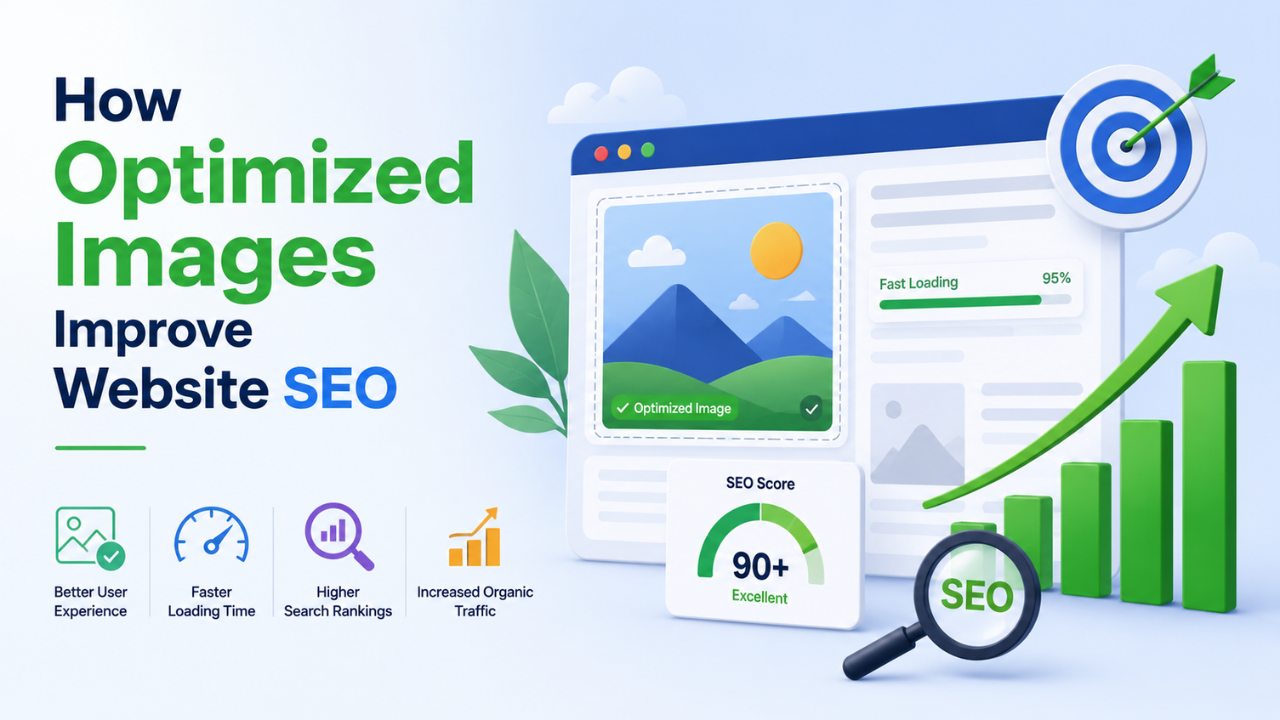
How Optimized Images Improve Website SEO (With Real Examples)
Image optimization is the highest-leverage SEO change most websites haven't made. Here's exactly how it moves rankings and the specific levers you can pull this week.
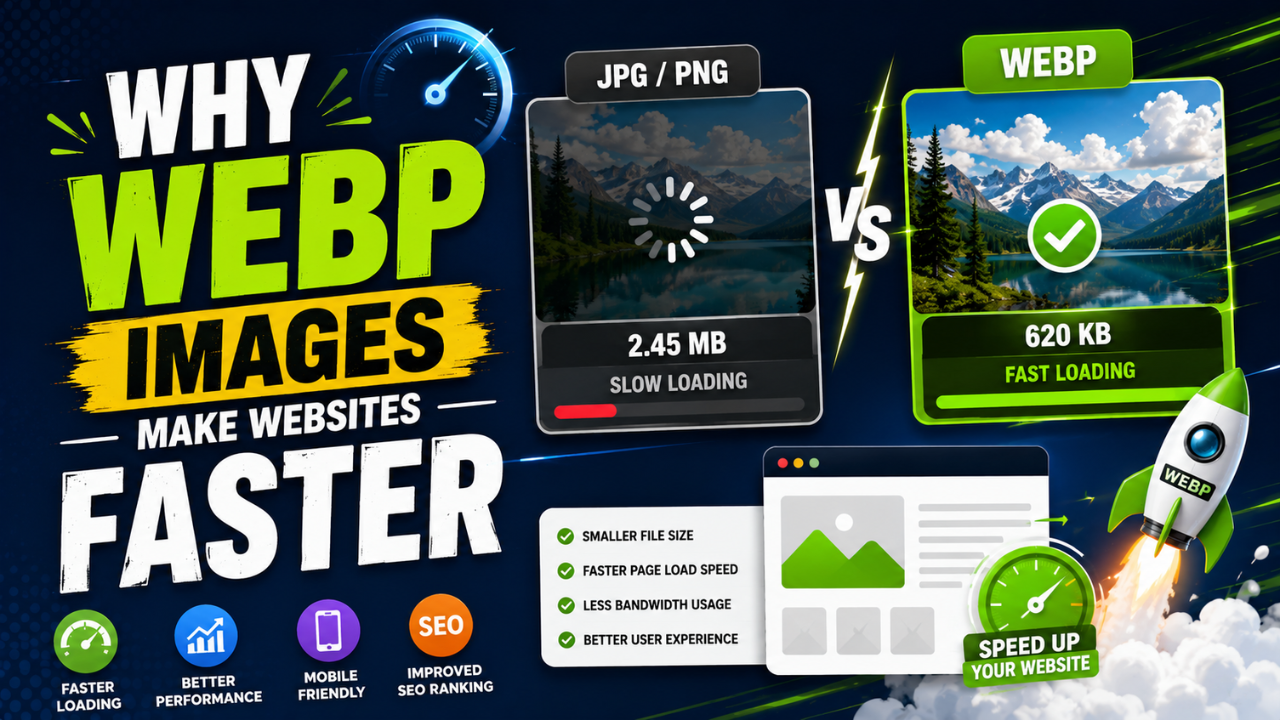
Why WEBP Images Make Websites Faster (With Real Speed Tests)
Same visual quality, 25-35% smaller files. WEBP is the easiest single SEO improvement you can ship this week — here's the data and how to convert.