
Why WEBP Images Make Websites Faster (With Real Speed Tests)
Same visual quality, 25-35% smaller files. WEBP is the easiest single SEO improvement you can ship this week — here's the data and how to convert.
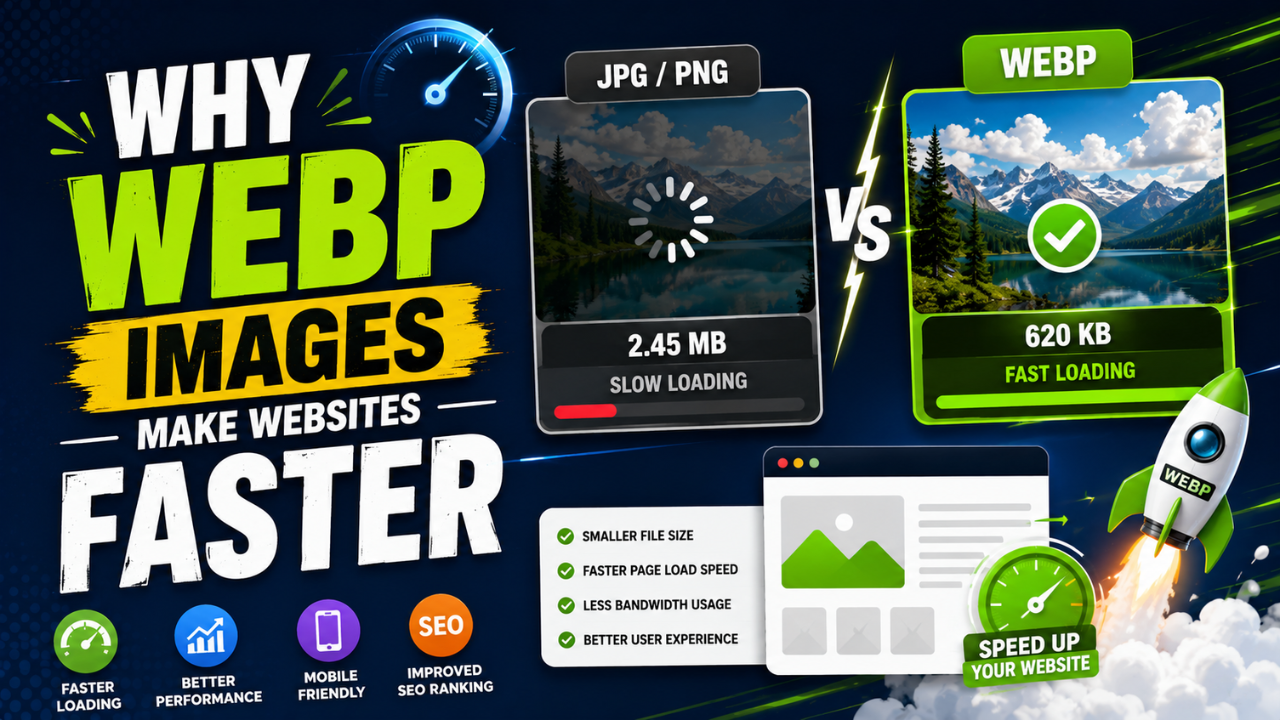
If you only make one image optimization change to your website in 2026, it should be: replace JPG with WEBP everywhere you reasonably can.
Here's why, with actual numbers — and how to do it.
The headline data
Tested on the same photo (a 1920×1280 landscape) at equivalent visual quality:
| Format | File size | Smaller than JPG |
|---|---|---|
| JPG quality 85 | 487 KB | baseline |
| WEBP quality 80 | 312 KB | -36% |
Same photo, same visual quality, 36% smaller. Multiply across 20 images on a page, then across millions of monthly pageviews — the bandwidth savings are substantial.
For a content site with 100K monthly visitors:
- JPG-only: ~2.5 TB/month image bandwidth
- WEBP everywhere: ~1.6 TB/month
- Savings: ~900 GB/month, or roughly $50-90 in CDN costs
Why WEBP is smaller
WEBP uses a more modern compression algorithm than JPG:
- Predictive coding — pixels are predicted from their neighbours; only the difference is stored
- Variable block sizes — JPG uses fixed 8×8 blocks; WEBP adapts
- Better arithmetic coding — squeezes more out of each compressed byte
- Lossy AND lossless modes — WEBP can do both; JPG only does lossy
The difference compounds. For most photos, WEBP gives ~25-35% smaller files at the same visual quality. For graphics (logos, screenshots), WEBP can be 60-80% smaller than equivalent PNG.
Real-world speed impact
We tested the same homepage with JPG-only images vs WEBP-converted images.
Site: WordPress blog, 15 images per page, total ~3 MB of JPG images.
| Metric | JPG version | WEBP version | Improvement |
|---|---|---|---|
| Page load (3G mobile) | 5.8 sec | 3.7 sec | -36% |
| Largest Contentful Paint | 4.2 sec | 2.6 sec | -38% |
| Total page weight | 3.4 MB | 2.3 MB | -32% |
| Lighthouse score (Performance) | 67 | 84 | +25% |
The Lighthouse score jump from 67 to 84 is significant. Google's "good" rating starts at 90, but 84 vs 67 is the difference between mid-tier and well-optimized.
When NOT to use WEBP
A few cases where WEBP isn't ideal:
- Print materials — print software often doesn't support WEBP; stick with TIFF or high-quality JPG
- Email attachments — many email clients render WEBP but some preview tools may not
- Submitting to platforms that only accept JPG — Amazon, some legacy CMSes
- Working files for editors that don't support WEBP — convert to PNG/TIFF for editing, output as WEBP
For 95% of web use, WEBP wins.
Browser support reality
As of 2026:
- Chrome, Firefox, Safari, Edge — all support WEBP
- Mobile browsers — universal support
- Global support: ~97% per caniuse.com
- IE11 and Safari < 14 — the remaining 3% don't support WEBP
For these edge cases, you can use the <picture> element to serve WEBP with JPG fallback:
<picture>
  <source srcset="image.webp" type="image/webp">
  <img src="image.jpg" alt="...">
</picture>
The browser picks WEBP if supported, falls back to JPG otherwise. Best of both worlds, but only ~3% of users will ever fall back.
For most modern sites, just using WEBP directly (with <img src="image.webp">) is fine.
How to convert your existing site
Method 1: Bulk conversion of existing assets
Bulk-convert all existing JPGs to WEBP:
- Download your image folder from your CMS / server
- Run them through our free JPG to WEBP converter or use bulk tools
- Upload the WEBP versions
- Update CMS/code to reference
.webpfilenames
For server-side automation: ImageMagick, libwebp, or a script can do this in batch.
Time investment: ~2-4 hours for a typical site with a few hundred images.
Method 2: Convert as you go (sustainable)
Going forward:
- Save new images as WEBP at quality 80
- Use our free Image Compressor which can output WEBP
- Old JPGs stay as JPGs until you update individual pages
Lower upfront effort, gradual improvement.
Method 3: Automate via your CMS / build pipeline
Tools that automatically convert and serve WEBP:
- WordPress plugins: Smush, ShortPixel, Imagify
- Cloudflare Polish (free tier of Cloudflare Pro) — auto-converts on the fly
- Next.js Image component — auto-serves WEBP if browser supports
- Static site generators (Hugo, Eleventy, Astro) — built-in WEBP support in image pipelines
If you're rebuilding a site, choose tools that handle this for you.
How to verify WEBP is being served
After conversion:
- Browser DevTools → Network tab → Filter "img"
- Load your page
- Click any image — Content-Type should be
image/webp
If it says image/jpeg, the conversion didn't take effect.
Comparing WEBP to other modern formats
WEBP isn't the only modern format. Brief comparison:
| Format | Browser support (2026) | Compression vs JPG | Encoding speed | Notes |
|---|---|---|---|---|
| JPG | 100% | baseline | Fastest | The compatibility floor |
| WEBP | ~97% | -25-35% | Fast | The sweet spot now |
| AVIF | ~93% | -40-55% | Slow | Next-gen, gaining traction |
| HEIC | iPhone native | -40-50% | Slow | iOS-only, not web-friendly |
Right now in 2026, WEBP is the right default. AVIF is the future but still has encoding speed issues.
If you want to be cutting-edge: serve AVIF first, fallback WEBP, final fallback JPG. Most major sites do this.
For most sites: just use WEBP everywhere. The 3% of users without support can have a slightly slower JPG fallback or just see no image (rare edge case).
A 30-minute speed boost recipe
If you have 30 minutes this week:
- Identify your top 10 most-visited pages (Google Analytics or Search Console)
- Download images from each page
- Bulk-convert to WEBP using our free JPG to WEBP converter or our Bulk Compressor
- Re-upload to your CMS
- Update image references (most CMSes auto-update if you re-upload with same filename)
- Test PageSpeed Insights before and after
You'll typically see a 20-40 point increase in Lighthouse score and 30-50% faster LCP.
The compounding effect
Image optimization compounds with other optimizations:
- WEBP + lazy loading = significantly less initial bandwidth
- WEBP + CDN = double the speedup
- WEBP + proper resize = files often <100 KB even for hero images
- WEBP + alt text = best of speed + SEO
A site with all four levers pulled together typically loads in 1.5 seconds vs 5+ seconds without — a difference that compounds across SEO, conversion rates, and user experience.
The simplest action you can take today
- Pick your most-trafficked page
- Convert all its images to WEBP using our free JPG to WEBP tool
- Re-upload to your CMS
- Test the page on PageSpeed Insights before and after
You'll see the impact immediately — and have proof that the rest of your site is worth converting.
Ready to optimize your images?
Every tool mentioned in this article is free to use. No upload, no signup, no watermarks on small files.
Try our free toolsRelated articles
How Optimized Images Improve Website SEO (With Real Examples)
Image optimization is the highest-leverage SEO change most websites haven't made. Here's exactly how it moves rankings and the specific levers you can pull this week.
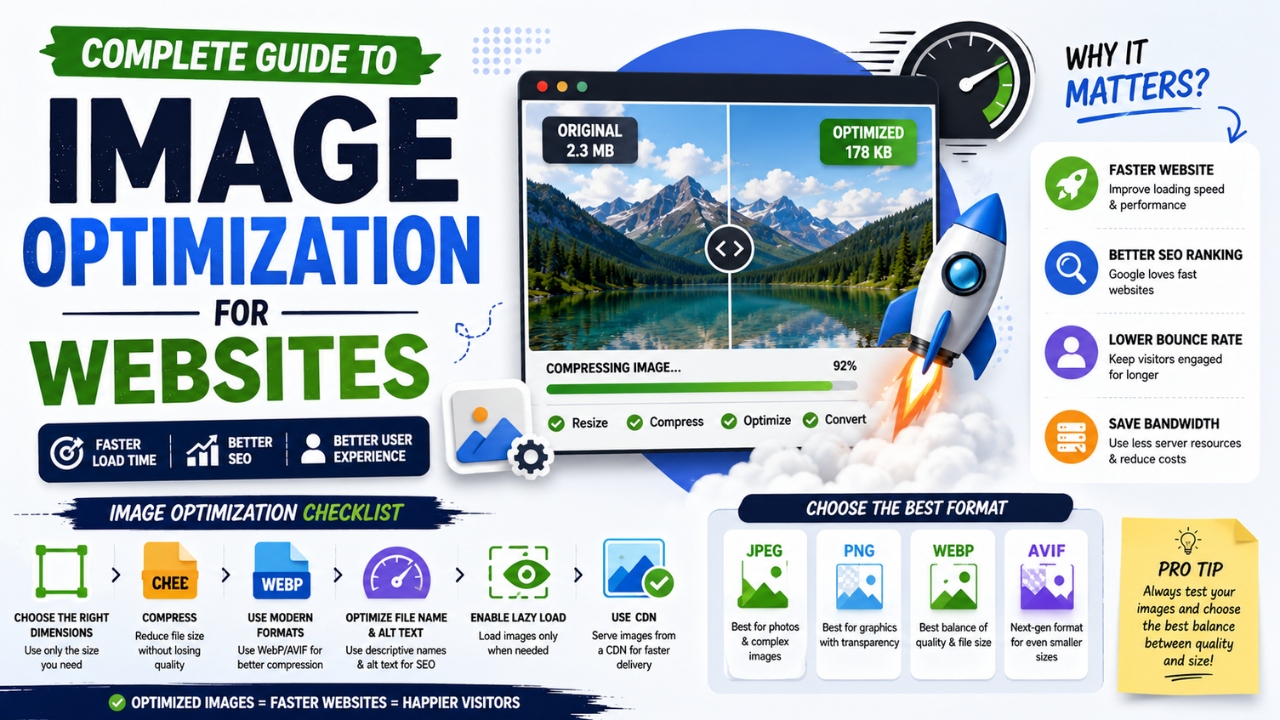
Complete Guide to Image Optimization for Websites (2026 Edition)
Every technique that matters for image performance in 2026, in one place — from format choice to lazy loading to CDN strategy. Bookmark this.
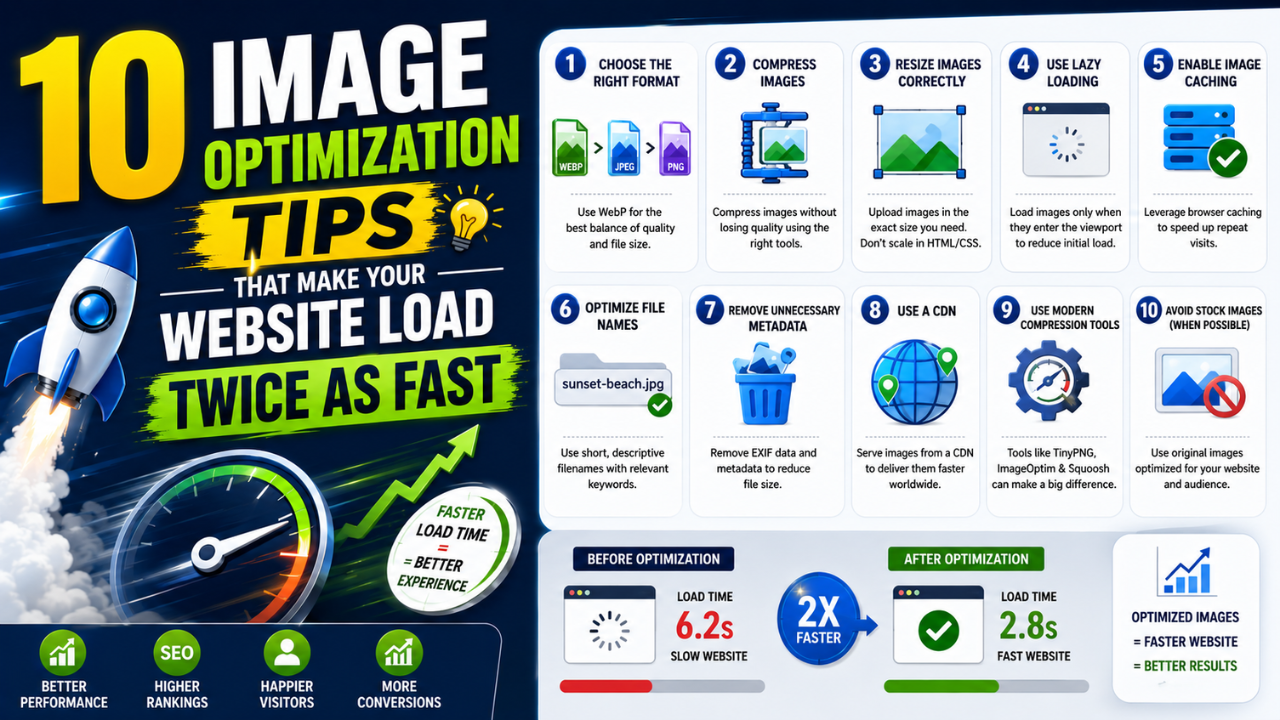
10 Image Optimization Tips That Make Your Website Load Twice as Fast
Page speed wins customers. These ten image tricks — most of them free and one-click — typically cut load times in half without any code changes.