
Image editing guides, explained simply
Practical guides by Ashish Kathiriya, each linked to a free tool that does the job in your browser.
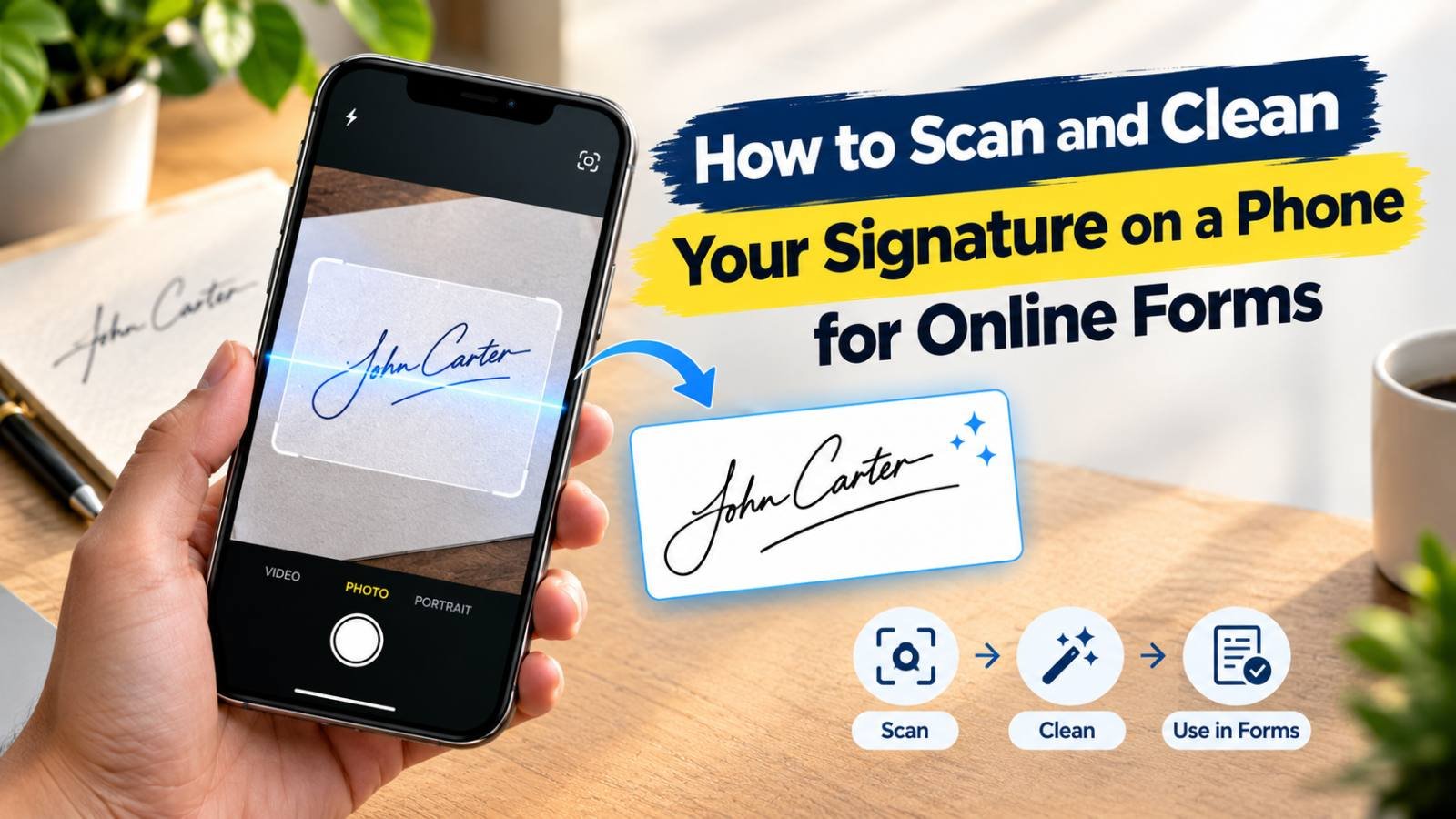
How to Scan and Clean Your Signature on a Phone for Online Forms
Get a clean signature image without a scanner: how to sign, photograph or scan it on your phone, remove shadows and grey paper, crop it tightly, and make a JPG in the exact KB range your form wants.
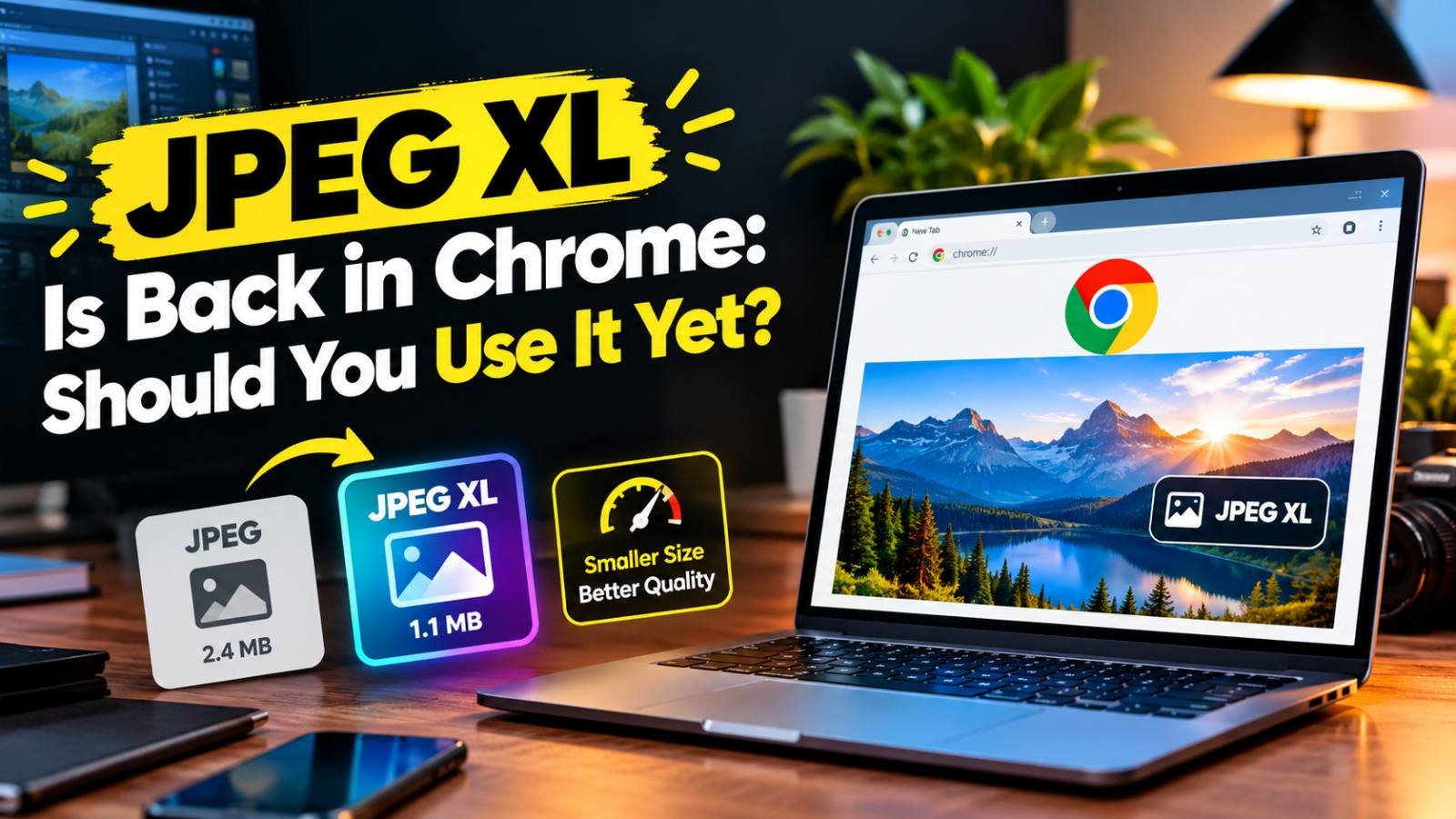
JPEG XL Is Back in Chrome: Should You Use It Yet?
Chrome 155 can finally display JPEG XL images. What the format does better than JPG, WebP and AVIF, which browsers and apps support it today, and when it makes sense to start using it.
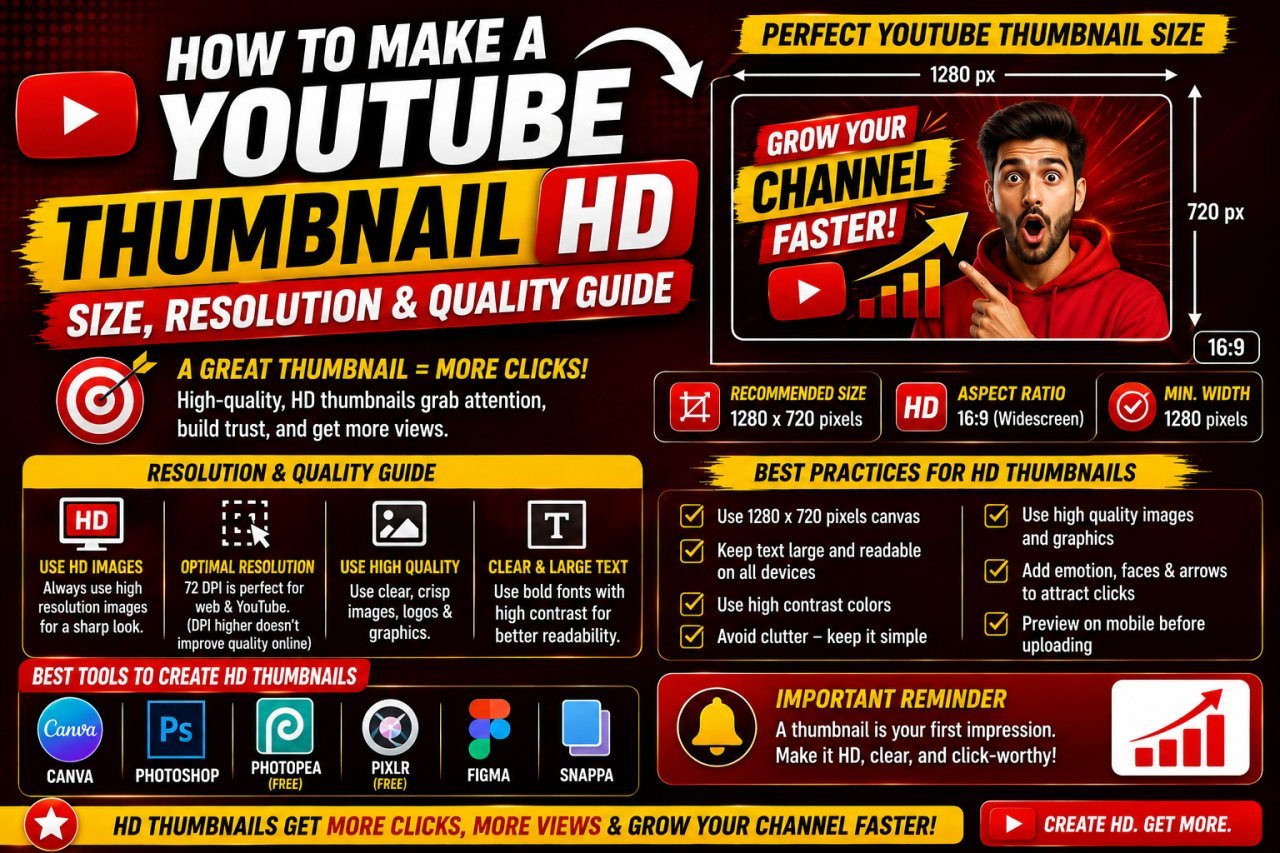
YouTube Thumbnail Size, Resolution and Format: How to Export an HD Thumbnail
The right YouTube thumbnail size, aspect ratio, file size limit and format, plus how to export a sharp HD thumbnail that stays under 2 MB without cropping or stretching.
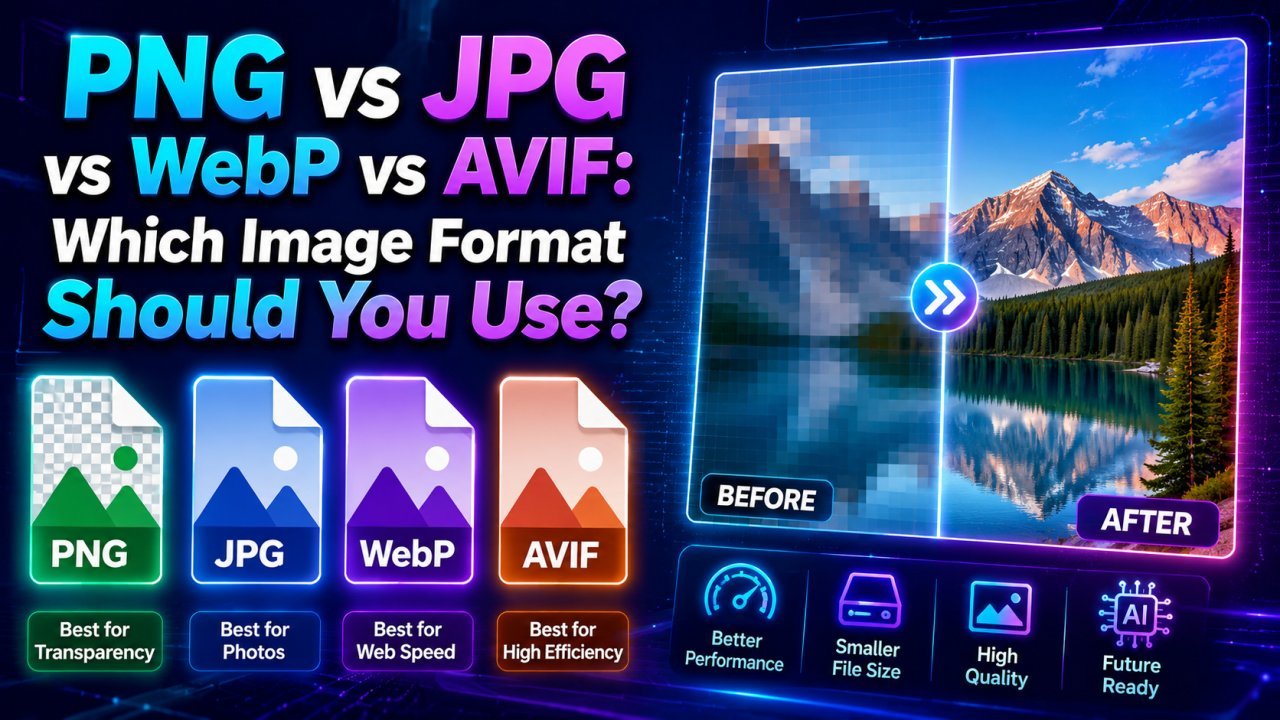
PNG vs JPG vs WebP vs AVIF: Which Image Format Should You Use?
JPG for photos you share anywhere, PNG for graphics and transparency, WebP for most website images, AVIF when you can serve it with a fallback. Here is how to decide.
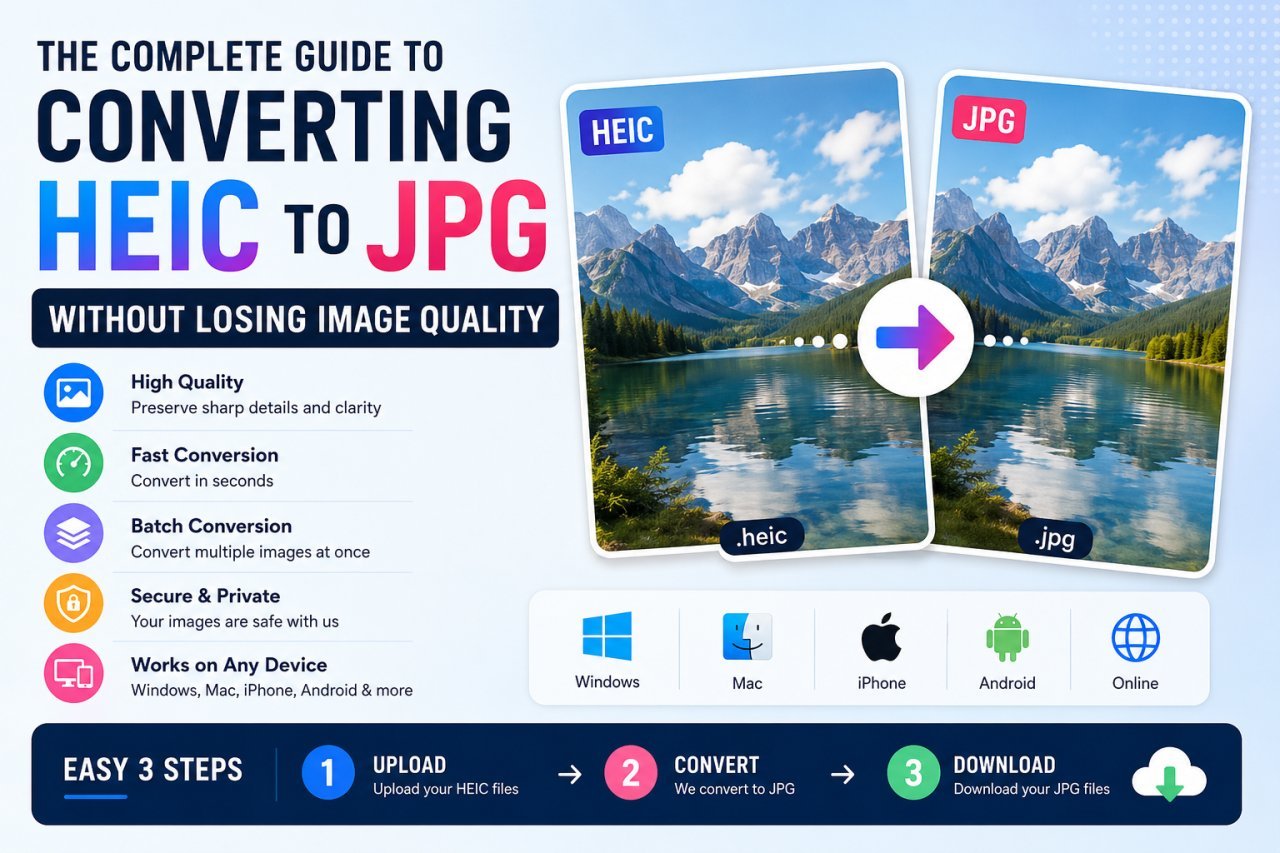
How to Convert HEIC to JPG on Windows, Mac, iPhone and Android
iPhone photos are saved as HEIC, which many PCs, websites and forms reject. Every free way to turn them into JPG, plus how to stop your iPhone creating HEIC files.
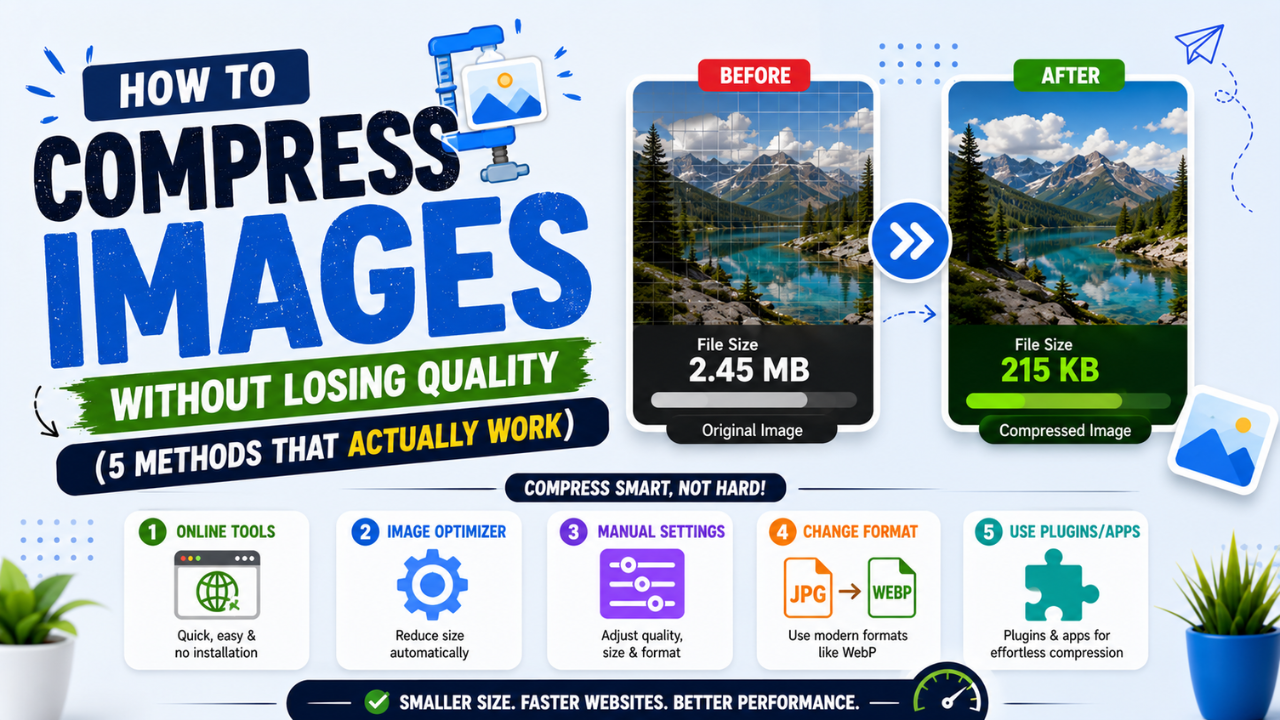
How to Compress Images Without Losing Quality (and Reduce Size in KB)
Resize to the size you need, pick the right format, use a moderate quality setting and compare. How to shrink JPG, PNG and WebP files, or hit an exact KB limit, without visible loss.
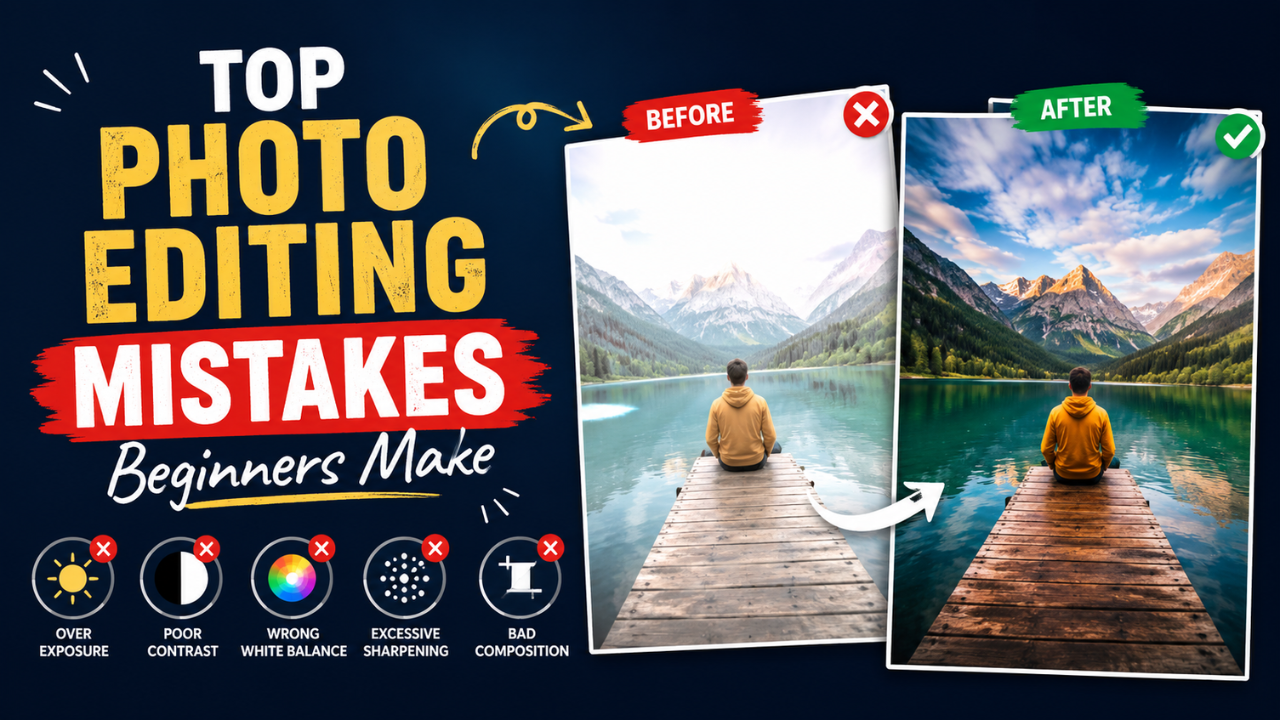
Common Photo Editing Mistakes Beginners Make (and How to Fix Them)
Over-sharpening, neon saturation, crooked horizons, stretched images and over-compressed JPGs. The mistakes beginners make most, and the simple fix for each.
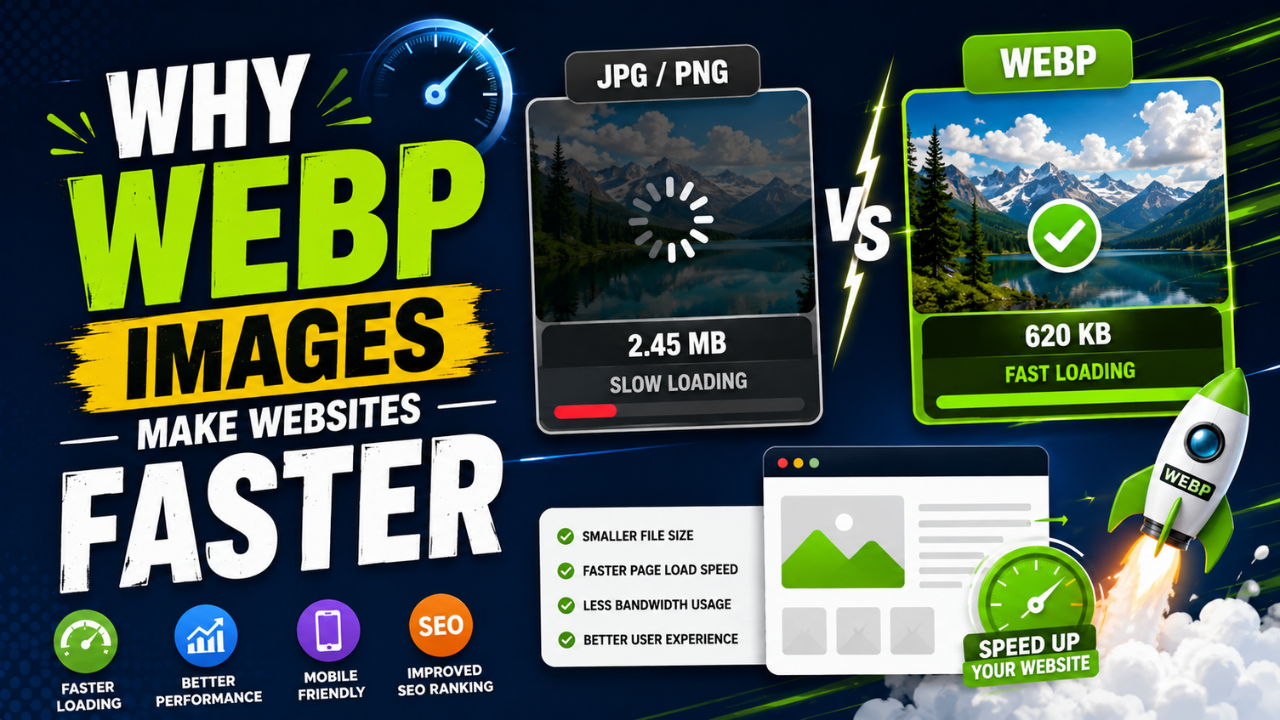
Why WebP Images Make Websites Faster
WebP stores the same picture in fewer bytes than JPG or PNG, so pages download less and render sooner. How it works, when not to use it, and how to switch your site.