
Image optimization, compression & design — explained simply.
Practical guides from the team behind Image EditPro. Free to read. Free tools at the end of every post.
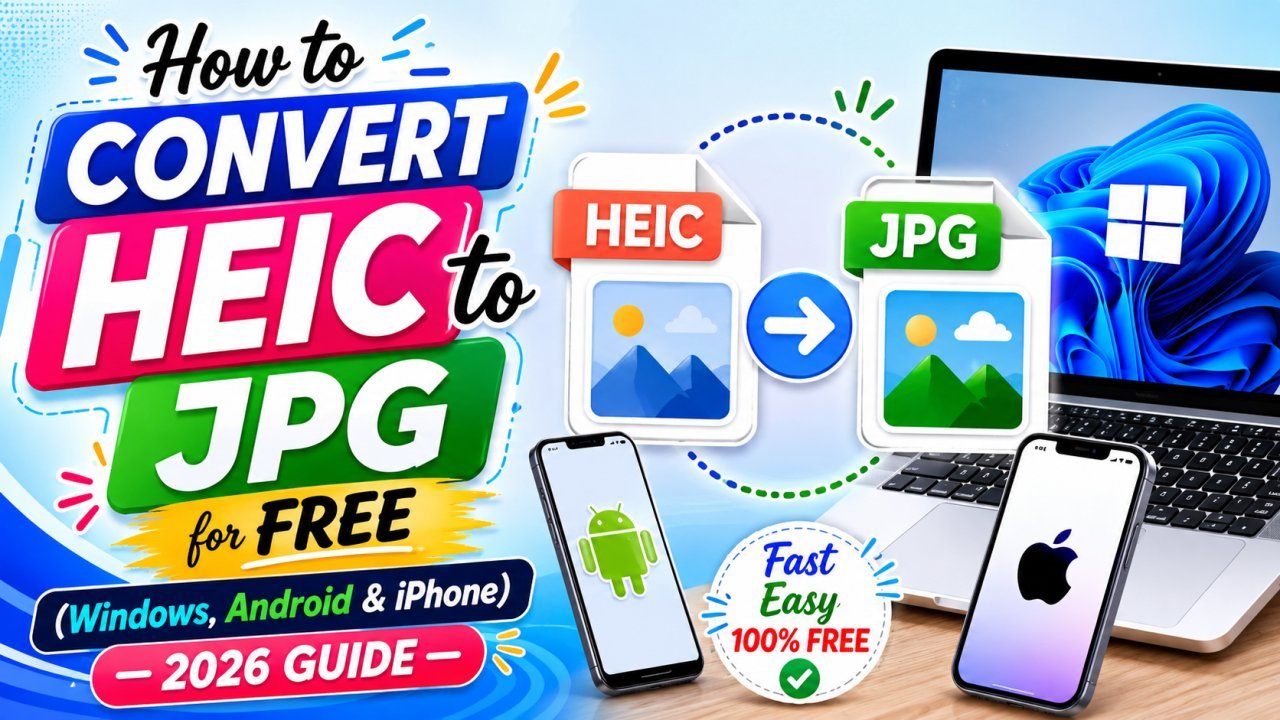
How to Convert HEIC to JPG for Free (Windows, Android & iPhone) — 2026 Guide
Got a .HEIC photo from an iPhone that won't open on your laptop? Here's every free way to turn it into a normal JPG — and the fastest one that never uploads your photo anywhere.
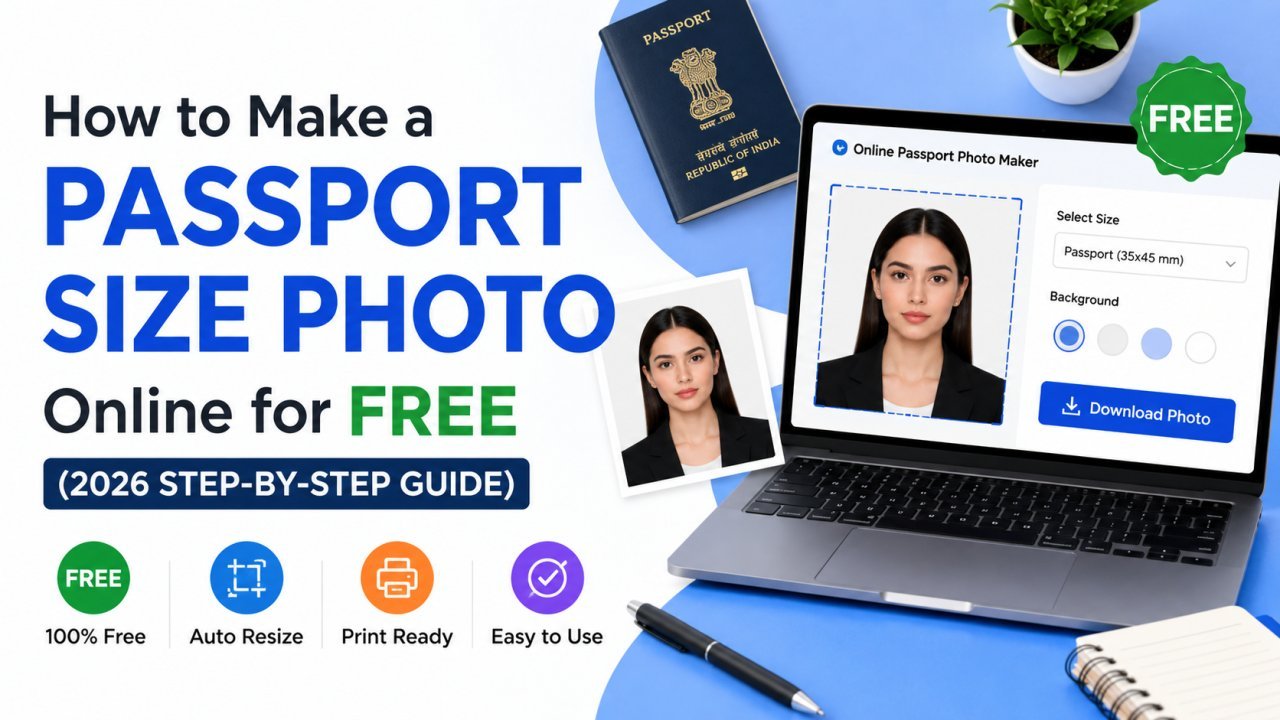
How to Make a Passport Size Photo Online for Free (2026 Step-by-Step Guide)
You don't need a photo studio for a passport, visa, or exam photo anymore. Here's how to turn a normal selfie into a perfectly sized, correctly cropped passport photo online — free and in minutes.
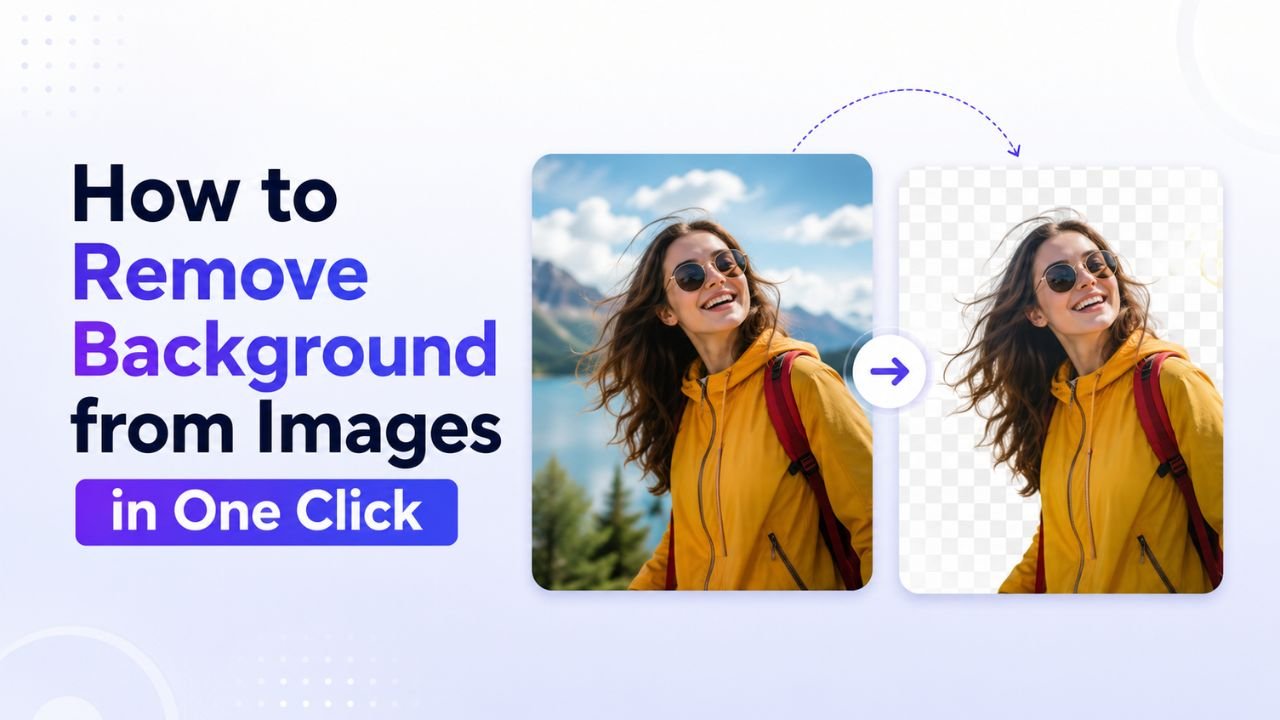
How to Remove Background from Images in One Click (Free, No Photoshop)
Background removal used to take 10 minutes per image with the Pen Tool. In 2026 it takes one click. Here's the practical guide for any image type.
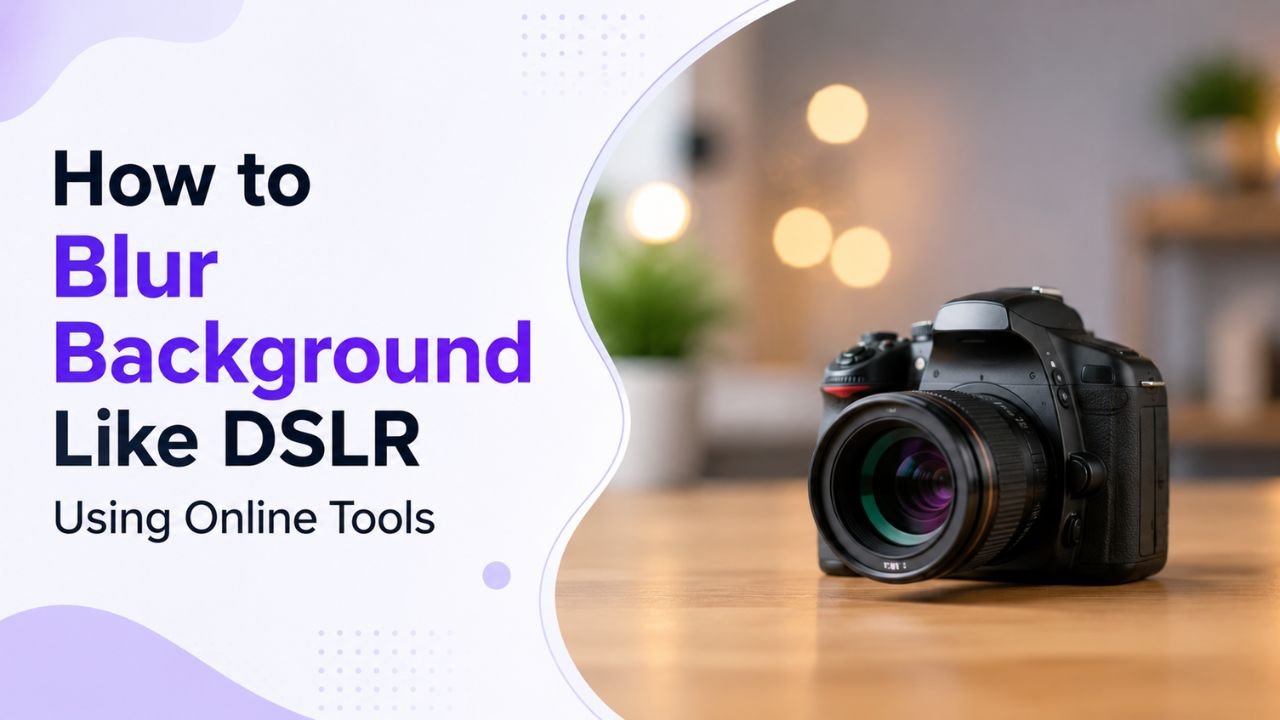
How to Blur Background Like a DSLR Using Online Tools (No Camera Needed)
That dreamy DSLR portrait blur (bokeh) is now reproducible from any phone photo — using free online tools that simulate depth of field convincingly.
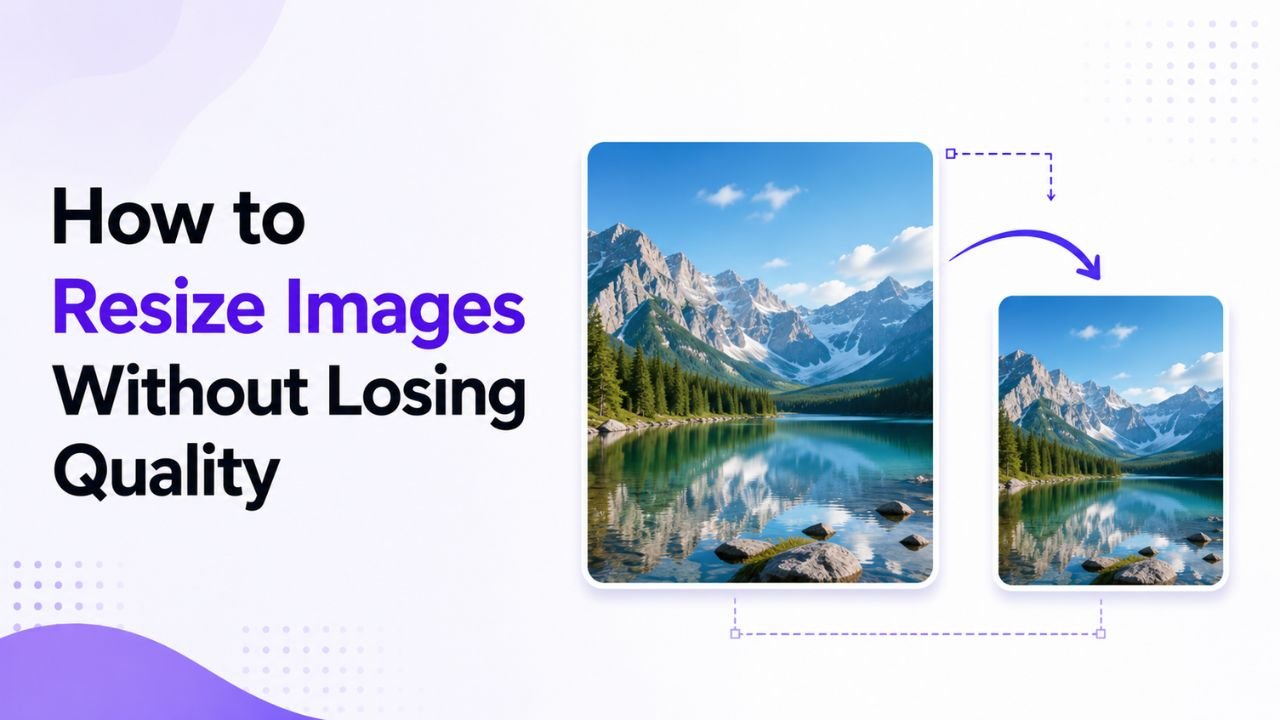
How to Resize Images Without Losing Quality (The Real Guide)
Resizing seems trivial but most tools make it look worse than it should. Here's how to keep images crisp regardless of which direction you're going.
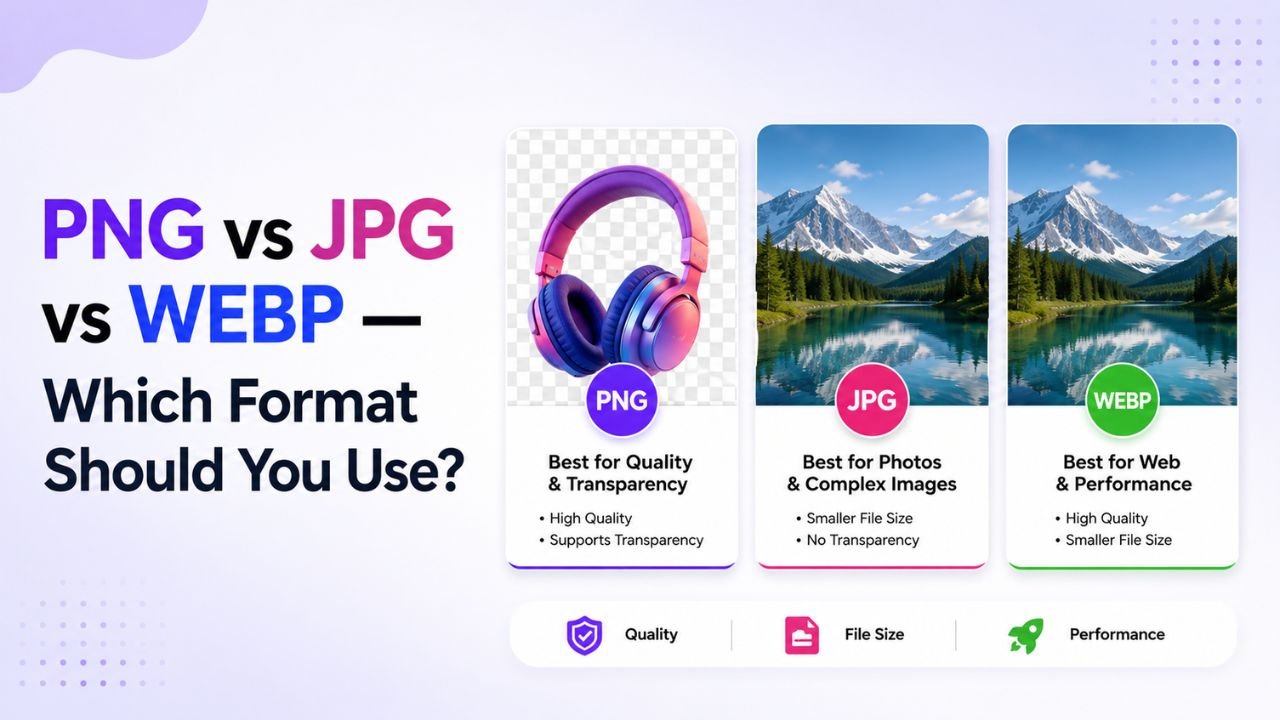
PNG vs JPG vs WEBP — A Decision Tree for Picking the Right Format
Stop guessing image formats. This decision tree walks you to the right answer in 3 questions or fewer — regardless of your specific image.
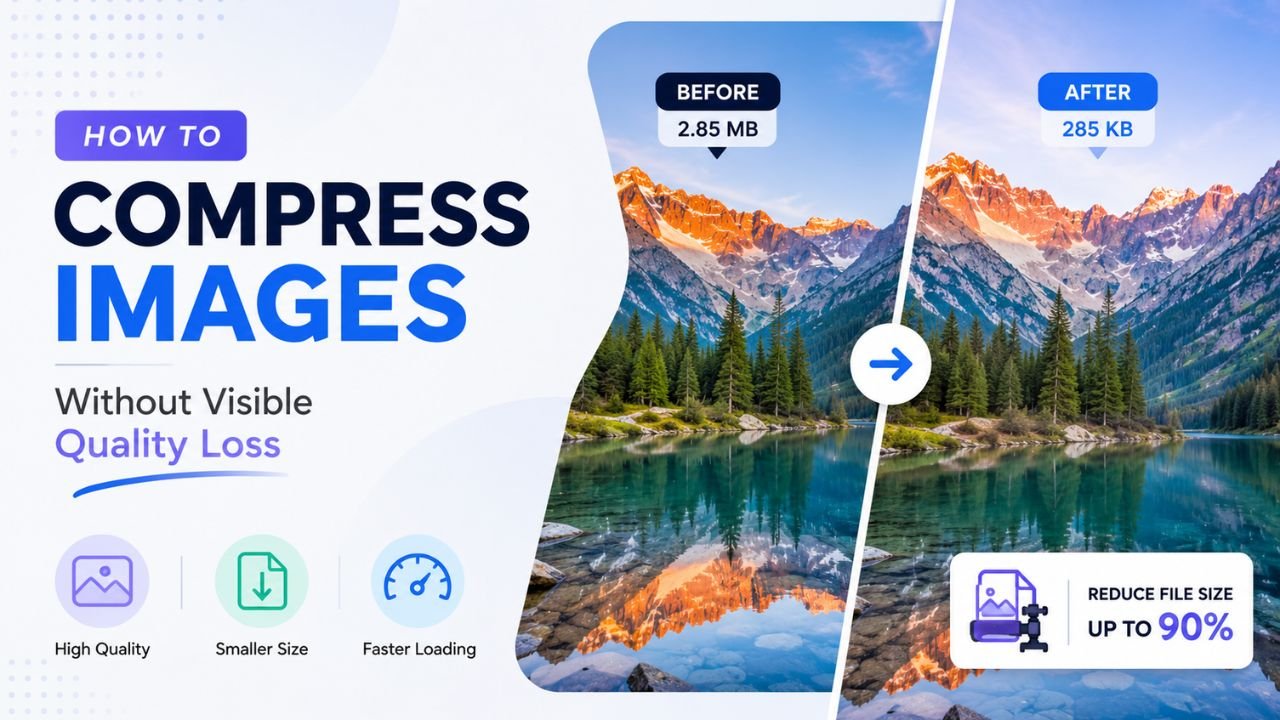
How to Compress Images Without Any Visible Quality Loss
There's a science to picking the exact quality setting where files shrink dramatically but no human can spot the difference. Here's how to find that sweet spot every time.
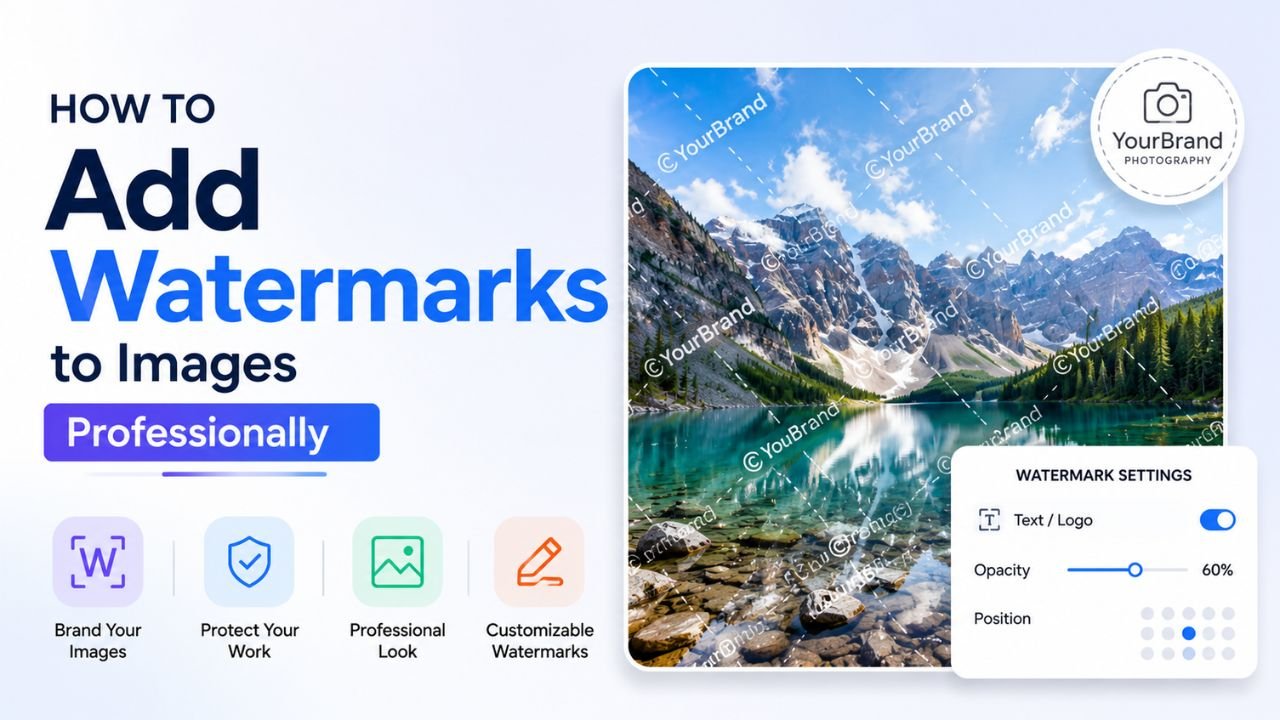
How to Add Watermarks to Images Professionally (Without Ruining Them)
A bad watermark screams 'amateur'. A good one protects your work invisibly. Here's the difference, with practical placement, opacity, and sizing rules.
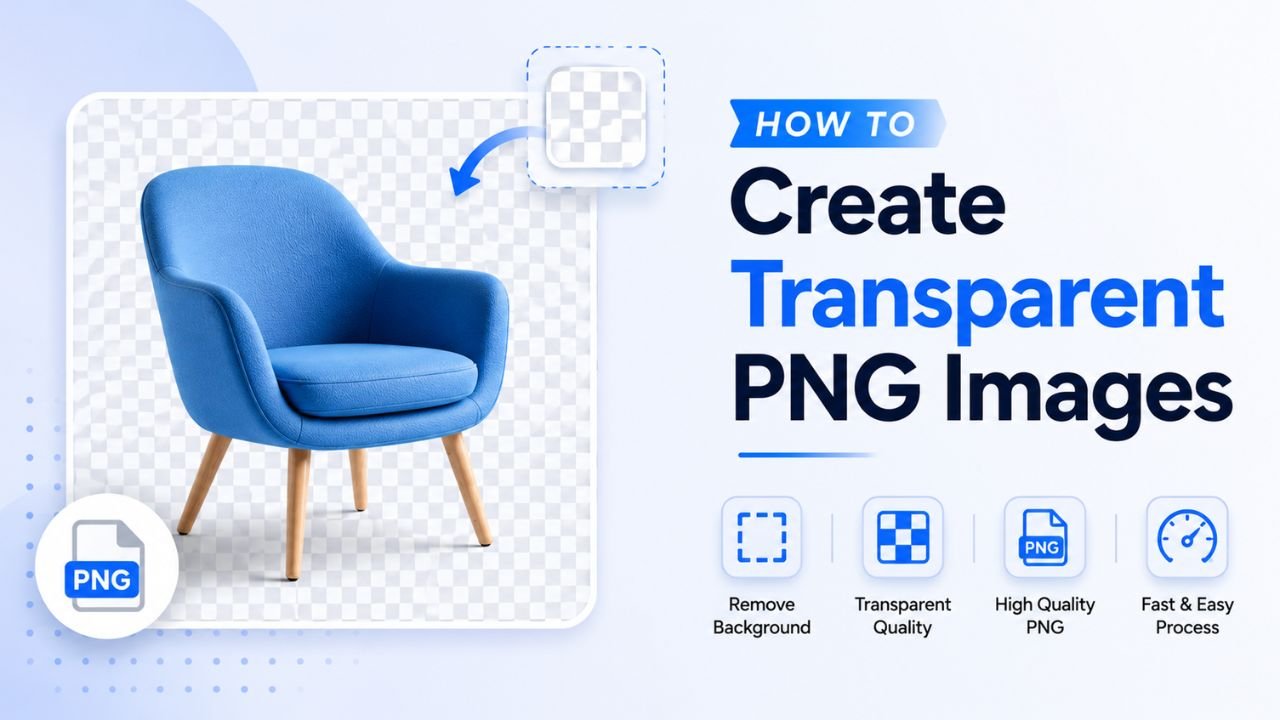
How to Create Transparent PNG Images (4 Practical Methods)
Transparent PNGs let logos, icons, and product cutouts sit on any background. Four ways to create them, from one-click AI to manual precision.
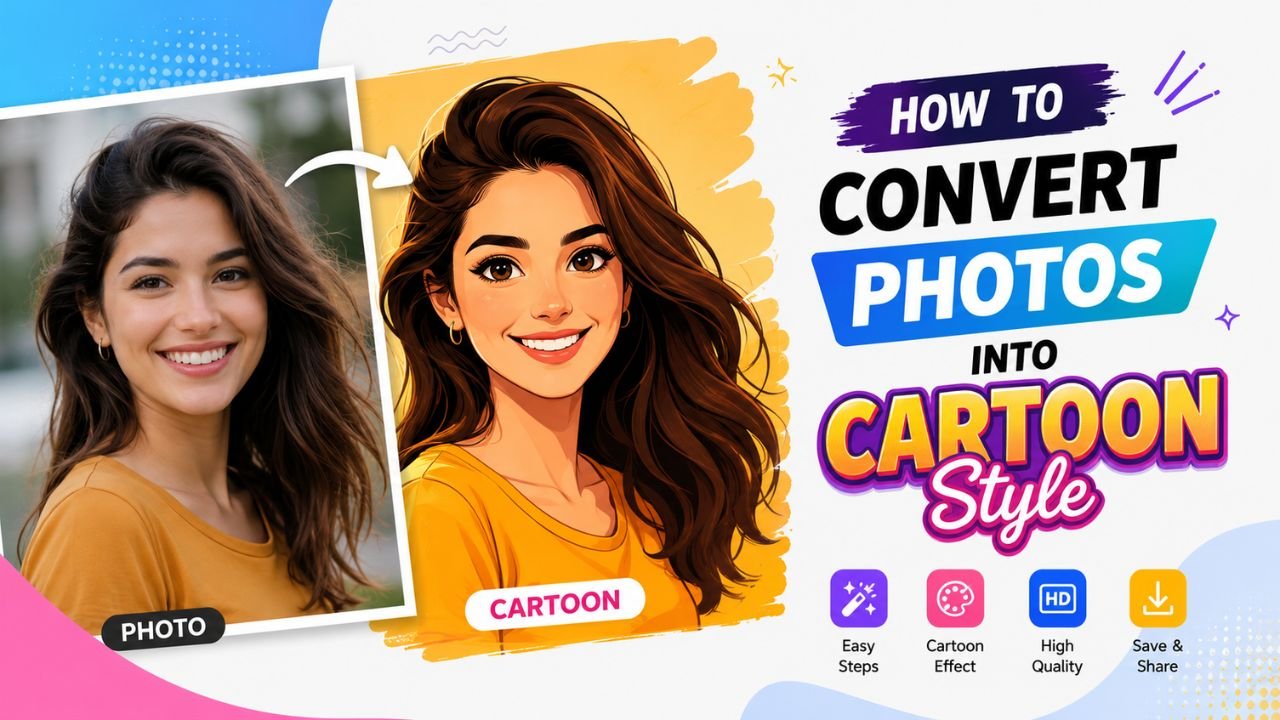
How to Convert Photos into Cartoon Style (Free Tools + Manual Methods)
From AI one-click cartoonizers to manual posterization techniques — six ways to give photos that drawn-by-hand cartoon look, ranked by quality.