
PNG vs JPG vs WEBP — A Decision Tree for Picking the Right Format
Stop guessing image formats. This decision tree walks you to the right answer in 3 questions or fewer — regardless of your specific image.
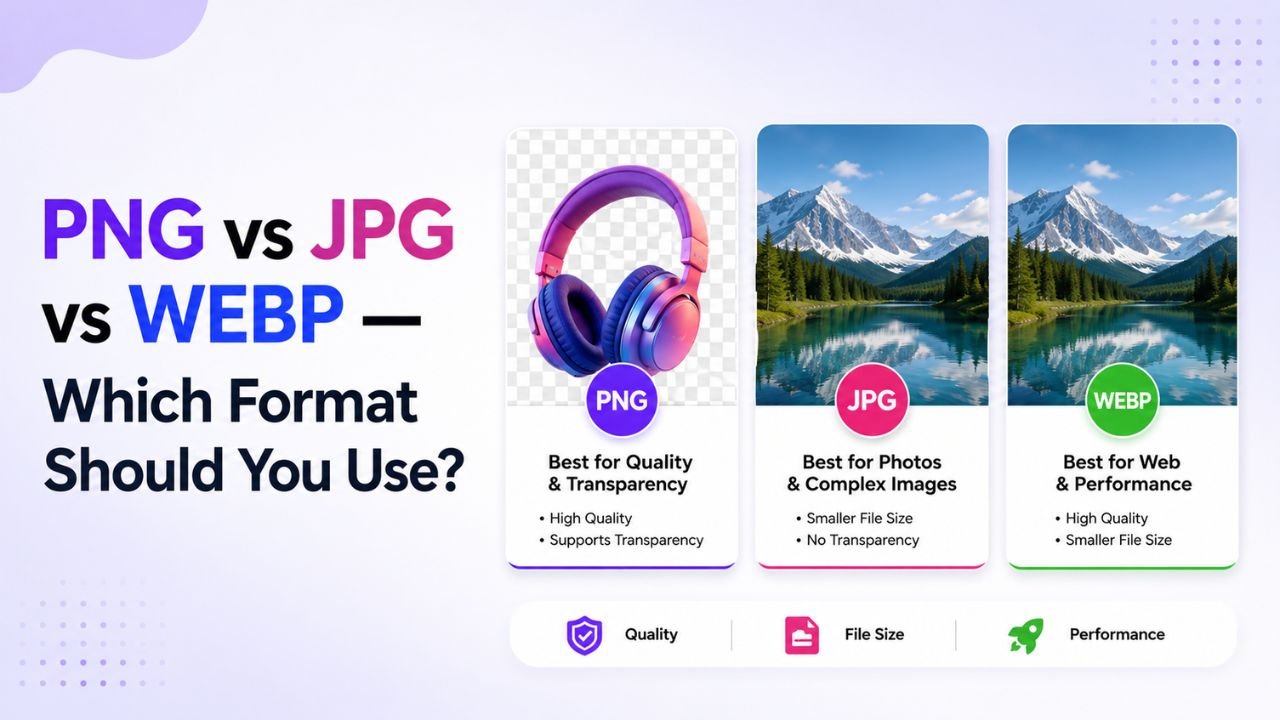
If you've ever stared at "Save As" wondering which format to pick — JPG, PNG, or WEBP — you're not alone. The answer depends entirely on what you're saving and where it's going.
This guide walks you through the decision in three questions or fewer. No theory, just answers.
Question 1: Does the image have transparency?
- Yes (transparent or semi-transparent areas) → PNG or WEBP. Never JPG. JPG doesn't support transparency at all.
- No → continue to Question 2
Common transparent images: logos, icons, UI elements, anything that needs to sit on a coloured background. If you're not sure, you usually don't need transparency.
Question 2: Is the image a photograph?
- Yes (photo of a real-world scene with continuous colours and gradients) → continue to Question 3
- No (screenshot, graphic, logo, illustration, line art with sharp edges) → PNG
Why? PNG uses lossless compression that's efficient for sharp edges and limited colour palettes. JPG's compression introduces visible artefacts around sharp lines.
Question 3: Is this image going on the web?
- Yes → WEBP if it doesn't need to be opened in old software / sent through old email clients. WEBP gives 25-35% smaller files at the same quality as JPG.
- No (going in a PDF, document, email attachment, print) → JPG
The full decision tree
Image has transparency?
├── YES
│   ├── Going to web? → WEBP (with PNG fallback if needed)
│   └── Going elsewhere? → PNG
└── NO
    ├── Is it a photograph?
    │   ├── YES (real-world scene)
    │   │   ├── Going to web? → WEBP
    │   │   └── Going elsewhere? → JPG
    │   └── NO (graphics, screenshots, logos)
    │       └── PNG
Real-world examples
| Image type | Best format | Why |
|---|---|---|
| Phone photo of a landscape | WEBP for web, JPG for sharing | Continuous gradients compress well |
| Product photo for Amazon | JPG (Amazon's requirement) | Marketplace spec |
| Company logo on a coloured website | PNG (or SVG if vector) | Needs transparency |
| Screenshot of a UI for documentation | PNG | Sharp text and edges |
| Infographic with sharp text | PNG | Compression artefacts ruin text |
| Hero image for your homepage | WEBP | Best file-size/quality ratio |
| Profile photo for LinkedIn | JPG or WEBP | LinkedIn accepts both |
| Old family photo to email to relatives | JPG | Universal compatibility |
| Drone footage still frame | WEBP for web, JPG for editing | Photographic content |
File size comparison: same image, three formats
Test: a 4032×3024 phone photo of a flower garden.
| Format | Quality setting | File size |
|---|---|---|
| PNG (lossless) | — | 12.4 MB |
| JPG | 85 (recommended) | 1.8 MB |
| JPG | 70 (typical web) | 920 KB |
| WEBP | 85 (recommended) | 1.1 MB |
| WEBP | 75 (typical web) | 680 KB |
Same visual quality, PNG is 6-12× bigger than the others for photos. This is why PNG is the wrong choice for most web photos.
For graphics with sharp edges (logos, screenshots), the order would reverse — PNG would be smaller than JPG due to JPG's compression artefacts around hard edges.
What about AVIF?
AVIF is newer, smaller again than WEBP (often 20-30% smaller at the same quality). As of 2026, browser support is ~93%. Worth considering for cutting-edge optimization but:
- Encoding AVIF is slow (10-30× slower than JPG)
- Not all image editors support writing AVIF
- WEBP is a more compatible choice for now
If you're optimising a high-traffic site, look into serving AVIF with WEBP fallback. For most use cases, WEBP is the right answer in 2026.
We support AVIF decoding (converting AVIF → other formats) — useful when you receive AVIF files. AVIF encoding (creating new AVIF) is still a 2027 problem for browser-side tools.
Quick conversion paths
Already have an image in the wrong format?
- PNG to JPG — shrink photos saved as PNG
- JPG to PNG — gain transparency support
- PNG to WEBP — go from "fine" to "best for web"
- JPG to WEBP — 25-35% smaller files
- WEBP to PNG — for editing in tools that don't support WEBP
- AVIF to PNG / JPG / WEBP — for AVIF files you receive
Save-as defaults to bake into your habits
- Photo for the web? Default to WEBP
- Photo for anywhere else? Default to JPG quality 85
- Anything with sharp edges or transparency? Default to PNG
- In doubt? WEBP is the safe modern choice (96.5% browser support in 2026)
Format isn't everything
Format choice is only one part of optimization. You also want to:
- Resize to actual display dimensions (free resize)
- Strip metadata to save 50-200 KB per file (free EXIF remover)
- Compress at quality 80-85 for photos (free image compressor)
Combine all four (format + resize + metadata strip + compress) and a 4 MB phone photo becomes a 150-250 KB web image. That's the difference between a fast-loading page and a slow one.
Ready to optimize your images?
Every tool mentioned in this article is free to use. No upload, no signup, no watermarks on small files.
Try our free toolsRelated articles
How to Convert HEIC to JPG for Free (Windows, Android & iPhone) — 2026 Guide
Got a .HEIC photo from an iPhone that won't open on your laptop? Here's every free way to turn it into a normal JPG — and the fastest one that never uploads your photo anywhere.
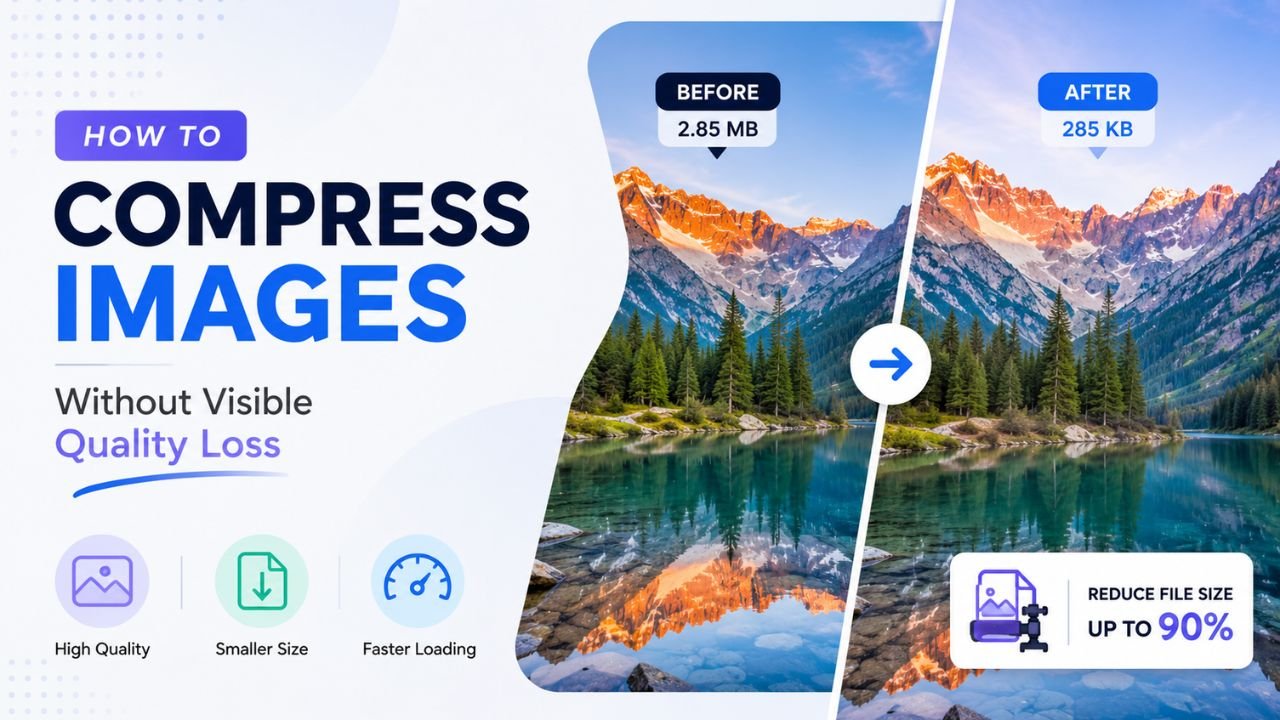
How to Compress Images Without Any Visible Quality Loss
There's a science to picking the exact quality setting where files shrink dramatically but no human can spot the difference. Here's how to find that sweet spot every time.
How to Create Transparent PNG Images (4 Practical Methods)
Transparent PNGs let logos, icons, and product cutouts sit on any background. Four ways to create them, from one-click AI to manual precision.