
Image optimization, compression & design — explained simply.
Practical guides from the team behind Image EditPro. Free to read. Free tools at the end of every post.
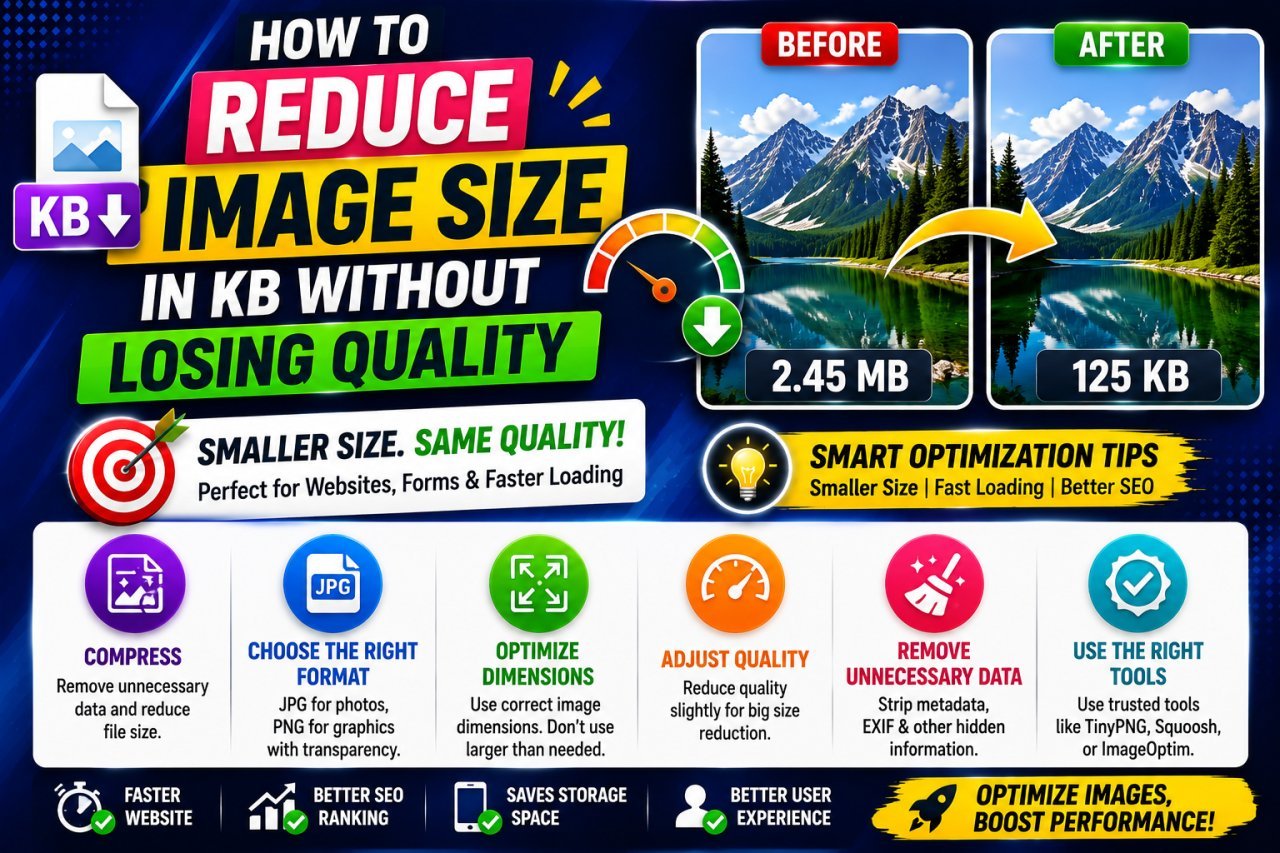
How to Reduce Image Size in KB Without Losing Quality
Learn how to reduce image size in KB without losing quality using smart compression, resizing, format selection, and practical image optimization techniques.
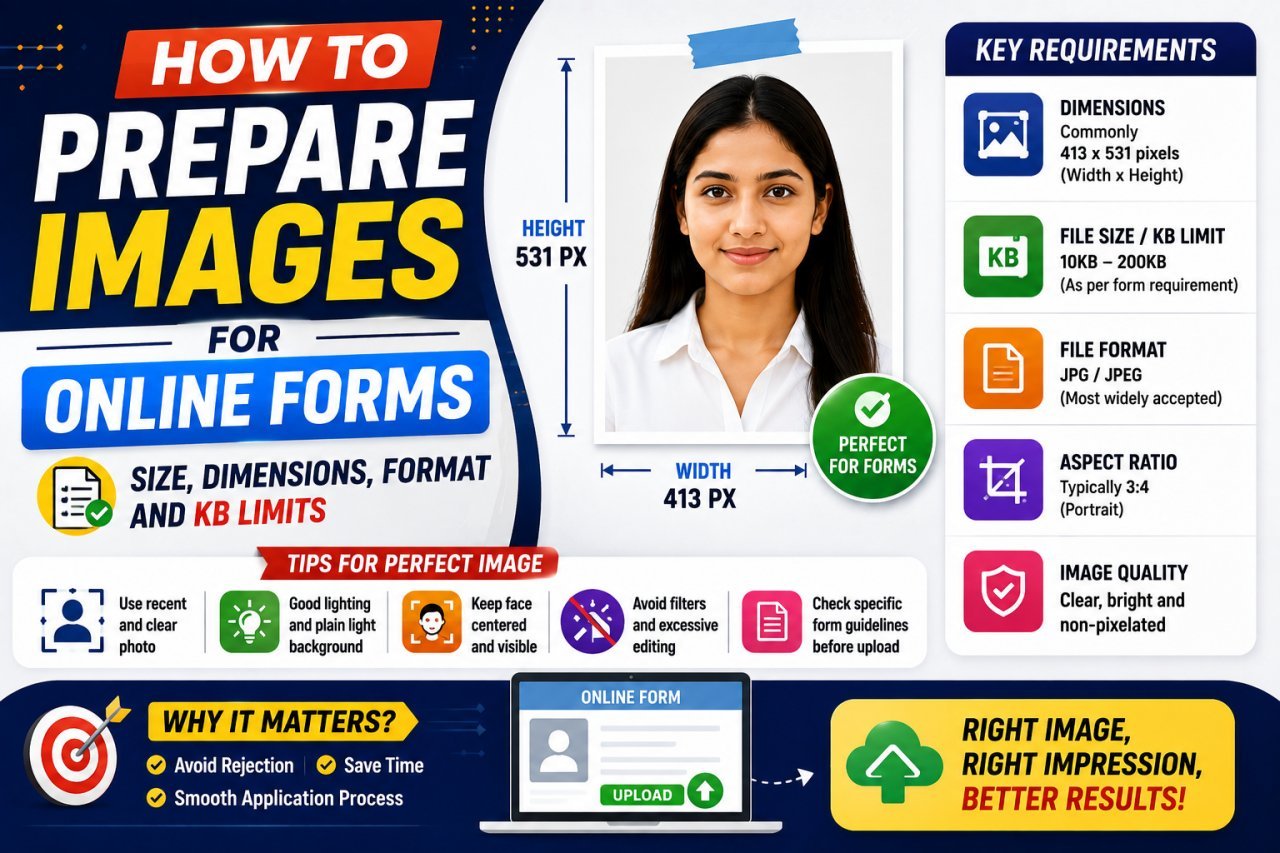
How to Prepare Images for Online Forms: Complete Guide
Need to upload a photo to an online form? Learn how to prepare images with the correct pixels, dimensions, file format, KB or MB limit, aspect ratio, and image quality so your file uploads successfully without becoming blurry.
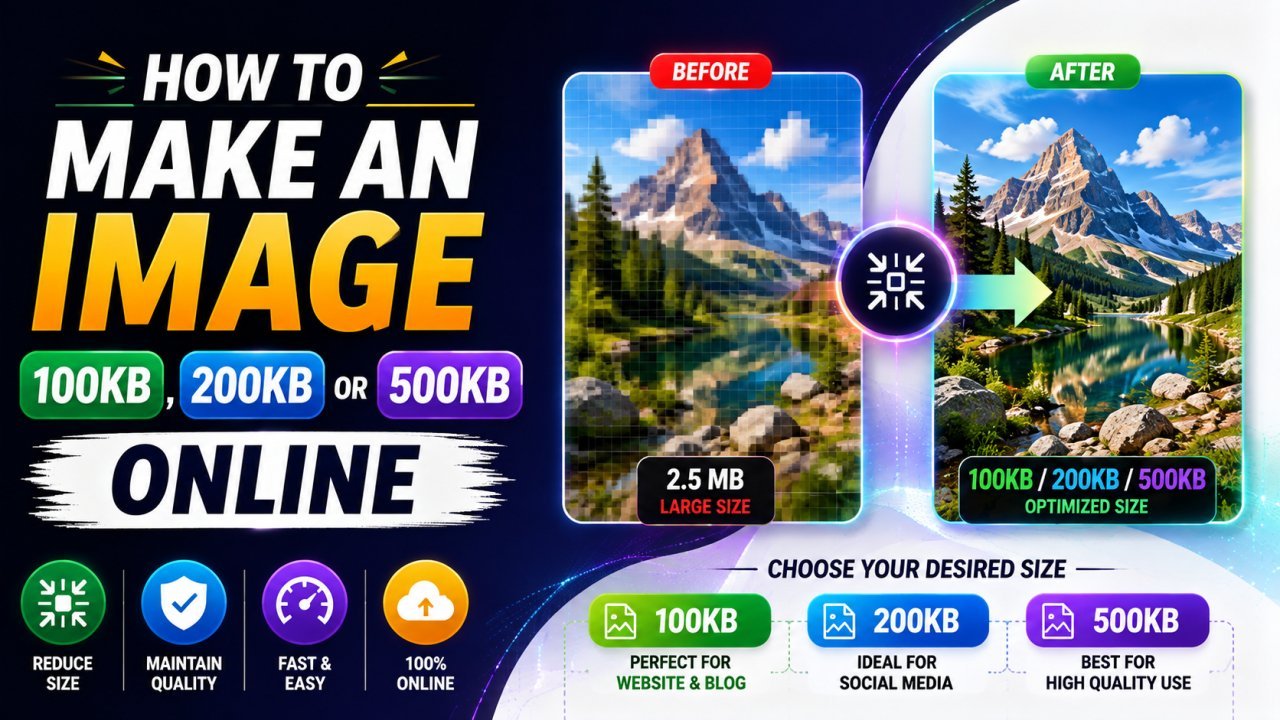
How to Make an Image 100KB, 200KB, or 500KB Online
Learn how to make an image 100KB, 200KB, or 500KB online without making it look blurry. This guide explains how to resize and compress JPG, PNG, and WebP images to meet specific file-size limits.
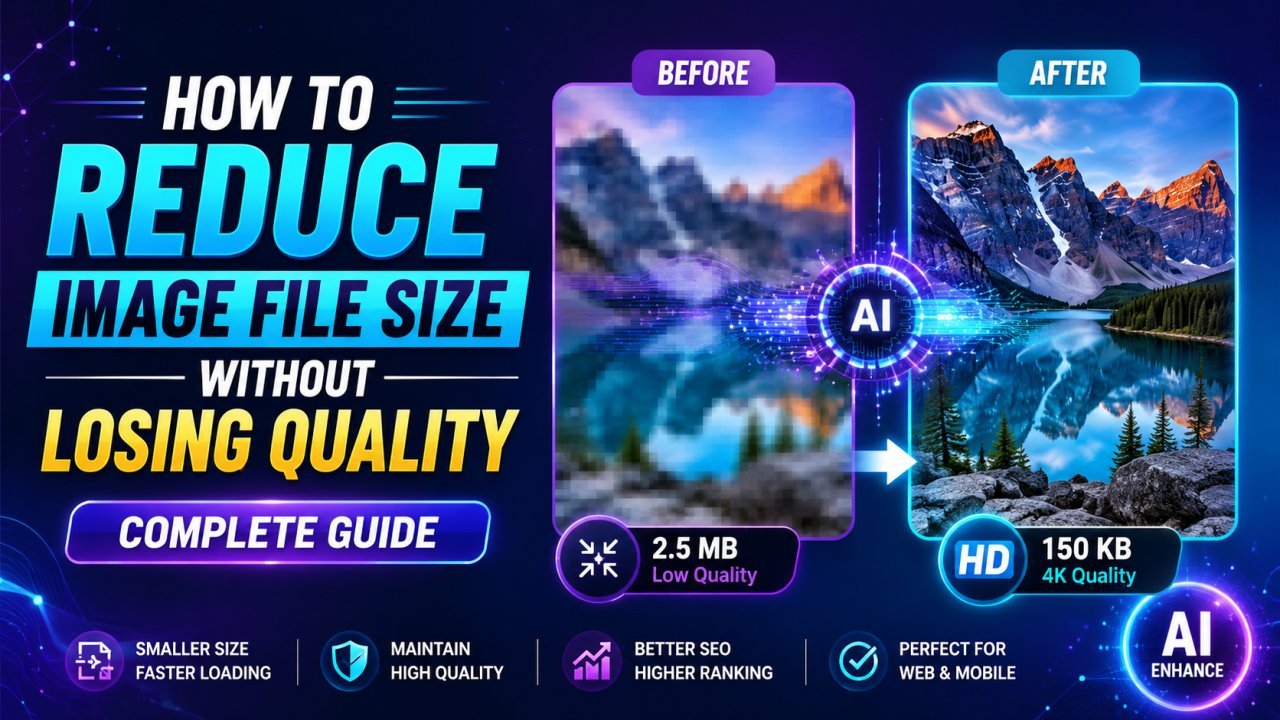
How to Reduce Image File Size Without Losing Quality: Complete Guide
Learn how to reduce image file size without losing quality using compression, resizing, format conversion, and practical optimization techniques. This beginner-friendly guide explains how to compress JPG, PNG, and WebP images for websites, email, social media, uploads, and everyday use.
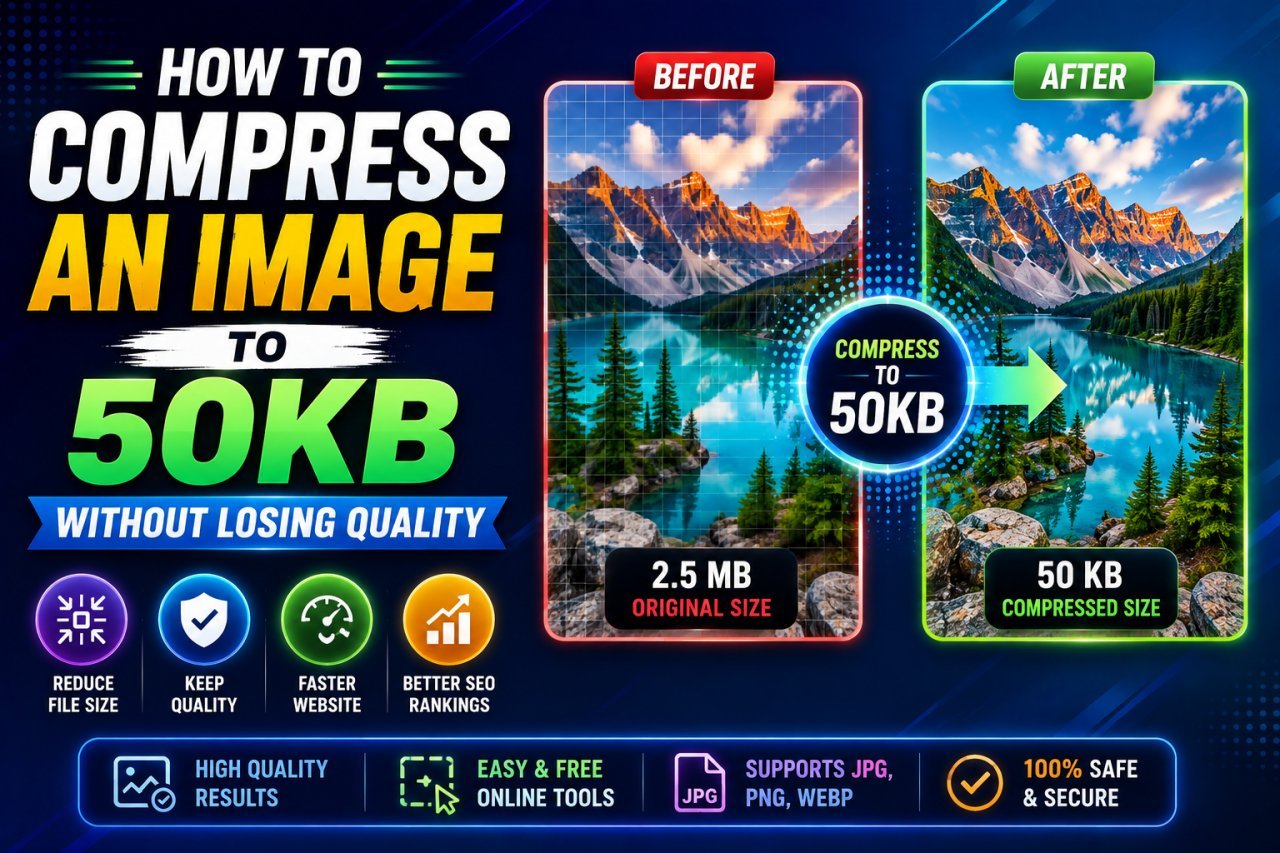
How to Compress an Image to 50KB Without Losing Quality
Learn how to compress an image to 50KB without losing quality using resizing, compression, WebP, JPG, and practical online image optimization techniques.
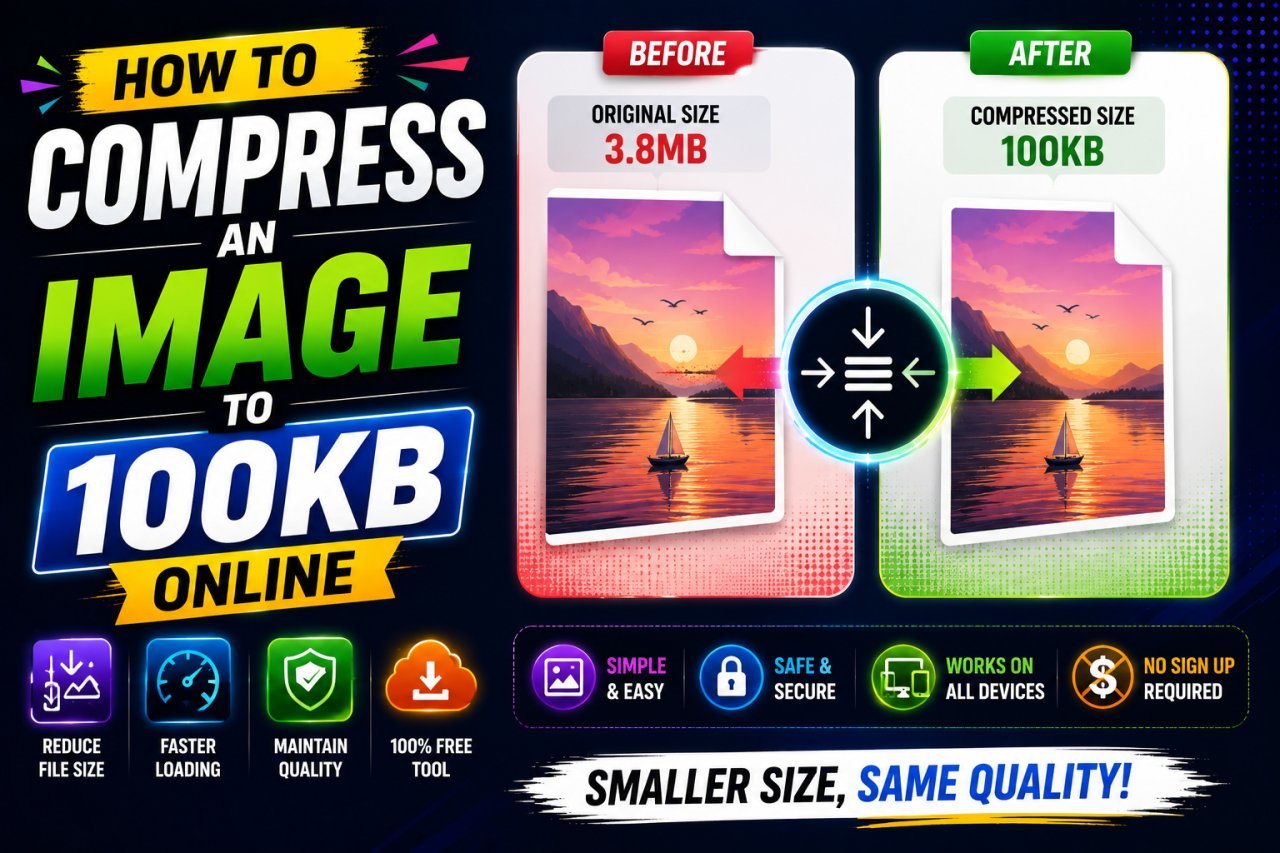
How to Compress an Image to 100KB Online for Free
Learn how to compress an image to 100KB online for free using resizing, JPG, PNG, WebP, and simple techniques to keep images clear.
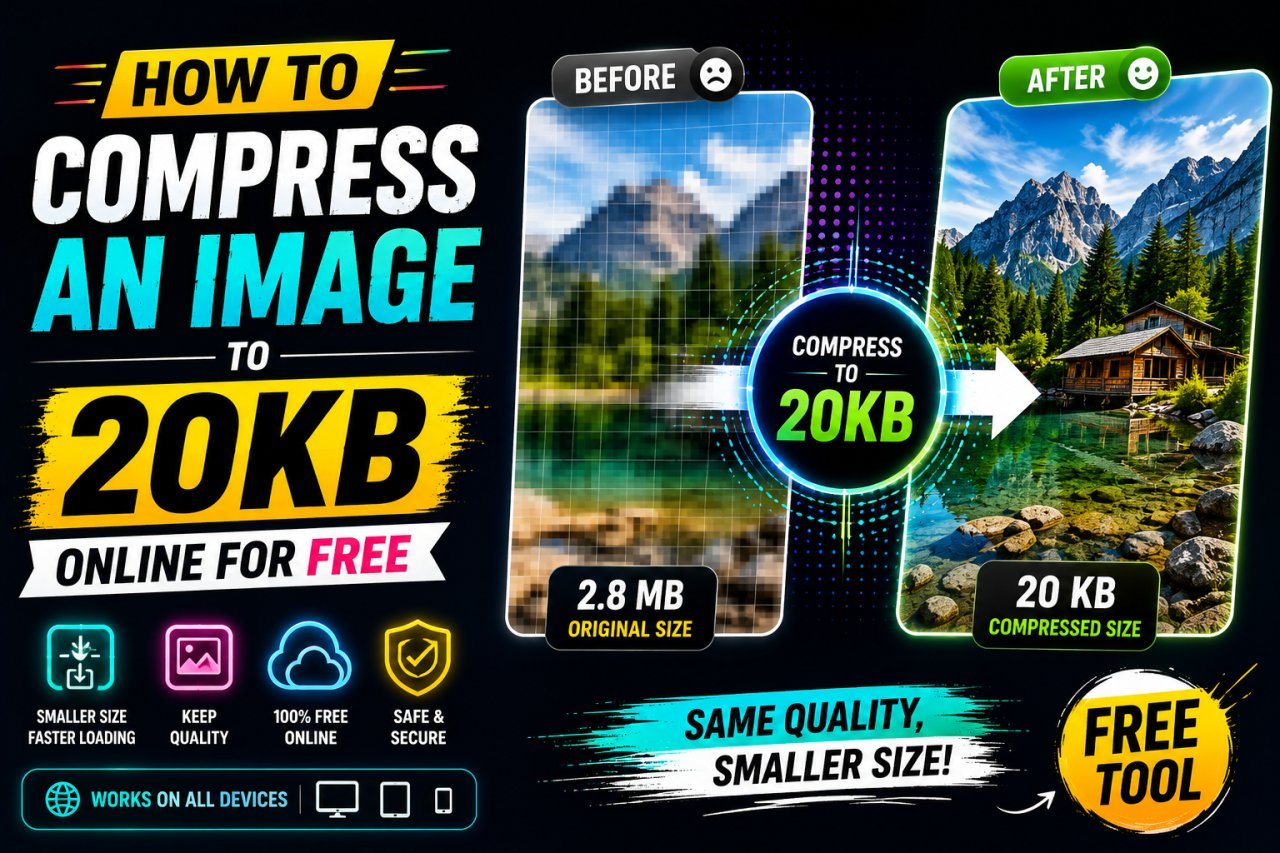
How to Compress an Image to 20KB Online for Free
Learn how to compress an image to 20KB online for free using smart resizing, JPG, PNG, WebP, and simple compression techniques.
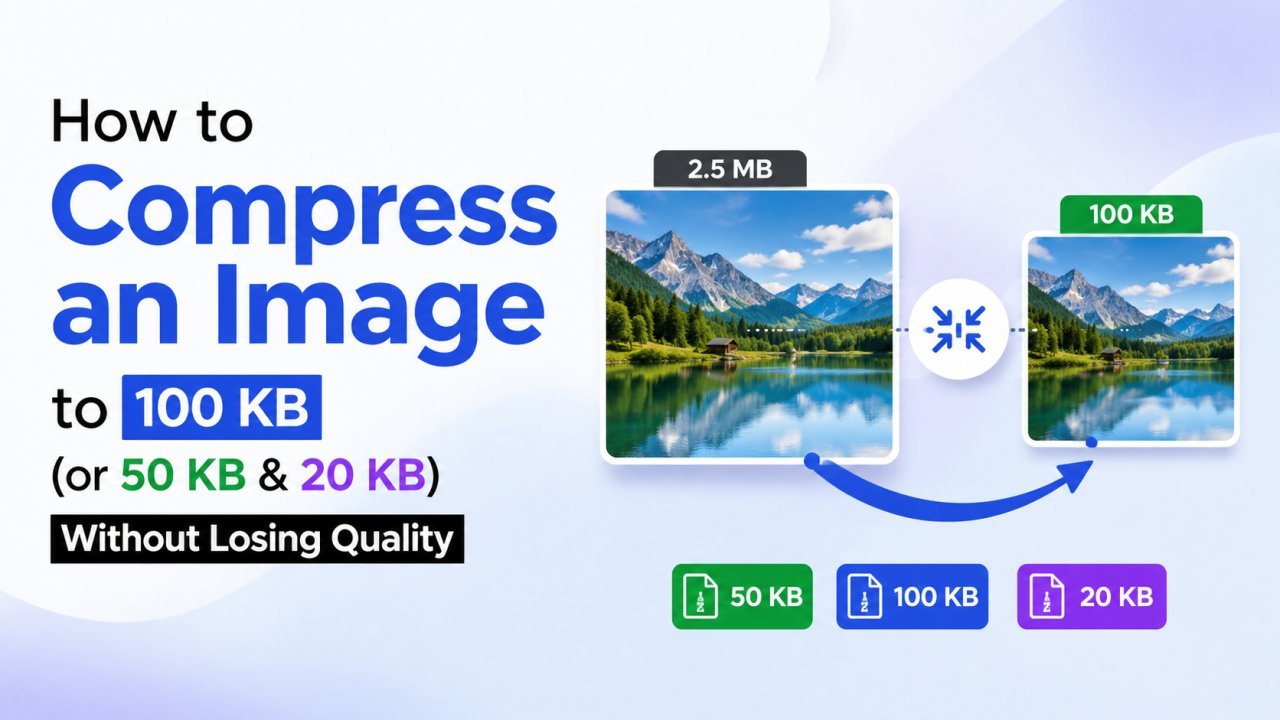
How to Compress an Image to 100 KB (or 50 KB & 20 KB) Without Losing Quality
Online forms and exam portals often reject photos that are too big. Here's how to shrink any image to exactly 100 KB, 50 KB, or 20 KB in seconds — free, in your browser, with no quality drop you can actually see.