
How Optimized Images Improve Website SEO (With Real Examples)
Image optimization is the highest-leverage SEO change most websites haven't made. Here's exactly how it moves rankings and the specific levers you can pull this week.
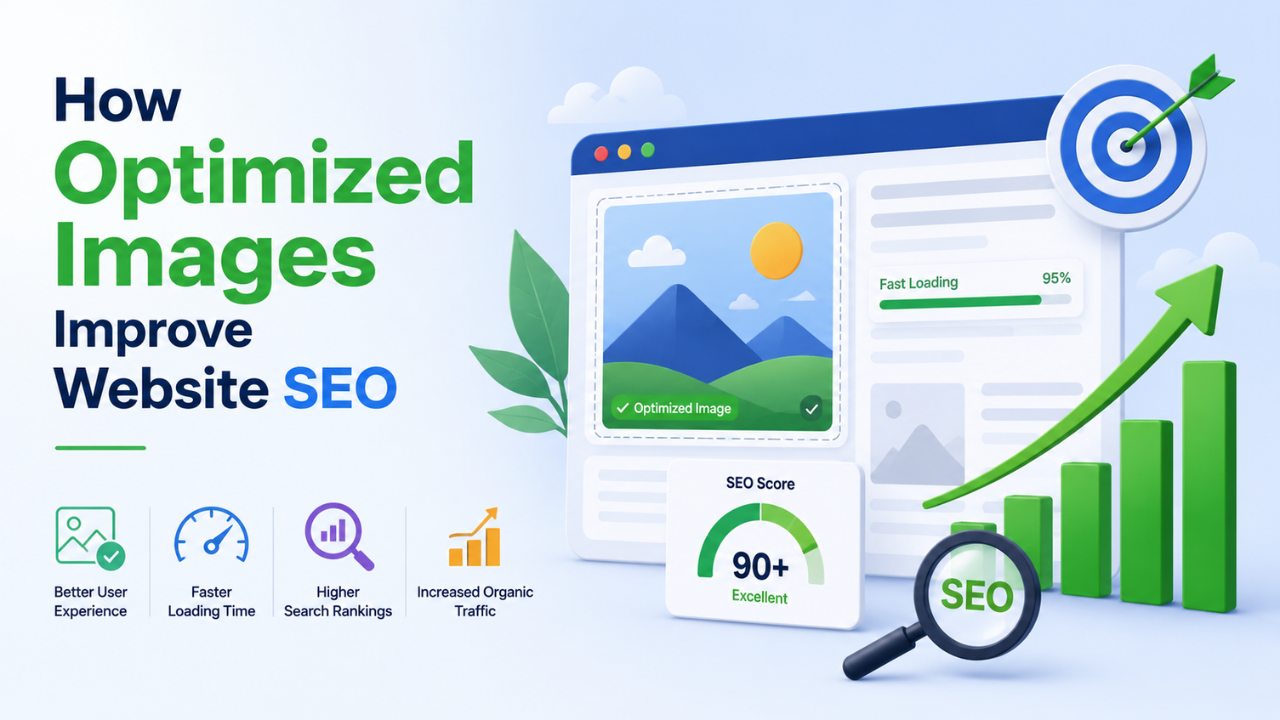
Image optimization affects SEO in five distinct ways. Most websites are missing all five, leaving free ranking improvements on the table. Here's exactly how each works, with numbers.
Way 1: Page speed (Core Web Vitals)
Google ranks pages partly on how fast they load. The headline metric is Largest Contentful Paint (LCP) — how long until the largest element renders. On most websites, the largest element is a hero image.
Real numbers:
- Unoptimized 4 MB hero image on 4G: LCP ~4.5 seconds
- Same image at 200 KB after optimization: LCP ~1.2 seconds
Google considers LCP < 2.5 seconds "good." A 4 MB hero image alone can push you out of "good" rating, which affects rankings.
How to fix: compress images, use WEBP format, lazy-load below-the-fold images. See our complete image optimization guide.
Way 2: Mobile experience
60-70% of search traffic is mobile in 2026. Mobile users on slow networks abandon pages that take > 3 seconds. Google measures this and ranks accordingly.
A 2 MB image on mobile (3G/slow 4G) can take 5-8 seconds to download. If your page has 5 such images, you've lost the user before they see anything.
Mobile-specific fixes:
- Serve smaller images to mobile (
srcsetattribute) - Use WEBP (smaller than JPG = faster mobile downloads)
- Lazy-load with the
loading="lazy"attribute
Way 3: Image search traffic
Google Image Search is its own ranking system. Optimized images can rank in image search even when the main page doesn't.
Image SEO factors:
- Alt text — descriptive text in the
alt=""attribute. The single most important factor for image search. - Filename —
mountain-sunset-photography.jpgranks better thanIMG_2398.jpg - Image surroundings — text near the image (captions, paragraph context) affects image relevance
- Page authority — high-authority sites' images outrank low-authority sites' images
- Image size and quality — Google prefers larger, higher-quality images for image search
Image search traffic adds up. For visual niches (recipes, design, fashion, real estate), 20-40% of total traffic can come from image search.
Way 4: Backlinks (image-based)
When someone uses your image (with credit) on their site, you get a backlink. Backlinks improve overall site authority, which improves rankings.
To maximise this:
- Make your images useful for others to embed (charts, infographics, custom photography)
- Add a usage license that allows free use with attribution
- Watermark your images subtly with your URL (free Watermark tool)
- Reverse-image-search regularly to find uncredited uses → request credit (often granted)
This is slow-compounding SEO but reliable.
Way 5: User engagement signals
Optimized images contribute to user engagement, which Google measures through behavioural signals:
- Bounce rate — fast-loading pages with relevant images keep users
- Time on page — visual content increases dwell time
- Pages per session — engaged users explore more
These signals aren't direct ranking factors, but they correlate strongly with rankings.
The specific levers, prioritised
In order of impact:
Lever 1: Compress all images (highest ROI)
Action: Run every image through compression at quality 80-85. Tools: our free Image Compressor or Bulk Compressor for batches. Typical result: 60-80% file size reduction with no visible quality loss.
Lever 2: Convert to WEBP
Action: Replace JPG photos with WEBP at same quality. Tools: free JPG to WEBP converter, PNG to WEBP. Typical result: Additional 25-35% size reduction over JPG.
Lever 3: Resize to actual display dimensions
Action: Don't serve 4000-pixel images when your CSS displays them at 800 pixels. Tools: free Resize tool. Typical result: 50-75% file size reduction.
Lever 4: Add descriptive alt text to every image
Action: Every <img> tag gets a relevant alt="" attribute. Describe what's in the image, including target keywords where natural.
Bad: alt="image.jpg"
Good: alt="Sourdough bread sliced on a wooden cutting board"
Lever 5: Use semantic filenames
Action: Rename images before uploading. IMG_2398.jpg → mountain-sunset-photography.jpg.
Lever 6: Lazy-load below-the-fold images
Action: Add loading="lazy" to <img> tags that aren't in the initial viewport.
<img src="hero.jpg" alt="..." loading="eager">  <!-- Above the fold -->
<img src="below-fold.jpg" alt="..." loading="lazy">  <!-- Below the fold -->
Lever 7: Set explicit width and height
Action: Always set width and height on <img> tags to prevent layout shift.
<img src="hero.jpg" alt="..." width="1200" height="630">
Lever 8: Strip EXIF metadata
Action: Remove EXIF data before uploading. Tools: our free EXIF Remover. Typical result: 50-200 KB saved per image.
Lever 9: Use a CDN
Action: Serve images from a CDN (Cloudflare's free tier, Bunny, Fastly). Typical result: 100-400ms latency reduction for users far from your origin server.
Lever 10: Configure cache headers
Action: Set long cache headers for static images (1 year, immutable for hashed filenames).
A realistic SEO image audit
Run these checks on your site:
-
Test a page on PageSpeed Insights (pagespeed.web.dev). Look at the "Opportunities" section. Lighthouse will list every image larger than necessary.
-
Check image format distribution — what % are PNG, JPG, WEBP? Most sites have too many PNGs.
-
Check alt text coverage — open your CMS, count images with vs without alt text.
-
Check filenames — are they semantic or are they
IMG_xxxx.jpg? -
Mobile screen test — load your homepage on a mid-tier Android over 3G. Watch what happens. Painful = there's work to do.
Realistic SEO impact timeline
After implementing these optimizations:
- Week 1-2: Lighthouse scores improve immediately. Page speed is measurable instantly.
- Week 2-4: Search Console starts noticing reduced LCP. Google begins to favour pages slightly in rankings.
- Month 2-3: Image search traffic starts increasing.
- Month 3-6: Compounding effect — backlinks accumulate, user signals improve, rankings creep up.
Common image SEO mistakes
- Using "stock photo" descriptions as alt text (e.g. "businesspeople meeting") — too generic to rank
- Stuffing keywords into alt text — "best image compressor free online india tool" — overoptimization penalty
- Same alt text on every image — "logo" repeated 50 times = wasted ranking opportunity
- Background-image CSS instead of
<img>— CSS images don't get indexed for image search. Use<img>tags for important images. - Missing width/height attributes — causes layout shift (CLS), which hurts Core Web Vitals
- PNG for photos — 6-10× larger than JPG, no quality benefit, slows the page
The 80/20 of image SEO
If you only do two things:
- Compress every image at quality 80-85, ideally as WEBP. Use our free Image Compressor or Bulk Compressor.
- Write descriptive alt text for every image. Include target keywords naturally.
Those two changes alone typically improve image search traffic by 50-100% and Core Web Vitals by 30-60%.
The rest is incremental improvement. Start with those two.
What about AI-generated images and SEO?
Current consensus (2026):
- Google can detect AI-generated images but doesn't directly penalise them
- AI images CAN rank in image search if relevant and properly optimized
- Use AI images for accents and supplementary content; reserve original photography for key pages
Where SEO is going
In 2026 and beyond:
- Web Vitals get stricter — what scored "good" in 2024 may be borderline in 2027
- Image search becomes more visual — Lens-style search, "show me more like this"
- AI content detection — Google is investing heavily here; quality-driven AI use will win, lazy-driven use will lose
- Mobile-first becomes mobile-only for ranking purposes
Optimizing images is the SEO investment that pays out continuously. Do it once well; benefits compound for years.
Start your audit by running your top pages through PageSpeed Insights. Most of what it flags is image-related. Our free image tools cover everything you need to fix it.
Ready to optimize your images?
Every tool mentioned in this article is free to use. No upload, no signup, no watermarks on small files.
Try our free toolsRelated articles
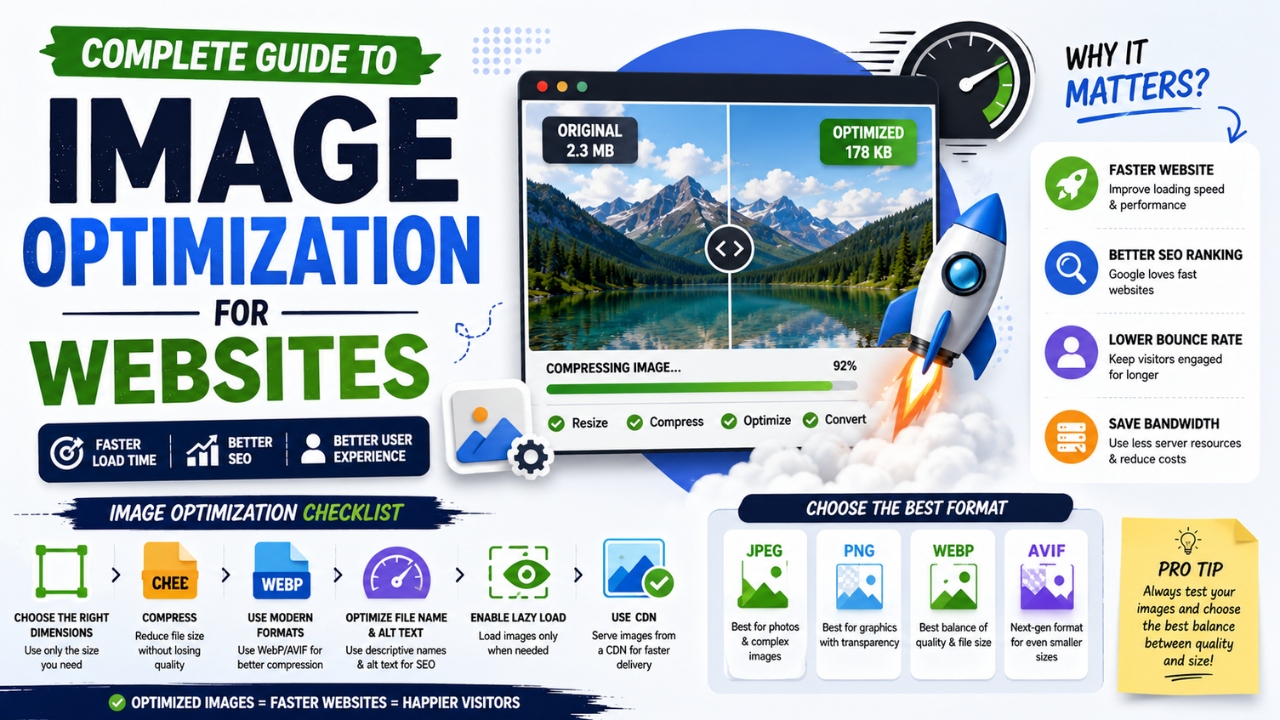
Complete Guide to Image Optimization for Websites (2026 Edition)
Every technique that matters for image performance in 2026, in one place — from format choice to lazy loading to CDN strategy. Bookmark this.
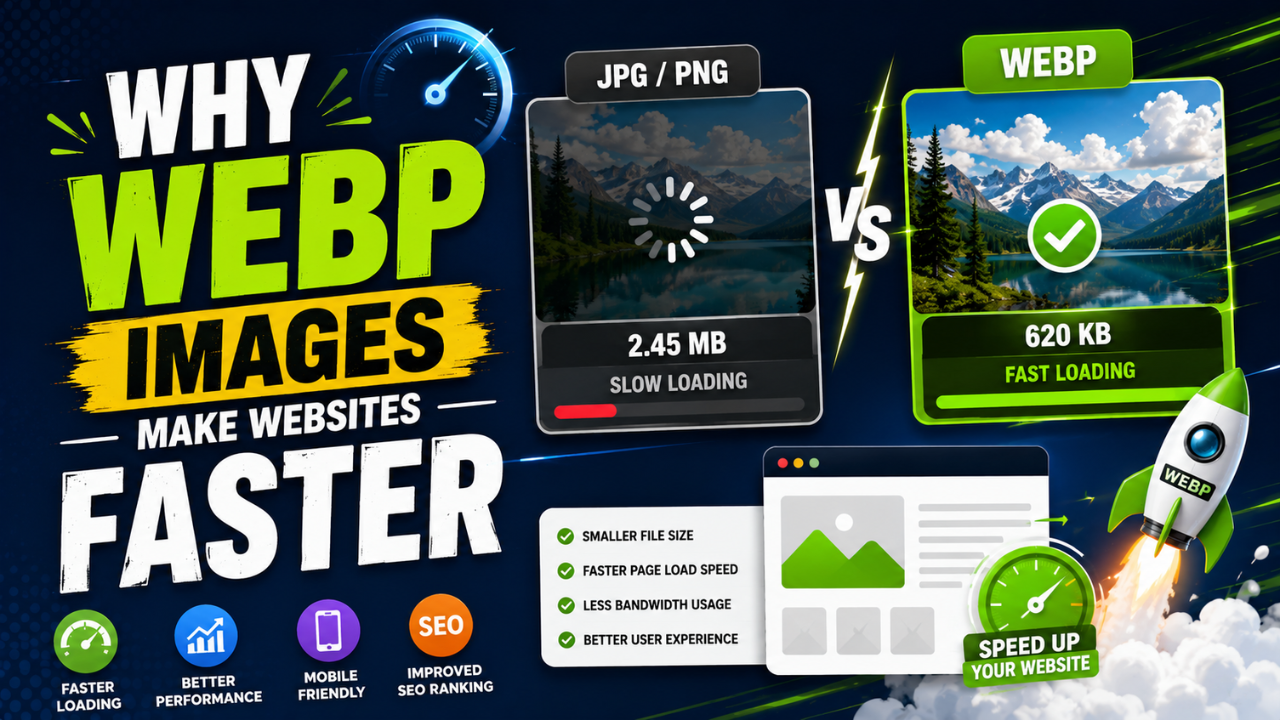
Why WEBP Images Make Websites Faster (With Real Speed Tests)
Same visual quality, 25-35% smaller files. WEBP is the easiest single SEO improvement you can ship this week — here's the data and how to convert.

Best Free Online Image Tools for Students (Project + Assignment Edition)
School and college projects often need image work — diagrams, presentations, posters. These free tools cover everything without subscriptions or installs.