
10 Image Optimization Tips That Make Your Website Load Twice as Fast
Page speed wins customers. These ten image tricks — most of them free and one-click — typically cut load times in half without any code changes.
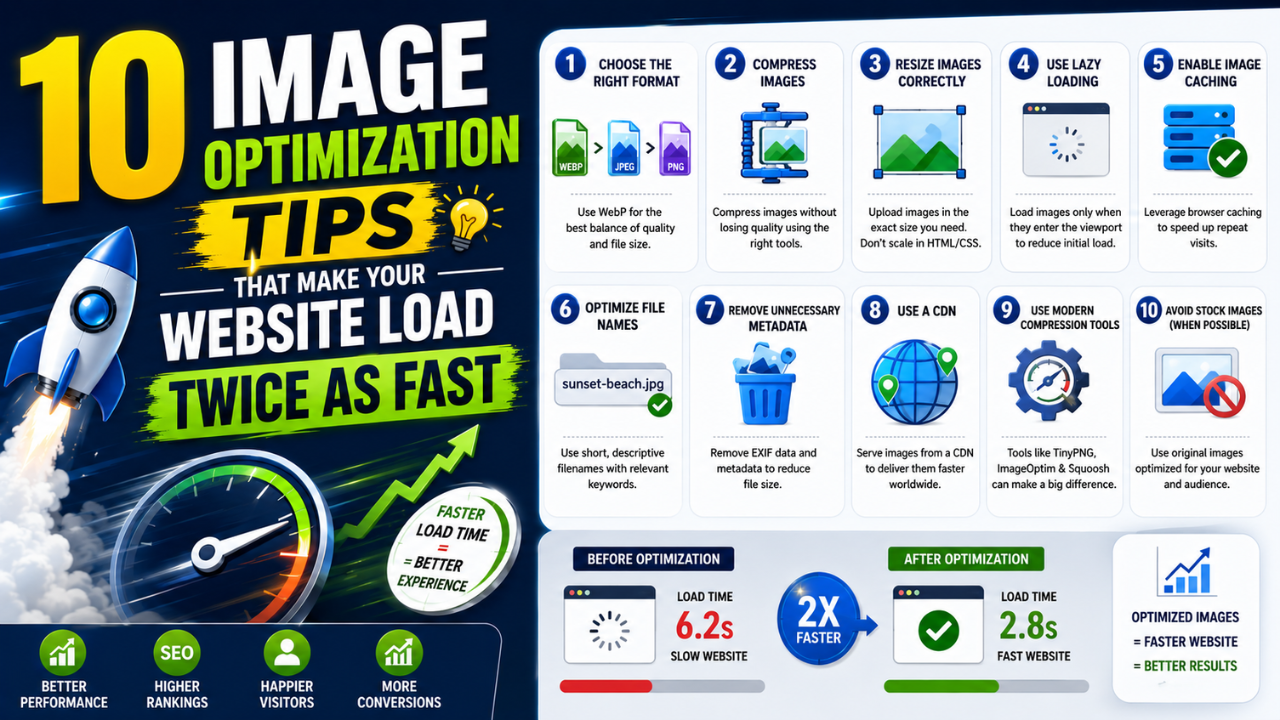
Images are the single biggest reason websites feel slow. They typically account for 60-70% of total page weight, and Google's Core Web Vitals will penalise you for every second your hero image takes to render.
Here are ten optimizations — most of them taking less than 60 seconds — that genuinely move the needle.
1. Resize before you upload (the cheapest win)
Most CMS systems don't auto-resize uploads. A 4000×3000 phone photo gets served at full resolution even when displayed at 800×600. You're wasting 95% of the bytes.
Fix: resize to the actual display size before uploading. Our Image Resize tool gets you there in 10 seconds.
Impact: typically 80% file-size reduction for photo-heavy pages.
2. Convert PNG photos to JPG or WEBP
PNG was designed for graphics with sharp edges, not photographs. A typical 4 MB PNG photo becomes ~500 KB as JPG and ~350 KB as WEBP — with no visible quality loss.
Run your photos through our PNG to JPG or PNG to WEBP converters.
3. Use quality 75-85 (not 100)
The difference between quality 85 and quality 100 is invisible to the human eye in 95% of photos — but the file size is often 2-3× larger at 100. Pick 80 as a default; go higher only for photography portfolios where image quality is the product.
4. Lazy-load below-the-fold images
If an image isn't visible when the page first loads, the browser shouldn't download it until the user scrolls. One HTML attribute fixes this:
<img src="photo.jpg" loading="lazy" alt="A descriptive caption">
Supported in 95%+ of browsers as of 2026. Zero downside, massive improvement on long pages.
5. Set explicit width and height attributes
When the browser doesn't know an image's dimensions ahead of time, it reserves zero space — then the layout violently shifts when the image loads. Google penalises this as Cumulative Layout Shift (CLS).
<img src="hero.jpg" width="1200" height="630" alt="...">
Always set both. The browser uses them to reserve the right space before the image data arrives.
6. Serve responsive images (don't ship desktop hero to mobile)
A 1920px hero looks great on desktop and wastes 80% of bytes on mobile. Use srcset:
<img src="hero-800.jpg"
     srcset="hero-400.jpg 400w,
             hero-800.jpg 800w,
             hero-1600.jpg 1600w"
     sizes="(max-width: 600px) 400px, (max-width: 1200px) 800px, 1600px"
     alt="...">
The browser picks the right size for the user's screen.
7. Strip EXIF metadata
Phone photos carry hidden metadata: GPS coordinates, camera model, timestamps, sometimes serial numbers. This:
- Inflates file size by 50-200 KB per image
- Leaks user privacy (geolocation in published photos!)
- Provides zero value to viewers
Strip it with our EXIF Remover.
8. Cache aggressively
Set far-future Cache-Control headers on your image folder:
Cache-Control: public, max-age=31536000, immutable
This tells browsers and CDNs to cache the image for a year. Combine with hashed filenames (e.g. hero-a1b2c3.jpg) so cache busting Just Works™ when you update the image.
9. Use a CDN
If you serve images from your origin server in Mumbai, a user in Australia waits 400-500ms just for the connection to handshake. A CDN (Cloudflare, Bunny, Fastly) serves the same image from a node 50 km away — usually under 50ms.
For most India-targeted sites, Cloudflare's free tier is more than enough.
10. Audit with Lighthouse
Open Chrome DevTools → Lighthouse tab → run an audit. The "Performance" section will:
- List every image larger than it needs to be
- Tell you which images are PNG that should be JPG/WEBP
- Show CLS issues caused by missing dimensions
- Suggest the exact savings per fix
Aim for Performance score 90+. Most fixes are images.
The compound effect
Apply tips 1-3 (resize, convert format, sane quality) and you've usually halved your page weight. Add tips 4-6 (lazy load, dimensions, responsive) and your Largest Contentful Paint drops by 40-60%.
A typical content site can go from a 5-second load time to 2 seconds with no backend changes. That's the difference between Google ranking page 1 vs page 3.
Start with our free image tools — compress, convert, resize, and strip metadata in one place.
Ready to optimize your images?
Every tool mentioned in this article is free to use. No upload, no signup, no watermarks on small files.
Try our free toolsRelated articles
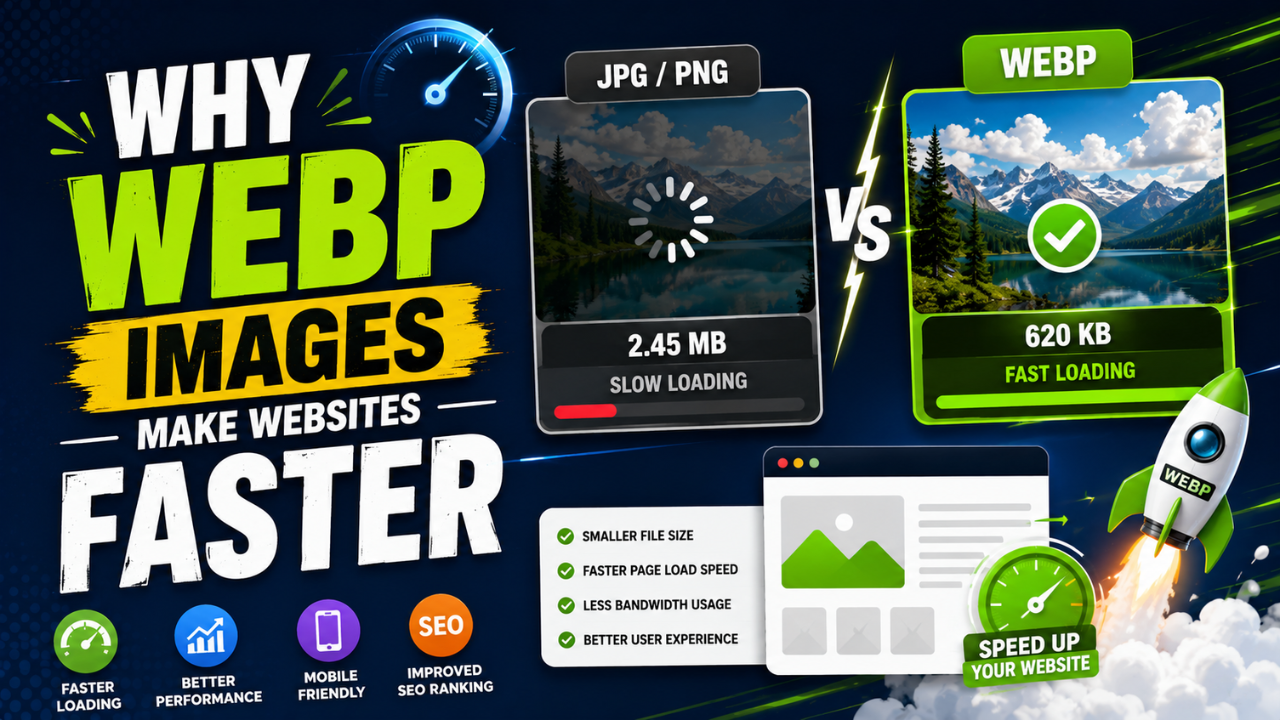
Why WEBP Images Make Websites Faster (With Real Speed Tests)
Same visual quality, 25-35% smaller files. WEBP is the easiest single SEO improvement you can ship this week — here's the data and how to convert.
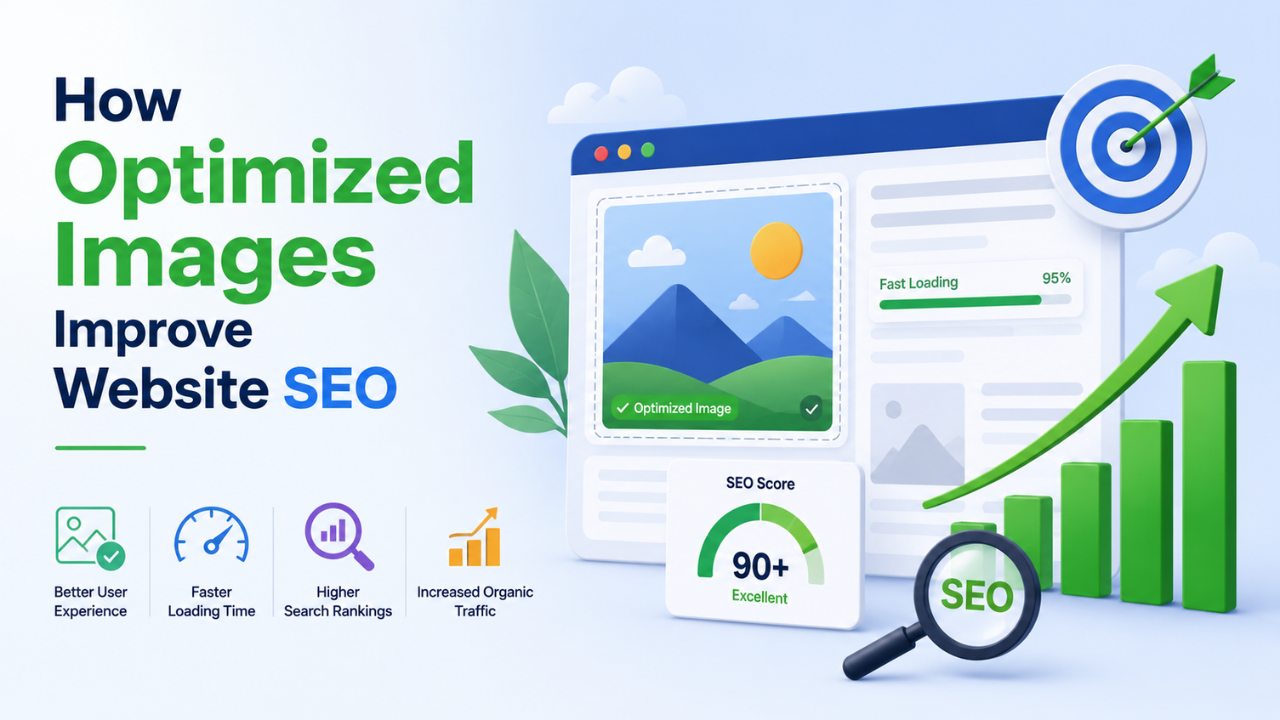
How Optimized Images Improve Website SEO (With Real Examples)
Image optimization is the highest-leverage SEO change most websites haven't made. Here's exactly how it moves rankings and the specific levers you can pull this week.
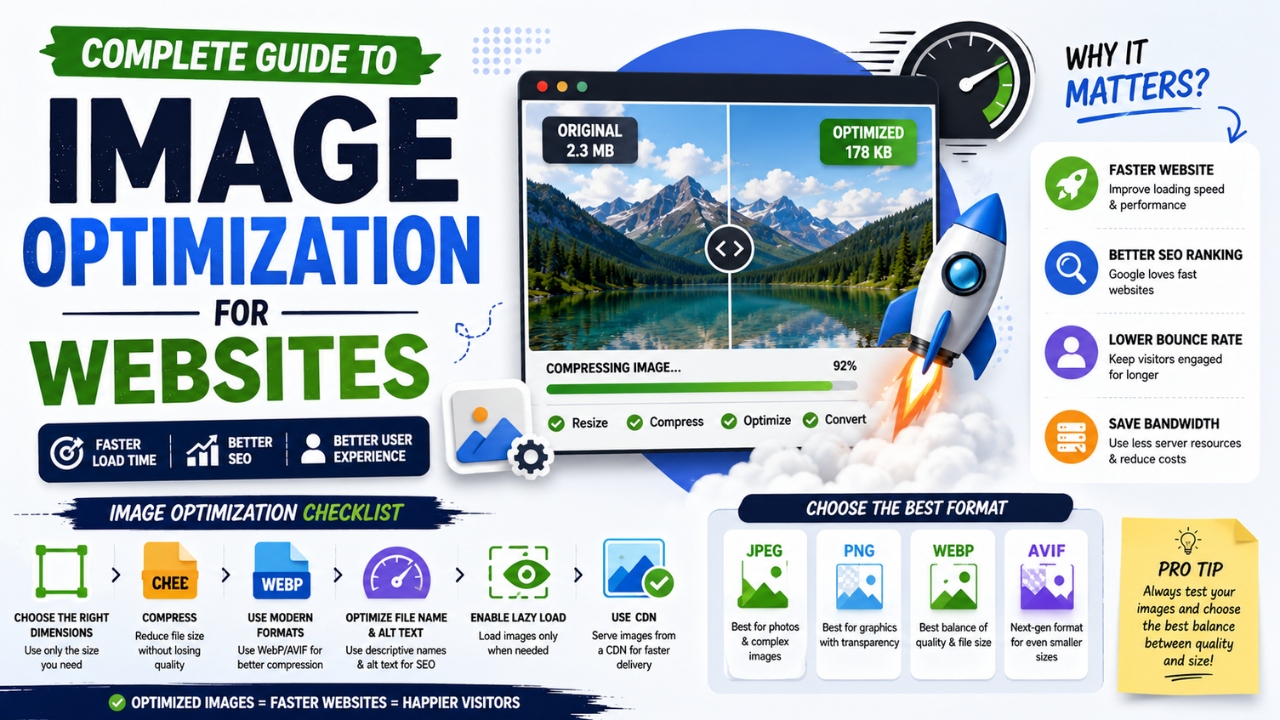
Complete Guide to Image Optimization for Websites (2026 Edition)
Every technique that matters for image performance in 2026, in one place — from format choice to lazy loading to CDN strategy. Bookmark this.