
How AI Background Removal Saves Hours of Editing Time in 2026
Discover how AI background removal helps creators, businesses, and photographers save hours of editing time by removing image backgrounds instantly with professional-quality results.
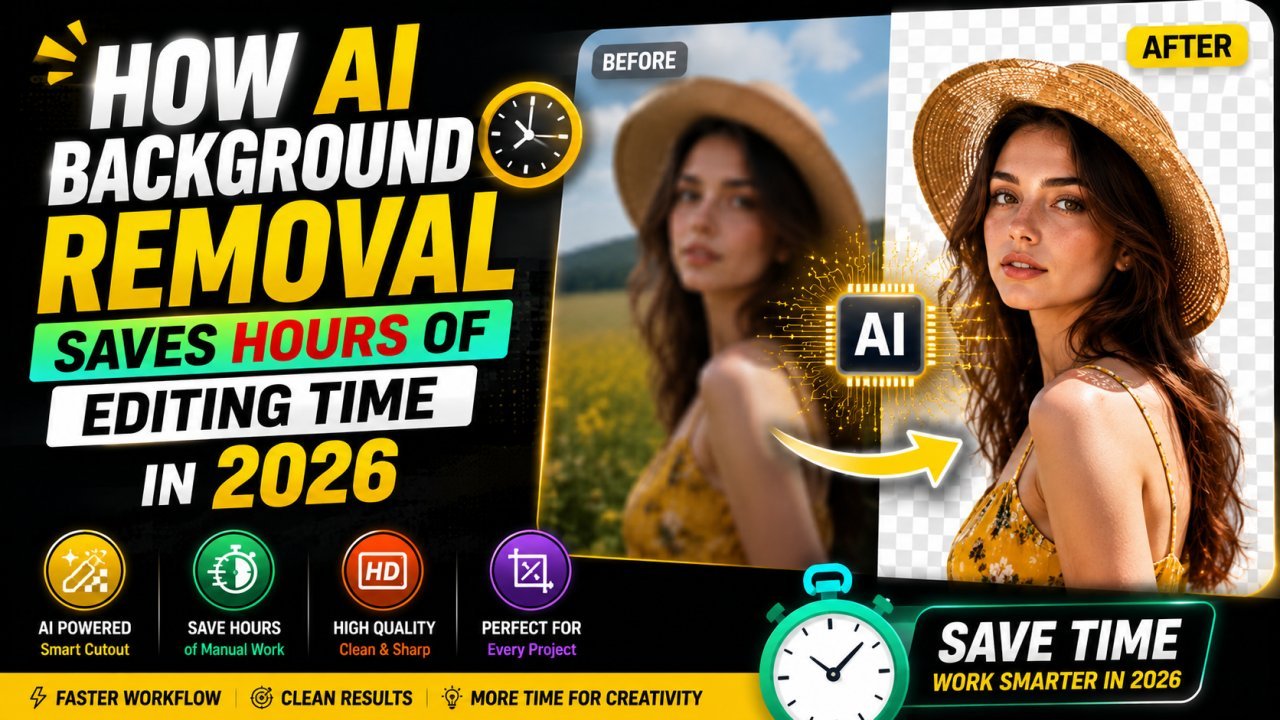
How AI Background Removal Saves Hours of Editing Time in 2026
Imagine photographing 200 products for your online store.
Now imagine manually removing the background from every single image.
Just a few years ago, this was one of the most time-consuming jobs in photo editing. Designers spent hours drawing selection paths, refining edges, zooming into tiny details, and correcting mistakes around hair, clothing, or transparent objects.
Today, artificial intelligence has completely changed that process.
Modern AI Background Removal tools can detect the subject automatically, separate it from the background, and generate a clean transparent image in just a few seconds. What once took several minutes per photo can now be completed almost instantly.
For ecommerce businesses, content creators, photographers, marketers, and freelancers, this isn't just a convenience—it's a major productivity boost.
Why Background Removal Matters
A distracting background can reduce the quality of an otherwise excellent image.
Whether you're selling products, creating advertisements, or posting on social media, a clean background helps viewers focus on the subject.
Professional background removal is commonly used for:
- Ecommerce product listings
- Company profile photos
- YouTube thumbnails
- Marketing banners
- Blog graphics
- Social media posts
- Online marketplaces
- Presentation slides
Clean images create a stronger first impression and often improve engagement.
How AI Background Removal Works
Unlike traditional editing software, AI doesn't simply erase pixels.
Instead, it analyzes the entire image and recognizes different elements within it.
Modern AI models identify:
- People
- Faces
- Hair
- Clothing
- Products
- Animals
- Furniture
- Plants
- Shadows
- Edges
After recognizing the main subject, AI separates it from the background while preserving fine details that were once difficult to edit manually.
The result is a natural-looking transparent background without spending hours refining selections.
Traditional Editing vs AI Editing
Traditional background removal requires experience with professional software and careful manual selections.
AI changes the workflow completely.
Instead of spending five to ten minutes on a single image, users simply upload a photo, let AI process it, and download the finished result.
For someone editing hundreds of images every week, the time savings are enormous.
Perfect for Ecommerce Stores
Online shoppers make buying decisions within seconds.
Clean product images increase trust and help products stand out.
AI background removal is especially useful for:
- Clothing stores
- Electronics
- Jewelry
- Furniture
- Handmade products
- Beauty products
- Food photography
Many ecommerce platforms even recommend white or transparent backgrounds because they look cleaner and more professional.
Great for Content Creators
Content creators constantly need fresh visuals.
Whether you're making YouTube thumbnails, Instagram posts, Pinterest graphics, or blog featured images, removing the background gives you more flexibility.
Transparent subjects can easily be placed on colorful gradients, branded templates, or custom marketing designs.
Improve Marketing Campaigns
Marketing teams often edit dozens of promotional graphics every week.
AI speeds up repetitive editing tasks, allowing designers to spend more time on creativity instead of manual selections.
This means campaigns can launch faster without sacrificing image quality.
Better Results with Less Experience
One of AI's biggest advantages is accessibility.
You no longer need years of experience with complex editing software.
Even beginners can create professional-quality transparent images within seconds using browser-based AI tools.
Privacy and Convenience
Many AI image editors work directly in your browser.
There is no software to install, no complicated setup, and often no account creation required.
Users can simply upload an image, remove the background, and download the finished result.
This makes browser-based editing faster and more convenient for everyday tasks.
Why Businesses Are Switching to AI
Businesses value speed.
AI background removal reduces editing costs, improves productivity, and helps teams process large numbers of images consistently.
Instead of outsourcing every image, companies can now complete much of the work themselves using AI-powered tools.
The result is faster publishing, lower costs, and a more efficient workflow.
Final Thoughts
AI Background Removal has become one of the most valuable tools in modern image editing.
What once required professional editing skills and expensive software can now be accomplished in seconds directly from a web browser.
Whether you're running an ecommerce business, managing social media, creating blog content, or editing personal photos, AI helps you produce clean, professional images while saving countless hours of manual work.
As AI technology continues to improve throughout 2026, background removal will become even faster, more accurate, and more accessible for everyone.
Internal Links
- AI Photo Enhancer
- Image Upscaler
- Image Compressor
- Image Resizer
- HEIC to JPG Converter
- AI Image Editor
Ready to optimize your images?
Every tool mentioned in this article is free to use. No upload, no signup, and no watermarks — ever.
Try our free toolsRelated articles
10 AI Image Editing Tasks You Can Complete in Under 30 Seconds
Discover 10 everyday image editing tasks you can complete in under 30 seconds using AI. Remove backgrounds, enhance photos, resize, compress, convert formats, and more—all online.

Best Free AI Image Editor Online in 2026 | Fast, Private & Free
Edit photos instantly with the best free AI image editor online. Remove backgrounds, enhance images, resize, crop, and optimize files without login or watermark directly in your browser.
7 Common Photo Editing Mistakes AI Can Fix Instantly in 2026
Learn the seven most common photo editing mistakes and discover how AI image editors can fix blurry photos, poor lighting, backgrounds, low resolution, and more within seconds.