
7 Common Photo Editing Mistakes AI Can Fix Instantly in 2026
Learn the seven most common photo editing mistakes and discover how AI image editors can fix blurry photos, poor lighting, backgrounds, low resolution, and more within seconds.
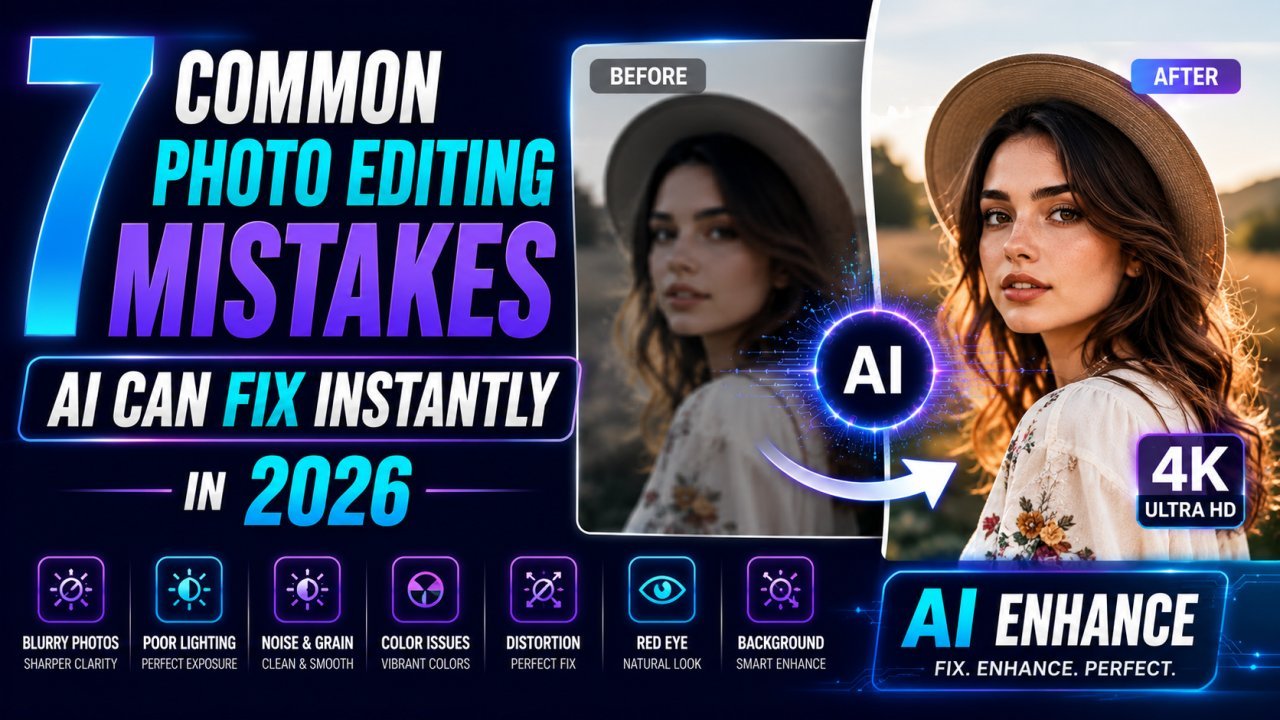
7 Common Photo Editing Mistakes AI Can Fix Instantly in 2026
Everyone has taken a photo that looked perfect at first—until viewing it on a larger screen.
Maybe it appeared blurry.
Perhaps the lighting looked too dark.
The background distracted from the subject.
Or the image became pixelated after uploading it online.
These are some of the most common photo editing mistakes people make every day. The good news is that modern AI image editors can fix most of these problems automatically in just a few seconds.
Whether you're creating content for social media, running an online store, publishing a blog, or simply improving personal photos, AI makes professional editing faster and easier than ever before.
1. Blurry Photos
Blurry images reduce quality and professionalism.
AI photo enhancers analyze missing details, sharpen edges, and restore clarity without making images look unnatural.
This is perfect for:
- Old photos
- Smartphone pictures
- Product photography
- Travel photos
2. Poor Lighting
Many images suffer from underexposure or uneven lighting.
Instead of manually adjusting brightness, contrast, shadows, and highlights, AI automatically balances exposure while preserving natural colors.
3. Distracting Backgrounds
A busy background often pulls attention away from the main subject.
AI background removal identifies people, products, pets, and objects with impressive accuracy, creating clean transparent backgrounds in seconds.
Ideal for:
- Ecommerce
- Social media
- Professional headshots
- Marketing materials
4. Low Resolution Images
Small images often become pixelated when enlarged.
AI image upscalers intelligently increase resolution while preserving details, making them suitable for printing, presentations, and websites.
5. Large File Sizes
Large image files slow websites and affect SEO performance.
AI compression tools reduce file size while maintaining visual quality, helping pages load faster and improving user experience.
[AI Image Upscaler](AI Image Upscaler/ai-image-upscaler)
6. Wrong Image Dimensions
Every platform has different image size requirements.
AI-powered image resizers automatically prepare images for:
- YouTube
- Blogs
- Ecommerce
without stretching or cropping important content.
7. Unsupported Image Formats
Receiving HEIC images from iPhones or WebP files from websites can create compatibility issues.
Modern AI image editors quickly convert files between JPG, PNG, WebP, AVIF, BMP, TIFF, and HEIC directly in your browser.
Why AI Editing Is Becoming the Standard
Traditional editing software remains powerful, but AI dramatically reduces editing time.
Instead of spending several minutes fixing every image manually, AI handles repetitive tasks automatically while maintaining impressive quality.
That's why bloggers, photographers, marketers, students, ecommerce sellers, and businesses are increasingly choosing browser-based AI editors.
Final Thoughts
Photo editing doesn't need to be complicated anymore.
AI tools eliminate the most common editing mistakes in seconds, allowing anyone to create professional-looking images without advanced editing skills or expensive software.
If you regularly edit photos, using AI isn't just convenient—it's becoming the smartest way to work.
Ready to optimize your images?
Every tool mentioned in this article is free to use. No upload, no signup, and no watermarks — ever.
Try our free toolsRelated articles
10 AI Image Editing Tasks You Can Complete in Under 30 Seconds
Discover 10 everyday image editing tasks you can complete in under 30 seconds using AI. Remove backgrounds, enhance photos, resize, compress, convert formats, and more—all online.
Best Free AI Image Editor Online in 2026 | Fast, Private & Free
Edit photos instantly with the best free AI image editor online. Remove backgrounds, enhance images, resize, crop, and optimize files without login or watermark directly in your browser.
Why AI Image Editing Is Exploding in 2026: The Future of Photo Editing
Discover why AI image editing is growing rapidly in 2026. Learn how AI-powered tools help creators edit photos faster with background removal, enhancement, resizing, upscaling, and more.