
Best Free AI Image Editor Online in 2026 | Fast, Private & Free
Edit photos instantly with the best free AI image editor online. Remove backgrounds, enhance images, resize, crop, and optimize files without login or watermark directly in your browser.
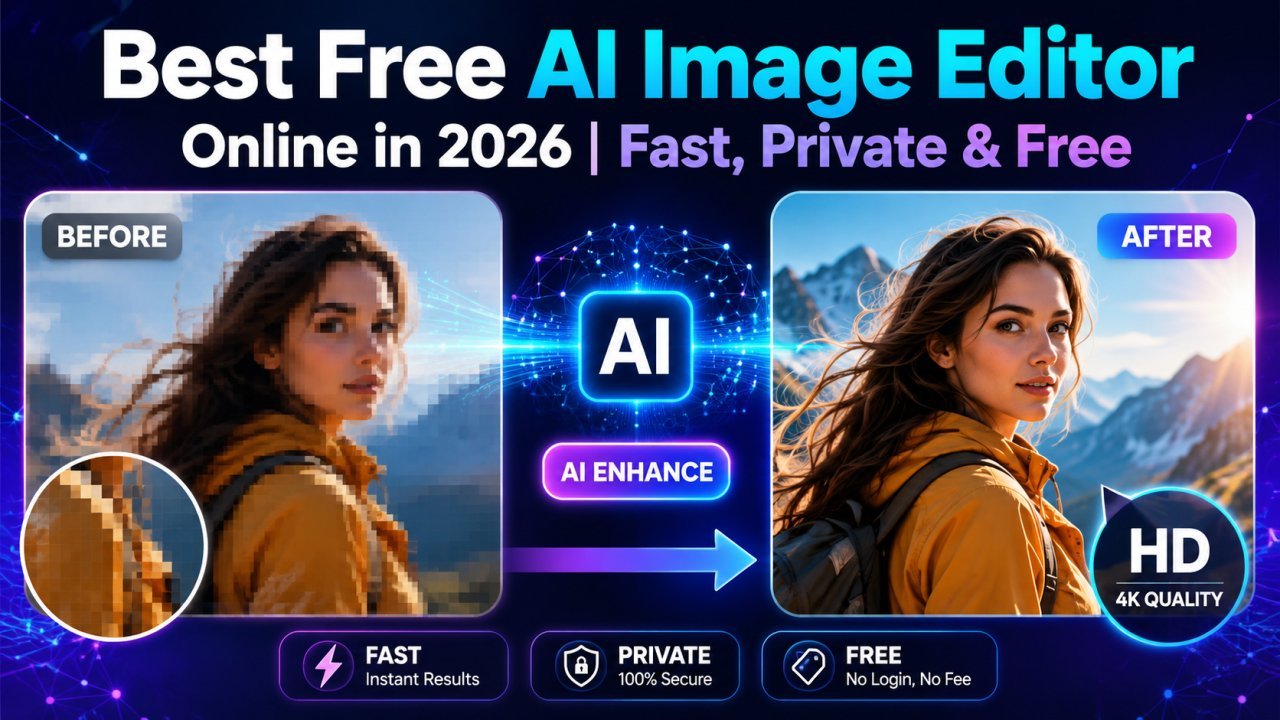
Best Free AI Image Editor Online in 2026
Finding the best free AI image editor online shouldn't mean creating an account, downloading software, or dealing with annoying watermarks. In 2026, AI-powered photo editing has become faster, smarter, and more accessible than ever. Whether you're editing product photos, social media graphics, blog images, marketing materials, or personal pictures, modern browser-based AI editors can handle the job in seconds.
The biggest advantage? Everything happens directly in your browser. There's no installation, no sign-up process, and no hidden fees. Simply upload your image, apply AI-powered enhancements, and download your finished photo.
If you're searching for an AI image editor free, this guide explains everything you should expect from a modern online editor and why browser-based AI editing has become the preferred choice for creators, businesses, and everyday users.
Why Use an AI Image Editor Online?
Traditional photo editing software often requires experience and expensive subscriptions. AI removes that complexity by automating difficult editing tasks.
A modern browser AI image editor can intelligently detect objects, improve image quality, remove unwanted backgrounds, and optimize images with just a few clicks.
Benefits include:
- No software installation
- Works on Windows, Mac, Linux, Android, and iPhone
- Fast AI processing
- Beginner-friendly interface
- Secure browser-based editing
- No login required
- No watermark on downloads
- Completely free for everyday use
Powerful AI Editing Features
Remove Background Instantly
One of the most popular AI features is the ability to remove background automatically.
Instead of manually tracing objects, AI detects the subject with impressive accuracy and creates a transparent background within seconds.
Perfect for:
- Product photography
- Online stores
- Profile pictures
- Logos
- Presentations
- Marketing graphics
AI Photo Enhancer
Blurry, dull, or low-quality photos can be dramatically improved using an AI photo enhancer.
Advanced enhancement technology can:
- Improve sharpness
- Increase image clarity
- Restore details
- Enhance colors naturally
- Reduce digital noise
- Improve brightness automatically
This makes older photos look cleaner while preserving a natural appearance.
Image Upscaler
Low-resolution images often become pixelated when enlarged.
An AI-powered image upscaler intelligently adds missing details, making images larger without sacrificing quality.
Ideal for:
- Printing
- Posters
- Product catalogs
- Social media graphics
- Website banners
Crop, Resize & Rotate
Every image platform has different size requirements.
An effective free online photo editor should let you:
- Crop images
- Resize photos
- Rotate images
- Flip horizontally or vertically
- Maintain aspect ratios
- Export optimized versions
These simple tools help prepare images for websites, Instagram, Facebook, LinkedIn, YouTube thumbnails, and eCommerce stores.
AI Background Remover
A dedicated AI background remover makes professional editing available to everyone.
Instead of spending several minutes editing manually, AI isolates the subject automatically while preserving fine details like hair and edges.
This feature is particularly useful for:
- Amazon sellers
- Shopify stores
- Etsy listings
- Graphic designers
- Students
- Digital marketers
Image Optimization
Large image files slow down websites.
Modern AI tools include automatic image optimization features that compress files while maintaining excellent visual quality.
Benefits include:
- Faster website loading
- Better SEO
- Improved user experience
- Reduced storage space
- Faster uploads
Optimized images also help improve Core Web Vitals, which can positively impact search rankings.
Why Choose a No Login Photo Editor?
Many online editing tools require creating an account before allowing downloads.
A no login photo editor removes that unnecessary step.
Advantages include:
- Faster workflow
- Better privacy
- No personal information required
- No email verification
- Immediate editing
- Quick downloads
For occasional editing tasks, this convenience saves valuable time.
Image Editor Without Watermark
Nothing looks less professional than a large watermark covering your finished image.
The best free AI image editor online should allow users to download edited images without branding or hidden restrictions.
Whether you're creating content for business, education, or personal projects, watermark-free downloads ensure your images remain clean and professional.
Browser-Based Editing Offers Better Privacy
Unlike desktop software that may store files locally or sync them automatically, a browser AI image editor allows you to edit directly from your web browser.
Many modern platforms process images securely without requiring permanent storage or user accounts.
This makes browser editing ideal for:
- Businesses
- Freelancers
- Bloggers
- Students
- Content creators
- Marketing teams
Who Can Benefit from AI Image Editing?
AI editing tools are useful for almost everyone.
Bloggers
Create optimized featured images quickly.
Online Store Owners
Generate professional product photos without expensive software.
Social Media Creators
Produce polished content for Instagram, TikTok, Facebook, Pinterest, and LinkedIn.
Students
Edit assignments and presentations easily.
Small Businesses
Improve marketing materials without hiring designers.
Graphic Designers
Speed up repetitive editing tasks using AI automation.
Why AI Editing Is the Future
Artificial intelligence continues to transform image editing by making professional-quality results available to everyone.
Instead of spending hours learning advanced editing software, users can now complete complex tasks within seconds.
As AI technology evolves throughout 2026, browser-based editors will continue offering:
- Better object detection
- Smarter background removal
- Higher-quality enhancements
- Faster processing
- Improved image restoration
- More accurate upscaling
The result is faster workflows without compromising image quality.
Final Thoughts
If you're looking for the best free AI image editor online, choose a solution that combines speed, privacy, and powerful AI features without unnecessary barriers.
The ideal editor should let you remove backgrounds, enhance photos, resize images, upscale low-resolution pictures, and optimize files directly from your browser. Even better, it should work without login requirements and allow watermark-free downloads.
Whether you're a content creator, business owner, student, or casual user, an AI-powered online editor saves time while producing professional-quality results—all without installing software or paying subscription fees.
Featured Snippet (50 Words)
The best free AI image editor online lets you edit photos directly in your browser without login or watermark. You can remove backgrounds, enhance images, resize, crop, upscale, and optimize photos using AI-powered tools quickly, securely, and for free.
Suggested Internal Links
- AI Background Remover
- AI Image Upscaler
- Free Photo Compressor
- Image Converter Tool
Feature Overview
File Name: ai-photo-enhancer-online.webp
ALT Text: AI photo enhancer improving image quality in browser
Background Removal
File Name: ai-background-remover.webp
ALT Text: AI background remover creating transparent background instantly
Image Upscaler
File Name: image-upscaler-ai.webp
ALT Text: AI image upscaler increasing image resolution
Frequently Asked Questions
Is there a free AI image editor without login?
Yes. Many browser-based AI image editors allow you to edit photos instantly without creating an account, making the process faster and more private.
Can I remove image backgrounds for free?
Yes. AI background removal tools automatically detect the subject and remove the background within seconds, often without requiring manual editing.
Do free AI image editors add watermarks?
Some do, but many modern online editors provide watermark-free downloads, allowing you to use edited images for personal or commercial projects.
Can AI improve blurry photos?
Yes. AI photo enhancers can sharpen blurry images, reduce noise, improve colors, and restore fine details automatically.
Is browser-based image editing secure?
Most reputable browser-based editors use secure processing methods and do not require account creation, making them a convenient option for quick image editing.
Recommended Schema
- Article Schema
- FAQ Schema
- Breadcrumb Schema
- WebApplication Schema (if promoting an online AI image editor) `
Ready to optimize your images?
Every tool mentioned in this article is free to use. No upload, no signup, and no watermarks — ever.
Try our free toolsRelated articles
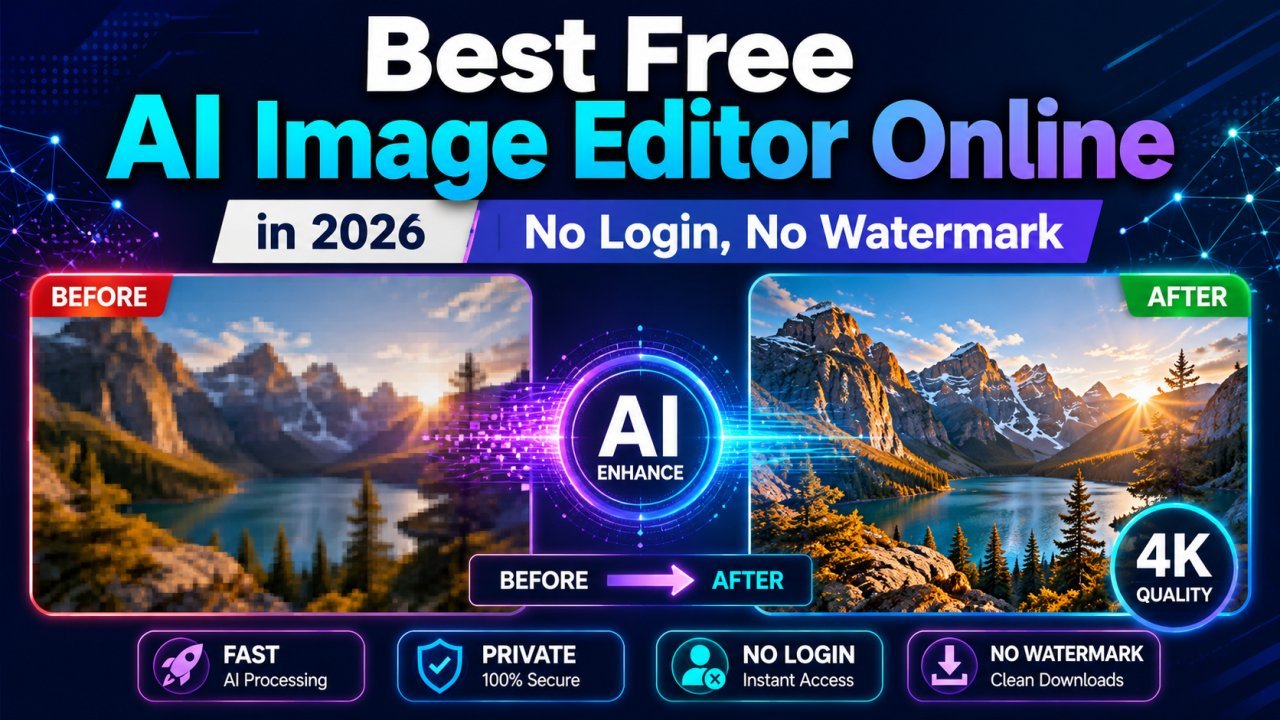
Edit Photos Free in 2026: No Login, No Watermark, No Upload
Discover the best free AI image editor online in 2026. Remove backgrounds, enhance photos, resize, compress, convert HEIC to JPG, and optimize images without login, downloads, or watermarks.
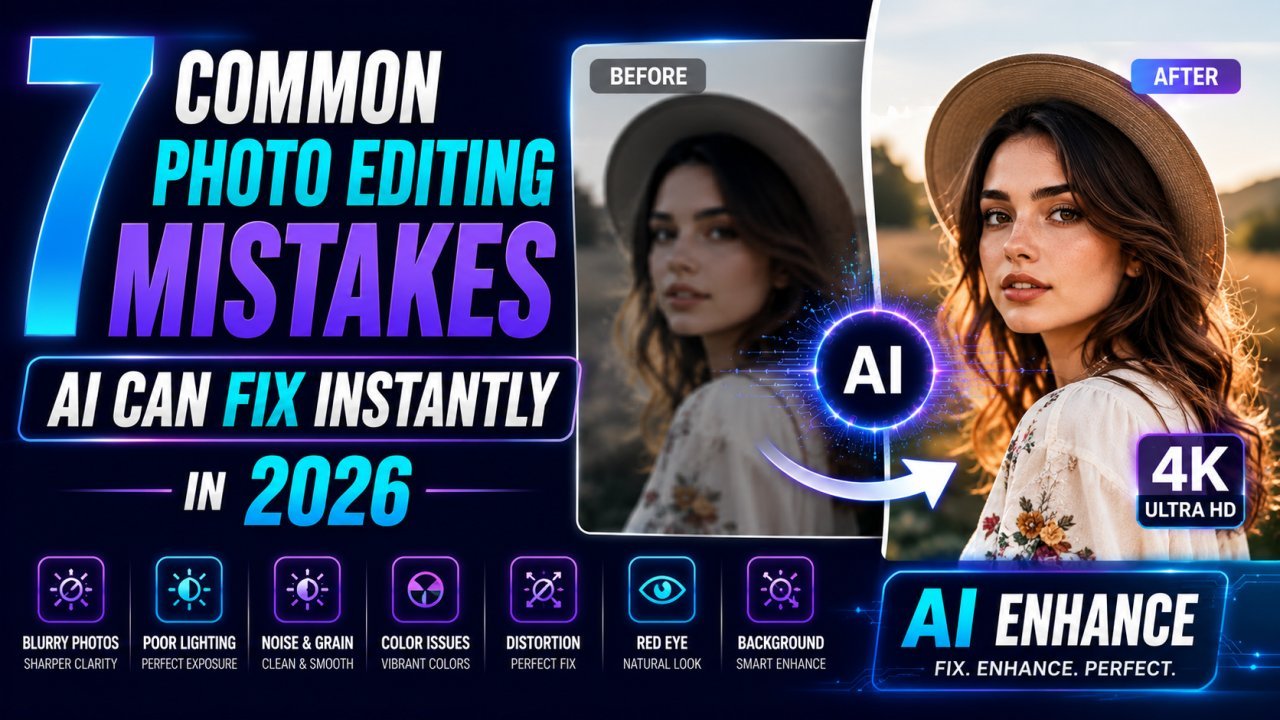
7 Common Photo Editing Mistakes AI Can Fix Instantly in 2026
Learn the seven most common photo editing mistakes and discover how AI image editors can fix blurry photos, poor lighting, backgrounds, low resolution, and more within seconds.
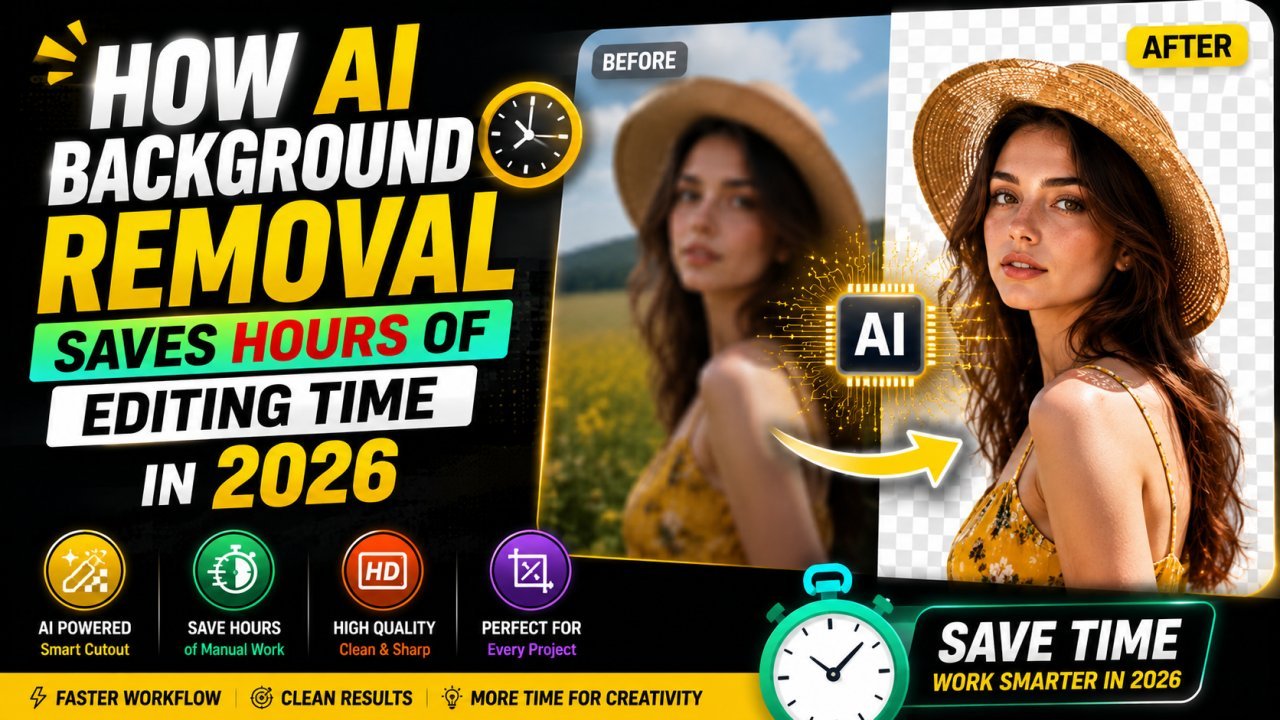
How AI Background Removal Saves Hours of Editing Time in 2026
Discover how AI background removal helps creators, businesses, and photographers save hours of editing time by removing image backgrounds instantly with professional-quality results.