
10 AI Image Editing Tasks You Can Complete in Under 30 Seconds
Discover 10 everyday image editing tasks you can complete in under 30 seconds using AI. Remove backgrounds, enhance photos, resize, compress, convert formats, and more—all online.
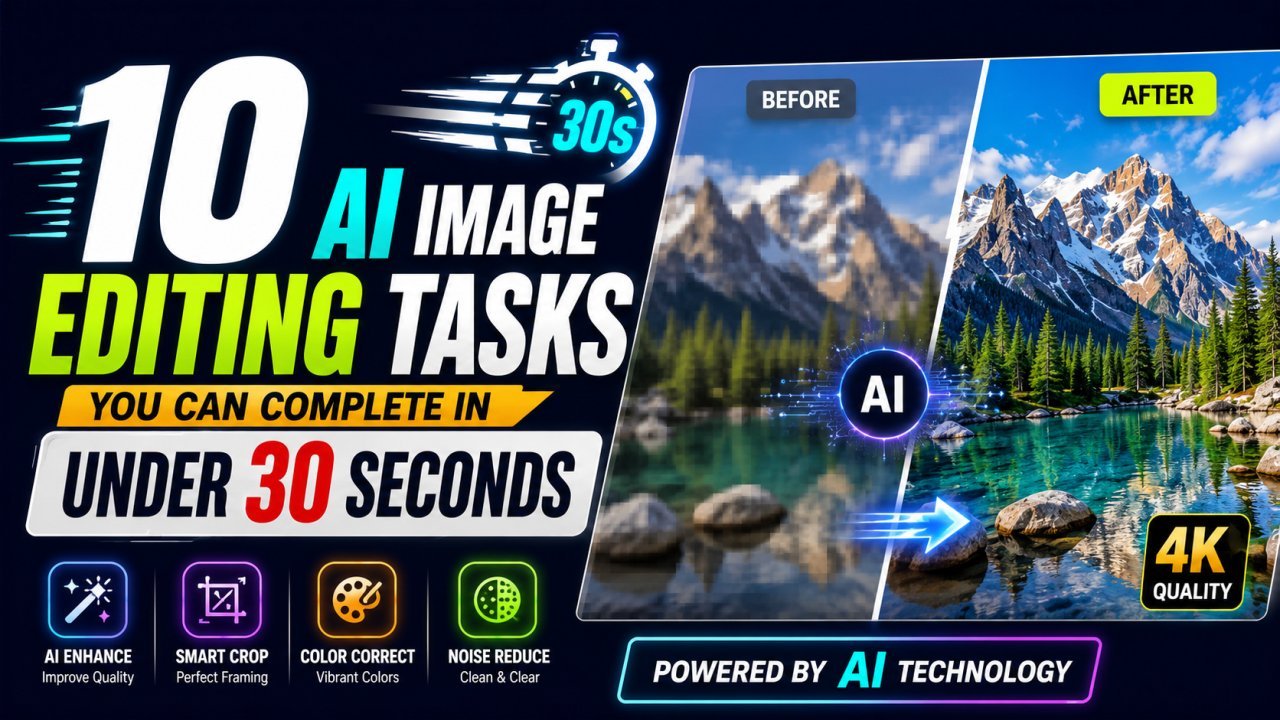
10 AI Image Editing Tasks You Can Complete in Under 30 Seconds
Not long ago, editing a single photo could take several minutes—or even hours.
You needed desktop software, editing skills, and plenty of patience.
Today, AI has completely changed that.
Modern AI image editors can automatically detect objects, improve quality, remove backgrounds, and optimize images in seconds.
Whether you're a student, blogger, online seller, designer, or marketer, here are ten editing tasks you can finish in less than 30 seconds.
1. Remove Image Background
AI instantly detects the subject and removes the background without manual selection.
Perfect for:
- Product photos
- Profile pictures
- Logos
- Marketing graphics
2. Enhance Blurry Photos
AI sharpens details, improves lighting, boosts colors, and restores clarity automatically.
Ideal for old photos and smartphone images.
3. Resize Images
Resize photos for:
- YouTube
- Blog featured images
without losing quality.
4. Compress Images
Reduce file size while maintaining excellent image quality.
Perfect for faster websites and improved SEO.
5. Convert HEIC to JPG
Instantly convert iPhone HEIC images into JPG or PNG formats directly from your browser.
6. Upscale Low-Resolution Images
Increase image resolution while preserving sharpness using AI-powered upscaling.
7. Crop Images Automatically
Quickly crop photos into square, portrait, landscape, or custom dimensions.
8. Remove Unwanted Objects
Erase distracting people, wires, text, or unwanted elements with AI.
9. Optimize Images for Websites
Automatically prepare images for faster loading without sacrificing visual quality.
10. Convert Image Formats
Convert between JPG, PNG, WebP, HEIC, BMP, AVIF, and other popular formats instantly.
Why AI Saves So Much Time
AI automates repetitive editing work that previously required advanced software and experience.
Instead of learning Photoshop, users simply upload an image, choose a tool, and download professional-quality results.
That's why millions of creators now rely on browser-based AI image editors every day.
Final Thoughts
AI image editing isn't just faster—it's smarter.
Tasks that once required professional editing skills can now be completed in under 30 seconds directly from your browser.
Whether you're creating content, managing an online store, or improving personal photos, AI helps you work faster while delivering professional-quality results.
Internal Links
- AI Background Remover
- AI Image Upscaler
- Image Compressor
- Image Converter
- AI Photo Enhancer
- Image Resizer
External Links
- Google Search Central – Image SEO
- web.dev – Optimize Images
Ready to optimize your images?
Every tool mentioned in this article is free to use. No upload, no signup, and no watermarks — ever.
Try our free toolsRelated articles
7 Common Photo Editing Mistakes AI Can Fix Instantly in 2026
Learn the seven most common photo editing mistakes and discover how AI image editors can fix blurry photos, poor lighting, backgrounds, low resolution, and more within seconds.
How AI Background Removal Saves Hours of Editing Time in 2026
Discover how AI background removal helps creators, businesses, and photographers save hours of editing time by removing image backgrounds instantly with professional-quality results.
Edit Photos Free in 2026: No Login, No Watermark, No Upload
Discover the best free AI image editor online in 2026. Remove backgrounds, enhance photos, resize, compress, convert HEIC to JPG, and optimize images without login, downloads, or watermarks.