
WEBP vs JPEG vs PNG — Which Image Format Should You Use in 2026?
Three formats, three different jobs. Here's exactly when to use each one — backed by real file-size comparisons and browser support data.
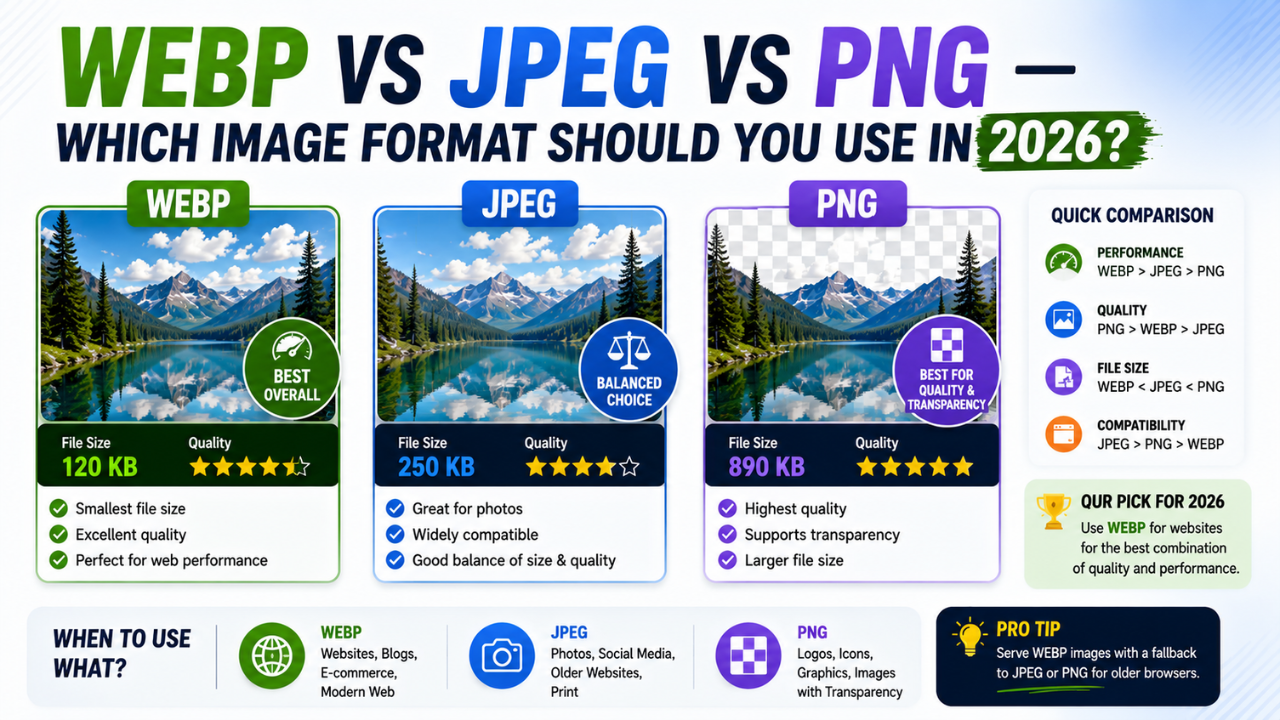
In 2026, the image format you choose is no longer just about quality — it's about page speed, SEO rankings, and mobile data costs for your visitors. Let's settle the WEBP vs JPEG vs PNG debate once and for all.
The 30-second answer
| Your image is... | Use this format |
|---|---|
| A photograph (people, places, products) | WEBP (or JPG if WEBP not an option) |
| A graphic with sharp edges (logo, icon, screenshot) | PNG (or SVG if it's a logo) |
| A simple banner you want maximum compatibility on | JPG |
| Anything with transparency | PNG or WEBP (never JPG) |
| You don't know | WEBP — works for 96% of cases in 2026 |
Real file-size comparison
We took the same 4032×3024 phone photo and saved it in three formats at equivalent visual quality:
| Format | File size | Smaller than JPG |
|---|---|---|
| JPG (quality 85) | 1.8 MB | baseline |
| WEBP (quality 80) | 1.1 MB | -39% |
| PNG (lossless) | 12.4 MB | +589% (way bigger!) |
Key insight: PNG is 6-7× larger than JPG for photos. Never save photos as PNG unless you have a very specific reason (like preserving exact pixel data for editing).
When JPG is still the right call
JPG isn't dead. Use it when:
- You need universal compatibility — every device, every email client, every CMS understands JPG
- You're sharing on platforms that re-compress (WhatsApp, Instagram, Slack) — they convert everything to JPG anyway
- You don't control the recipient's tools — old browsers from 2018 and earlier don't support WEBP
Convert PNG to JPG with our free PNG to JPG tool, or convert JPG to PNG if you need transparency support with JPG to PNG.
When WEBP wins (most of the time in 2026)
WEBP support is now at 96.5% globally (as of 2026, per caniuse.com). It's the default smart choice for:
- Website images — hero banners, product photos, blog images
- Mobile apps — Android and iOS both support it natively
- CDNs — Cloudflare, Cloudinary, and others auto-serve WEBP to compatible browsers
WEBP gives you ~30-40% smaller files than JPG at the same visual quality. On a content site with 100K monthly visitors, that's roughly 2-3 TB of bandwidth saved per year.
Convert your existing photos with JPG to WEBP or PNG to WEBP.
When PNG is the right tool
PNG shines when you need:
- Transparency (logos on coloured backgrounds, icons, UI elements)
- Pixel-perfect graphics (screenshots, technical diagrams, line art)
- Lossless quality — no JPG-style compression artifacts ever
Don't use PNG for photos. Don't use it for backgrounds with thousands of colours. Use it for anything with sharp edges and limited colours.
What about AVIF?
AVIF is the new kid — it's 20-30% smaller than WEBP at the same quality. As of 2026, browser support is ~93%, so it's safe to use as a progressive enhancement.
The catch: AVIF encoding is slow (10-30× slower than JPG to create), and very few browser-side tools can write AVIF yet. Our AVIF converters can read AVIF files (decode), but writing AVIF in-browser is still a 2027 problem.
For now, WEBP gives you 90% of AVIF's benefit with zero downside.
A pragmatic rule of thumb
If you're building a modern website or app in 2026:
- Photos → WEBP (fall back to JPG only if you must)
- Graphics with sharp edges → PNG
- Logos → SVG > PNG
- Icons → SVG > PNG > WEBP
- Anything with transparency → PNG or WEBP, never JPG
Stop saving everything as PNG by default. Stop avoiding WEBP because of imaginary compatibility concerns. The web has moved on — your images should too.
Need to convert a stack of images? Try our free Image Format Converter — runs entirely in your browser, no upload, no signup.
Ready to optimize your images?
Every tool mentioned in this article is free to use. No upload, no signup, no watermarks on small files.
Try our free toolsRelated articles
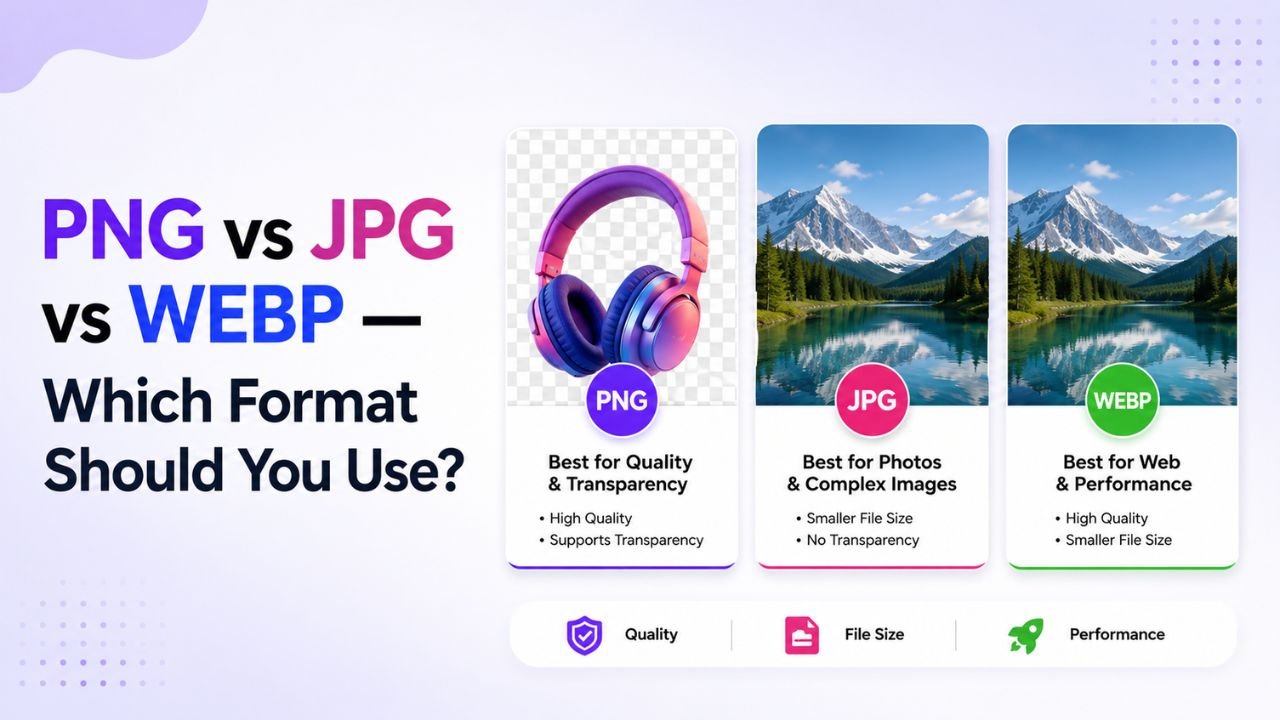
PNG vs JPG vs WEBP — A Decision Tree for Picking the Right Format
Stop guessing image formats. This decision tree walks you to the right answer in 3 questions or fewer — regardless of your specific image.
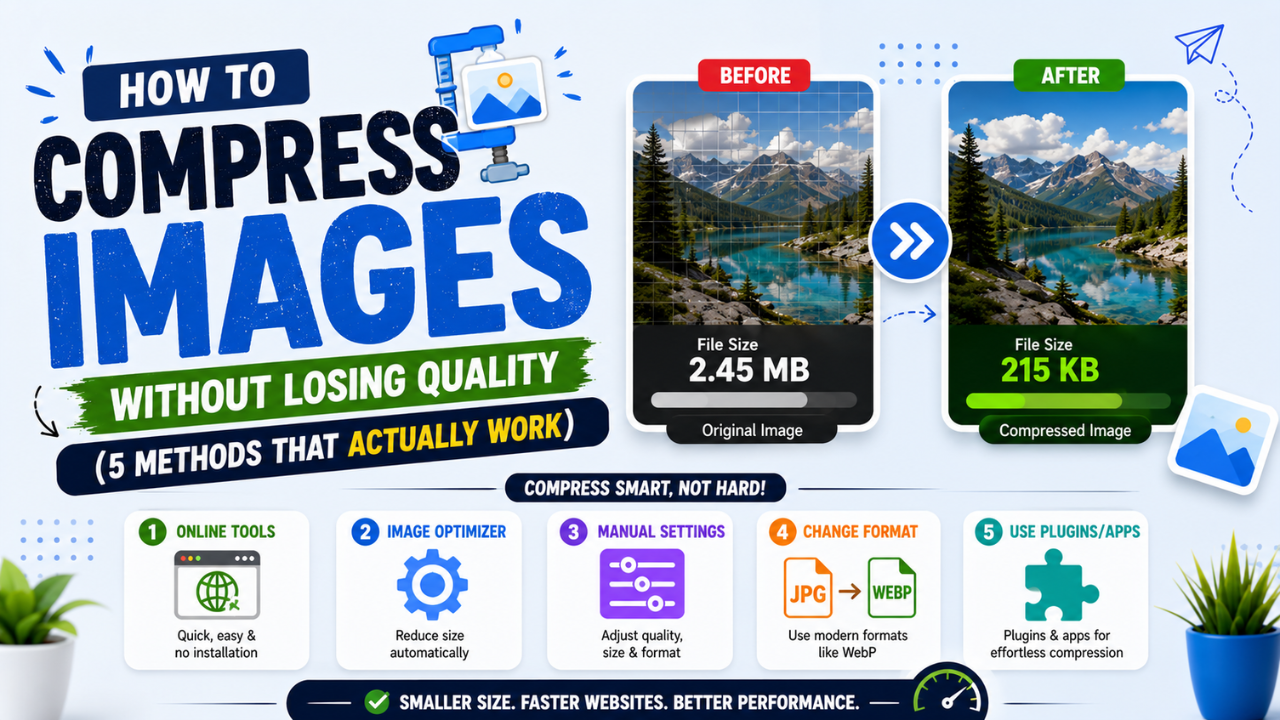
How to Compress Images Without Losing Quality (5 Methods That Actually Work)
Slash your image file sizes by 50-80% while keeping them visually identical. Five practical methods you can use today, no Photoshop needed.
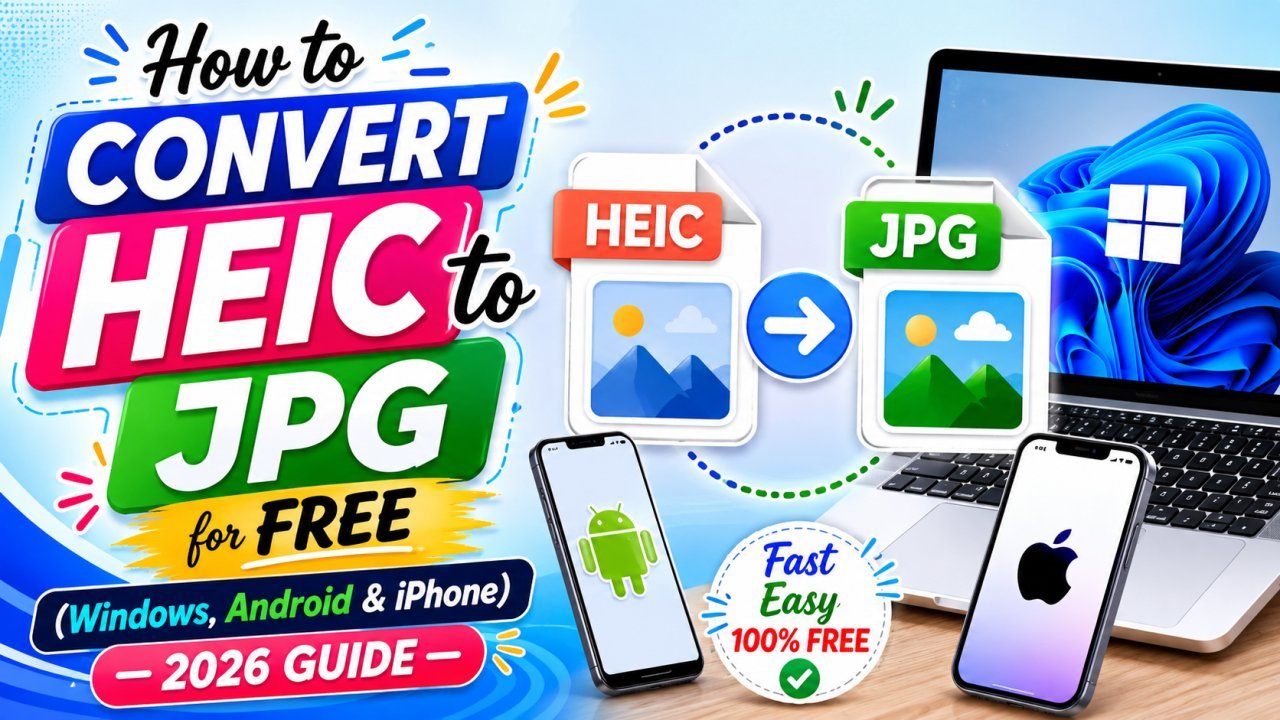
How to Convert HEIC to JPG for Free (Windows, Android & iPhone) — 2026 Guide
Got a .HEIC photo from an iPhone that won't open on your laptop? Here's every free way to turn it into a normal JPG — and the fastest one that never uploads your photo anywhere.