
Image Compression Explained: Why a Smaller File Can Still Look Perfect
Discover the best ways to compress images without losing quality. Learn how image compression works, why it matters, and how to reduce image file size while keeping photos sharp.
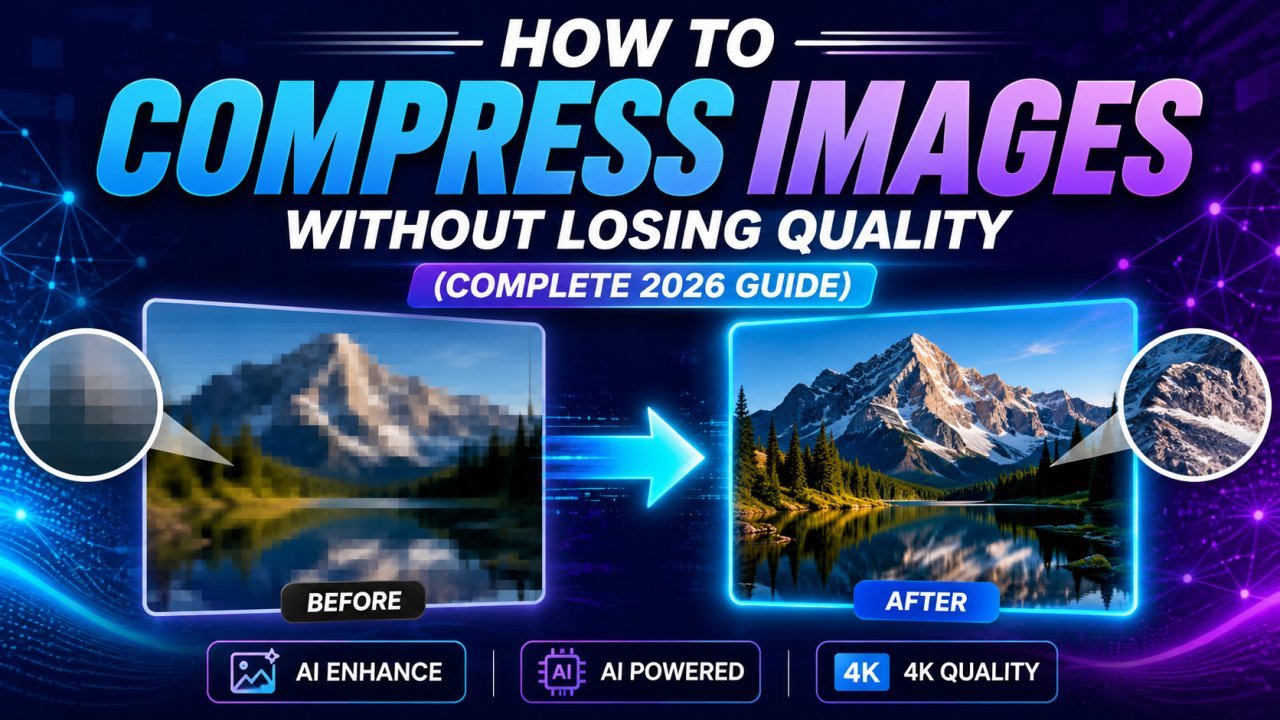
Image Compression Explained: Why a Smaller File Can Still Look Perfect
Large image files can slow down websites, take up valuable storage space, and make sharing photos difficult. Whether you're a blogger, student, photographer, designer, developer, or online seller, learning how to compress images without losing quality is one of the easiest ways to improve performance.
In this guide, you'll learn what image compression is, how it works, why it's important, and the best practices to reduce image size while maintaining excellent visual quality.
What Is Image Compression?
Image compression is the process of reducing an image's file size while preserving as much visual quality as possible.
Smaller image files load faster, use less bandwidth, and improve the user experience across websites, apps, and social media platforms.
The goal is simple:
- Smaller files
- Faster loading
- Better SEO
- High image quality
Why Compress Images?
Here are some of the biggest benefits of compressing images:
- Faster website loading speeds
- Better Google PageSpeed scores
- Improved SEO rankings
- Reduced storage usage
- Faster uploads
- Quicker email attachments
- Better mobile performance
- Improved user experience
Even reducing an image by 70% can make a noticeable difference without affecting how it looks.
Lossy vs Lossless Compression
Lossy Compression
Lossy compression removes unnecessary image data to create much smaller file sizes.
Best for:
- Websites
- Blogs
- Social media
- Product images
Lossless Compression
Lossless compression reduces file size without removing important image information.
Best for:
- Logos
- Graphics
- Screenshots
- Professional editing
Best Image Formats
JPG
Perfect for:
- Photos
- Travel pictures
- Portraits
Advantages:
- Small file size
- Universal compatibility
PNG
Ideal for:
- Logos
- Transparent images
- Graphics
Advantages:
- High quality
- Transparency support
WEBP
WEBP is one of the best modern image formats.
Benefits:
- Smaller than JPG
- Better quality
- Faster websites
AVIF
AVIF provides excellent compression and image quality, making it suitable for modern websites.
Tips to Compress Images Without Losing Quality
Resize Before Uploading
Don't upload a 6000px image if your website only displays it at 1200px.
Resizing first dramatically reduces file size.
Choose the Right Format
Photos → JPG or WEBP
Graphics → PNG
Modern Websites → WEBP or AVIF
Remove Metadata
Images often contain hidden camera information like:
- GPS Location
- Device Name
- Camera Model
- Date & Time
Removing this metadata reduces file size and improves privacy.
Compress Before Uploading
Always optimize images before uploading them to your website.
This improves loading speed and search rankings.
Who Should Compress Images?
Image compression is useful for:
- Bloggers
- Students
- Photographers
- Graphic Designers
- Ecommerce Sellers
- Developers
- Digital Marketers
- Content Creators
- YouTubers
- Business Owners
Why Faster Images Matter for SEO
Google considers page speed an important ranking factor.
Large image files can slow your website and increase bounce rates.
Optimized images help search engines crawl your website more efficiently while improving user satisfaction.
Compress Images Online
If you want to reduce image size without installing software, you can use our free online Image Compressor. It works directly in your browser, supports JPG, PNG, and WEBP, and keeps your images private because files never leave your device.
You may also find these tools helpful:
- Image Resizer
- Bulk Image Compressor
- Compress to Size (KB)
- PNG to JPG Converter
- JPG to WEBP Converter
- Background Remover
Frequently Asked Questions
Does compressing an image reduce quality?
Not always. Modern compression tools can significantly reduce file size while keeping the image visually identical.
Which image format is best for websites?
WEBP is recommended because it offers excellent quality with smaller file sizes.
Can I compress PNG images?
[AI Image Upscaler](AI Image Upscaler/ai-image-upscaler) Yes. PNG images can also be compressed while maintaining transparency.
Is image compression good for SEO?
Yes. Faster-loading images improve page speed, user experience, and can contribute to better search performance.
Are online image compressors safe?
If processing happens directly in your browser, your images stay on your device and remain private.
Final Thoughts
Compressing images is one of the easiest ways to improve website speed, save storage space, and deliver a better experience to your visitors.
Whether you're optimizing photos for a blog, an online store, or social media, using the right compression method helps you achieve the perfect balance between quality and file size.
Start optimizing your images today and enjoy faster websites, happier visitors, and better search performance.
Ready to optimize your images?
Every tool mentioned in this article is free to use. No upload, no signup, and no watermarks — ever.
Try our free toolsRelated articles
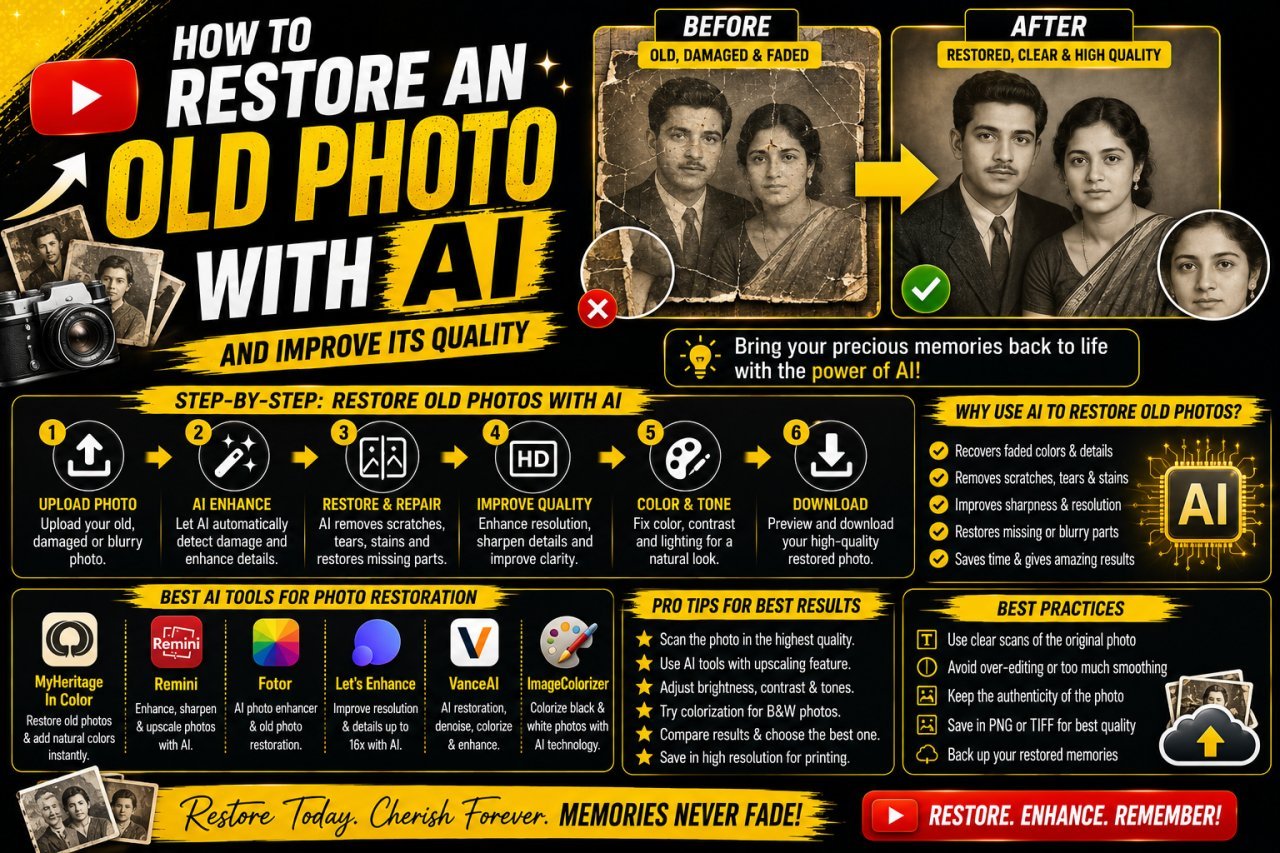
How to Restore an Old Photo With AI: Complete Beginner's Guide
Learn how to restore an old photo with AI by repairing damage, improving clarity, reducing noise, and bringing faded photographs back to life with simple techniques.
How to Remove a Person From a Photo With AI: Easy Online Guide
Learn how to remove a person from a photo with AI using simple online editing techniques. Discover how AI object removal works, when to use it, and how to get natural-looking results.
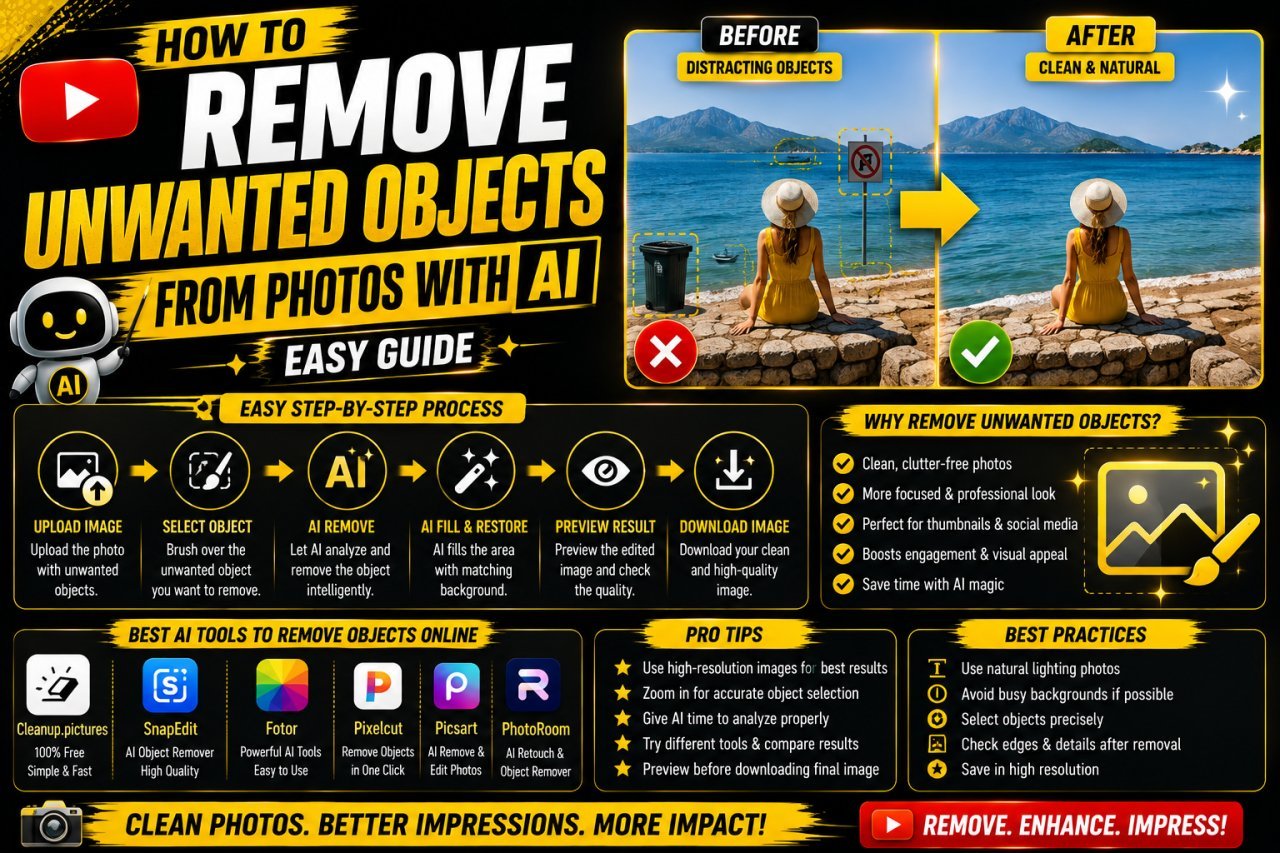
How to Remove Unwanted Objects From Photos With AI: Easy Guide
Learn how to remove unwanted objects from photos with AI using simple editing techniques. Discover how AI object removal works, useful tips, common mistakes, and ways to get natural-looking results.