
Best AI Image Enhancer Tools in 2026 (Free + Paid Compared)
Eight AI image enhancers tested on the same blurry, low-res, and noisy photos. Some made the cut. Most didn't. Here's what actually works in 2026.
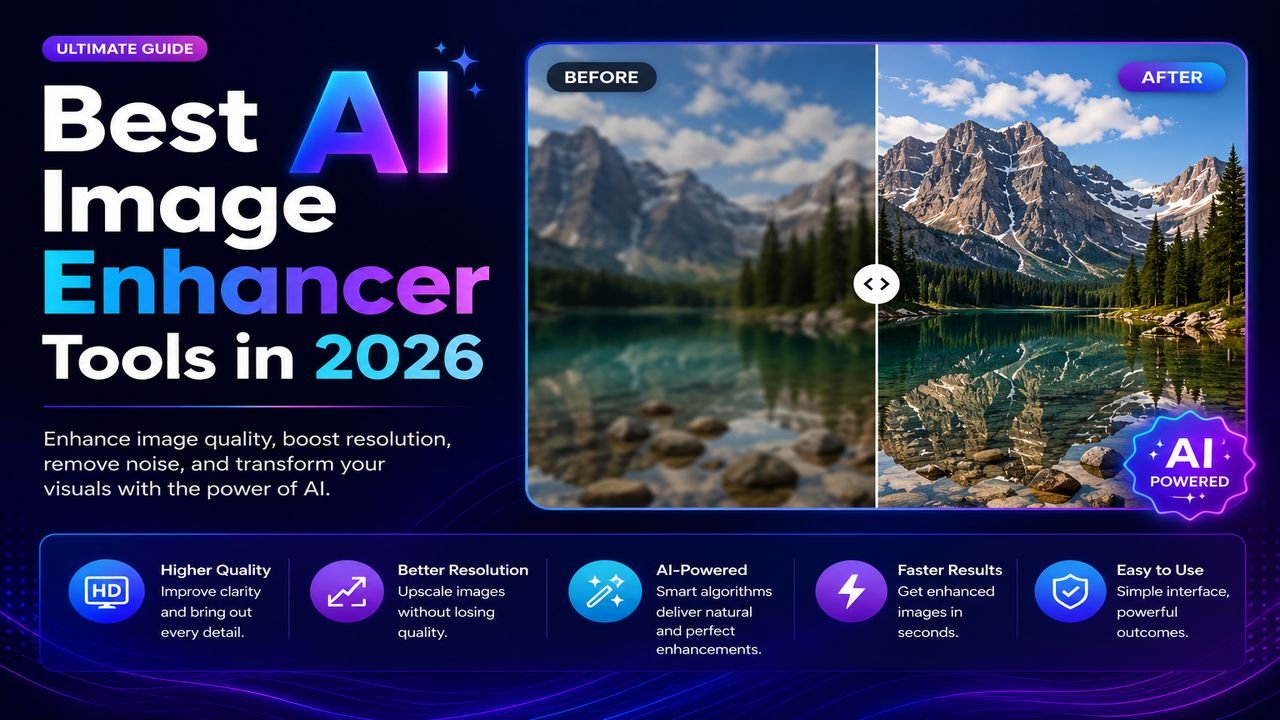
AI image enhancement has gone from "obvious telltale plastic look" in 2021 to genuinely useful in 2026. The good models now reconstruct fine detail, denoise without smearing skin, and upscale 4× without inventing weird artefacts.
But not every tool is equal. We ran the same set of degraded photos through eight popular enhancers — here's what held up.
The test set
Three categories of difficulty:
- Mildly blurry phone photo — handheld, low light, slight camera shake
- Low-resolution archive scan — 400 × 300 pixels, JPEG-compressed circa 2008
- Heavy noise photo — high-ISO indoor shot, visible grain
What "enhancement" actually means in 2026
Modern AI enhancers do three things, often simultaneously:
- Super-resolution: generate plausible detail at 2×, 4×, even 8× the original size
- Denoising: distinguish image content from sensor noise, remove the latter
- Deblurring: invert motion or focus blur using learned priors
The best tools blend all three. Cheap tools do one well, the others poorly.
How tools ranked
| Tool | Free tier? | Strength | Weakness |
|---|---|---|---|
| Topaz Photo AI | No (₹16K one-time) | Best denoise + detail | Desktop only, expensive |
| Upscale.media | Yes (limited) | Good upscaling | Watermarks free outputs |
| Gigapixel AI | No (₹8K one-time) | Best 4×–8× upscale | Desktop only |
| Let's Enhance | Free credits | Versatile | Quality drops on heavy noise |
| Remini | Free w/ ads | Best for old portraits | Aggressive "AI face" look |
| Cutout.pro AI Enhance | Free 3/day | Decent all-rounder | Inconsistent on landscapes |
| Pixelcut | Free | Fast, browser-side | Limited control |
| Open-source ESRGAN | Free (tech setup) | Customisable | Needs Python skills |
When you actually need an AI enhancer
Most people think they need AI when they really need basic editing:
- Image looks fuzzy on a webpage? → Probably an oversized image displayed too small, or a JPEG saved at quality 40. Try proper resizing first.
- Image is too small for printing? → AI upscale helps, but starting from at least 1000 px wide gives better results
- Old family photo, blurry and faded? → This is the genuine use case. AI can recover surprising amounts of detail.
- Compressed screenshot you want to "fix"? → AI helps a bit; redoing the screenshot at higher quality helps more.
Limits no one talks about
AI enhancers in 2026 still struggle with:
- Text in images — text often becomes a garbled "AI-looks-like-text" mess
- Faces of children — models trained on adult faces apply adult features to kids
- Logo recovery — sharp brand graphics often come back distorted
- Very low-res inputs (< 200 px) — there's just not enough signal to work with
If your image fails on any of these, no AI tool will save it. Manual retouching or a better source is the only fix.
The free workflow that handles 80% of cases
You don't always need a paid AI enhancer. For most "this photo looks bad" problems:
- Resize to the actual display size — over-zoomed images look worse, not better. Use our free Image Resize tool.
- Compress correctly — bad JPG compression (quality < 60) creates blocky artefacts that no enhancer fully reverses. Use our compressor at quality 80-85.
- Strip metadata to clean orphan data. Free EXIF remover.
- Convert to WEBP for web — same quality at smaller file size.
If the photo still looks bad after those four steps, then reach for an AI enhancer. About 80% of the time, you won't need one.
The honest bottom line
AI image enhancement is a real, useful tool in 2026 — but it's not magic. It works best when:
- Your starting image is at least 800 × 600 pixels
- The problem is noise or mild blur, not destroyed content
- You're not trying to recover text, logos, or fine UI elements
Pay for an AI enhancer if you process old family photos, archival material, or large volumes professionally. For everything else — Instagram posts, blog images, product photos — get the basics right with free tools first.
Ready to optimize your images?
Every tool mentioned in this article is free to use. No upload, no signup, no watermarks on small files.
Try our free toolsRelated articles
AI vs Manual Photo Editing — Which One Should You Use in 2026?
The honest answer isn't 'AI always wins'. We compared 12 common editing tasks across speed, quality, and control — here's where each approach actually beats the other.
How to Convert Low-Quality Images into HD Using AI (Step by Step)
Got a blurry, pixelated photo you wish was sharper? AI upscaling can genuinely help — when you know its limits. Here's the realistic guide.
Best AI Tools for Product Photo Editing (E-commerce Edition)
Selling online? Product photos make or break conversion. Here are the AI tools that turn amateur shots into Amazon-quality listings — most for free.