
The Future of AI Photo Editing: What 2030 Will Look Like
Four years from now, the photo editing landscape will look unrecognisable. Here are the seven shifts already underway in research labs that you'll see in your phone by 2030.
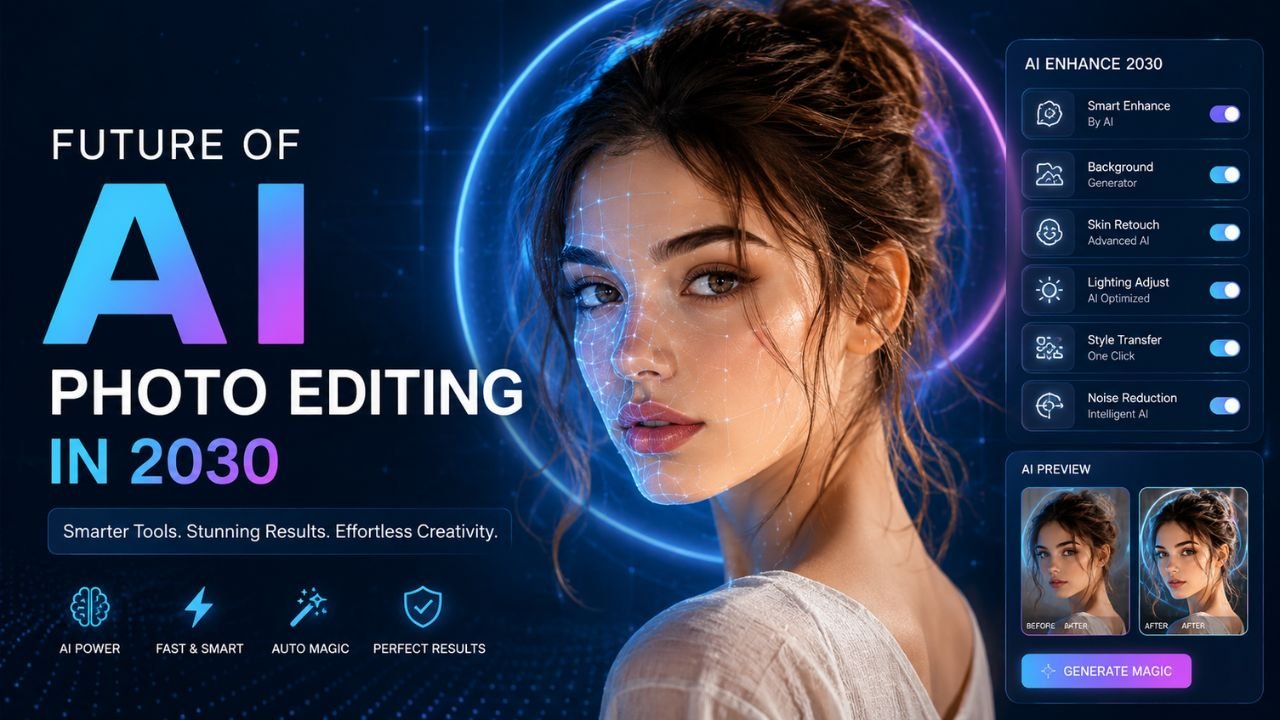
In 2018, AI photo editing meant "Snapseed has a magic wand button." In 2026, AI does background removal in your browser in 2 seconds. The pace of change is accelerating, not slowing.
Based on what's already shipping in research papers and beta tools, here's a realistic preview of where photo editing is headed by 2030.
1. Text-to-edit replaces sliders
Today: open a photo, drag exposure slider, drag contrast slider, drag saturation slider. Manual.
By 2030: type "make this photo look like a Wes Anderson film" → edit applied. "Make the sunset more dramatic but keep the people natural" → done. "Remove the tourist on the left, but only the one in the red shirt" → handled.
Multimodal AI (text + image input) already exists in research labs. By 2028 it'll be in every major photo editor. By 2030 it'll be the default interface, and sliders will feel as dated as command lines.
2. Real-time AI on video at full resolution
Currently, AI photo editing is per-frame. Apply it to video and you get flicker — each frame is processed independently, so subtle differences cause jitter.
The solution — temporal models that consider neighbouring frames — already exists but needs serious compute. By 2030, smartphone GPUs will be fast enough to run these models in real-time at 4K. Implications:
- Video background removal during a video call (not just static blur)
- Live colour grading like real-time Instagram filters but for cinema-grade looks
- Object removal from video without manual rotoscoping
3. Photorealistic generative editing
Today's "Magic Eraser" tools work well for small objects on simple backgrounds. By 2030, expect to remove a person from a crowded scene and have the AI rebuild the background with crowd-aware accuracy — including correct perspective, lighting, and even subtle objects that should be visible where the person stood.
This is a much harder problem than current tools solve. Solving it requires generative AI to understand scene structure, not just textures. Research is well underway.
4. Personal style models
Every professional photographer has a signature look — the "Steve McCurry colour palette," "Annie Leibovitz lighting," etc. By 2030, expect AI tools to:
- Learn your specific editing style from a small sample of your past edits
- Apply that style automatically to new photos
- Adapt to context (you edit landscapes differently from portraits — the AI learns this)
This is essentially "having a personal AI assistant who knows your taste." For prosumer photographers, this changes the economics: an amateur with a personal style model can output editing consistent enough to look professional.
5. Privacy-first local AI is the default
Cloud-based AI services have a fundamental problem: they require you to upload your photos. By 2030, expect:
- All routine AI editing (background removal, upscaling, denoising) to run entirely on-device
- Even generative AI to run locally for everything except the most demanding generations
- "Cloud AI" to be a feature you opt into, not a requirement
Apple, Google, and the open-source community are all pushing this direction. Hardware is catching up — NPUs (Neural Processing Units) in 2030 phones will rival 2024-era datacenter GPUs.
Our Background Remover already works this way today — entirely browser-side, no upload. By 2030, this'll be the norm, not the exception.
6. AI-aware authenticity standards
As AI editing becomes ubiquitous, distinguishing real photos from AI-generated/edited ones becomes critical. Expect by 2030:
- Cameras embedding cryptographic provenance signatures (C2PA standard, already in some pro cameras)
- Browsers warning users about manipulated images
- Legal frameworks requiring disclosure of AI-edited content in journalism and advertising
- Mandatory AI watermarks (visible or invisible) on generated images for certain use cases
The internet is heading toward a two-tier world: authenticated content and "everything else."
7. Photo editing becomes invisible
The biggest shift of all: by 2030, most "photo editing" will happen before you ever see the image.
Phones already do this somewhat — your "raw" photo is actually heavily AI-processed. By 2030 expect:
- Phones to auto-generate multiple edited versions of every photo (Instagram crop, LinkedIn portrait crop, story format, etc.) in the background
- Cloud services to keep these in sync across all your devices
- Editing apps becoming more "fine-tune the AI's automatic choices" than "edit from scratch"
The classic "open Photoshop, edit a photo for 20 minutes" workflow won't disappear — but it'll be reserved for hero shots and creative work, not everyday photos.
What's NOT changing
Some things probably won't be much different in 2030:
- Fundamentals of composition (rule of thirds, leading lines, etc.) — AI helps but doesn't replace taste
- The need to learn what good photos look like — to direct AI well, you need to know what you want
- Manual tools for the top 10% of work — heroes shots, commercial work, art photography
- File format wars — JPG and PNG will still be around. WEBP and AVIF will dominate. The "next big thing" never quite arrives.
What you can do today to prepare
If you're a creator or designer, the practical takeaways for 2026:
- Get comfortable with AI tools now — the learning curve compounds. People who started using AI image tools in 2023 are 3 years ahead.
- Don't over-invest in any single AI platform — they consolidate and disappear. Skills transfer; specific apps don't.
- Build a workflow with both AI + manual — pure AI workflows produce average results. Pure manual workflows don't scale. The hybrid wins.
- Care about privacy — your photos are valuable training data. Use tools that don't upload by default.
For free, browser-side image tools that respect your privacy today, try our image tools page. All 20+ tools run locally — your photos never leave your device.
The future is closer than you think, but the fundamentals still matter.
Ready to optimize your images?
Every tool mentioned in this article is free to use. No upload, no signup, no watermarks on small files.
Try our free toolsRelated articles
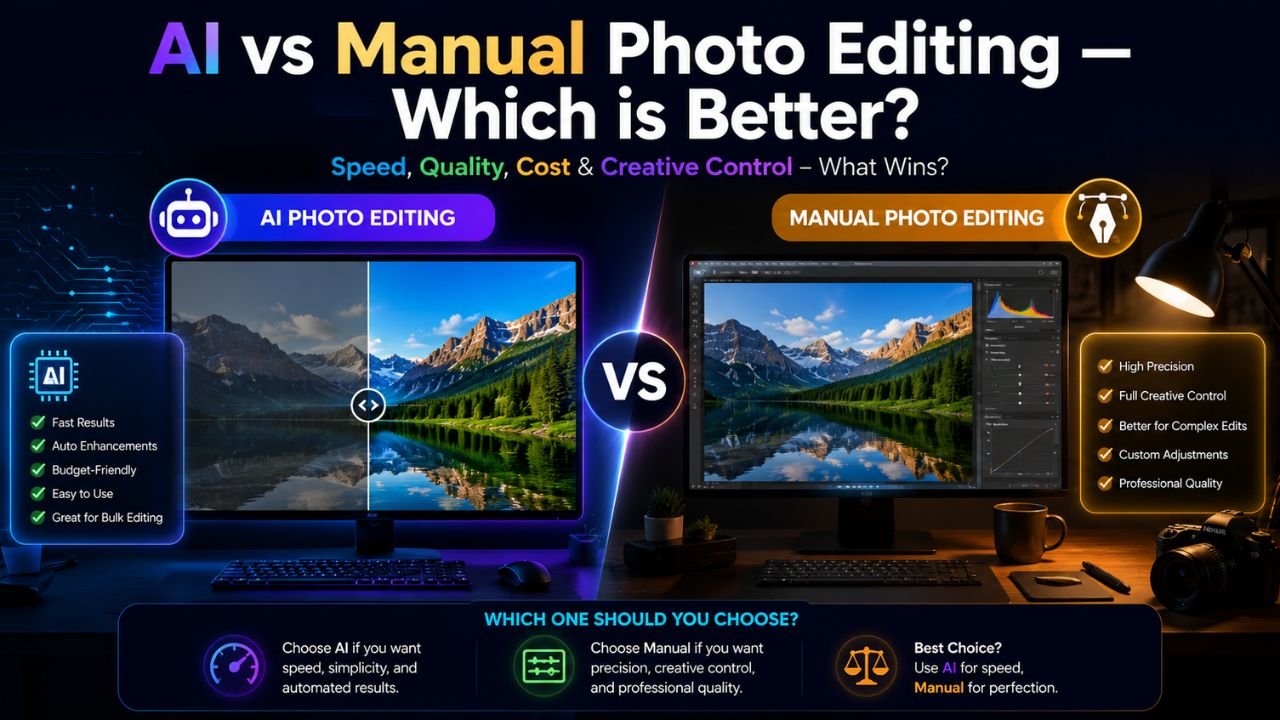
AI vs Manual Photo Editing — Which One Should You Use in 2026?
The honest answer isn't 'AI always wins'. We compared 12 common editing tasks across speed, quality, and control — here's where each approach actually beats the other.
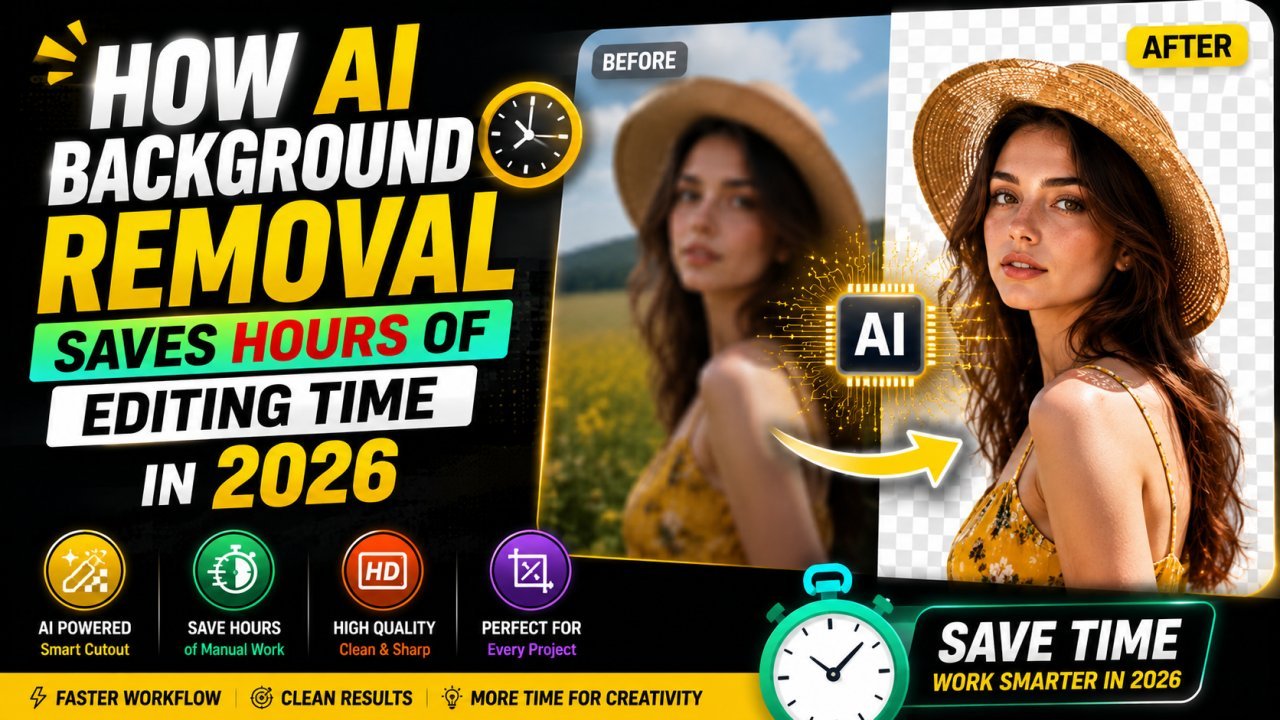
How AI Background Removal Saves Hours of Editing Time in 2026
Discover how AI background removal helps creators, businesses, and photographers save hours of editing time by removing image backgrounds instantly with professional-quality results.
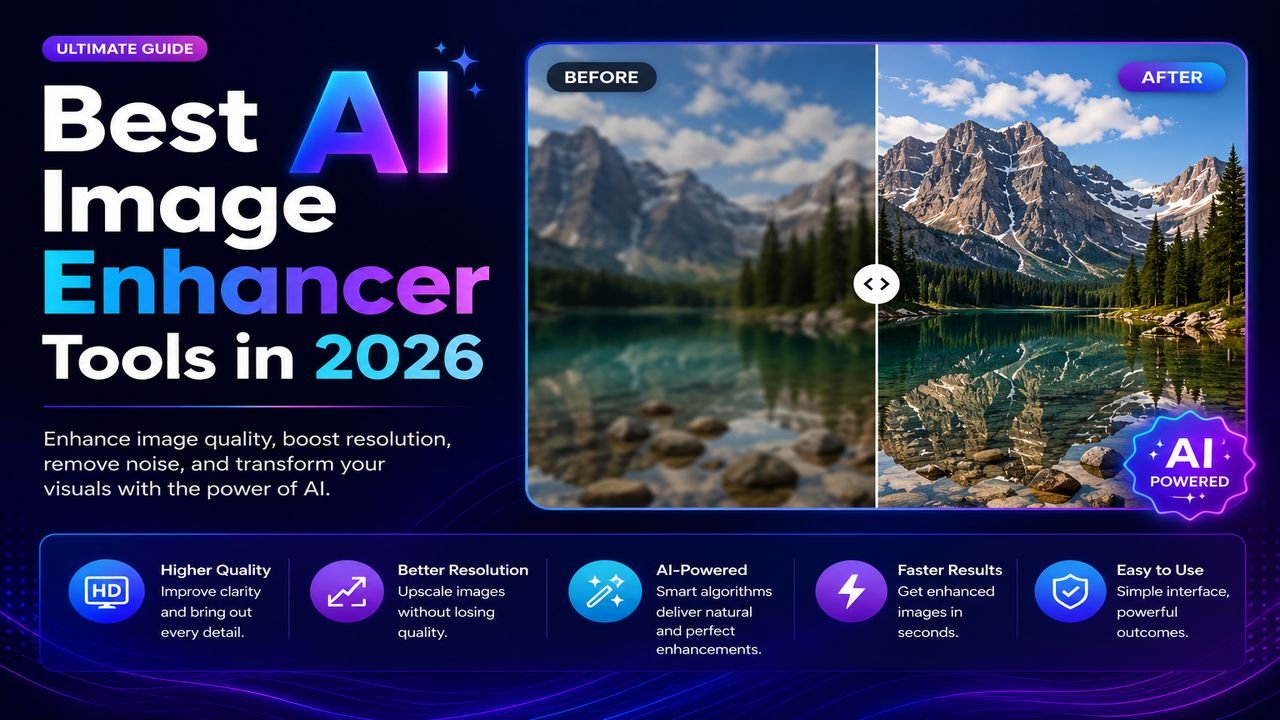
Best AI Image Enhancer Tools in 2026 (Free + Paid Compared)
Eight AI image enhancers tested on the same blurry, low-res, and noisy photos. Some made the cut. Most didn't. Here's what actually works in 2026.