
How to Optimize Images for Faster Website Speed Using AI in 2026
Learn how AI image optimization improves website speed, SEO, and Core Web Vitals. Discover how to compress, resize, and convert images without losing quality in 2026.
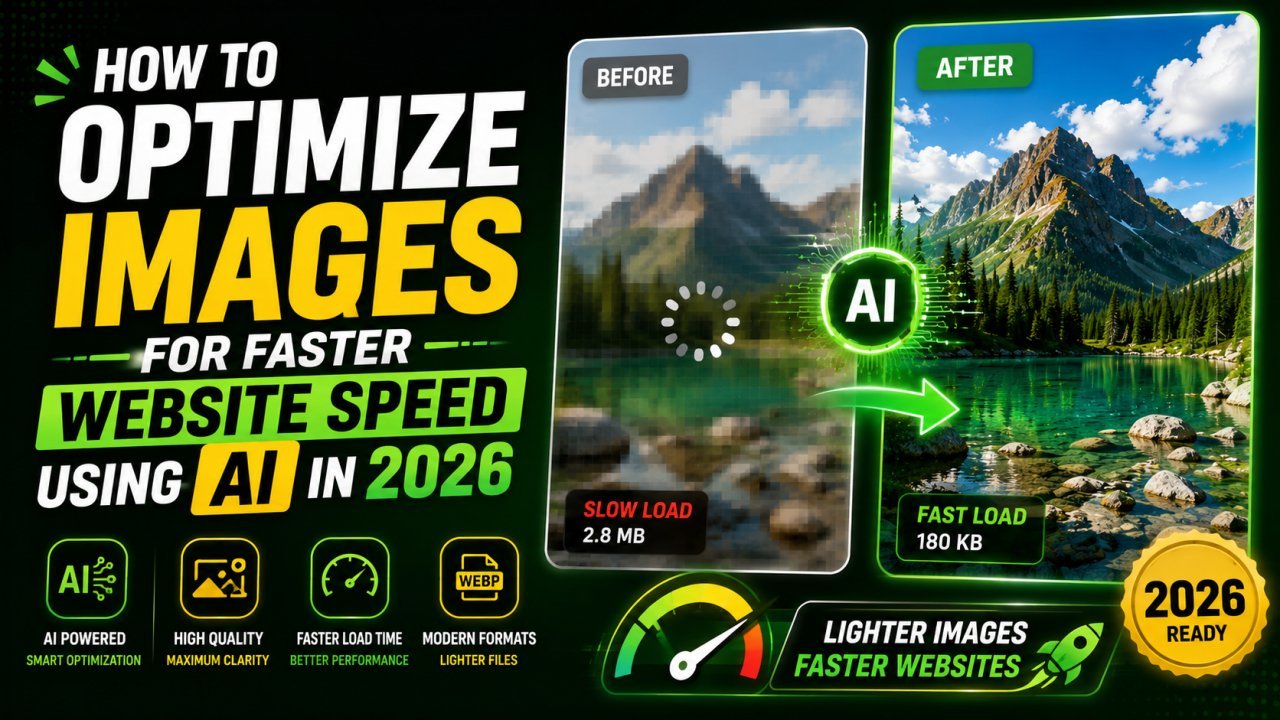
How to Optimize Images for Faster Website Speed Using AI in 2026
Website speed is no longer just a technical metric—it directly affects user experience, search engine rankings, and conversion rates. In 2026, visitors expect websites to load almost instantly. If your pages are slow because of oversized images, you're likely losing both traffic and customers.
The good news is that modern AI Image Optimization tools make it easier than ever to prepare images for the web. Instead of manually compressing files or experimenting with different formats, AI automatically finds the ideal balance between image quality and file size.
Whether you're running a blog, an online store, a portfolio, or a business website, optimizing images should be one of your first SEO priorities.
Why Images Slow Down Websites
Images are usually the largest files on a webpage. A single high-resolution photo from a smartphone can easily exceed 5 MB. When multiple large images appear on the same page, loading times increase dramatically.
Slow-loading websites can lead to:
Higher bounce rates Lower search rankings Poor user experience Reduced conversions Lower engagement
Search engines like Google consider page speed and user experience when ranking websites, making image optimization an essential part of technical SEO.
What Is AI Image Optimization?
AI image optimization uses artificial intelligence to automatically improve images for web performance.
Instead of applying the same compression to every image, AI analyzes the content and determines the best settings to reduce file size while maintaining visual quality.
A modern AI optimizer can:
Compress images intelligently Resize oversized photos Convert JPG to WebP or AVIF Improve image quality Remove unnecessary metadata Optimize images for mobile devices
All of this can be done in seconds directly from your browser.
Compress Images Without Losing Quality
Compression is one of the most effective ways to speed up a website.
Traditional compression often reduces image quality, but AI uses advanced algorithms to preserve sharpness, colors, and fine details while significantly decreasing file size.
For example, an image that originally weighs 4 MB can often be reduced to under 500 KB with minimal visible difference.
This means faster page loading without sacrificing appearance.
Resize Images for Better Performance
Uploading an image that is much larger than needed wastes bandwidth and slows down websites.
If your blog displays images at 1200 pixels wide, uploading a 5000-pixel image provides no benefit.
AI automatically resizes images to the correct dimensions for:
Blog posts Ecommerce stores Landing pages Social media Mobile devices
This reduces loading times while maintaining a crisp appearance.
Convert Images to Modern Formats
Modern image formats like WebP and AVIF provide better compression than traditional JPG and PNG files.
AI tools can automatically convert images into these formats while preserving quality.
Benefits include:
- Smaller file sizes
- Faster loading
- Better browser compatibility
- Improved SEO performance
Improve Core Web Vitals
Google's Core Web Vitals measure the real-world performance of your website.
Optimized images contribute to:
- Faster Largest Contentful Paint (LCP)
- Improved loading performance
- Better user experience
- Higher SEO rankings
Using AI optimization helps websites meet these performance standards more consistently.
Save Time with Automation
Manually optimizing hundreds of images can take hours.
AI automates repetitive tasks, allowing bloggers, ecommerce owners, and marketers to process large image libraries quickly.
This saves valuable time while ensuring every image follows best practices.
Best Practices for AI Image Optimization
To get the best results:
- Upload high-quality source images
- Resize images to the correct display dimensions
- Compress files without excessive quality loss
- Use modern formats like WebP
- Add descriptive filenames
- Write keyword-rich ALT text
- Lazy-load images when possible
These practices improve both performance and accessibility.
Who Benefits from AI Image Optimization?
AI optimization is valuable for:
- Bloggers
- Ecommerce stores
- Digital marketers
- Web developers
- Agencies
- Small businesses
- Photographers
- Content creators
Anyone publishing images online can benefit from faster loading times and improved SEO.
Final Thoughts
AI Image Optimization is one of the easiest ways to improve website performance in 2026.
By automatically compressing, resizing, and converting images, AI helps websites load faster without compromising quality. Faster websites create a better user experience, improve Core Web Vitals, and increase the likelihood of ranking higher in search results.
If you're serious about SEO and user satisfaction, optimizing every image before publishing should become part of your regular workflow.
Ready to optimize your images?
Every tool mentioned in this article is free to use. No upload, no signup, and no watermarks — ever.
Try our free toolsRelated articles
10 AI Image Editing Tasks You Can Complete in Under 30 Seconds
Discover 10 everyday image editing tasks you can complete in under 30 seconds using AI. Remove backgrounds, enhance photos, resize, compress, convert formats, and more—all online.

Edit Photos Free in 2026: No Login, No Watermark, No Upload
Discover the best free AI image editor online in 2026. Remove backgrounds, enhance photos, resize, compress, convert HEIC to JPG, and optimize images without login, downloads, or watermarks.
How AI Background Removal Saves Hours of Editing Time in 2026
Discover how AI background removal helps creators, businesses, and photographers save hours of editing time by removing image backgrounds instantly with professional-quality results.