
How to Download GTA 6 Images in HD Learn how to download GTA 6 images in HD from....
Learn how to download GTA 6 images in HD from reliable sources, find official screenshots and artwork, save high-quality images, and avoid low-resolution or misleading downloads.
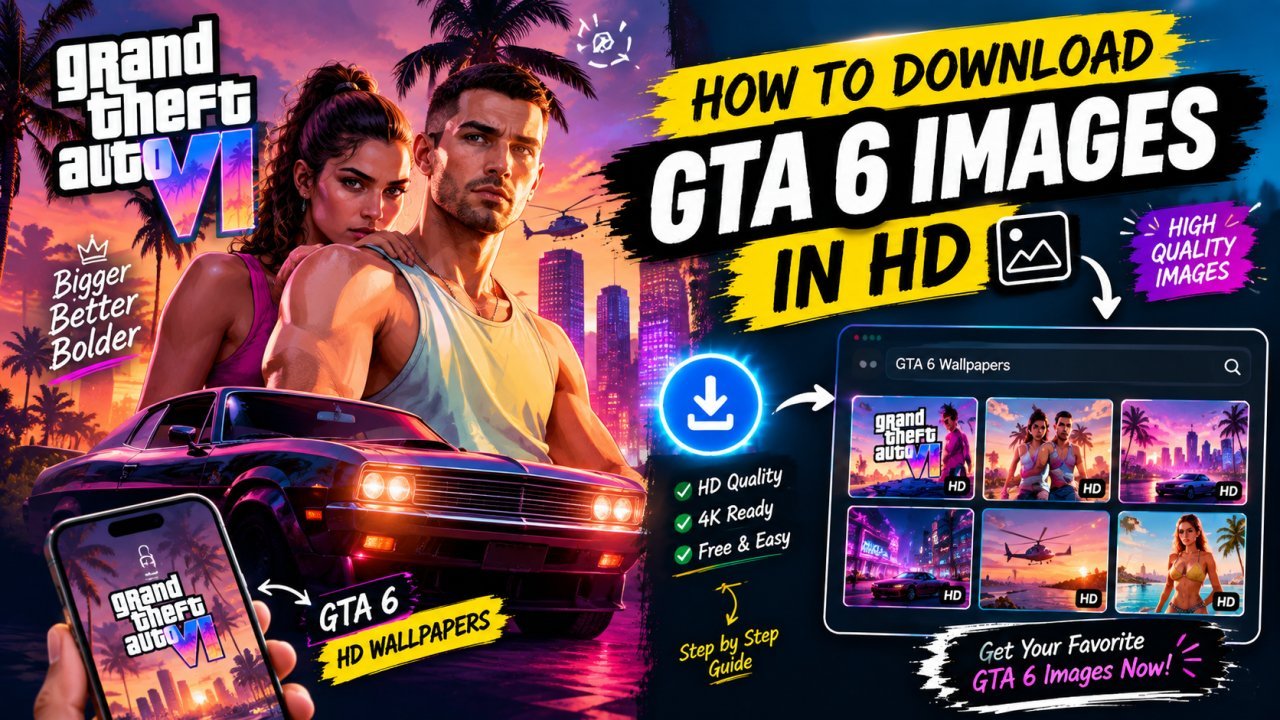
How to Download GTA 6 Images in HD
Grand Theft Auto 6 has generated huge interest among gamers, and many people want to save its screenshots, artwork, wallpapers, and other high-quality visuals.
If you are searching for how to download GTA 6 images in HD, the most important thing is finding a reliable source and saving the original or highest-quality version available.
You may find GTA 6 images on official websites, gaming news websites, social media platforms, image-sharing websites, and search engines. However, not every image you find online is available in its original resolution.
Some websites compress images, while others display a smaller preview instead of the full-resolution file.
In this guide, you will learn how to find high-quality GTA 6 images, download them properly, check their resolution, and avoid common mistakes when saving images from the internet.
What Are GTA 6 HD Images?
HD images are high-resolution pictures that contain enough detail to look clear on modern screens.
For GTA 6, these may include:
- All Tools
- Official screenshots
- Game artwork
- Character images
- Location screenshots
- Trailer stills
- Promotional images
- Wallpapers
- Game-related graphics
- Official key art
The exact resolution can vary depending on the original source.
A larger image is not automatically better if it has been enlarged artificially. Ideally, you want to download the highest-quality version that the original source provides.
Where Can You Find GTA 6 Images in HD?
There are several places where you may find GTA 6 images online.
However, the quality and usage rights can vary between sources.
Official Rockstar Games Sources
Official sources are an important place to check when looking for GTA 6 promotional images, screenshots, artwork, and other official visuals.
The advantage of using an official source is that you are more likely to find authentic material rather than an edited or misleading image.
When looking for GTA 6 images, check official Rockstar Games pages and official GTA-related channels first.
Gaming News Websites
Gaming websites often publish GTA 6 news, screenshots, trailer coverage, and image galleries.
These websites can be useful when you are looking for a particular screenshot or image connected to a specific announcement.
However, keep in mind that some websites may resize or compress images.
If possible, look for an option to open the original image or view the image at its largest available resolution.
Search Engines
Search engines can help you discover GTA 6 images quickly.
You can search using phrases such as:
- GTA 6 screenshots HD
- GTA 6 official screenshots
- GTA 6 wallpaper HD
- GTA 6 trailer screenshots
- GTA 6 character images
- GTA 6 artwork
Search results can show images from many different websites, so always check the original source before downloading.
How to Download GTA 6 Images in HD From a Website
Downloading an image from a website is usually straightforward.
Follow these steps.
Step 1: Find a Reliable Source
First, find the GTA 6 image you want to save.
Whenever possible, start with an official source or a reputable website.
Step 2: Open the Largest Available Version
Do not immediately save the small image shown in a search result or thumbnail gallery.
Click the image and look for the full-size version.
Some websites use a small preview that links to a much larger image.
Step 3: Check the Image Resolution
Before downloading, check whether the image is actually high resolution.
A 300 × 200 pixel preview, for example, will not provide the same quality as a much larger original image.
Look for the image's dimensions if the website provides them.
Step 4: Save the Image
On a computer, you can generally right-click the image and choose the browser's image-saving option.
On a phone, you can usually press and hold the image and select the available save or download option.
The exact option may differ depending on your browser and device.
Step 5: Check the Downloaded File
After downloading, open the image and check whether it looks clear.
If it appears blurry, you may have downloaded a compressed preview instead of the original image.
How to Download GTA 6 Images From Google Images
Google Images can be useful for discovering GTA 6 visuals, but the image shown in the search results may not be the original file.
A better approach is to use Google Images as a discovery tool.
Step 1: Search for the Image
Try a specific search such as:
"GTA 6 official screenshots"
or:
"GTA 6 HD wallpaper"
Step 2: Open the Image Result
Select the image that matches what you are looking for.
Step 3: Visit the Original Website
Look for the option to visit the page where the image was published.
This helps you find the original context and potentially a higher-resolution version.
Step 4: Find the Full-Size Image
Once you reach the source website, look for the largest available version.
Step 5: Save the Image
Save the image using your browser's normal download or image-saving option.
This method is generally better than simply saving a small preview from the search results.
How to Download GTA 6 Images on Android
If you are using an Android phone, the process can be simple.
First, open your browser and search for the GTA 6 image you want.
Open the original or largest version of the image.
Then press and hold the image.
Depending on your browser, you may see an option such as:
- Download image
- Save image
- Open image in new tab
- Download link
Choose the appropriate option.
After downloading, you can usually find the image in your Downloads folder or your phone's gallery, depending on the browser and device.
Check the Image Before Sharing
After downloading, open the image and zoom in.
Look for:
- Blurry details
- Compression artifacts
- Watermarks
- Cropping
- Missing parts of the image
If the image looks low quality, return to the original source and look for a larger version.
How to Download GTA 6 Images on iPhone
The process is similar on an iPhone.
Open Safari or another browser and find the image.
Open the largest available version.
Then use the available save or download option provided by the browser.
Depending on the iOS version and browser, the exact menu can differ.
After saving the image, check your Photos or Files app.
If the image looks blurry, try returning to the source website and opening the original image instead of saving the smaller preview.
How to Check GTA 6 Image Resolution
Before downloading an image, it can be useful to check its resolution.
Resolution refers to the number of pixels in the image.
For example:
| Image Size | General Quality |
|---|---|
| 640 × 360 | Small |
| 1280 × 720 | HD |
| 1920 × 1080 | Full HD |
| 2560 × 1440 | Higher resolution |
| 3840 × 2160 | 4K |
These labels are commonly used to describe display resolutions, but the actual quality of an image also depends on its source and compression.
A 4K image that has been heavily compressed may not look as good as a well-preserved Full HD image.
For this reason, consider both resolution and image quality.
Why You Should Avoid Saving Tiny Preview Images
One of the most common mistakes is downloading the image that appears in a search result or small gallery preview.
That image may be much smaller than the original.
For example, a website could display a compressed preview while keeping the full-resolution image on another page.
If you save the preview, the result may look blurry when you use it as a wallpaper or view it on a large display.
Instead:
Search → Open source → Find original image → Check resolution → Download
This simple process can help you get better results.
How to Find GTA 6 Wallpapers in HD
If your goal is to use GTA 6 images as wallpapers, search specifically for wallpaper-sized images.
Useful searches can include:
- GTA 6 wallpaper HD
- GTA 6 1080p wallpaper
- GTA 6 4K wallpaper
- GTA 6 desktop wallpaper
- GTA 6 mobile wallpaper
Choose an image that matches your device's aspect ratio and resolution.
For example, a desktop monitor may use a different aspect ratio from a smartphone.
If the image does not match your screen, you may need to crop it.
GTA 6 Images for Desktop Wallpapers
For desktop wallpapers, look for a sufficiently large image that can fit your monitor without becoming blurry.
A wide image can work better for many desktop screens.
Before downloading, check:
- Image width
- Image height
- Aspect ratio
- Original quality
- Cropping
If you use a small image and enlarge it significantly, important details can become soft or pixelated.
GTA 6 Images for Mobile Wallpapers
Mobile wallpapers require a different approach.
A landscape GTA 6 screenshot may need to be cropped heavily to fit a vertical phone display.
When searching for mobile wallpapers, look specifically for vertical or phone-friendly images.
This can reduce the amount of cropping required.
You can also use an image editor to position the main character or important visual element correctly after cropping.
Be Careful With Fake or Edited GTA 6 Images
Because GTA 6 is a highly discussed game, many images can circulate online.
Not every image labeled "GTA 6 screenshot" is necessarily an official screenshot.
Some images may be:
- Fan-made artwork
- Edited images
- Concept art
- AI-generated images
- Modified screenshots
- Images from other games
- Unofficial recreations
If authenticity matters, check where the image came from.
An official image should ideally be traceable to an official Rockstar Games source or a reputable publication that identifies the original source.
Check the Original Source Before Downloading
When you find an impressive GTA 6 image, ask:
Where did this image originally come from?
If a social media account posts an image without context, search for the image or its source.
You may discover that it originally came from an official announcement, trailer, press material, or another website.
Checking the source can help you avoid downloading misleading or incorrectly labeled images.
Copyright and Image Usage
Finding an image online does not automatically mean that you have permission to use it for any purpose.
GTA 6 images, artwork, screenshots, logos, and promotional materials may be protected by copyright or other intellectual-property rights.
If you are downloading an image for personal use, such as viewing it or using it as a personal wallpaper, that is different from using the image commercially.
If you plan to use GTA 6 images on:
- A website
- YouTube thumbnail
- Blog post
- Advertisement
- Social media promotion
- Product
- Commercial project
check the relevant rights and permissions first.
When possible, use official materials according to the applicable terms or choose images that you are permitted to use.
Summary
Downloading GTA 6 images in HD is usually simple when you know where to look and how to find the original file.
The basic process is:
Find a reliable source → Open the largest version → Check the resolution → Download the image → Verify the quality → Check usage rights
Avoid relying only on small image previews from search engines.
If you want the best quality, always try to find the original or highest-resolution version available from a reliable source.
Next (Part 2) will include: advanced methods for finding original GTA 6 images, HD and 4K image searches, downloading images on different devices, reverse image searching, finding specific GTA 6 screenshots, common download mistakes, copyright considerations, and a complete HD image download workflow.
If you want high-quality GTA 6 images, the first step is finding the original source instead of downloading the first image that appears in search results.
Many websites display compressed copies of the same screenshot. These copies may look good on a phone but become blurry when used as wallpapers, thumbnails, or desktop backgrounds.
A better approach is to look for the earliest or most authoritative source.
Start with:
• Official Rockstar Games website and official channels • Reputable gaming news websites • High-resolution press or media pages • Original articles that clearly credit the image source
When you find an image you like, open the page where it was originally published. Look for the largest version available rather than saving a small preview from a search engine.
This simple step can make a major difference in image quality.
If normal searches are giving you small GTA 6 images, make your search more specific.
Instead of searching only:
"GTA 6 images"
try combinations such as:
"GTA 6 HD images" "GTA 6 1080p screenshots" "GTA 6 4K wallpaper" "GTA 6 high resolution screenshots" "GTA 6 official screenshots" "GTA 6 desktop wallpaper" "GTA 6 character wallpaper" "GTA 6 city screenshots"
You can also add a specific subject:
"GTA 6 Lucia HD screenshot" "GTA 6 Jason wallpaper 4K" "GTA 6 Vice City screenshot HD" "GTA 6 car screenshot 4K"
Keep in mind that adding "4K" to a search does
Ready to optimize your images?
Every tool mentioned in this article is free to use. No upload, no signup, and no watermarks — ever.
Try our free toolsRelated articles
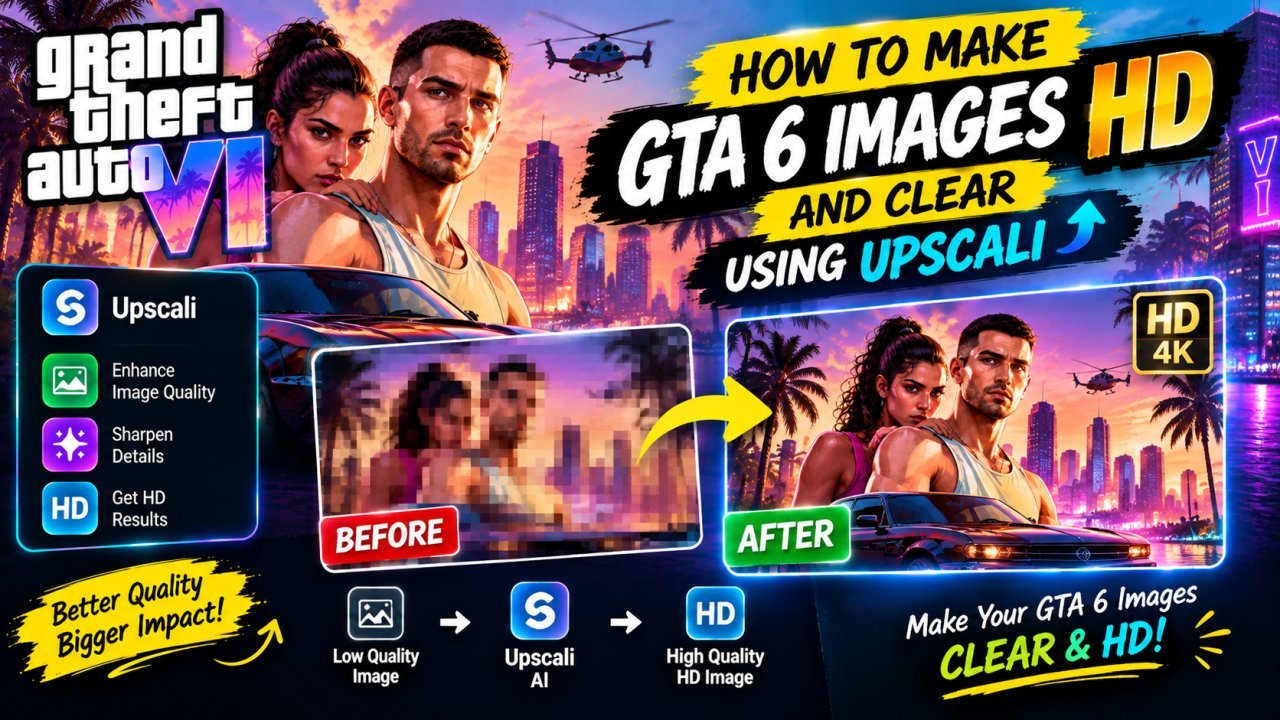
How to Make GTA 6 Images HD and how to make GTA 6 images HD and clear using upscali...
Learn how to make GTA 6 images HD and clear using upscaling, sharpening, AI enhancement, noise reduction, and better image-editing techniques.
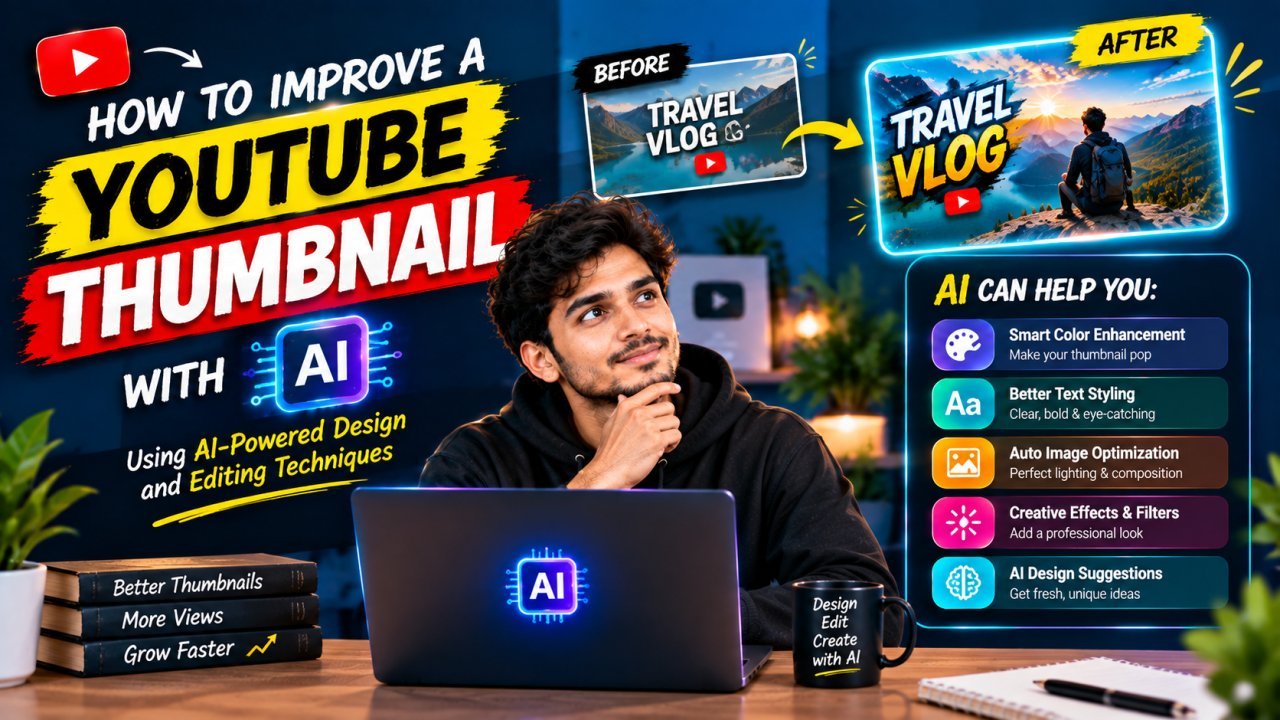
How to Improve a YouTube Thumbnail With AI
Learn how to improve a YouTube thumbnail with AI using practical methods for better composition, text, backgrounds, colors, faces, and visual clarity. Discover how to use AI to enhance an existing thumbnail without making it look confusing or generic.

How to Create a YouTube Thumbnail With AI
Learn how to create a YouTube thumbnail with AI using simple prompts, image generation, editing, text placement, and mobile-friendly design tips.