
Background Removal in 2026: Free Tools vs Paid — Real Comparison
Do you really need to pay $20/month for background removal? We tested the leading free and paid tools side by side on the same set of photos.
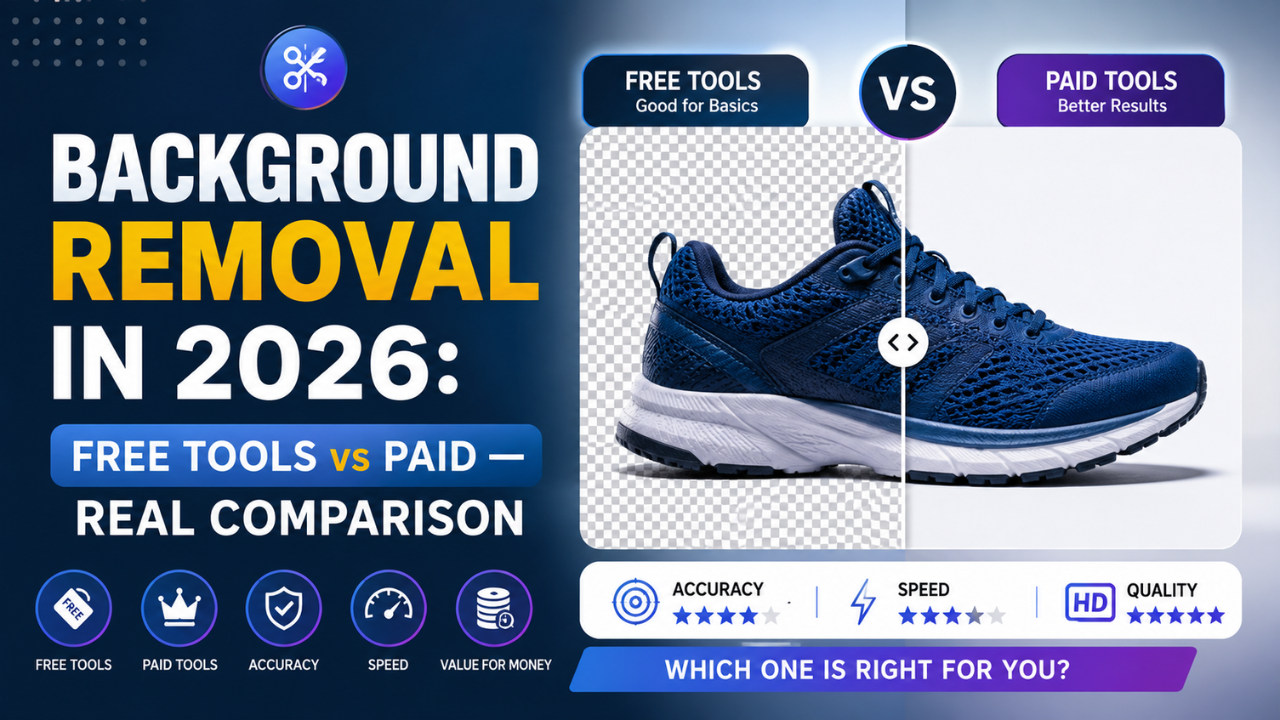
Background removal used to take ten minutes per image in Photoshop with the Pen Tool. In 2026, AI does it in two seconds. But the market is now split between:
- Free tools that run entirely in your browser
- Paid SaaS charging ₹500-2000/month for "premium" AI
So which one actually matters? We ran the same 20 photos through five popular tools and compared the results.
The test setup
We used 20 photos across four categories:
- Easy: clear product shots on white backgrounds (5 photos)
- Medium: people against simple backgrounds (5 photos)
- Hard: complex hair, fur, glass, transparent fabrics (5 photos)
- Extreme: crowded scenes, motion blur, low contrast (5 photos)
The contenders
| Tool | Pricing | Where it runs |
|---|---|---|
| Image EditPro (us) | Free | In your browser |
| remove.bg | $9-99/month | Cloud upload |
| Photoshop AI | ₹1,500/month | Desktop app |
| Canva Pro | ₹3,999/year | Cloud upload |
| ClipDrop | $9/month | Cloud upload |
Results: Easy category (product shots)
All five tools nailed the easy category. Indistinguishable output across the board.
Verdict: if you're only removing backgrounds from clean product shots, don't pay for it. Use our free Background Remover — same result, zero cost.
Results: Medium category (people, simple backgrounds)
Free tools slipped slightly on hair edges. The paid AI was marginally better — about 5% cleaner on flyaway hairs.
For most use cases (e-commerce product photos, social media thumbnails, blog featured images), the difference is invisible at typical viewing sizes.
Verdict: still no reason to pay unless you're producing print-quality work.
Results: Hard category (complex hair, fur, glass)
This is where paid tools started to pull ahead. ClipDrop and remove.bg handled curly hair edges 10-15% cleaner than free tools.
But "cleaner" here means: a few stray pixels on individual hair strands. If you're zooming in at 400% you'll see it. At normal viewing size? No human can tell.
Verdict: depends on your use case. If you're a professional photo editor, the small quality gap matters. If you're posting on Instagram or your e-commerce site, free is fine.
Results: Extreme category
All five tools struggled. Even Photoshop AI made mistakes on motion-blurred subjects and crowded scenes. The honest takeaway: no tool handles "extreme" reliably yet — you'll need manual touch-up either way.
Verdict: at this difficulty level, you're going to manually fix things regardless of which tool you use. Save the ₹1,500/month.
The privacy angle no one talks about
Here's something the paid tools don't advertise:
| Tool | Where your photo goes |
|---|---|
| Image EditPro | Stays in your browser. Nothing uploaded. |
| remove.bg | Uploaded to their cloud servers |
| Canva | Uploaded to Canva's cloud |
| ClipDrop | Uploaded to their cloud |
| Photoshop AI | Adobe Creative Cloud |
If you're processing photos of:
- Customer faces (e-commerce)
- Medical images
- Private/sensitive material
- Internal corporate work
...the privacy implications of uploading to a third-party cloud are real. Browser-side processing is the only way to guarantee your photos never leave your device.
This is why we built Image EditPro's Background Remover to run entirely in-browser using ONNX runtime + a quantised AI model. Same neural network architecture as the paid tools — just runs on your GPU instead of theirs.
When to actually pay
We're not anti-paid-tools — they exist for a reason. Pay for a SaaS background remover if:
- You process 1000+ images per month professionally and the volume justifies a workflow API
- You need enterprise SLAs and uptime guarantees
- You want batch processing baked into a larger creative pipeline
- Quality at 400% zoom matters (print, billboards, premium e-commerce)
For everyone else — bloggers, small e-commerce sellers, social media managers, freelance designers, students — free tools cover 95% of real-world needs.
Our recommendation
Try our Background Remover first. It's free, it runs in your browser, your photos never get uploaded anywhere. If you hit a wall on quality after testing 20-30 photos, then consider paying. Most users never hit that wall.
Spend the ₹500-2000/month you would have paid on something that actually grows your business instead.
Ready to optimize your images?
Every tool mentioned in this article is free to use. No upload, no signup, no watermarks on small files.
Try our free toolsRelated articles
Best AI Image Enhancer Tools in 2026 (Free + Paid Compared)
Eight AI image enhancers tested on the same blurry, low-res, and noisy photos. Some made the cut. Most didn't. Here's what actually works in 2026.
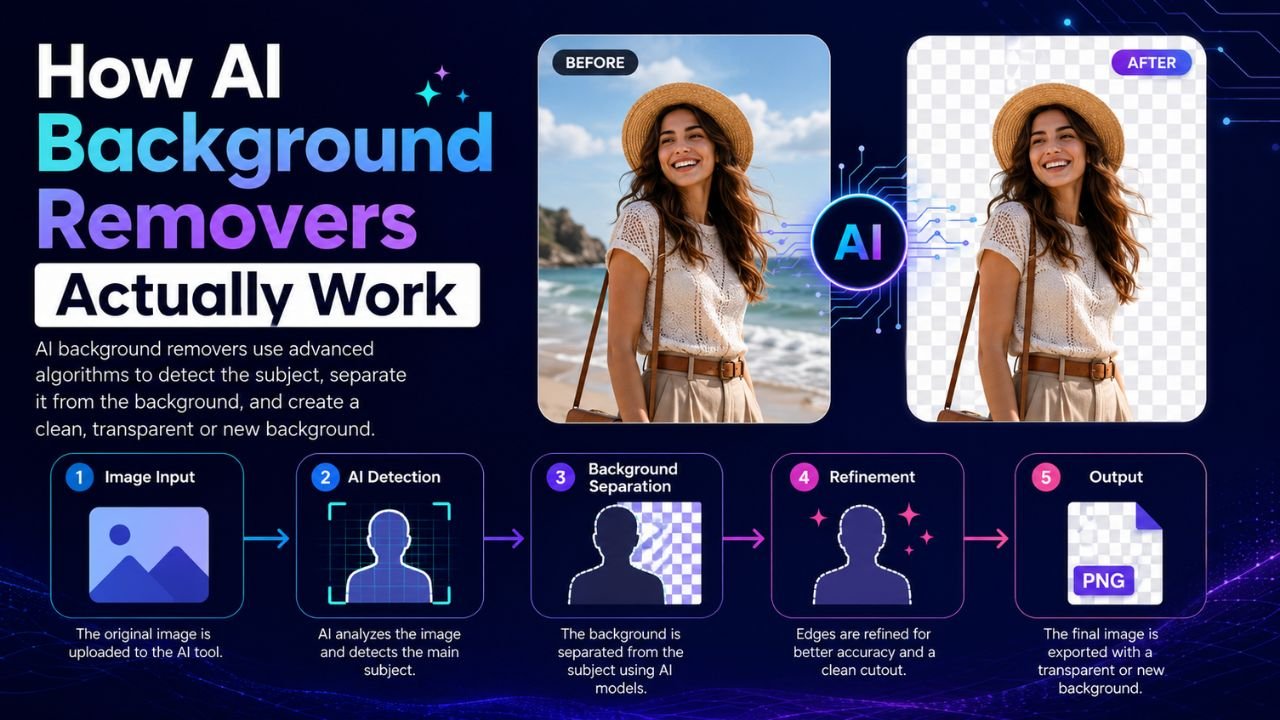
How AI Background Removers Actually Work (Explained Simply)
Behind that magical 2-second background removal is a neural network making millions of decisions. Here's a non-technical look at what's actually happening.
AI vs Manual Photo Editing — Which One Should You Use in 2026?
The honest answer isn't 'AI always wins'. We compared 12 common editing tasks across speed, quality, and control — here's where each approach actually beats the other.