
Image editing guides, explained simply
Practical guides by Ashish Kathiriya, each linked to a free tool that does the job in your browser.

How to Make AI-Generated Photos Look More Realistic
Plastic skin, glossy eyes, odd hands and mismatched light give AI images away. How to prompt for realism, then fix what remains with careful, light editing.
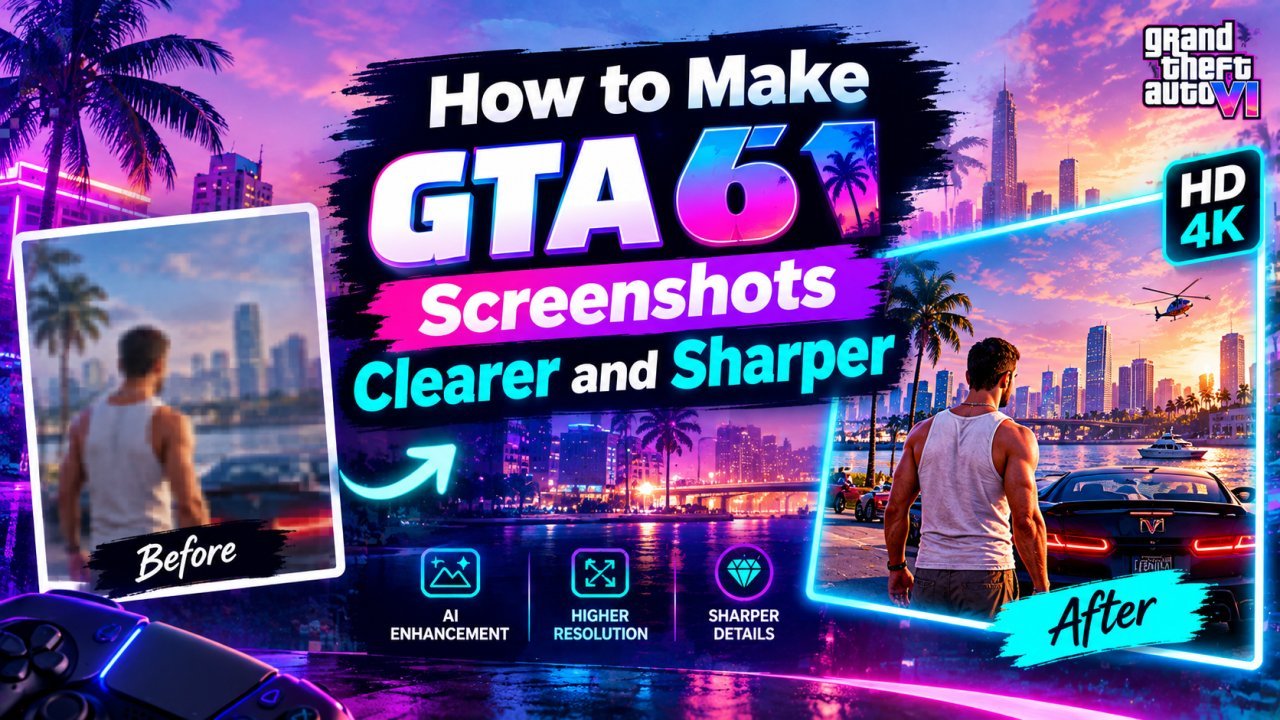
How to Make Your GTA 6 Screenshots Clearer and Sharper
Capture cleaner GTA 6 screenshots of your own, then upscale, sharpen and resize them for wallpapers, thumbnails and posts without stretching or over-processing.

How to Upscale Your Cricket Photos Without Losing Quality
Make your own match photos from local games, club fixtures or the stands sharper and bigger with AI upscaling, without fake faces or garbled jersey text.

How to Turn Your Photo Into a 1980s Vintage Photo
What makes a photo look like it came from the 1980s, how to recreate the look by hand in any editor, and how to use AI image tools without losing your face.
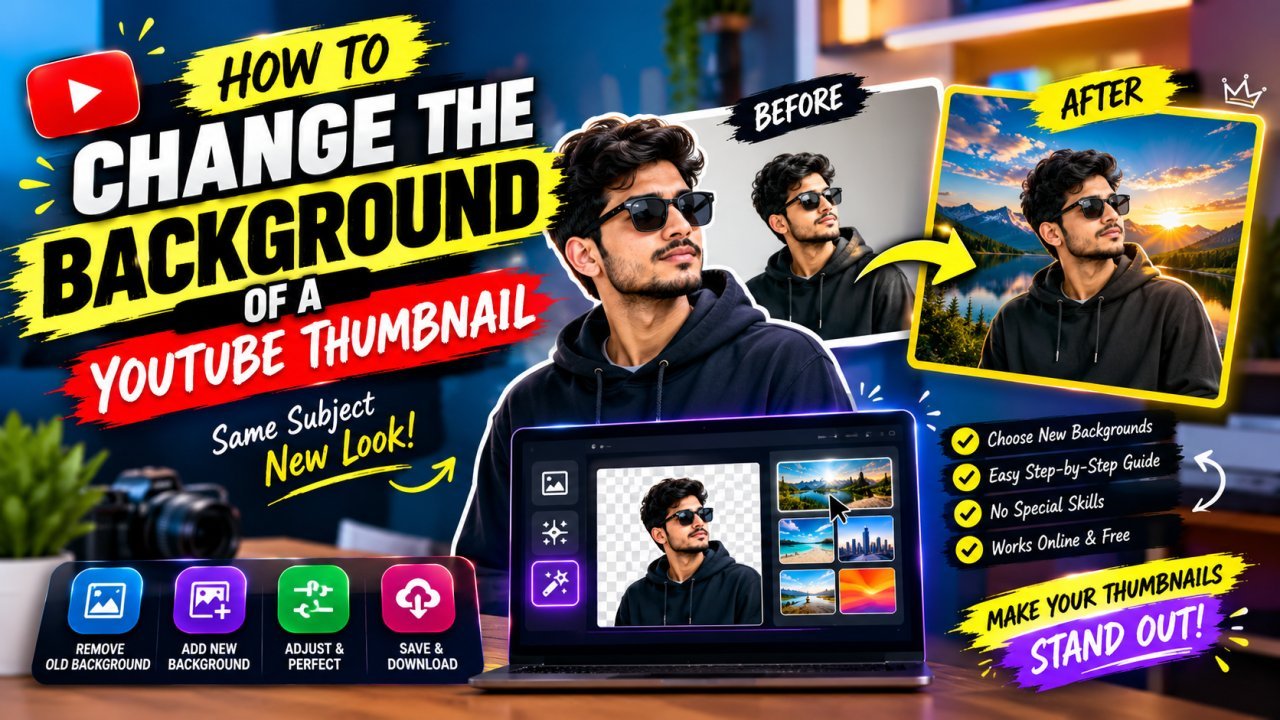
How to Change, Remove or Blur the Background of a YouTube Thumbnail
Remove, replace or blur the background of your own YouTube thumbnail, clean up distracting objects, and make the cutout look natural at 1280×720.

Why Does My YouTube Thumbnail Look Blurry After Upload? Causes and Fixes
A blurry, pixelated or low-quality YouTube thumbnail usually loses its sharpness before upload. Here is how to find the exact step and fix it.

How to Extract the Best Frame From Your Video for a YouTube Thumbnail
Find the sharpest moment in your own video, export it at full resolution instead of screenshotting a player, and turn it into a clean 1280×720 thumbnail.
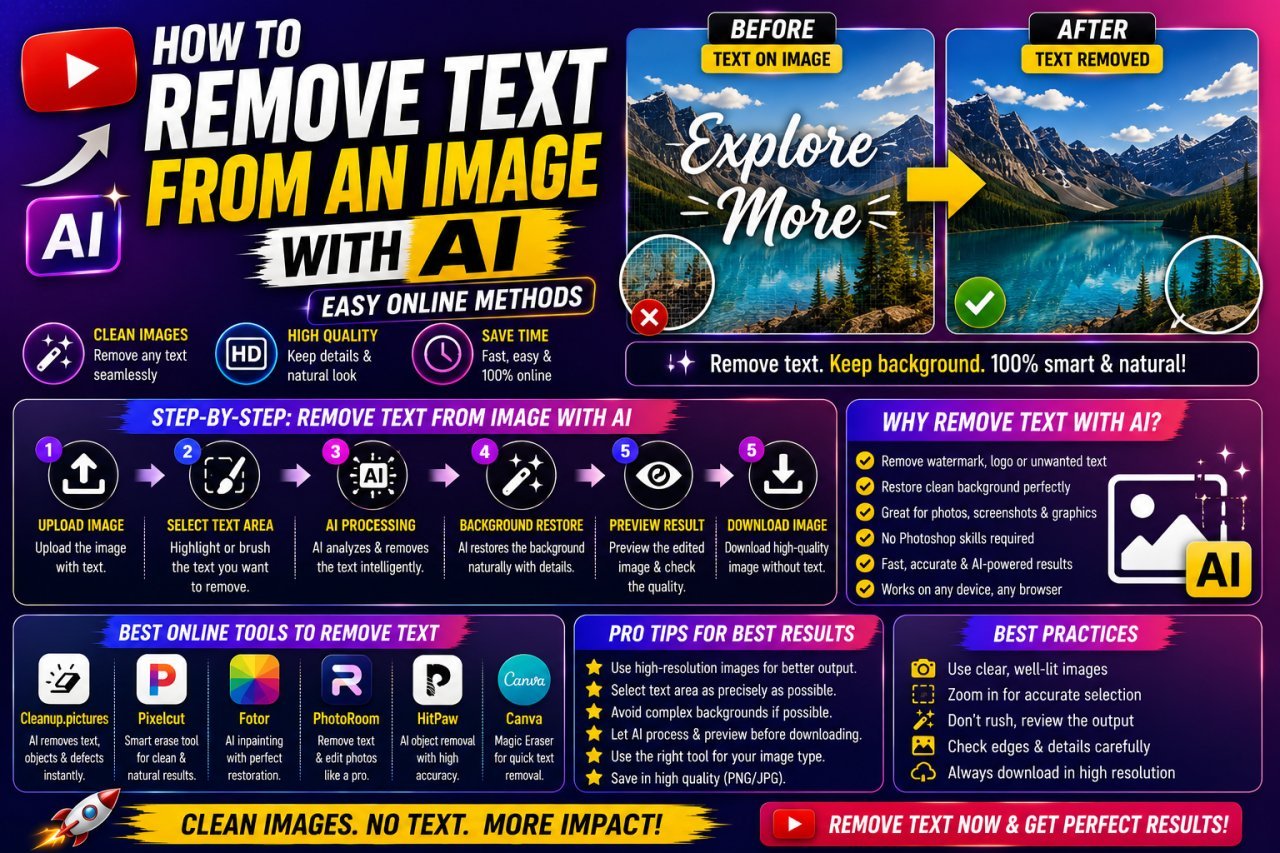
How to Remove Text From Your Own Photos With AI
Clear a date stamp, caption or handwritten note from your own photo with AI: how to select the text, which backgrounds work, and how to check the fill.

How to Fix a Grainy Photo Online and Reduce Noise
Why photos turn grainy, how to tell noise from compression or film grain, and how to reduce it online without the smooth, plastic look of over-processing.

How to Restore an Old Photo With AI
Scan an old print properly, repair dust, scratches and fading with AI, and keep faces true to the real person, step by step, without losing your original.

How to Remove a Person From a Photo With AI
Remove a stranger or photobomber from your own photo with AI: how to select hair and shadows, handle group shots and crowds, and spot the artifacts that give edits away.
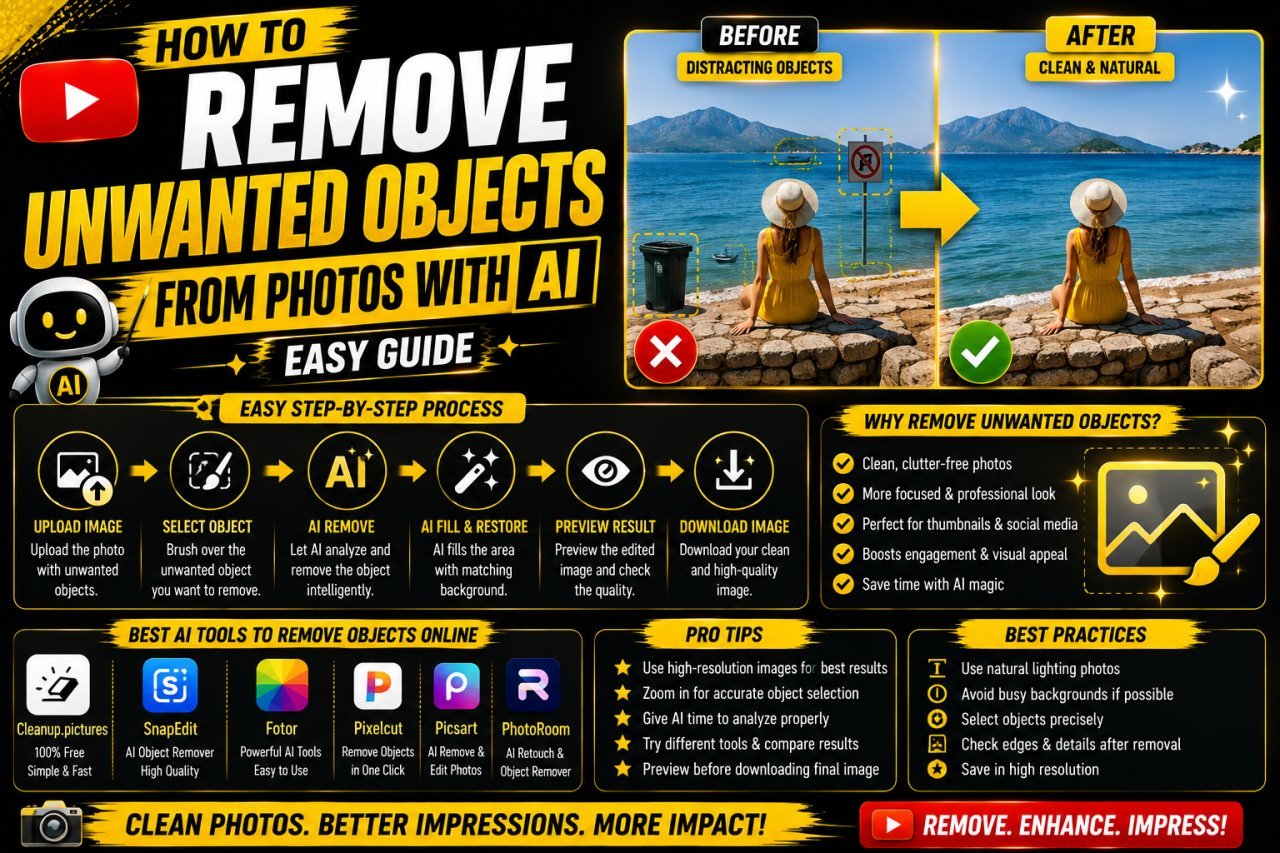
How to Remove Unwanted Objects From Photos With AI
Brush over a distraction, let AI fill the gap, then check shadows, edges and patterns. A practical guide to clean, natural object removal in your own photos.