
Image editing guides, explained simply
Practical guides by Ashish Kathiriya, each linked to a free tool that does the job in your browser.

How to Send Large Photos by Email: Attachment Limits and Compression
Gmail and Outlook cap an email at 25 MB, and attachments grow by about a third when sent. How many photos really fit, how to shrink them without ruining them, and when to send a link instead.
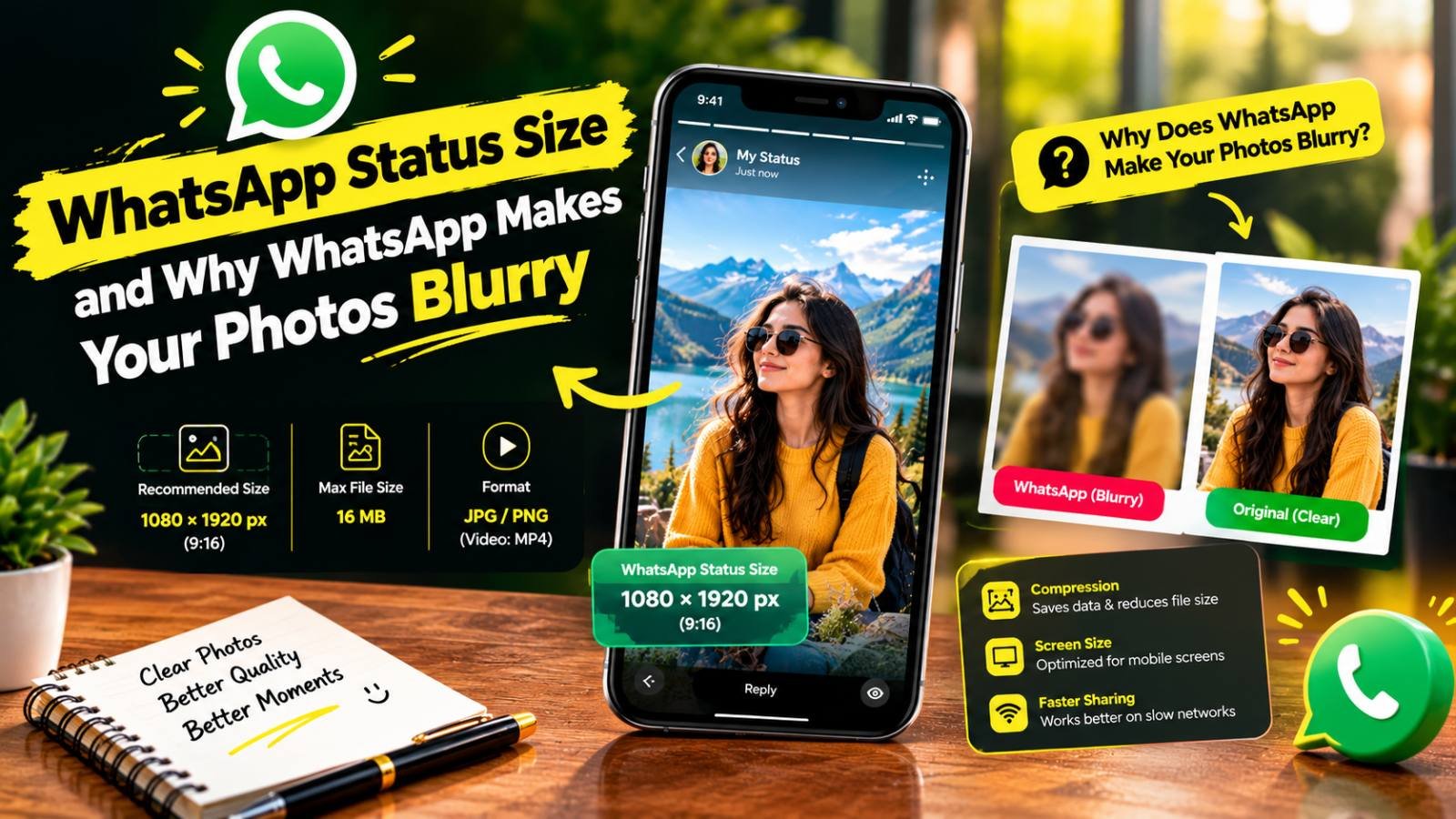
WhatsApp Status Size and Why WhatsApp Makes Your Photos Blurry
WhatsApp shrinks and recompresses every photo you send or post to Status. The right Status size, the HD settings that reduce the damage, and when to send a photo as a document instead.

Why Does My YouTube Thumbnail Look Blurry After Upload? Causes and Fixes
A blurry, pixelated or low-quality YouTube thumbnail usually loses its sharpness before upload. Here is how to find the exact step and fix it.

How to Fix a Grainy Photo Online and Reduce Noise
Why photos turn grainy, how to tell noise from compression or film grain, and how to reduce it online without the smooth, plastic look of over-processing.
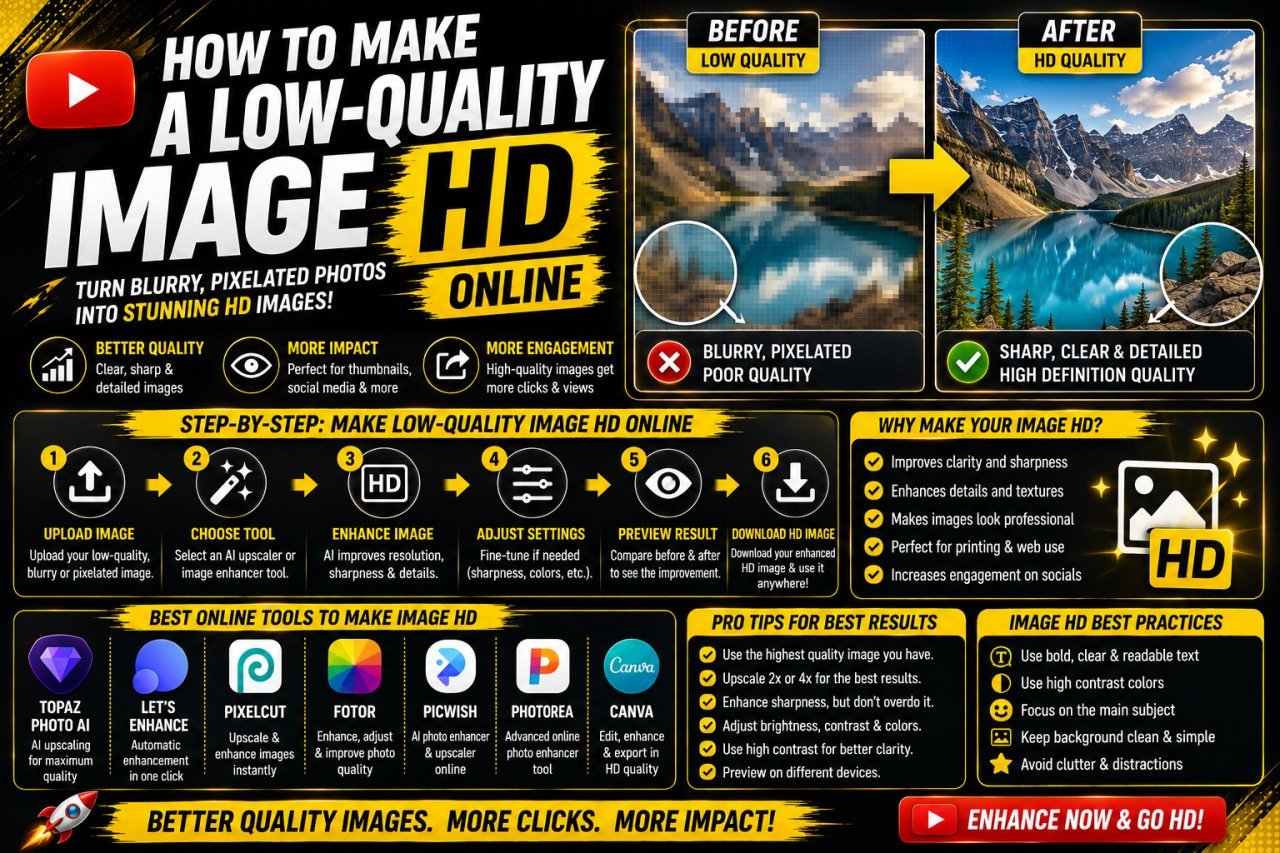
How to Make a Low-Quality Image HD Online
Find out why your image looks bad (low resolution, blur, noise or compression), then apply the right fix in the right order to get a clean, HD-sized result.

Best Free Online Image Tools for Students
Free browser tools for the image jobs students run into most: shrinking files for portals, resizing for slides, cutting out backgrounds and combining photos into one PDF.
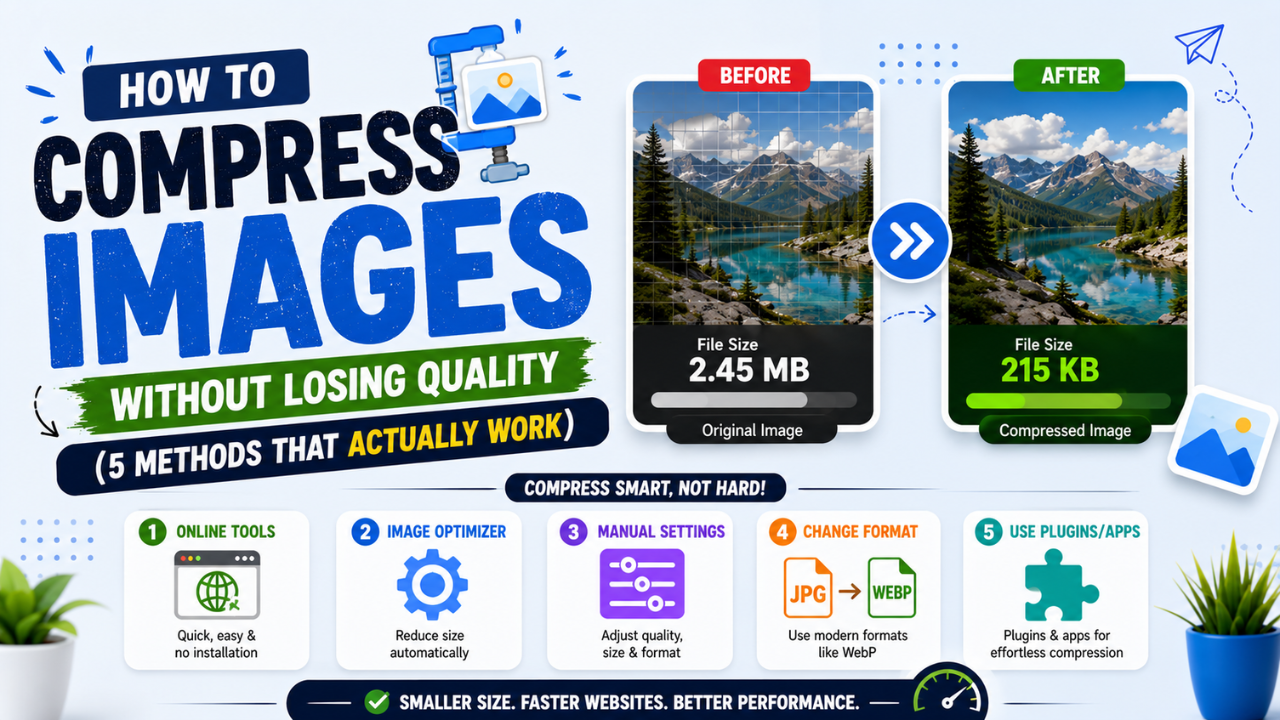
How to Compress Images Without Losing Quality (and Reduce Size in KB)
Resize to the size you need, pick the right format, use a moderate quality setting and compare. How to shrink JPG, PNG and WebP files, or hit an exact KB limit, without visible loss.

Common Photo Editing Mistakes Beginners Make (and How to Fix Them)
Over-sharpening, neon saturation, crooked horizons, stretched images and over-compressed JPGs. The mistakes beginners make most, and the simple fix for each.